0:00
if you run into a situation where your
0:02
pixel watch will not respond and you
0:04
know that it's on or maybe if it's even
0:06
off there's a quick way that you can
0:07
perform a hard reboot on it and I had to
0:10
do this just this morning but you have
0:12
to remove it from your wrist so that the
0:15
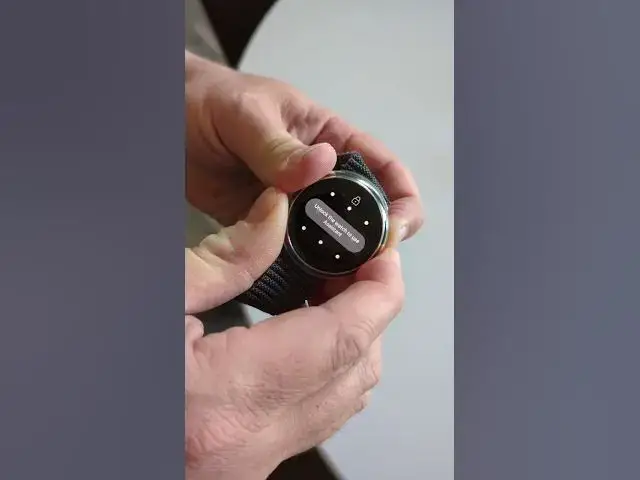
once it is locked even if you don't have
0:17
a black screen it can still lock you're
0:19
going to hold this button and this
0:21
button down for about 10 to 15 seconds
0:25
and once you've held it long enough
0:28
again if your screen is black you're not
0:30
going to see any of this stuff but once
0:33
you've held it long enough the screen
0:34
will light up with just the Google G in
0:37
the middle and then you can know that
0:39
you have fully rebooted your watch if
0:42
this video helped you out make sure to
0:43
like subscribe and follow for more