

Support our independent tech coverage. Chrome Unboxed is written by real people, for real people—not search algorithms. Join Chrome Unboxed Plus for just $2 a month to get an ad-free experience, access to our private Discord, and more. Learn more about membership here.
START FREE TRIAL (MONTHLY)START FREE TRIAL (ANNUAL)
Today, Google is officially lifting the veil on Googlebook, and we finally get to share what we experienced behind closed doors at the media preview event in New York City nearly one week ago.
This is not some minor, iterative Chromebook refresh. While the massive architectural shift behind Googlebook OS (yes, that is the new OS name) and its deep Android integration deserve their own dedicated post (we wrote that, and you can check it out here), the physical machines debuting this software are setting an unbelievable standard right out of the gate.
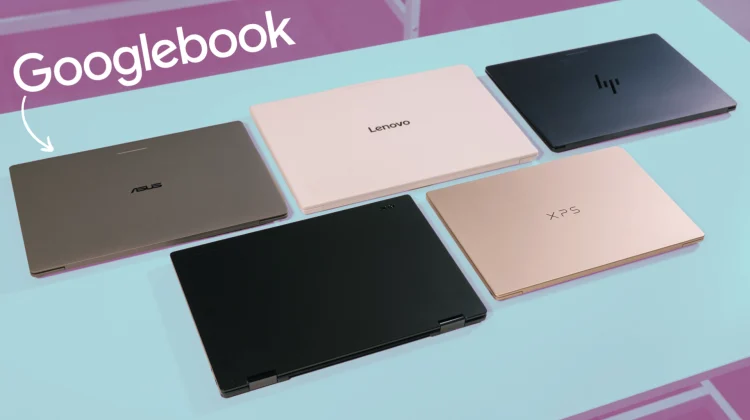
Google partnered with five major laptop makers – Acer, ASUS, Dell, HP, and Lenovo – to launch five distinctive flagship Googlebooks. We spent a couple of hours hands-on with every single device in the room, picking them up, typing on the keyboards, and testing the trackpads. The fit, finish, and underlying baseline specifications establish a completely new chapter for Google’s laptop hardware. So let’s take a look at that hardware together, shall we?
A baseline with zero compromises
Over the 15-year history of ChromeOS, we have reviewed countless great devices, but buyers almost always had to accept a trade-off somewhere in the equation. And even on devices that were higher end that we’d see once per year, there were always reasons to wish for something a bit better.
With Googlebook, Google and its hardware partners have thrown that compromise-riddled thinking out the window. Across all five launch devices, there is a rigid, premium baseline that feels incredible in the hand that includes:
- Premium Materials: Googlebooks are built exclusively from premium materials, including machined aluminum, magnesium alloys, and carbon fiber. Every single model opens smoothly with an effortless one-finger lid lift.
- High-Resolution Touchscreens: Every machine packs a high-resolution touchscreen panel pushing at least 500 nits of brightness, with four of the five sporting rich, vibrant 2.8K to 3K OLED displays.
- No Low-End Configurations: Every model starts at a baseline of 16GB of high-speed RAM and 256GB to 512GB+ of fast SSD storage, with optional tiers reaching up to 32GB of RAM.
- Modern Inputs and Audio: Custom backlit keyboards with Google’s revised layout, massive glass haptic touchpads on almost every device, fingerprint sensors across the board, and cinematic multi-speaker setups featuring Dolby Atmos.
- All-Day Battery Life: Every machine is rated for at least 14 hours of video playback and 16 hours of everyday web browsing.
- 45+ TOPS On-Device AI: Whether you choose Intel or Qualcomm silicon, every laptop features a dedicated NPU pushing over 45 TOPS to handle Gemini features locally, quietly, and efficiently without spinning loud fans.
And of course, Google is officially bringing back a fan-favorite design flourish from the original Chromebook Pixel days: the Glowbar. Positioned cleanly on the exterior lid of each Googlebook, this multi-color light bar animates when you boot up, sweeps across to show your battery charge level at a glance, and pulses playfully whenever you interact with Gemini.
Hands-on with all 5 launch devices
While they all share that high-end baseline, what made our time in the demo room so fun was seeing how each individual OEM worked inside that impressive blueprint. First, let’s take a look at how the initial five models stack up side-by-side and then we’ll cover some of the specifics of each below.
| Device | MSRP | Display | Processor | Material | Dimensions | Biometrics |
|---|---|---|---|---|---|---|
| Acer Googlebook 14 | $899 | 14″ 2.8K OLED Touch (500 nits) | Intel Core Ultra 3 (Panther Lake) | Aluminum & Magnesium (360° Convertible) | 2.7 lbs (1.22 kg) / 13.9mm | Fingerprint sensor |
| ASUS Googlebook 14 | $1,299 | 14″ 3K OLED Touch (500 nits) | Intel Core Ultra 3 (Panther Lake) | Aluminum & Magnesium | 2.2 lbs (1.0 kg) / 14.0mm | Fingerprint sensor |
| Dell XPS Googlebook | $999 | 13″ 2.5K Touch (500 nits) | Qualcomm Snapdragon X Elite | Machined Aluminum | 2.5 lbs (1.13 kg) / 12.5mm | Fingerprint sensor |
| HP Googlebook 14 | $1,299 | 14″ 2.8K OLED Touch (500 nits) | Qualcomm Snapdragon X Elite | All-Aluminum Unibody | 2.7 lbs (1.22 kg) / 14.0mm | IR Face Unlock & Fingerprint |
| Lenovo Googlebook 15 | $1,099 | 15.3″ 2.8K OLED Touch | Intel Core Ultra 3 (Panther Lake) | Magnesium Alloy & Carbon Fiber | 2.68 lbs (1.22 kg) / 15.95mm | IR Face Unlock & Fingerprint |
Acer Googlebook 14: Versatile 2-in-1 ($899)
Acer holds down the most accessible entry price in the lineup at $899, but this is far from a budget laptop. As we saw when new leaked renders revealed our first clean look at the Acer Googlebook 14, this is the sole 360-degree convertible in the entire launch fleet.
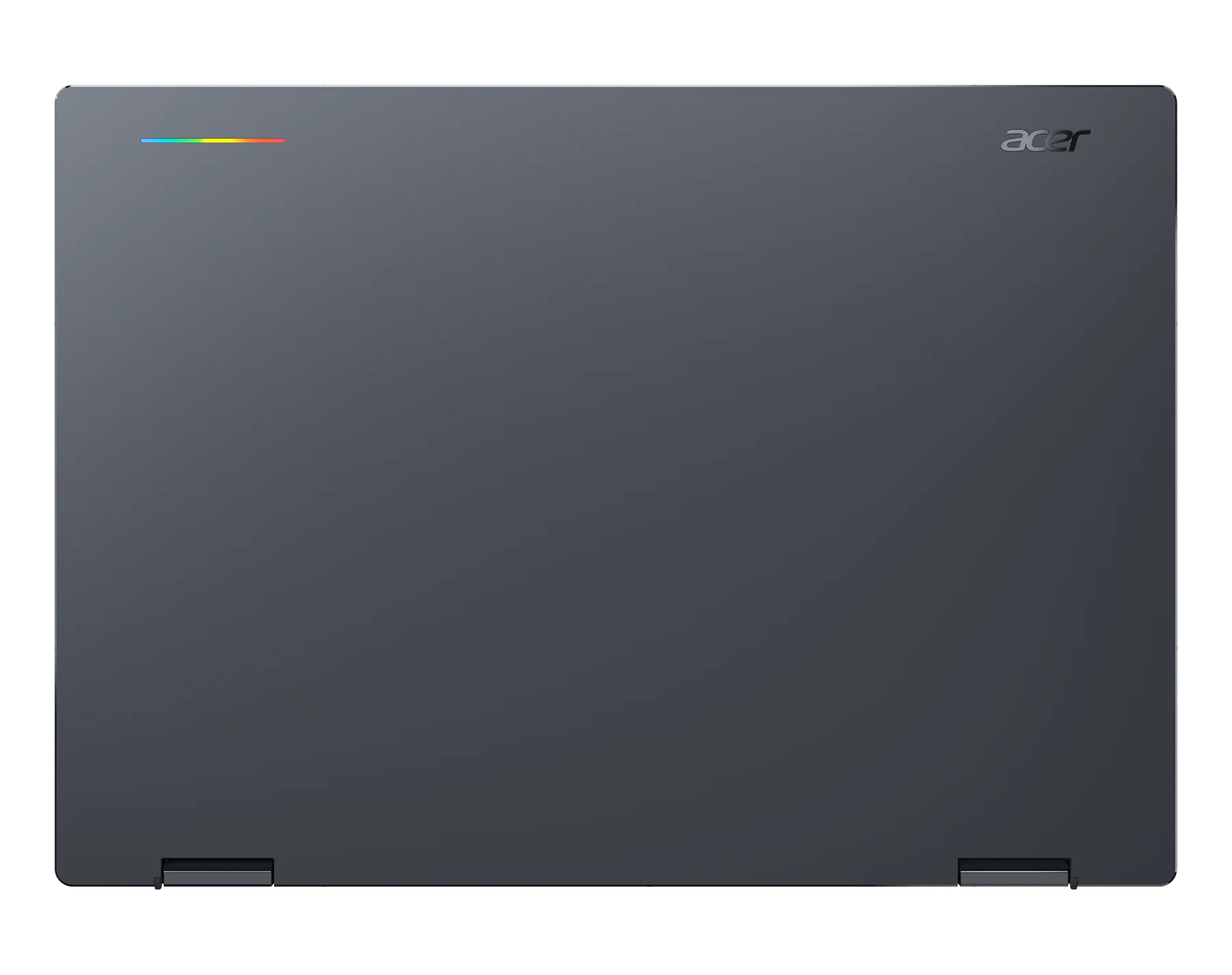
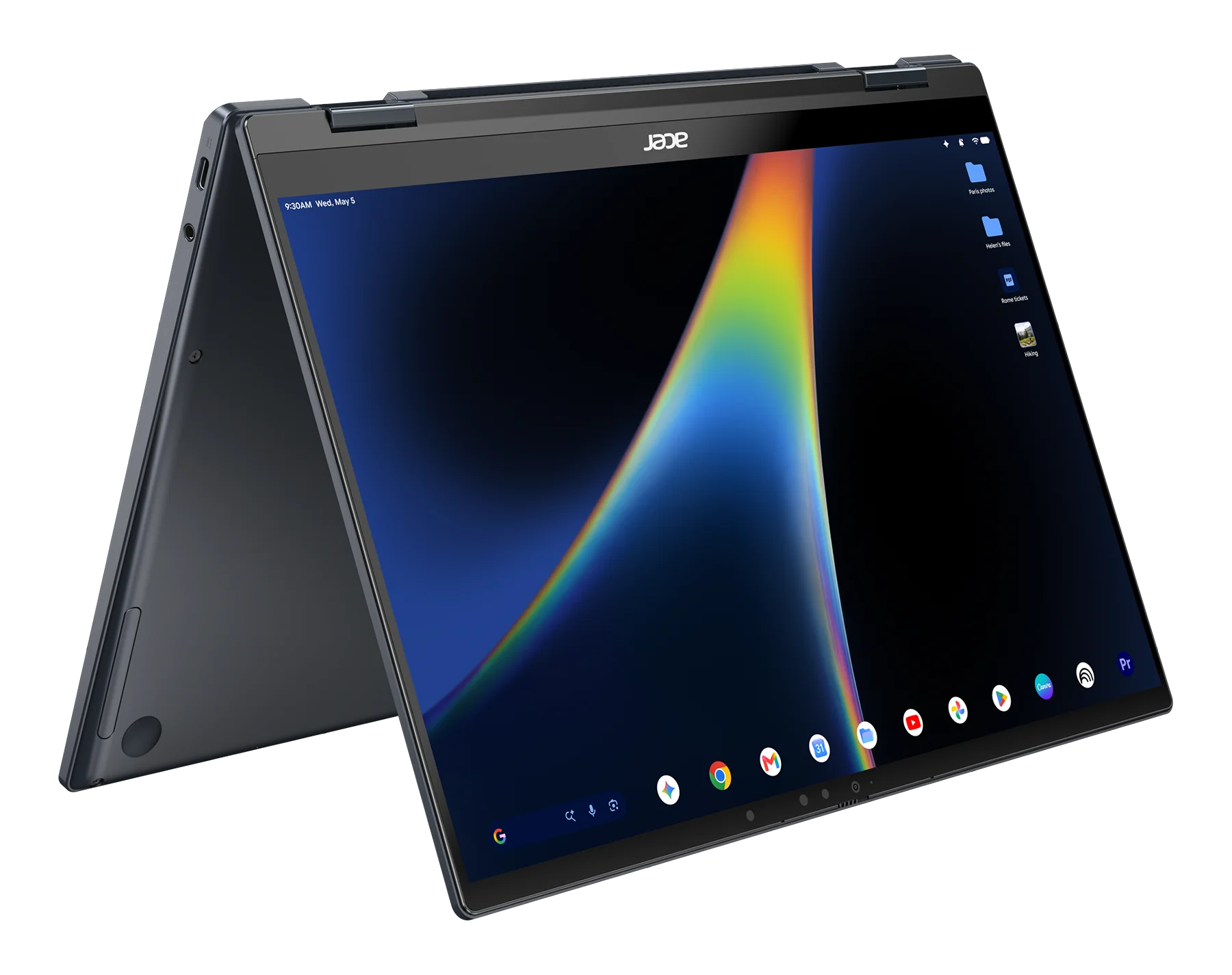
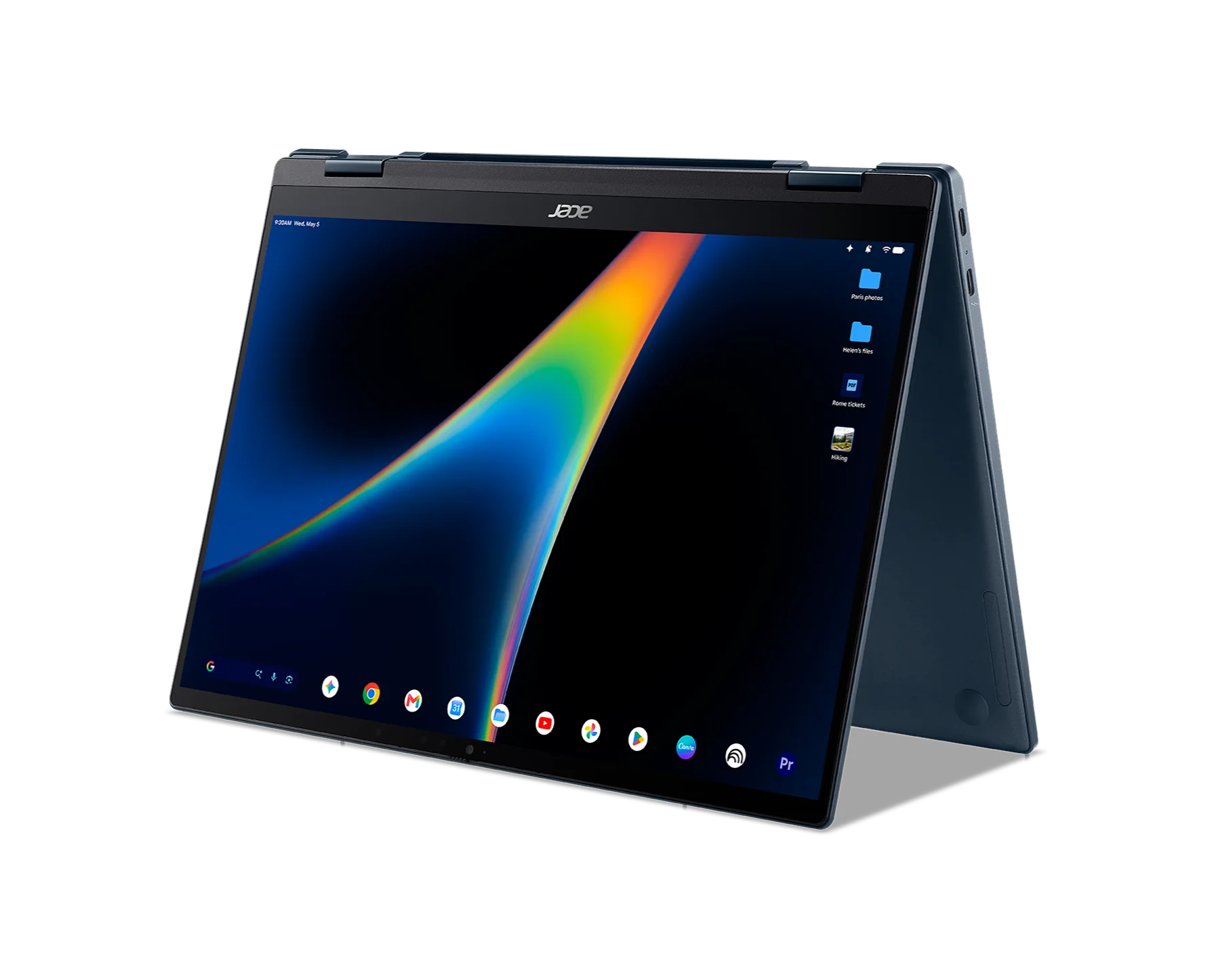
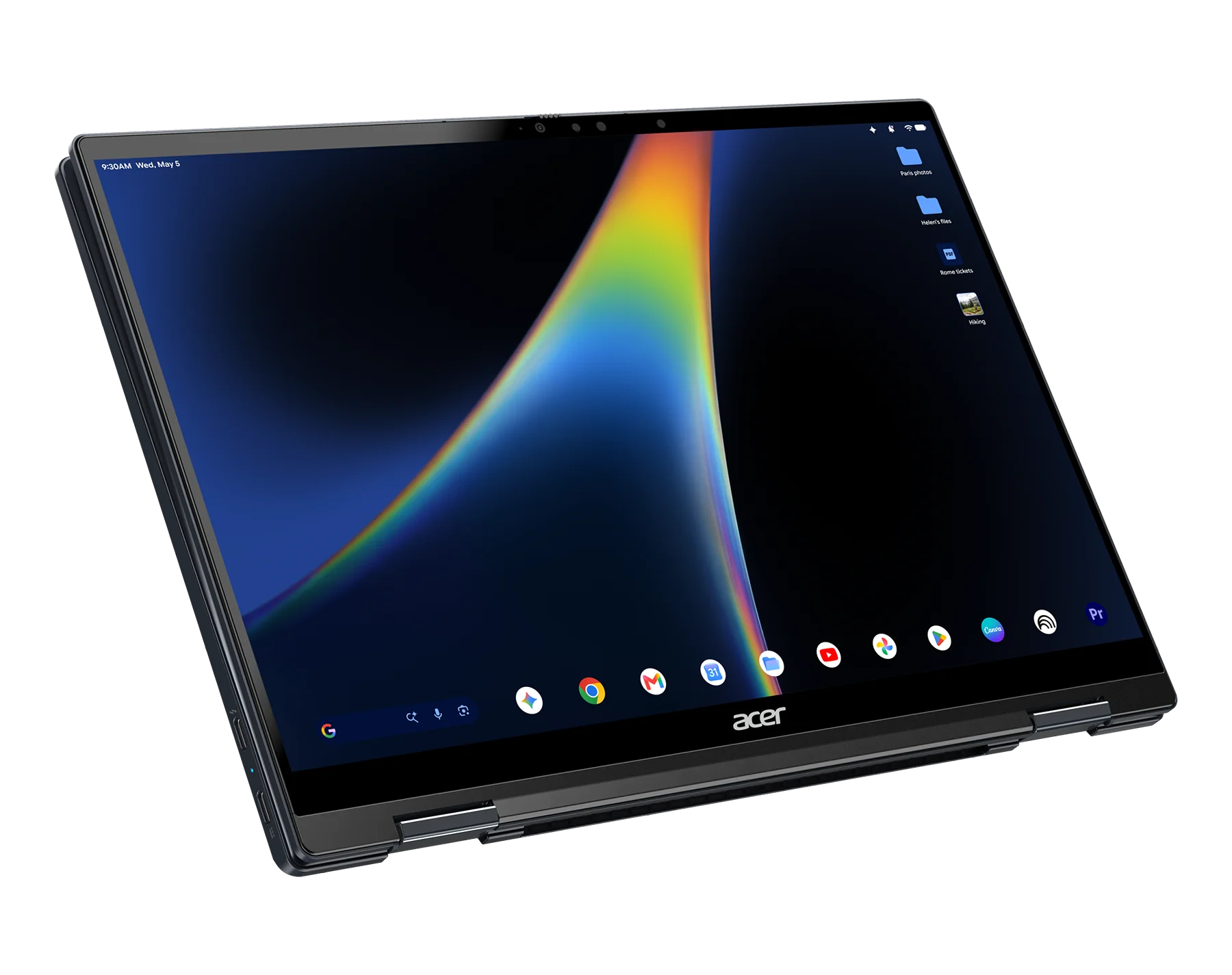
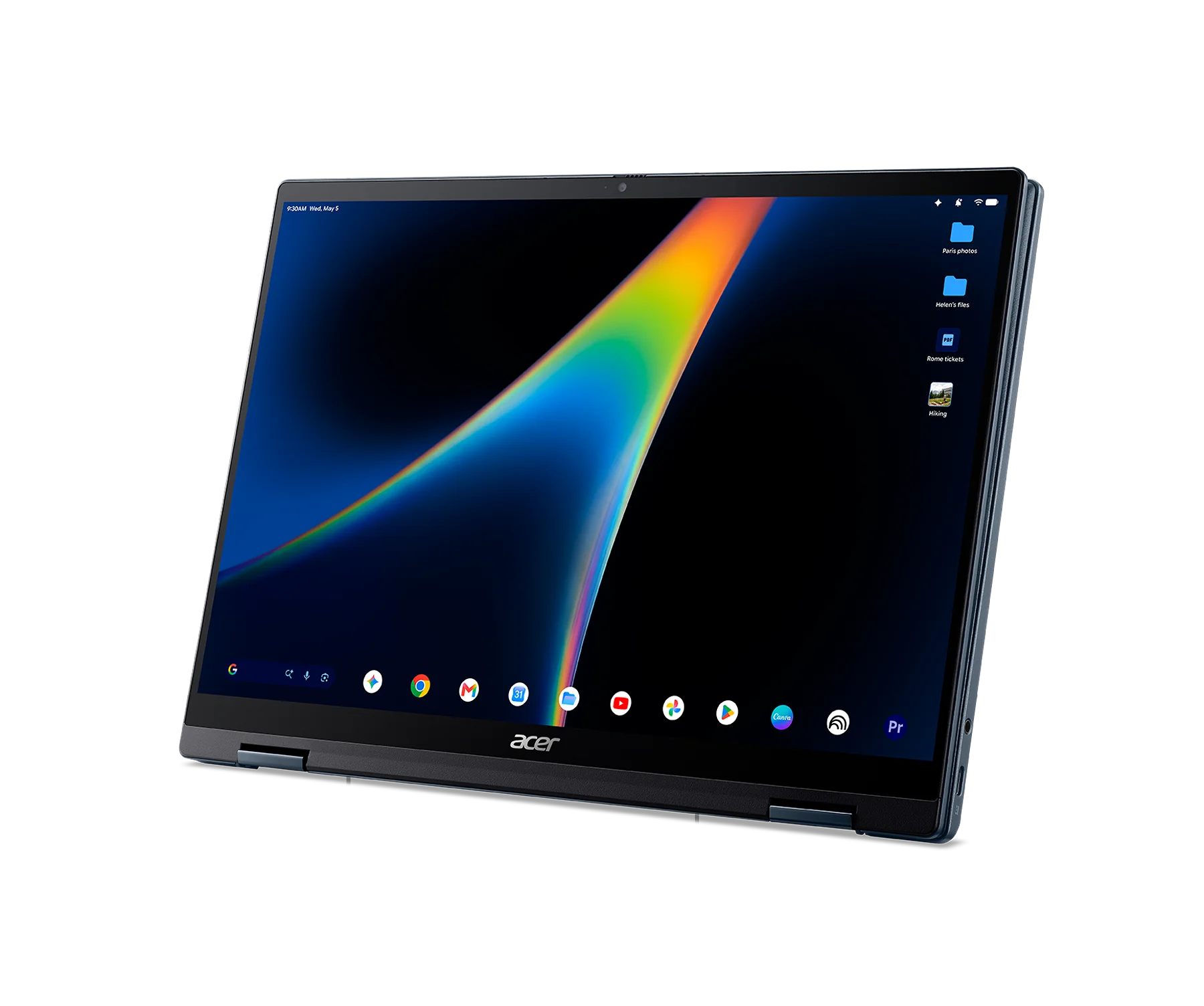


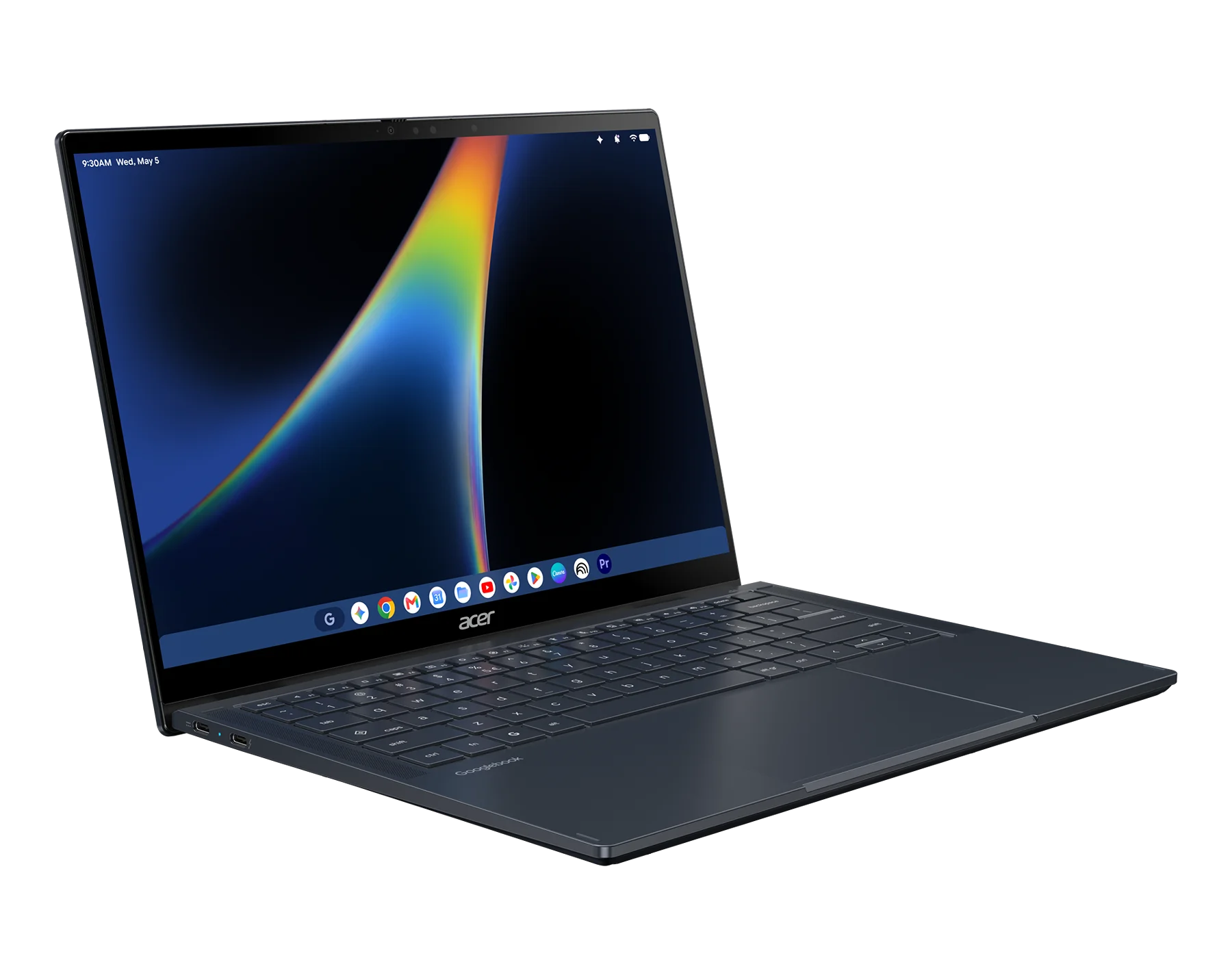
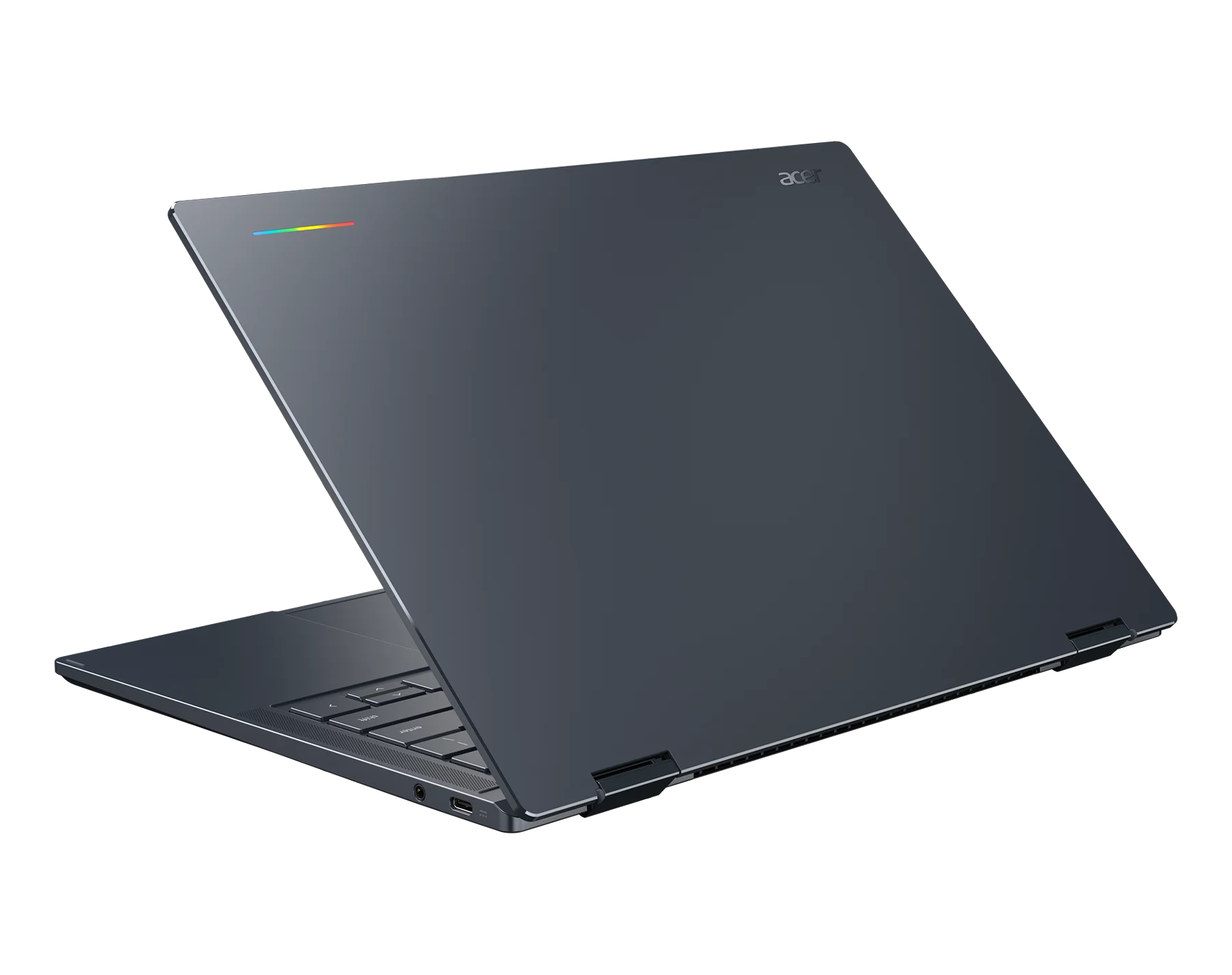
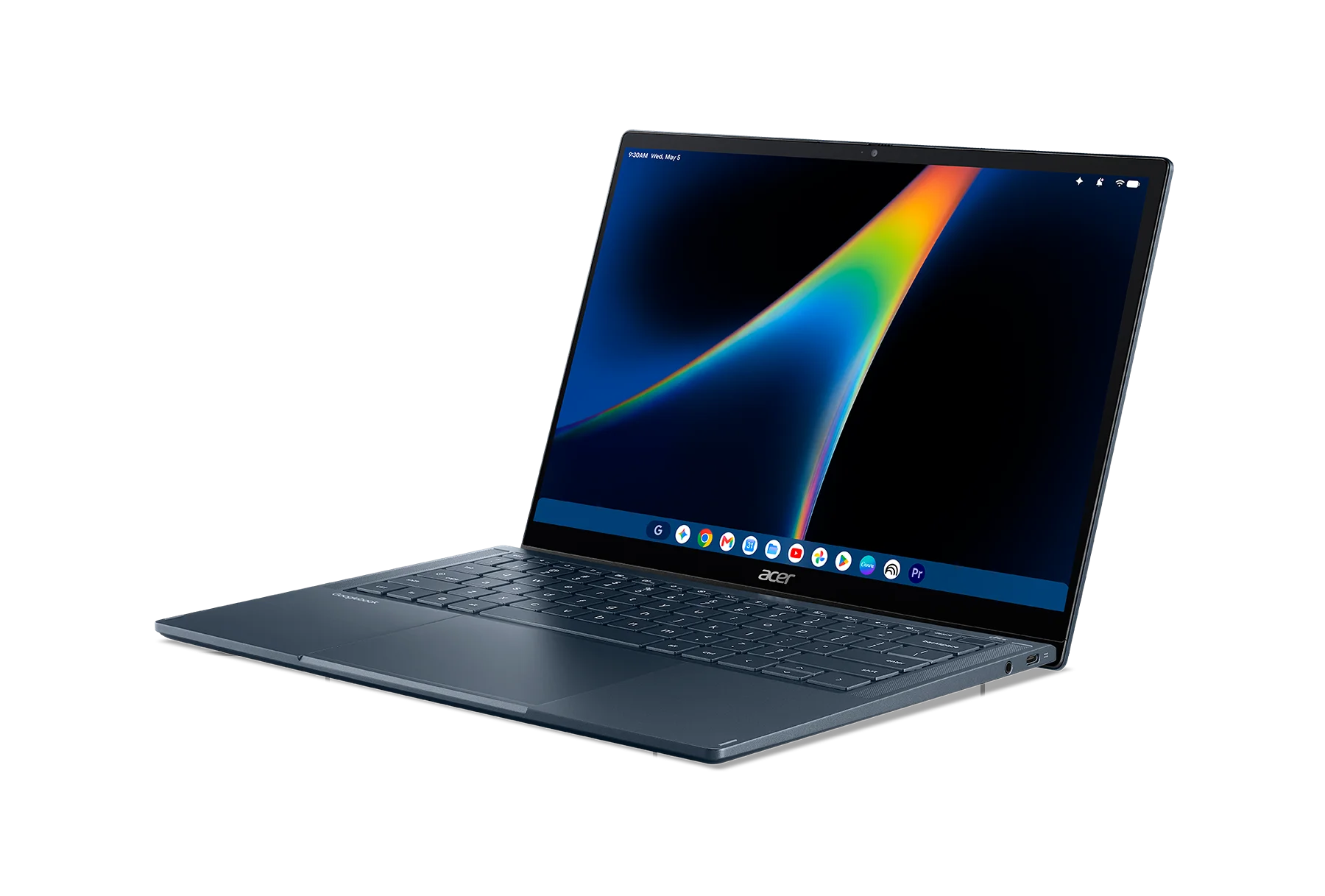
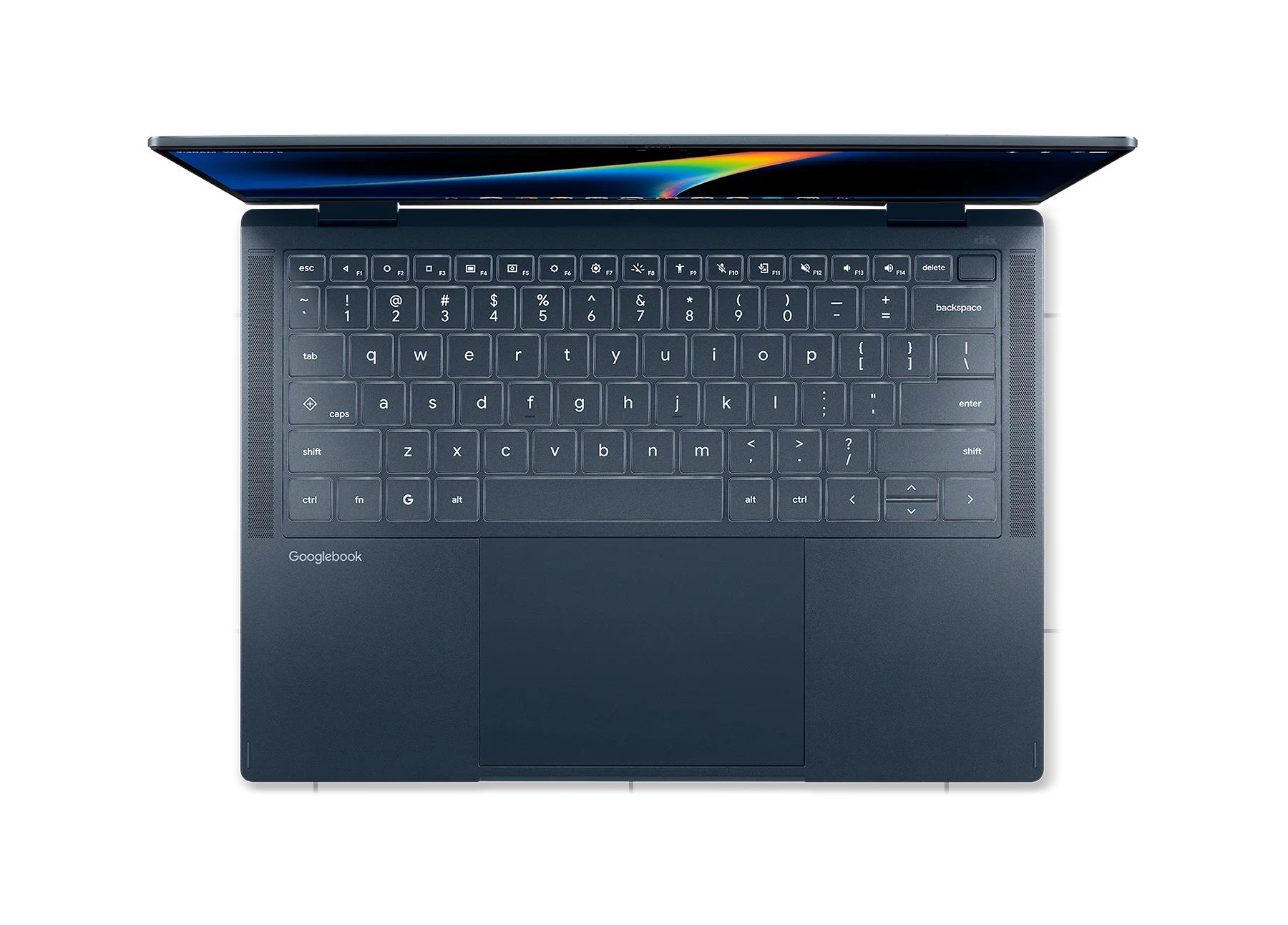
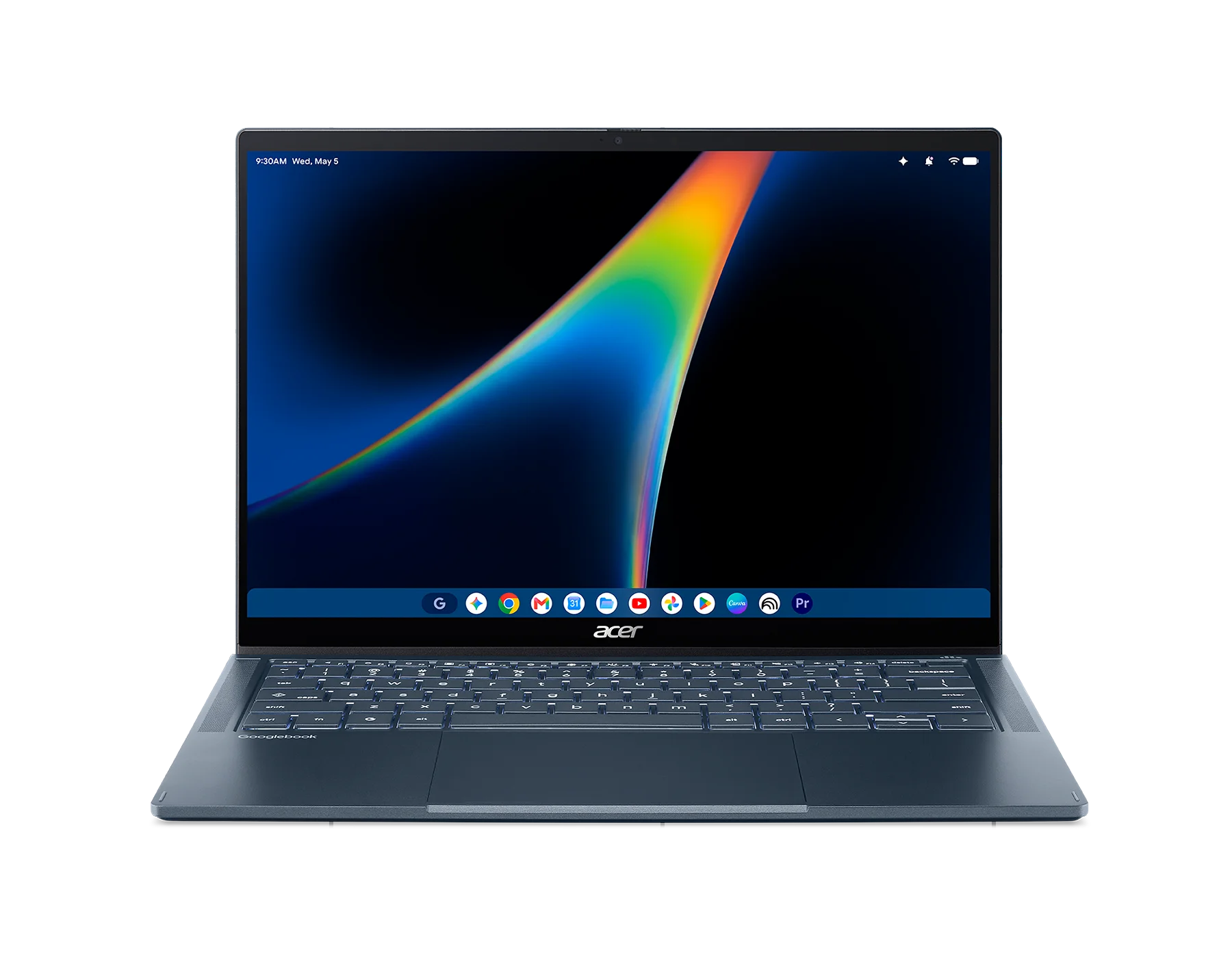
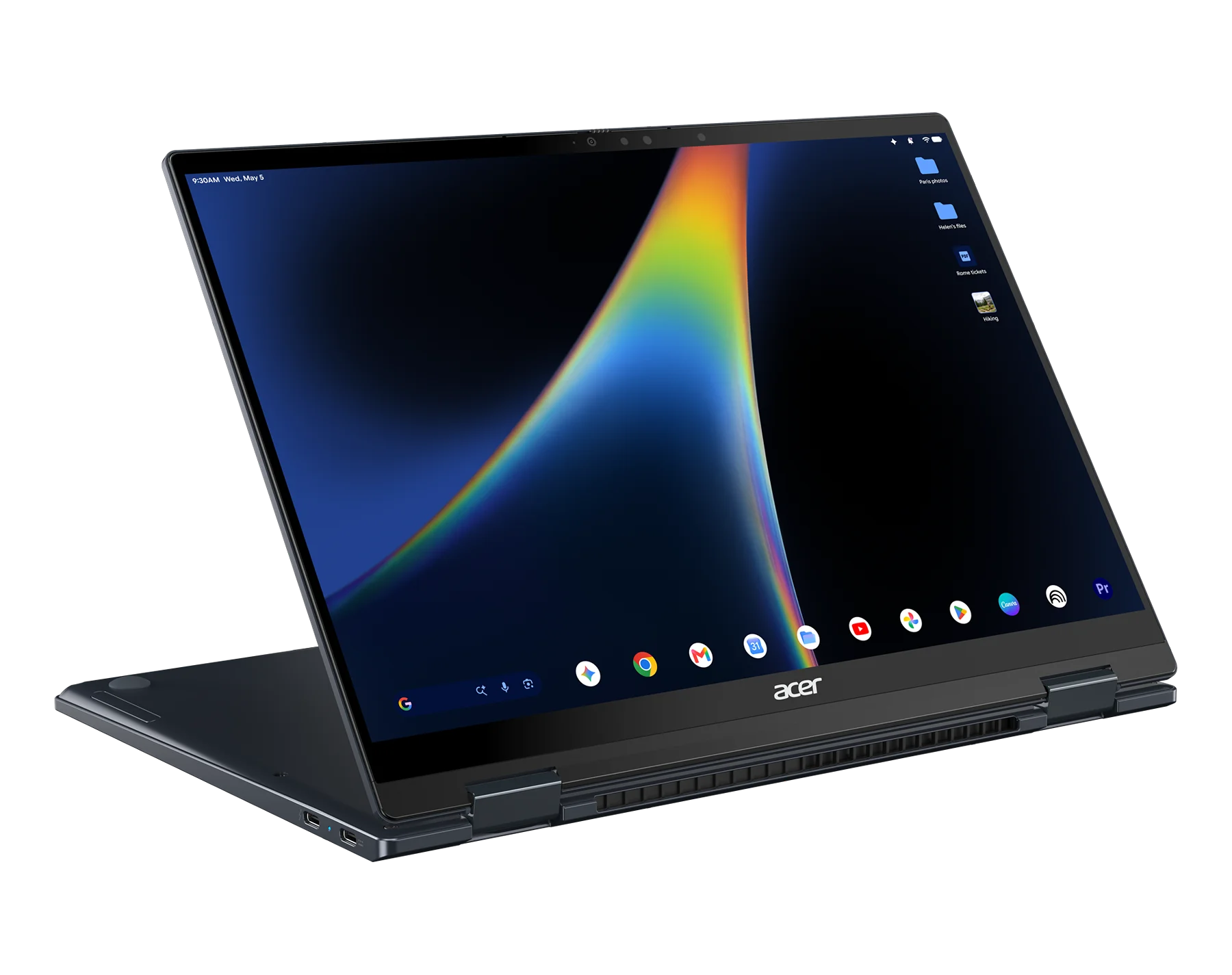
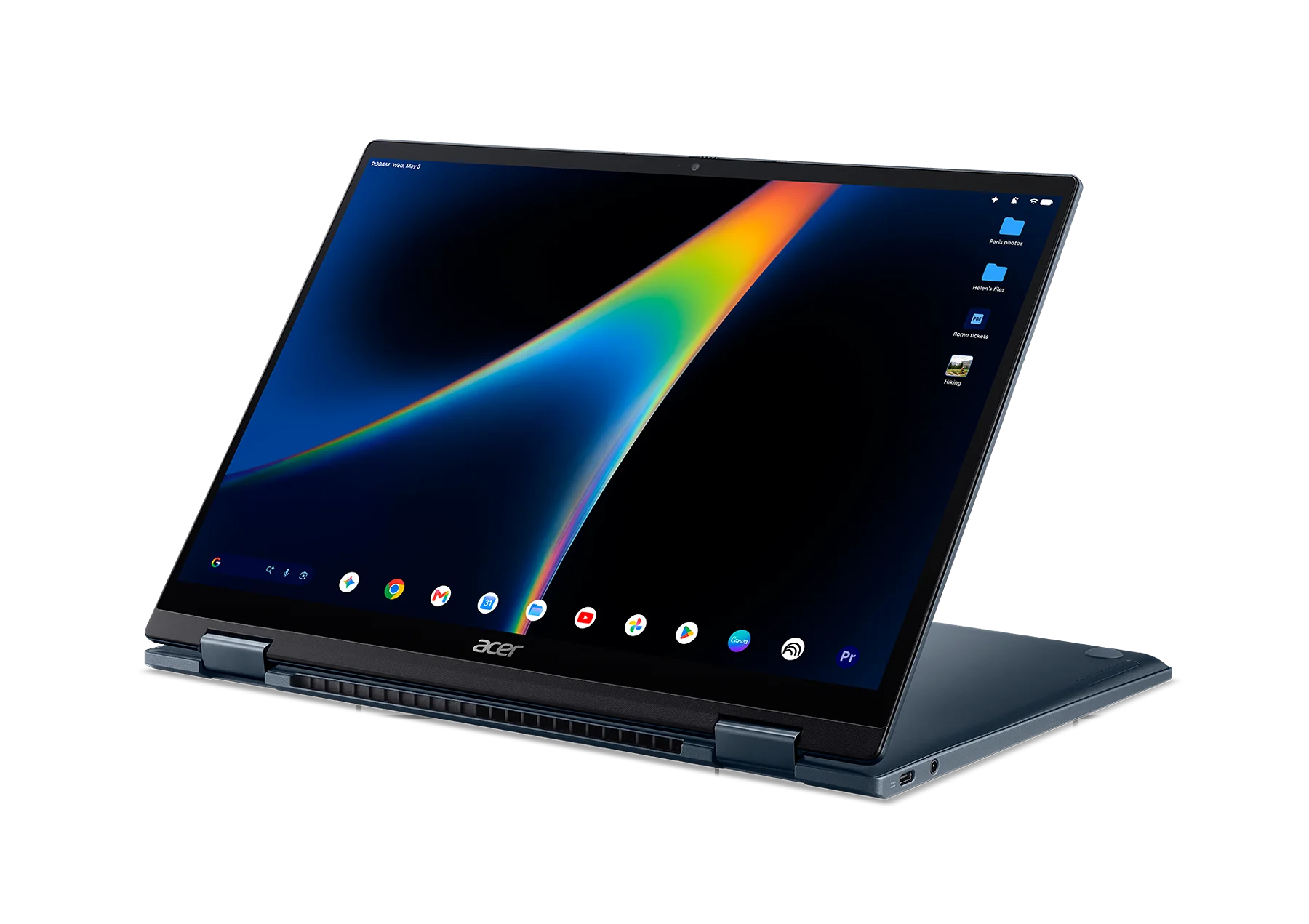
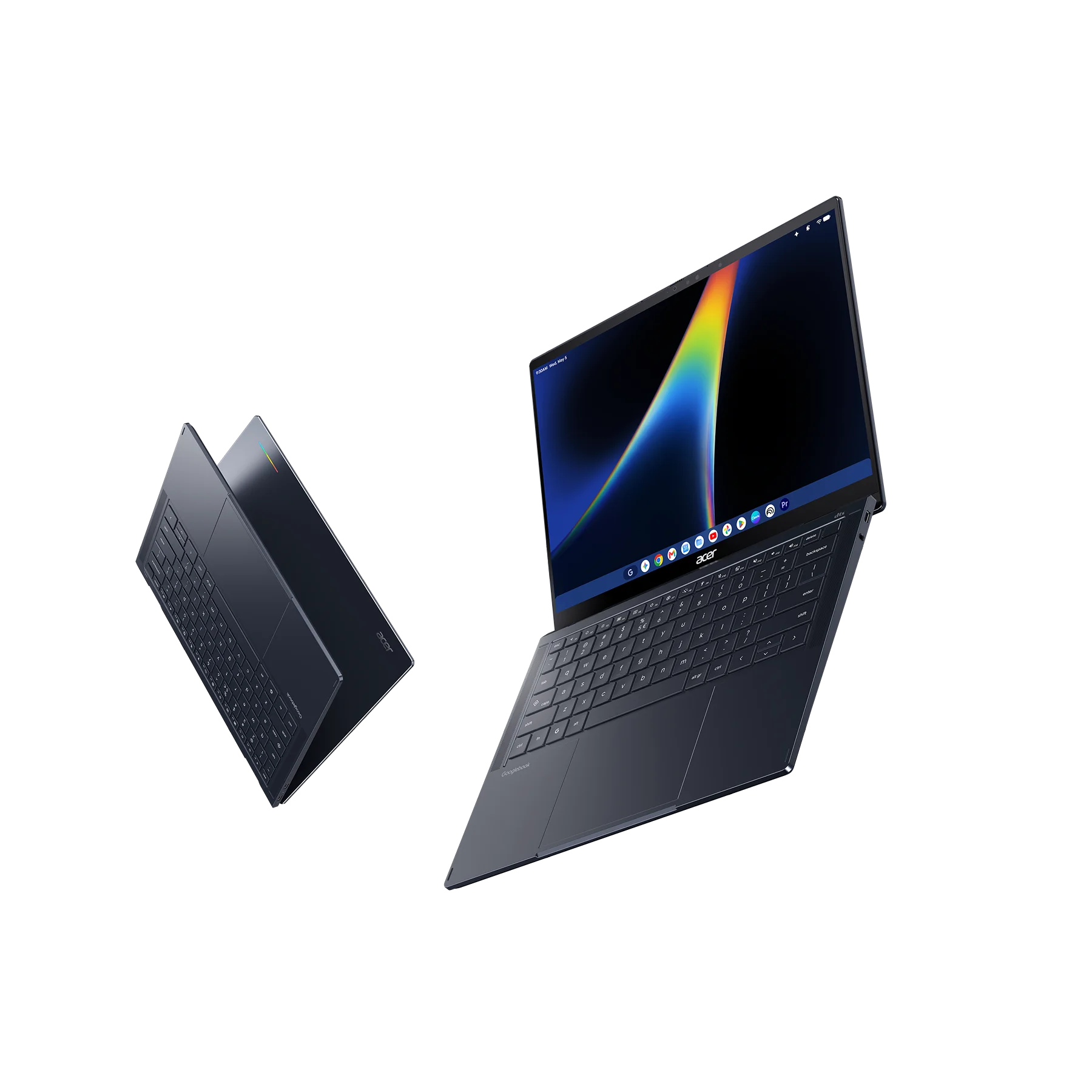
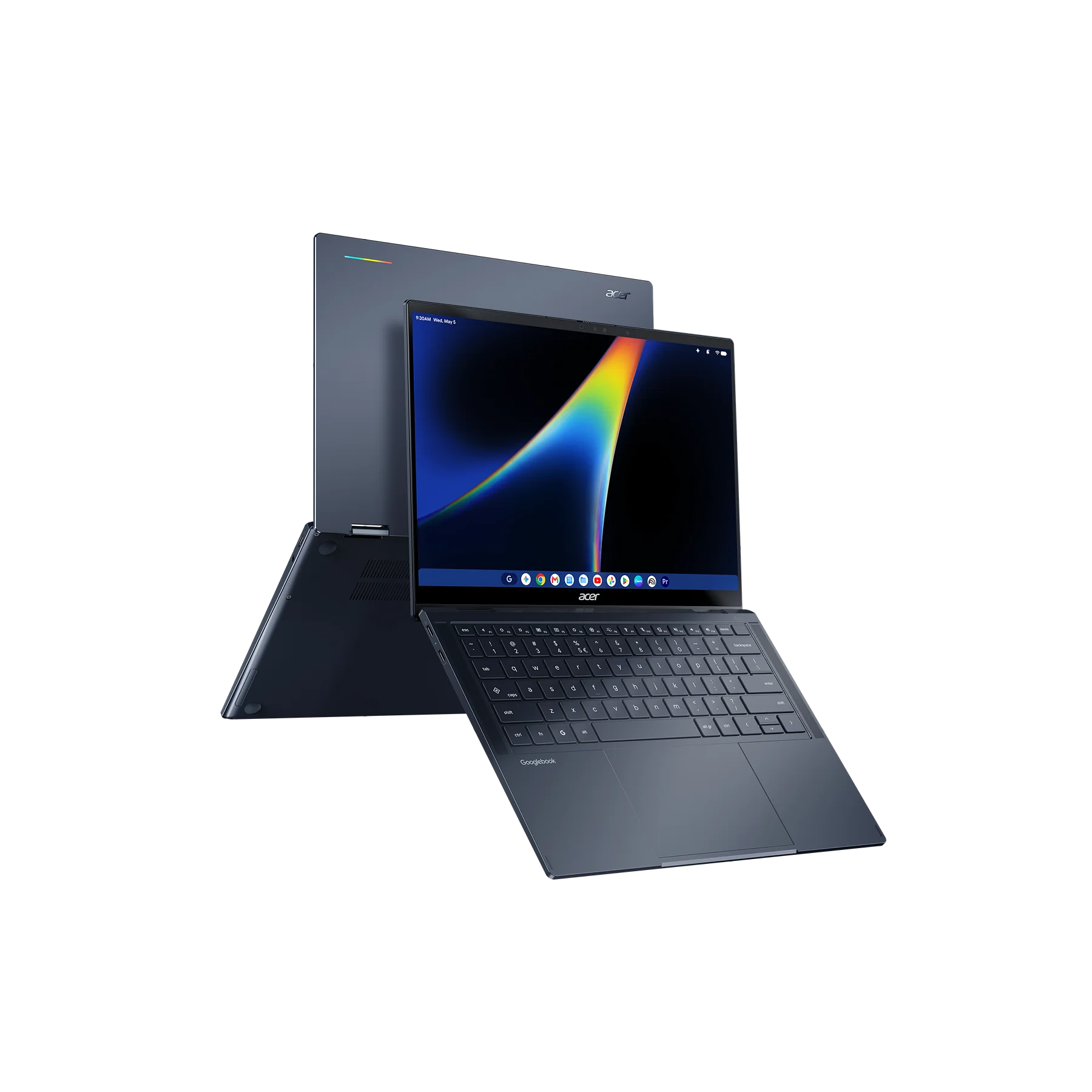
Powered by Intel’s new Core Ultra 3 (Panther Lake) processor, it pairs a crisp 14-inch 2.8K OLED 500-nit touch display with an aluminum and magnesium chassis. If you want a laptop that flips into tent mode for media consumption or folds back completely for tablet use, Acer has the exclusive design here. You can dive deeper and learn more about the Acer Googlebook 14 here.
ASUS Googlebook 14: Feather-light engineering ($1,299)
If pure portability is what you care about, the ASUS Googlebook 14 was easily one of the most shocking devices to pick up off the table in New York. It weighs an impossibly light 2.2 pounds (1.0 kg) while measuring just 14mm thin, yet ASUS did not strip back the specs to hit that feather-light weight.
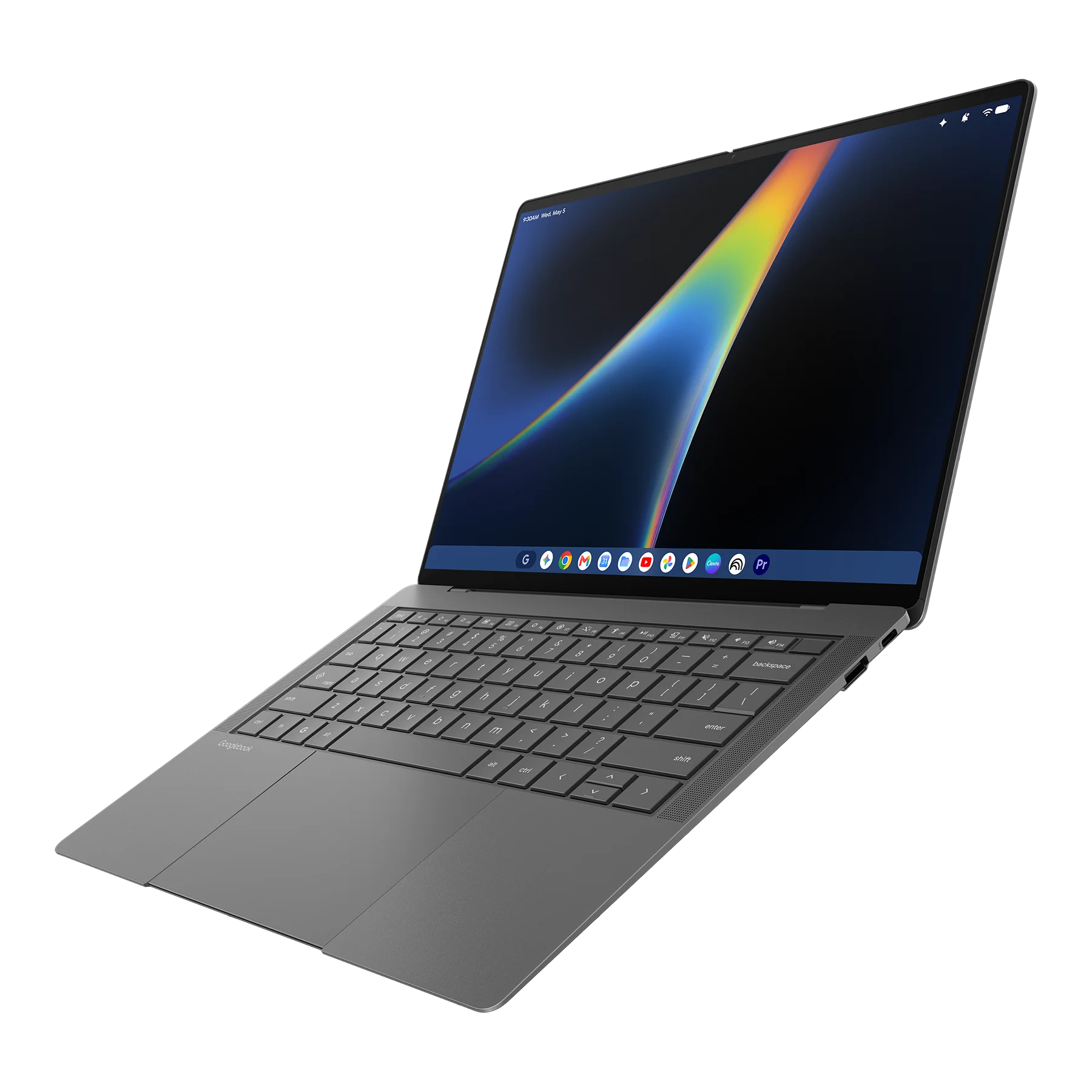
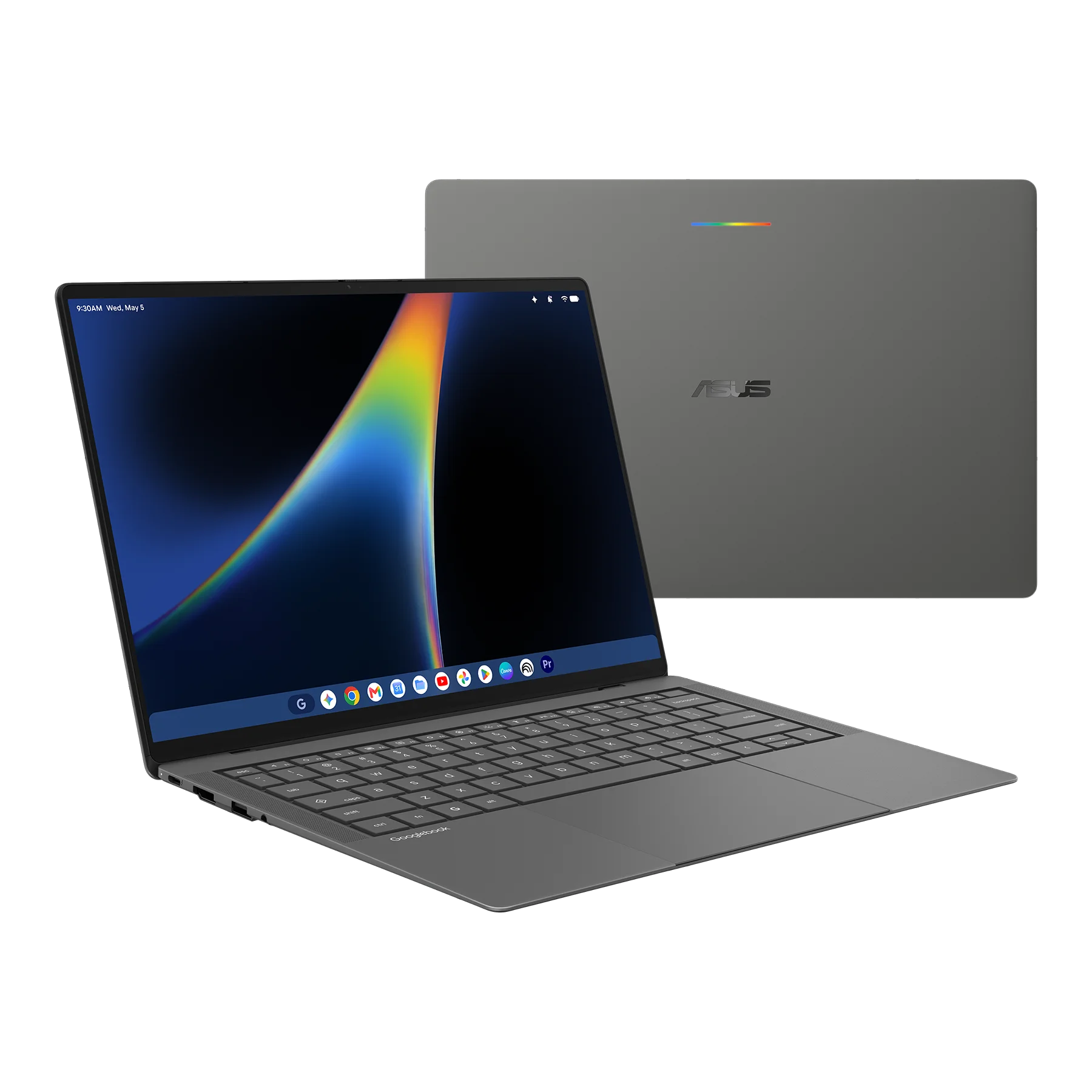
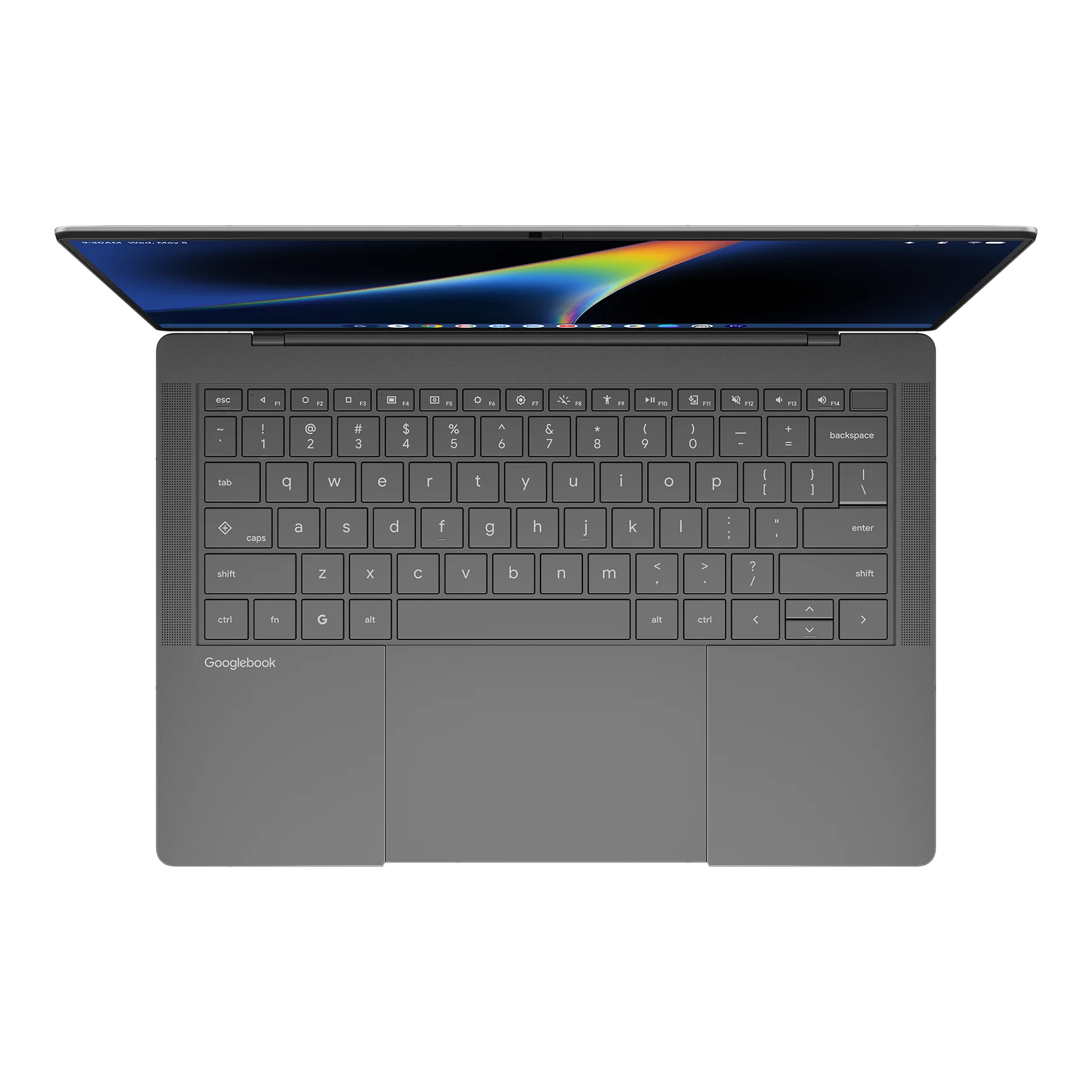
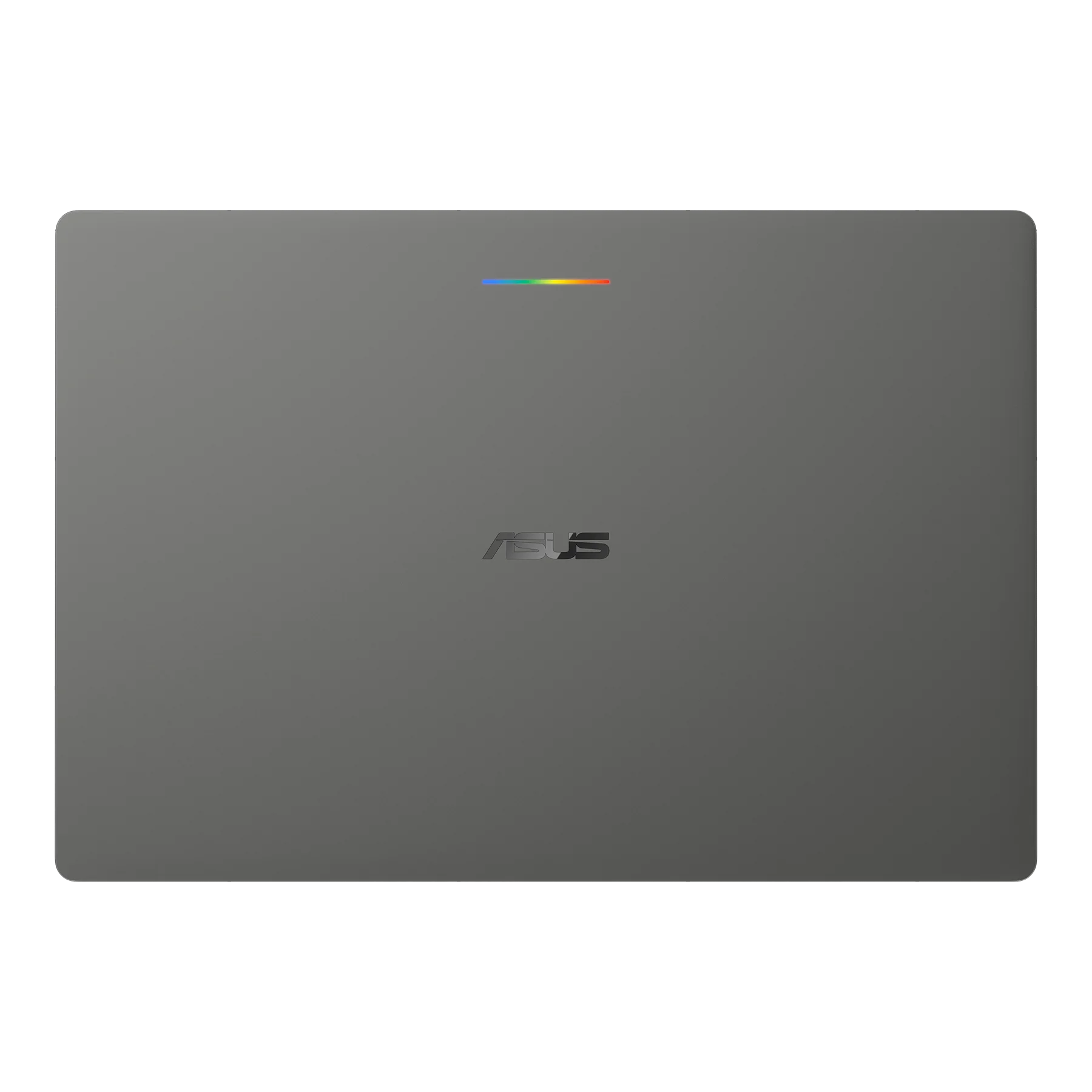
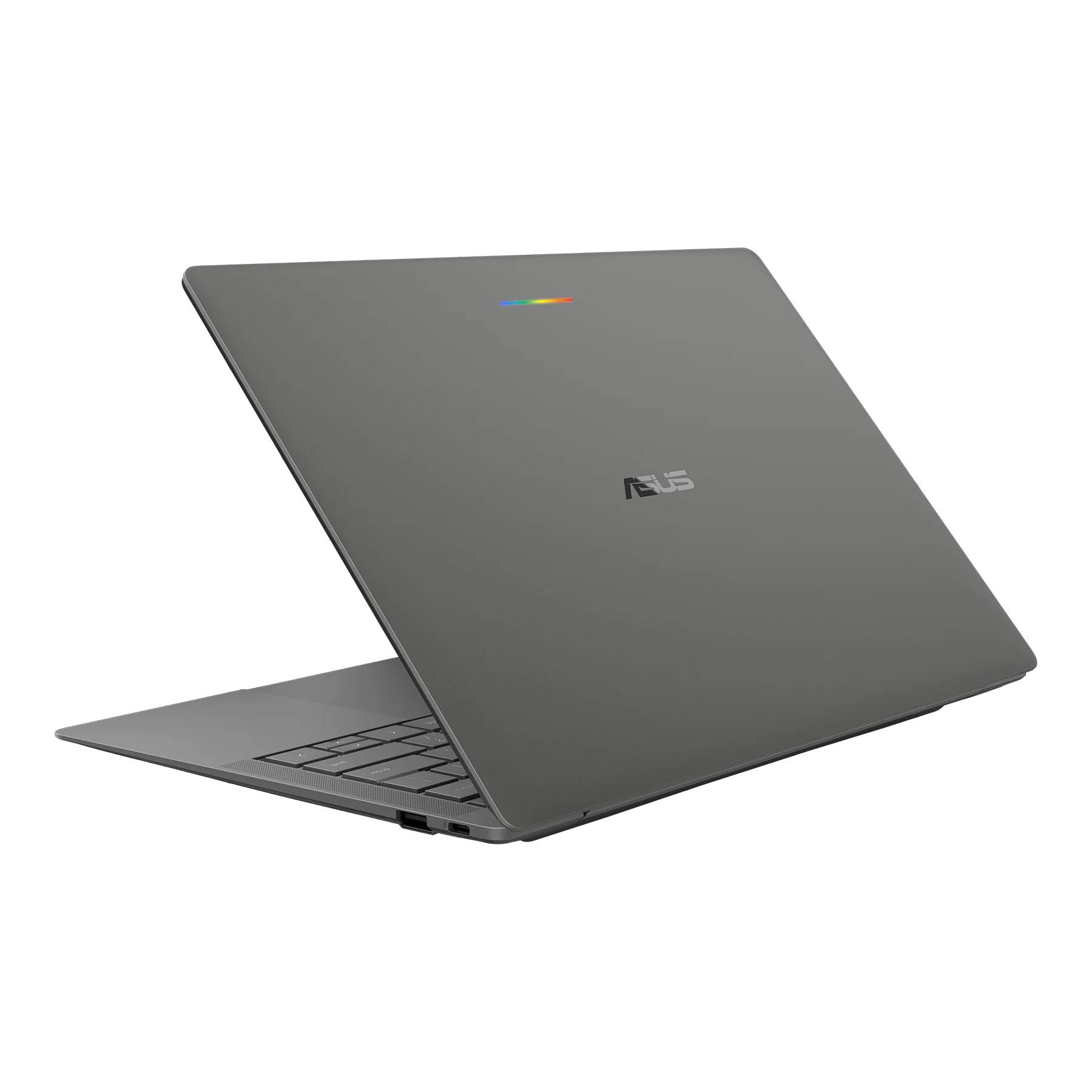
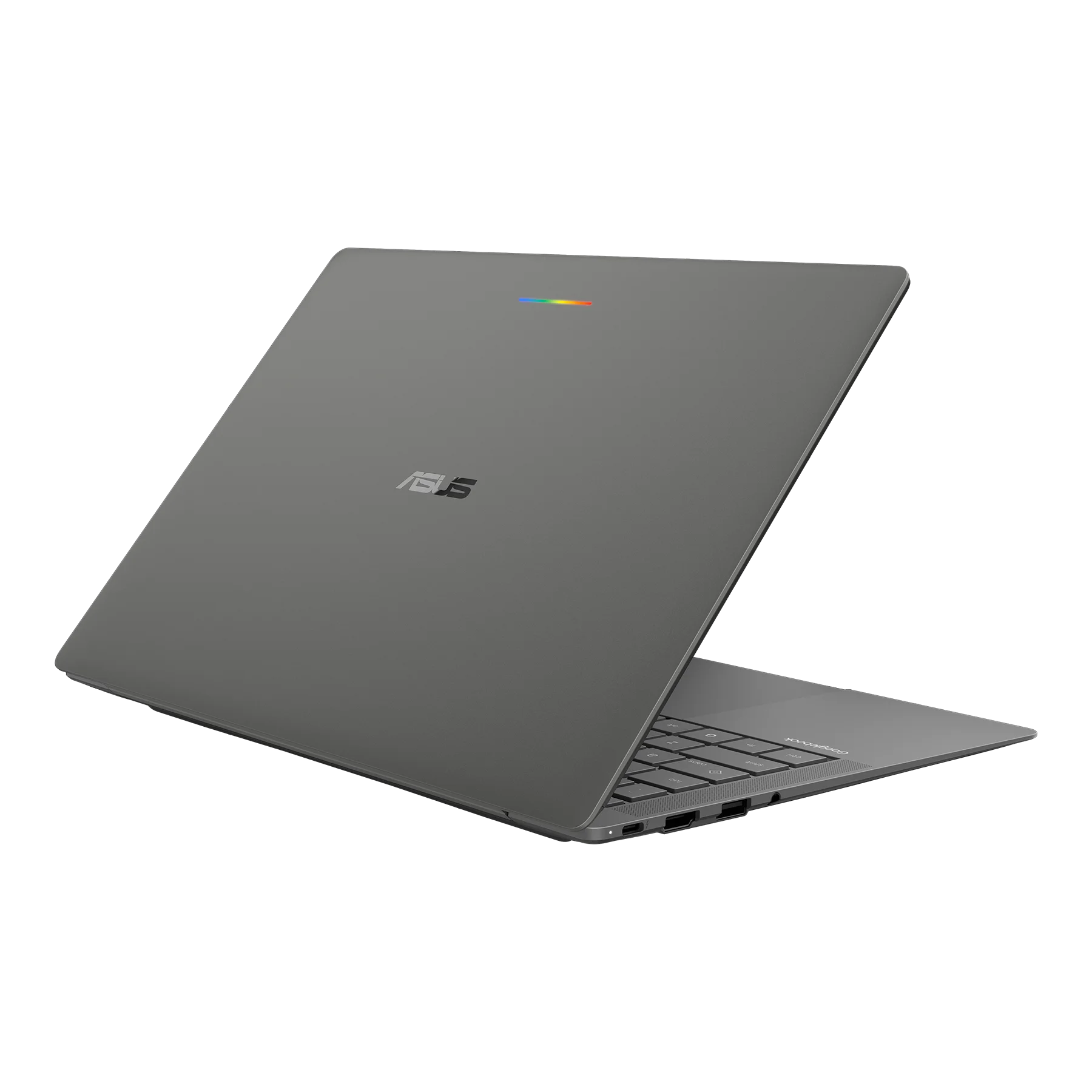
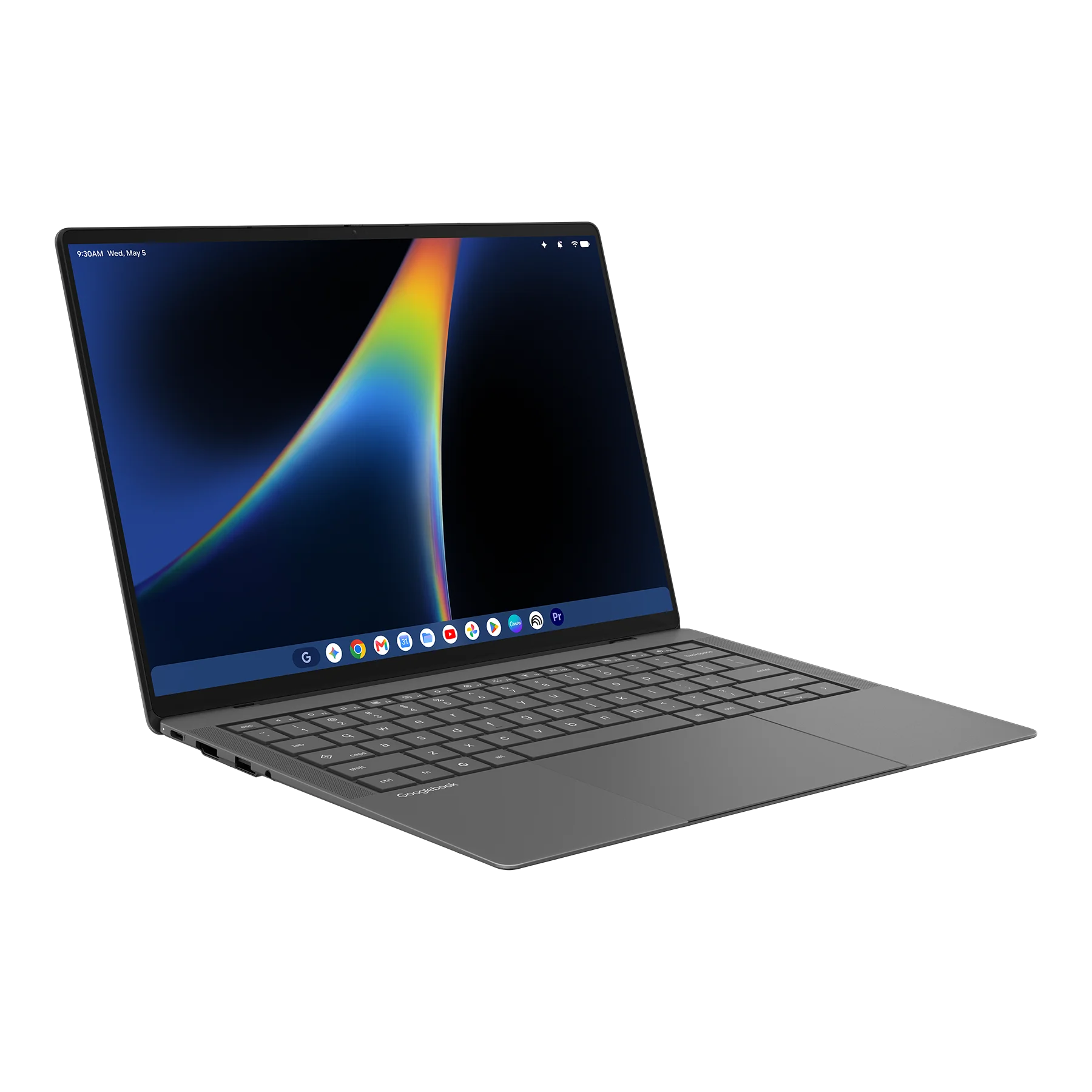
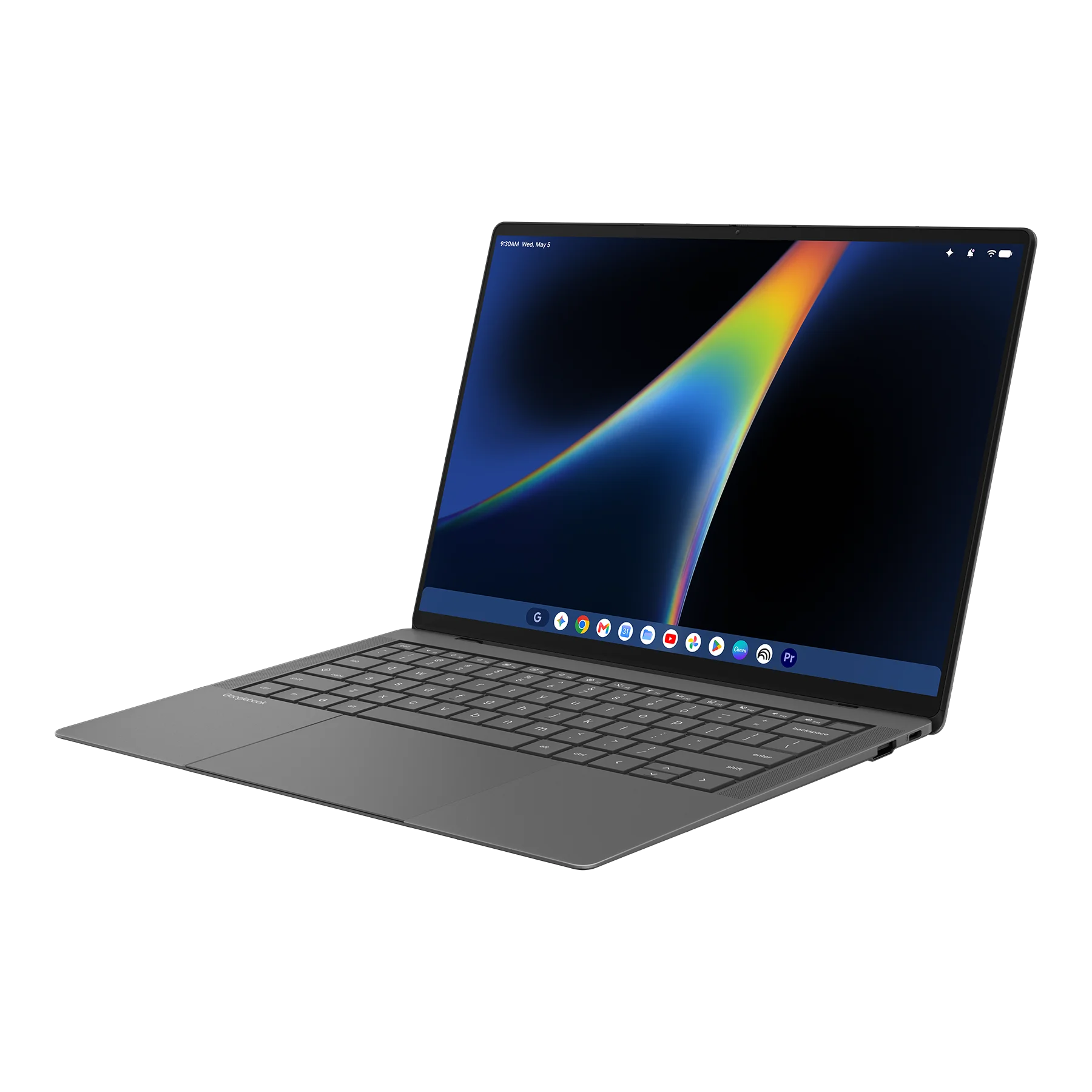
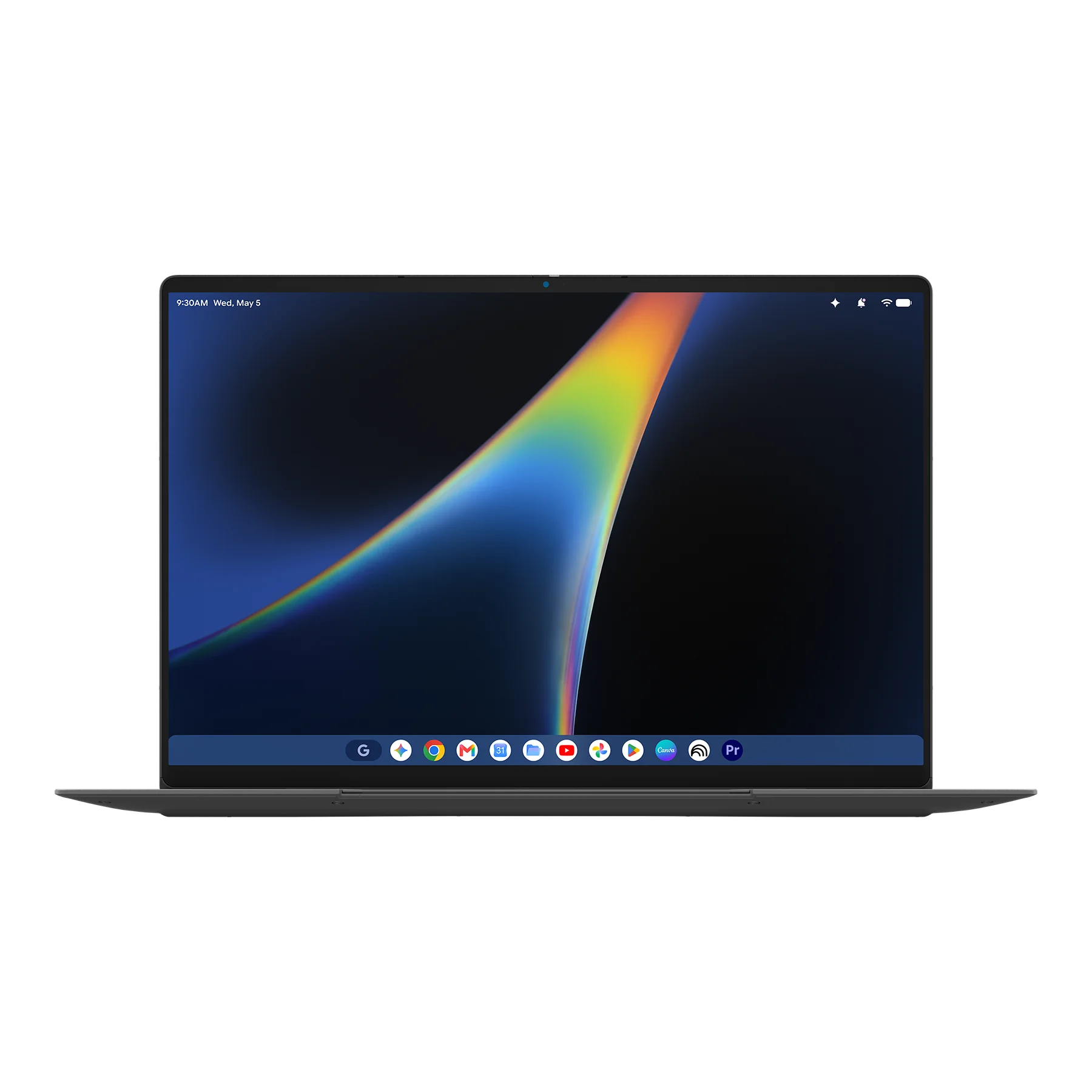
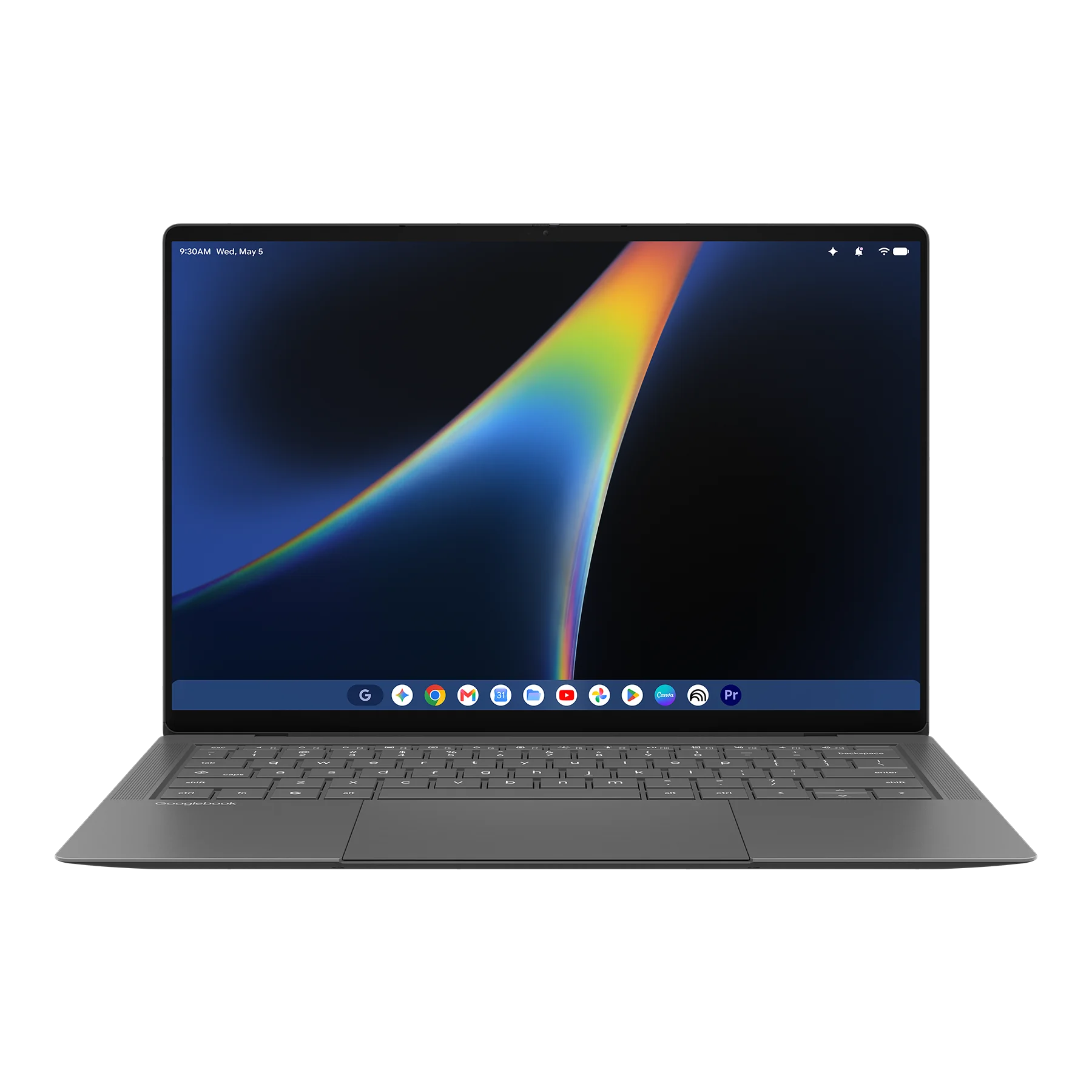
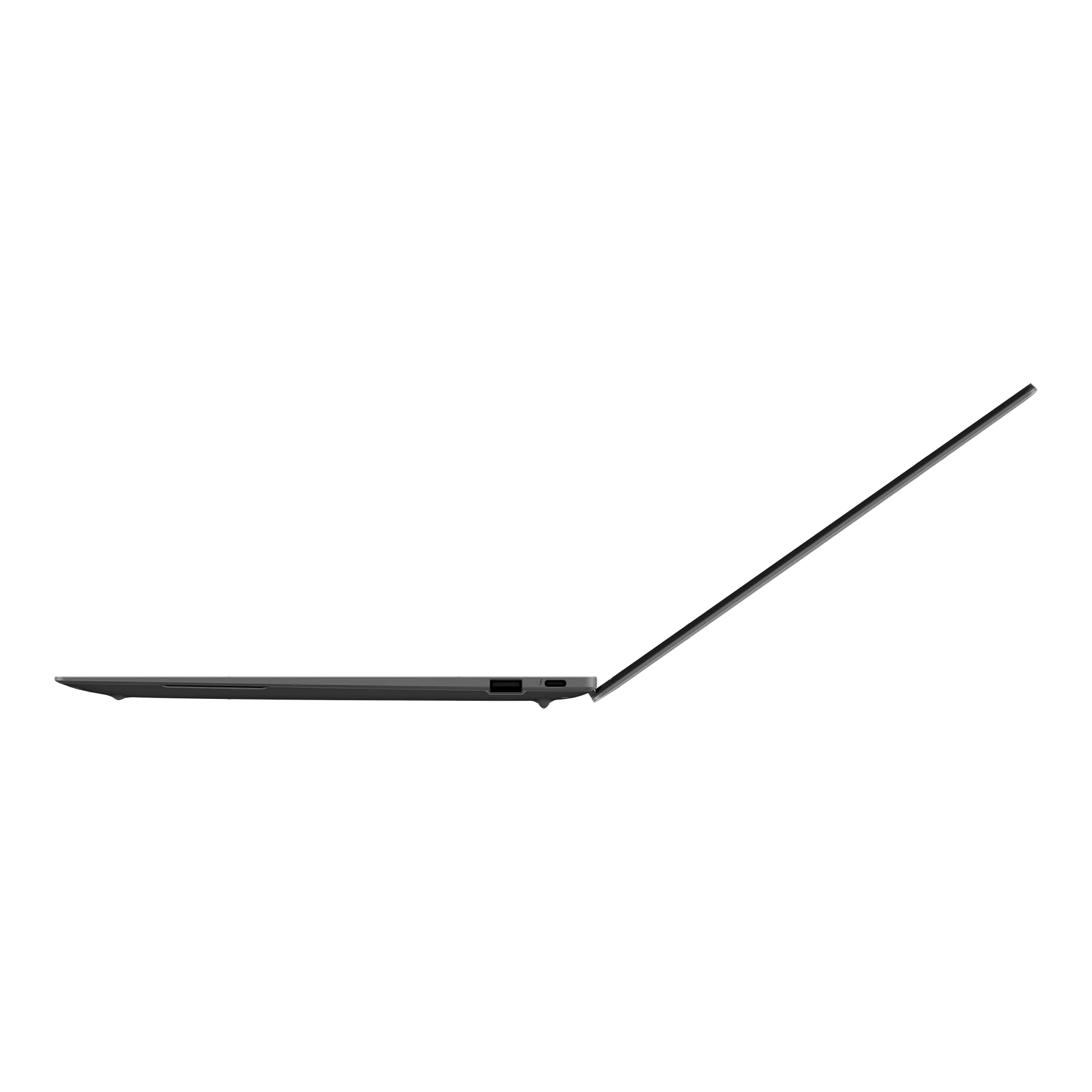
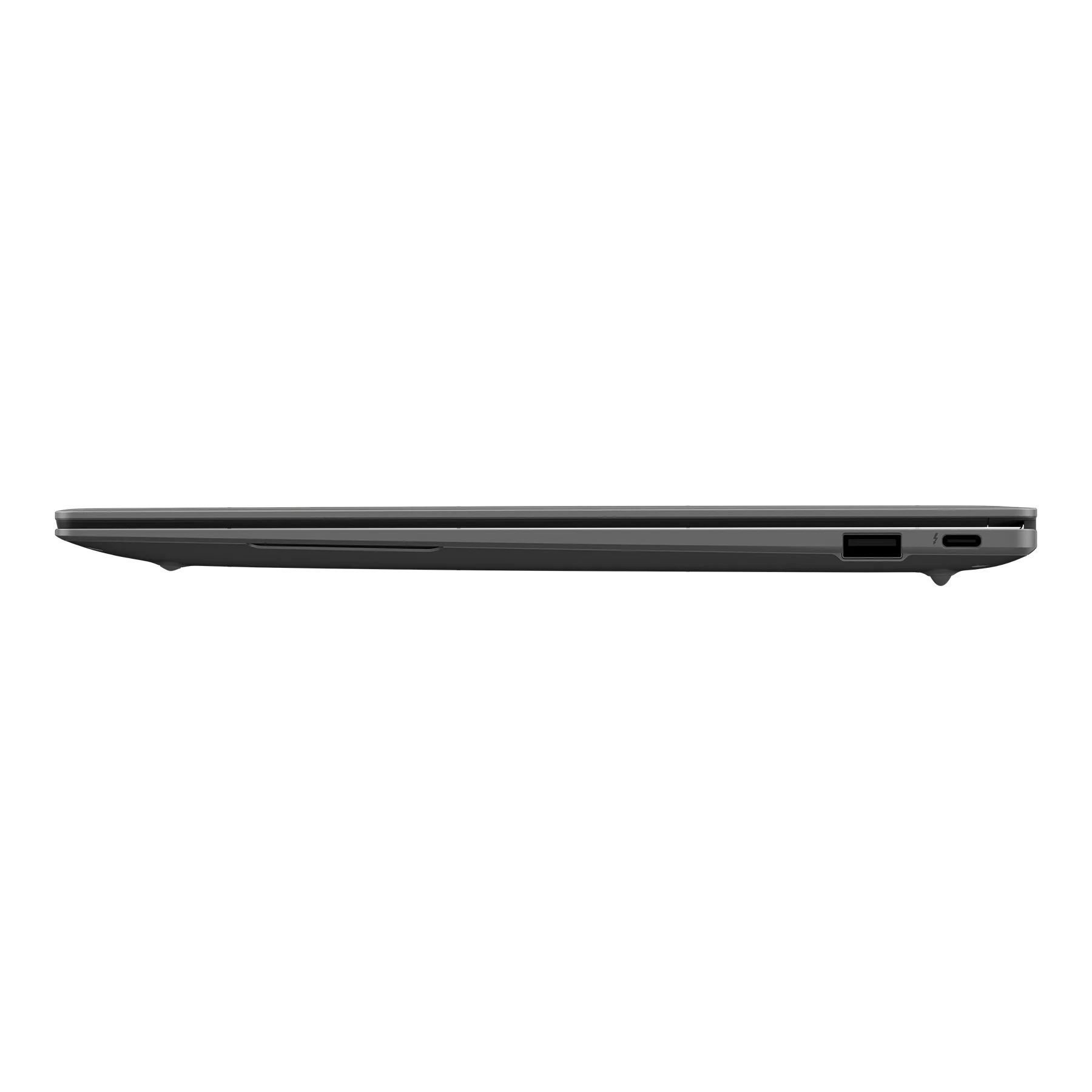
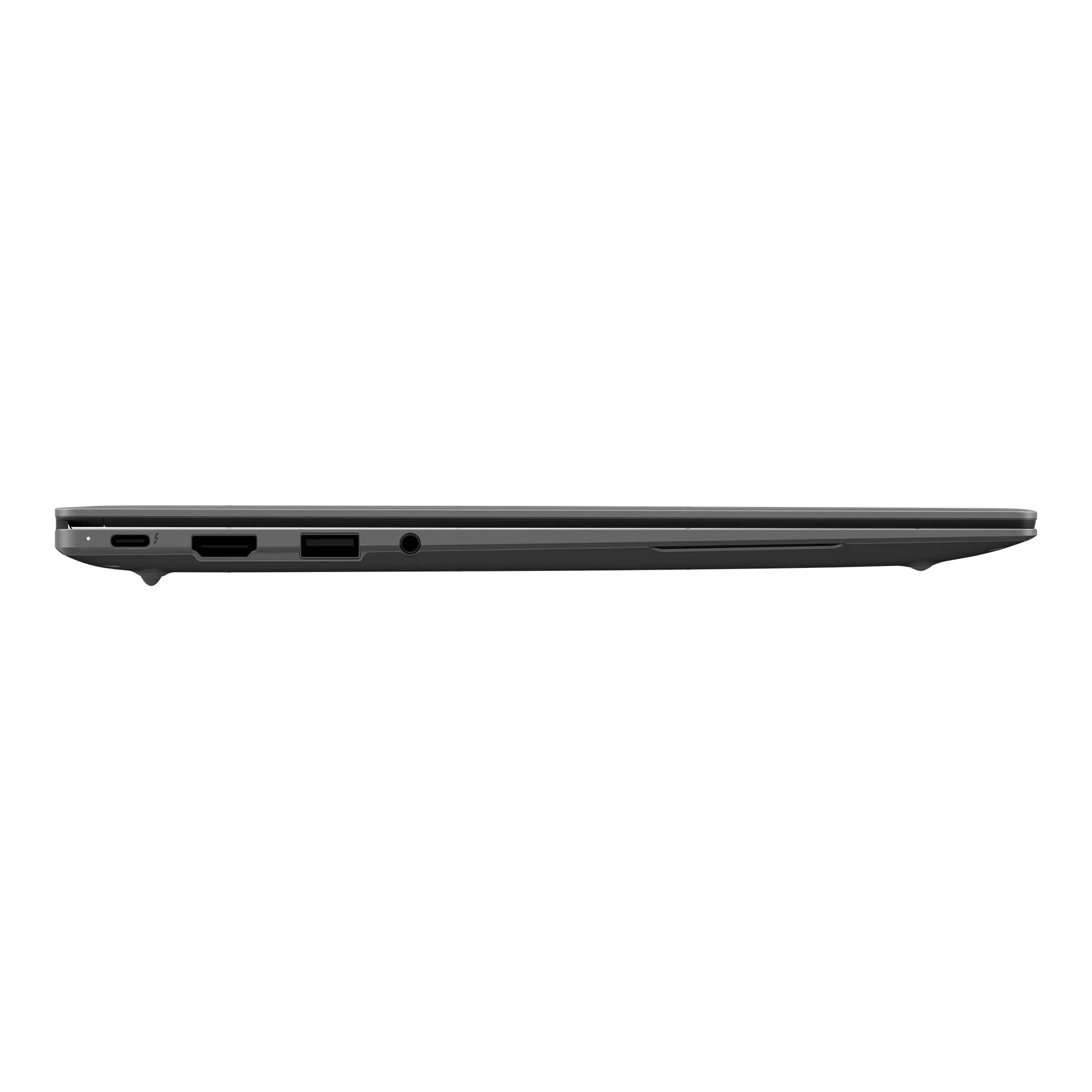
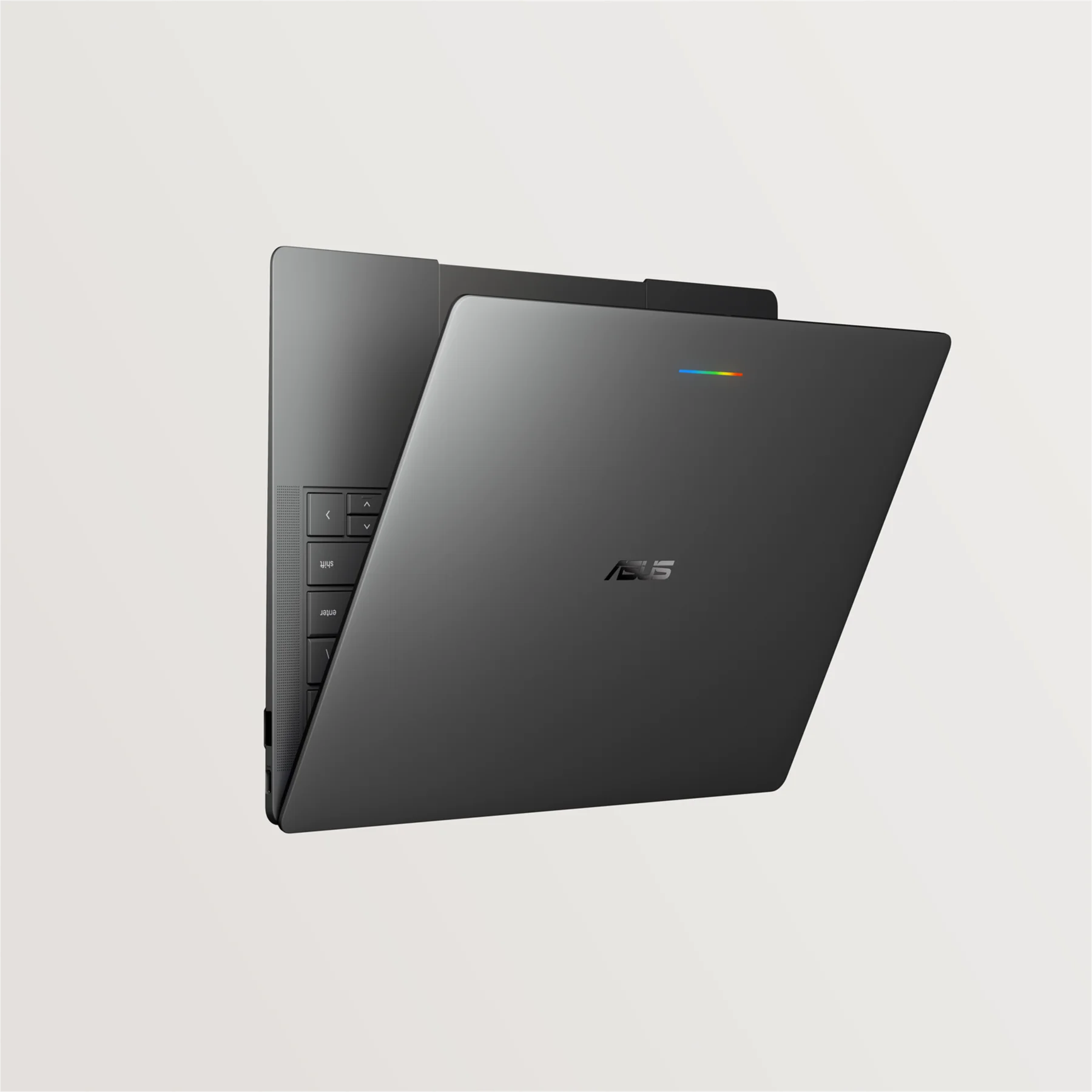
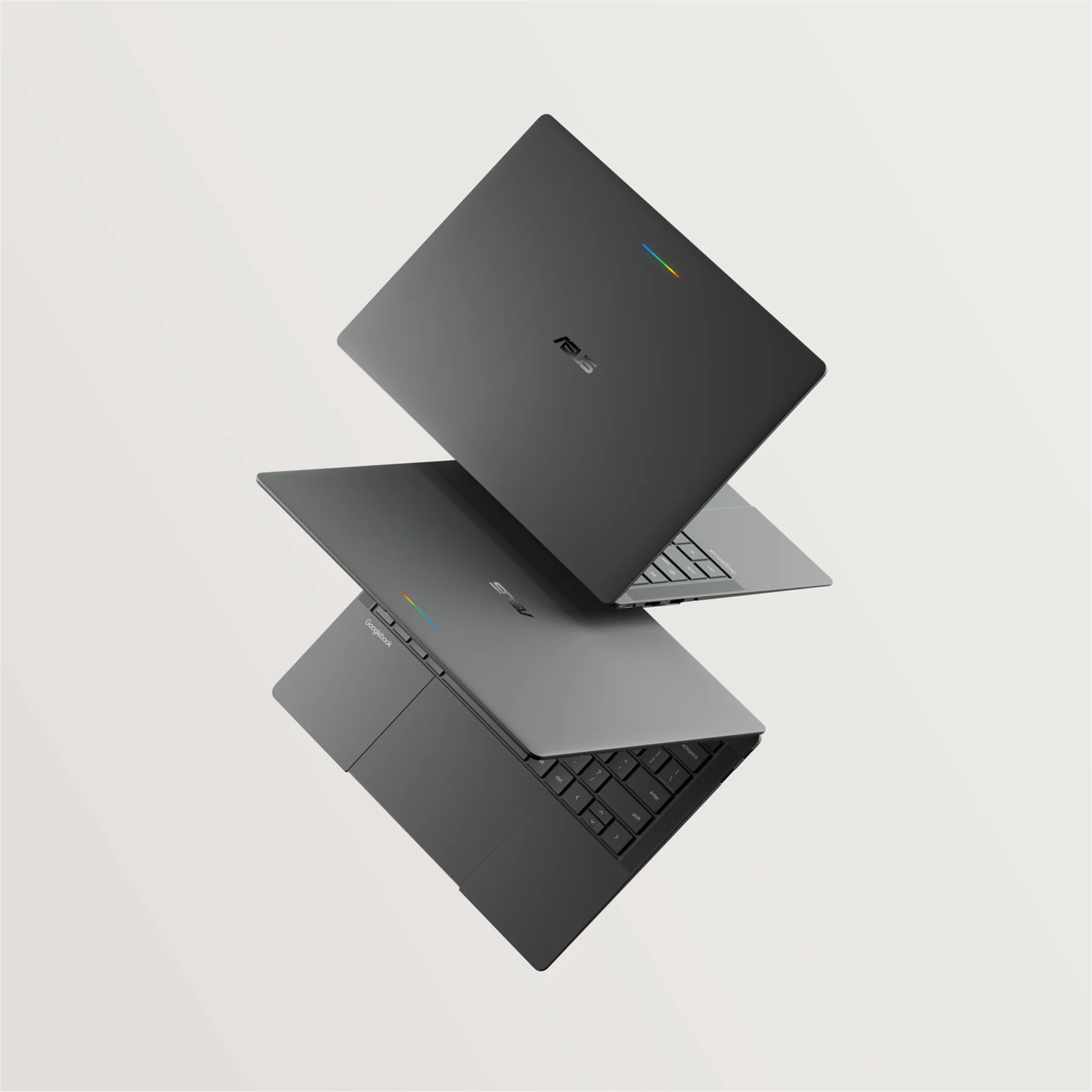
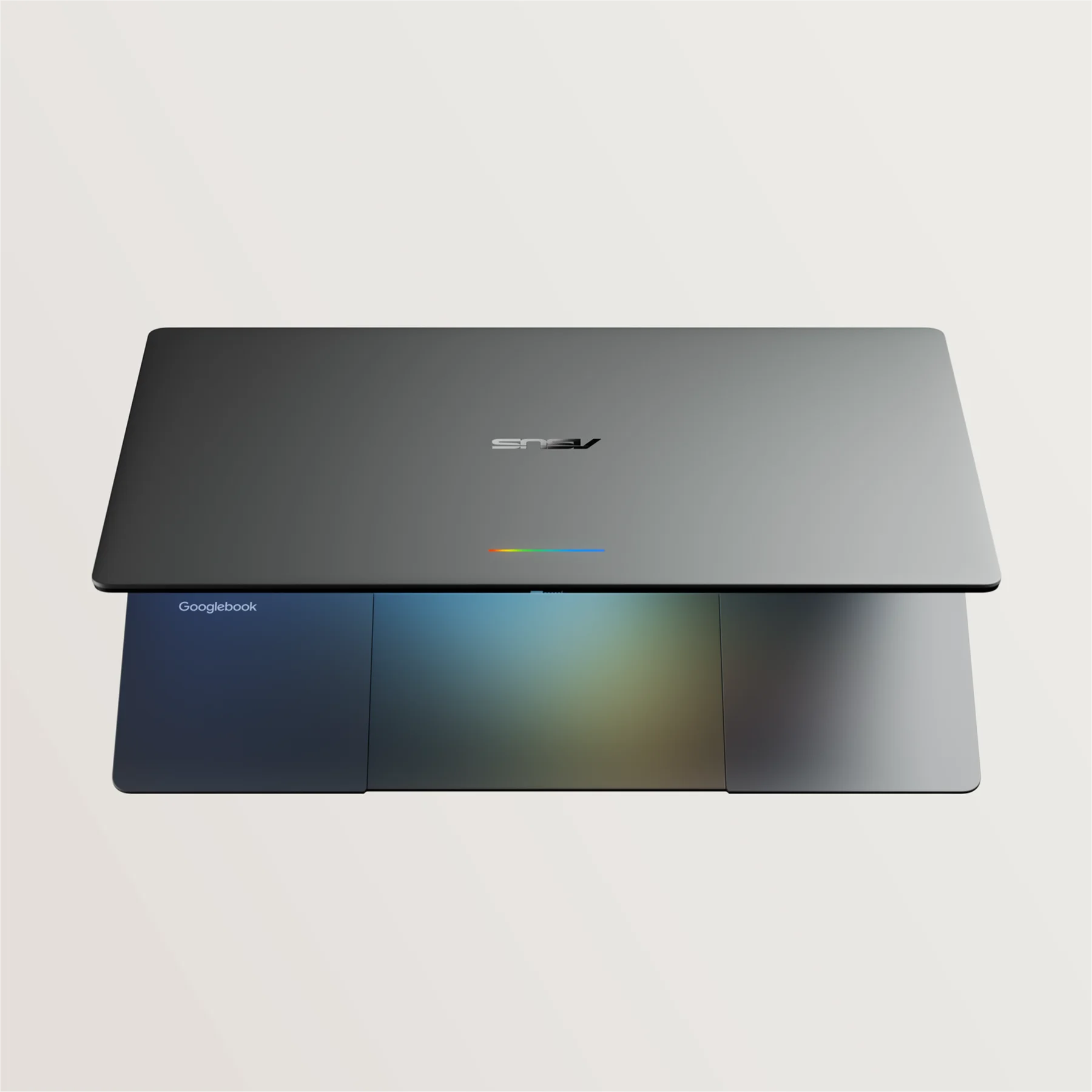
You get an Intel Core Ultra 3 Panther Lake chip, a full glass haptic trackpad, a fingerprint scanner, and the sharpest screen in the room: a 14-inch 3K OLED touch panel pushing 500 nits.You can dive deeper and learn more about the ASUS Googlebook 14 here.
Dell XPS Googlebook: Iconic industrial design ($999)
Dell is officially back in the consumer Google hardware space in a big way, and as we confirmed when leaked Dell documents locked in the XPS Googlebook name, they brought their premier consumer badge along for the ride.
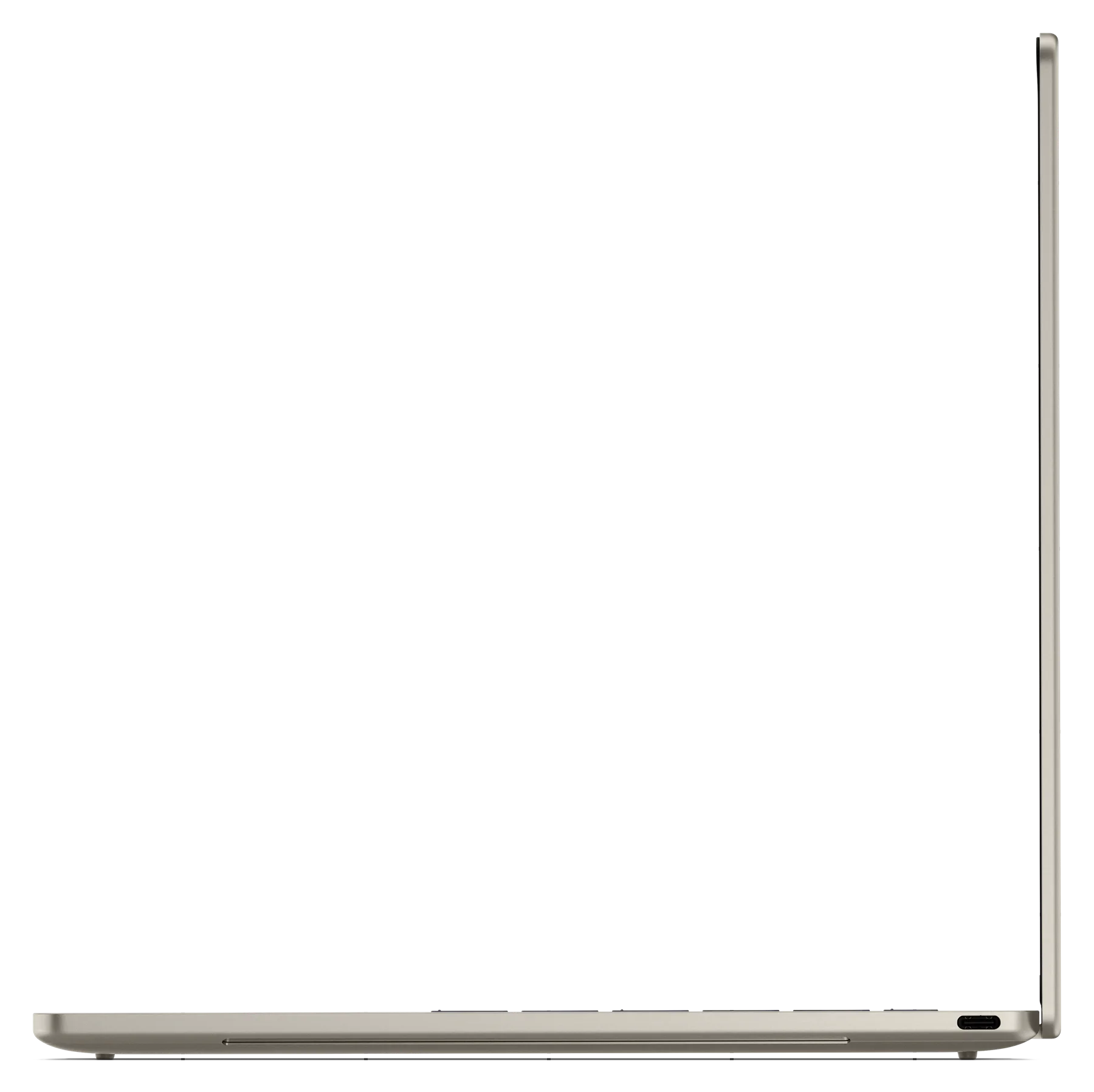
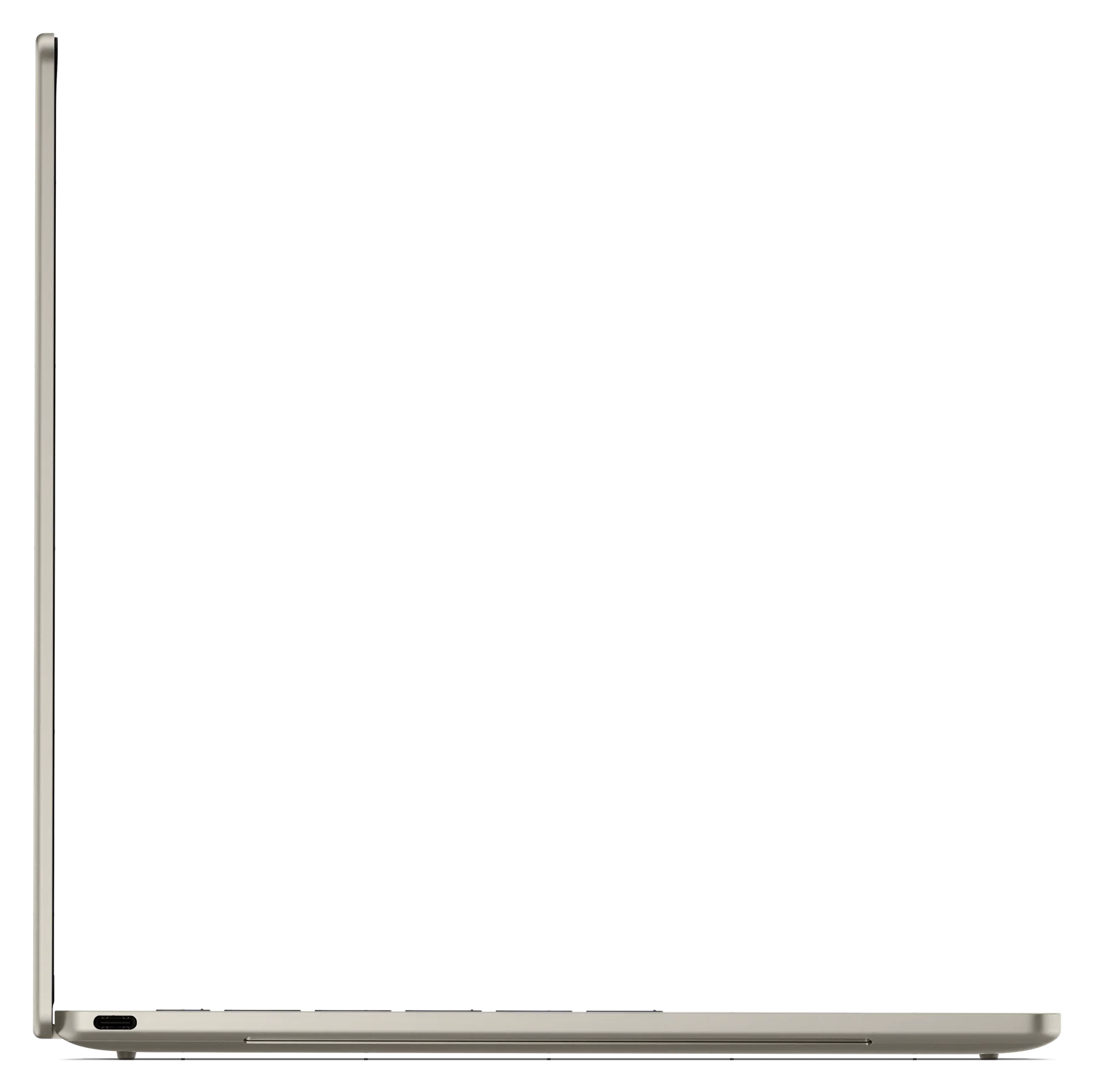
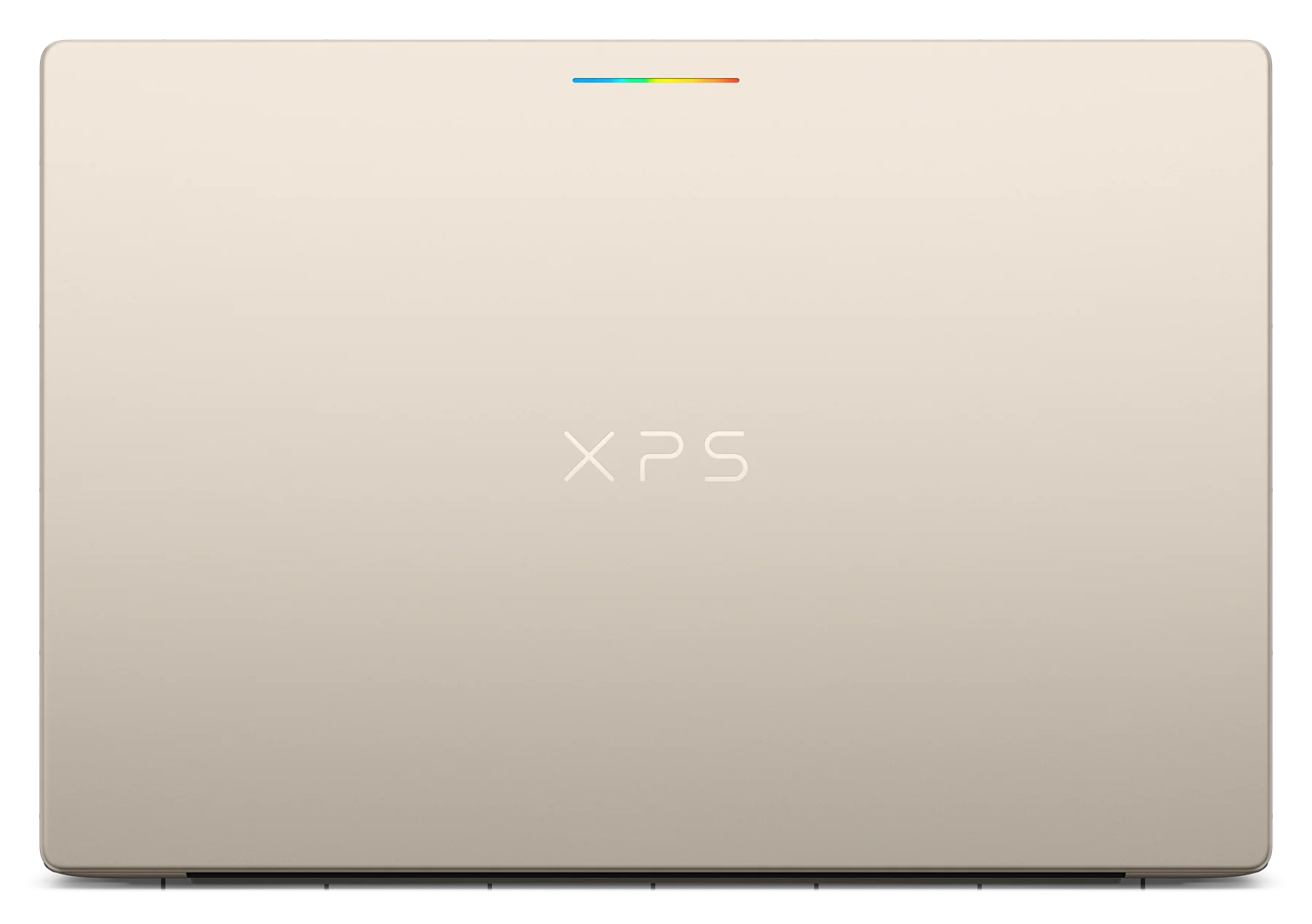
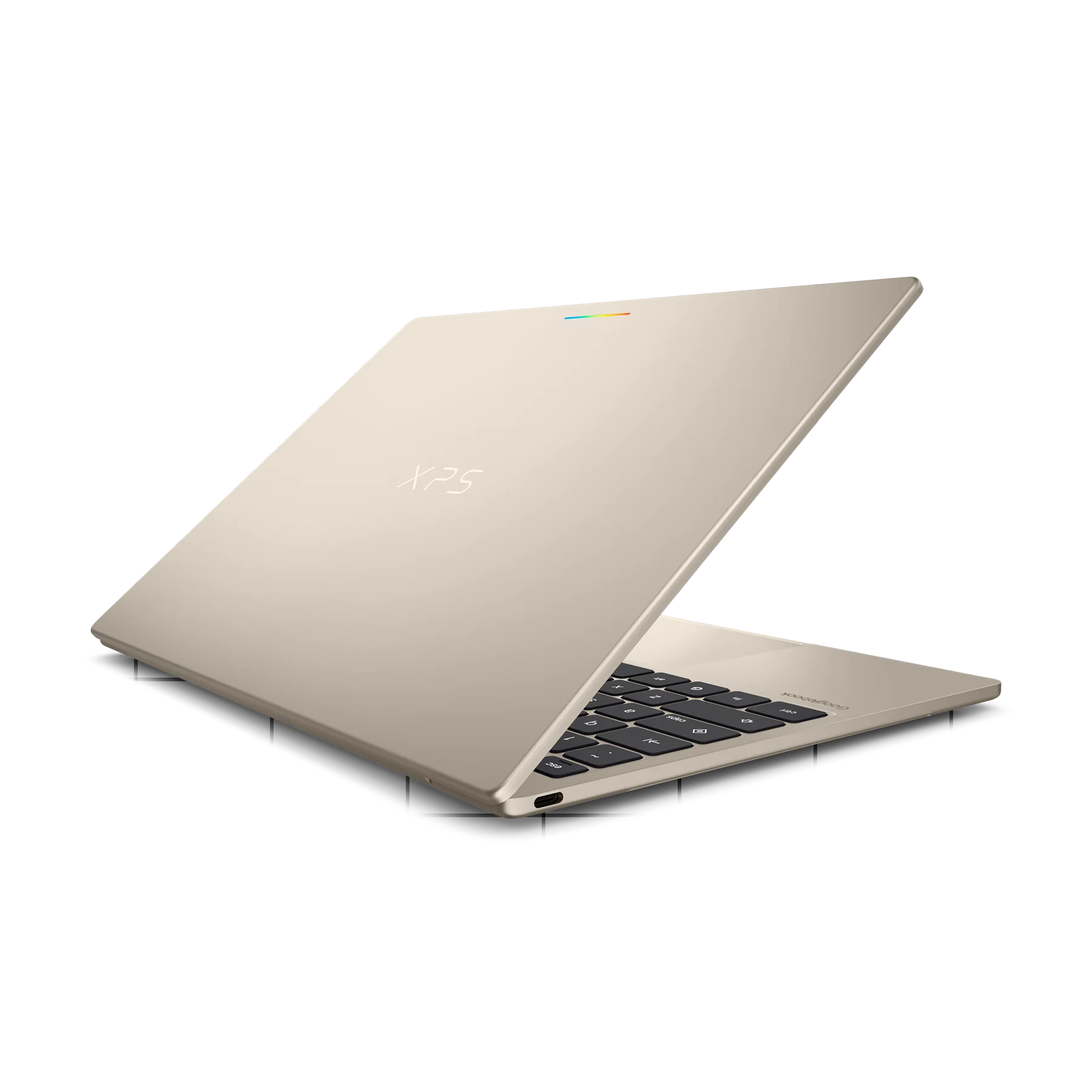
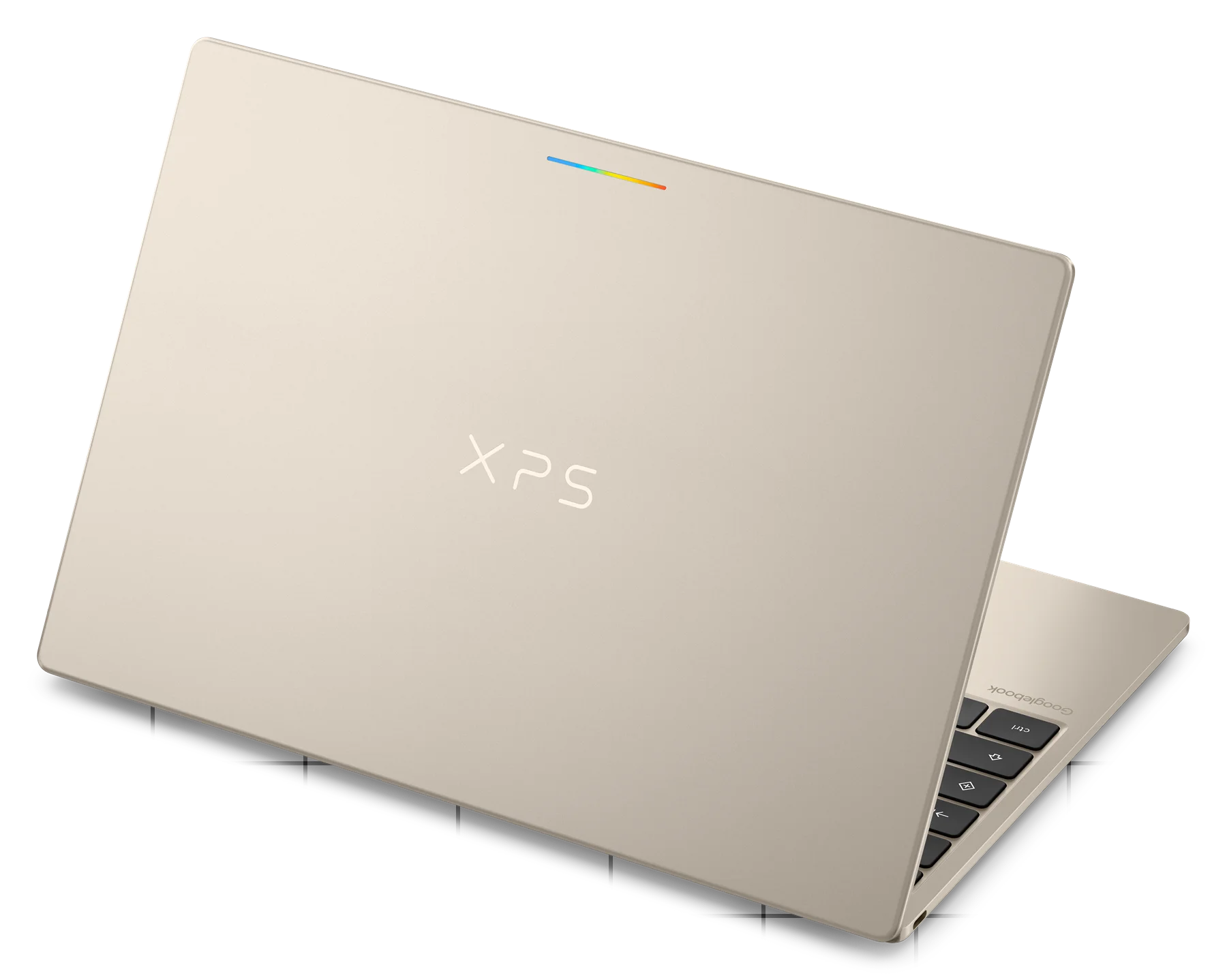
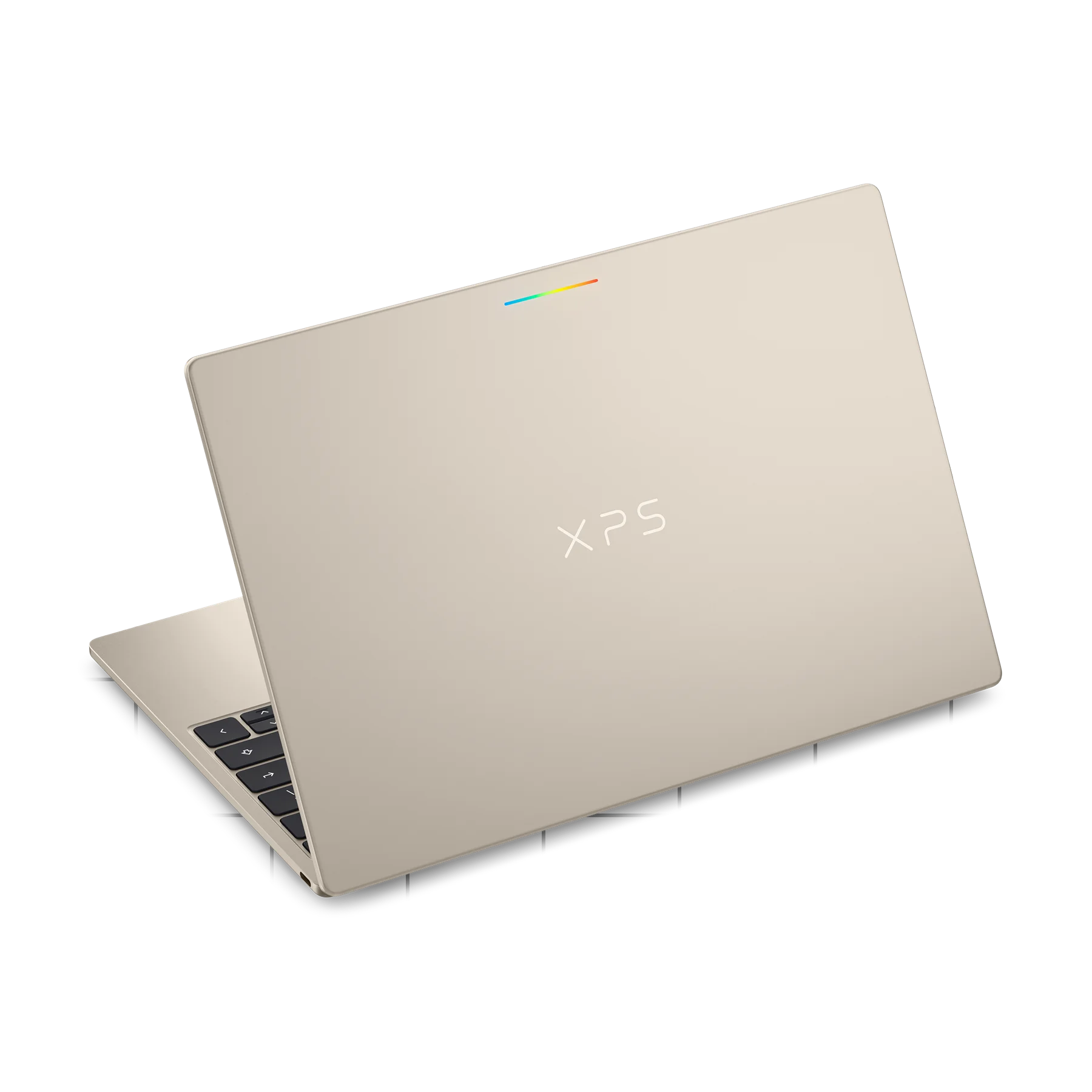
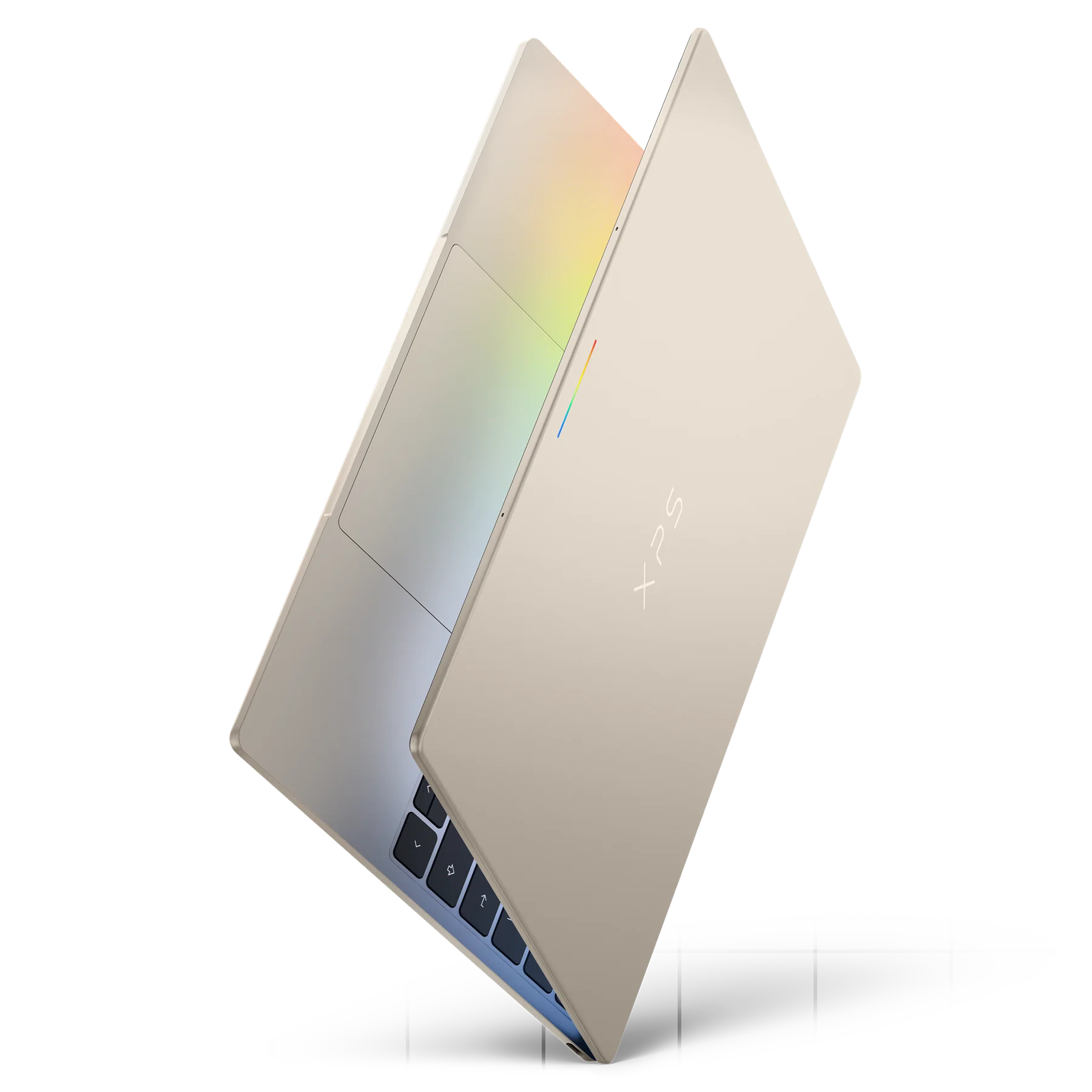
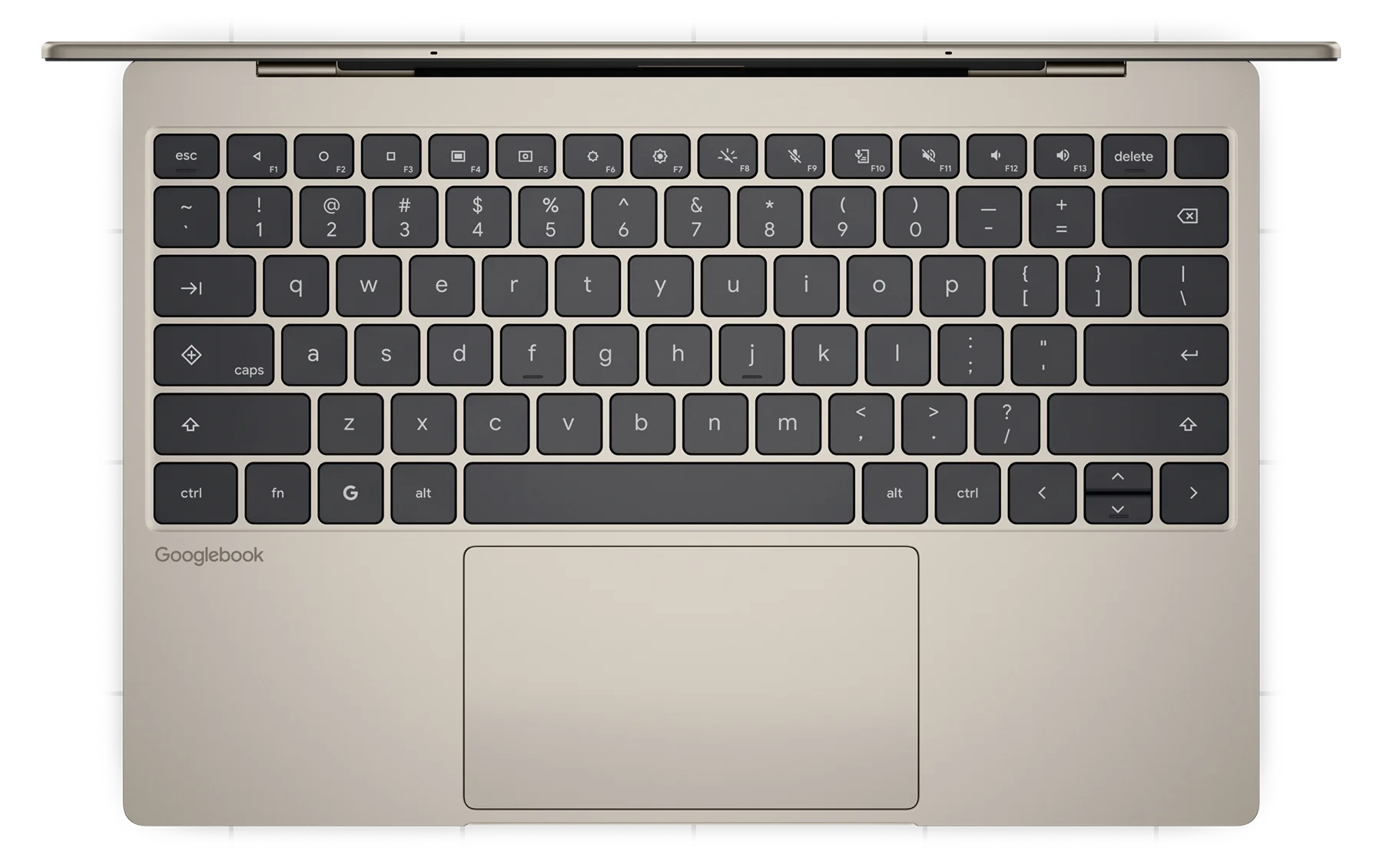
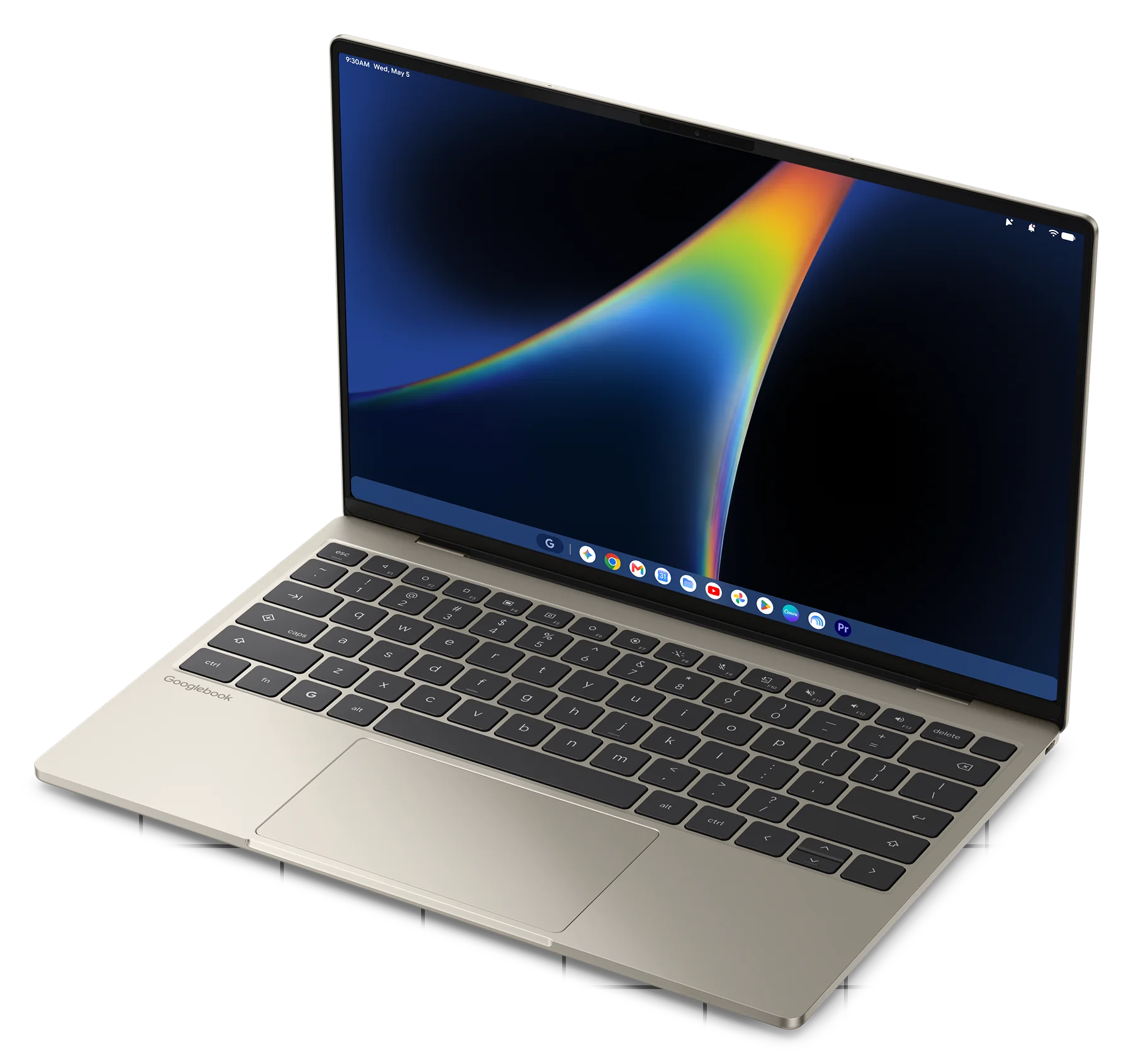
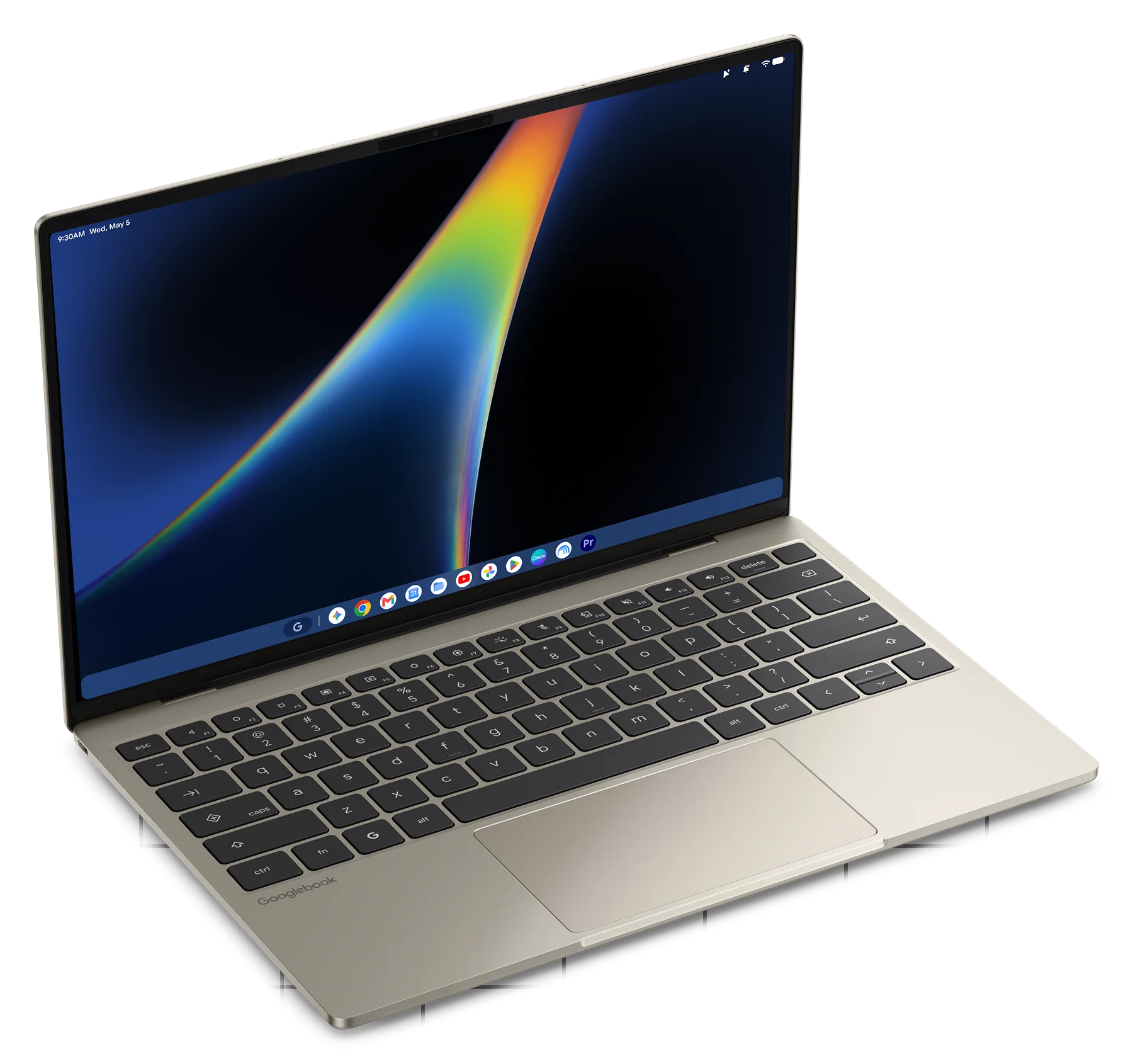
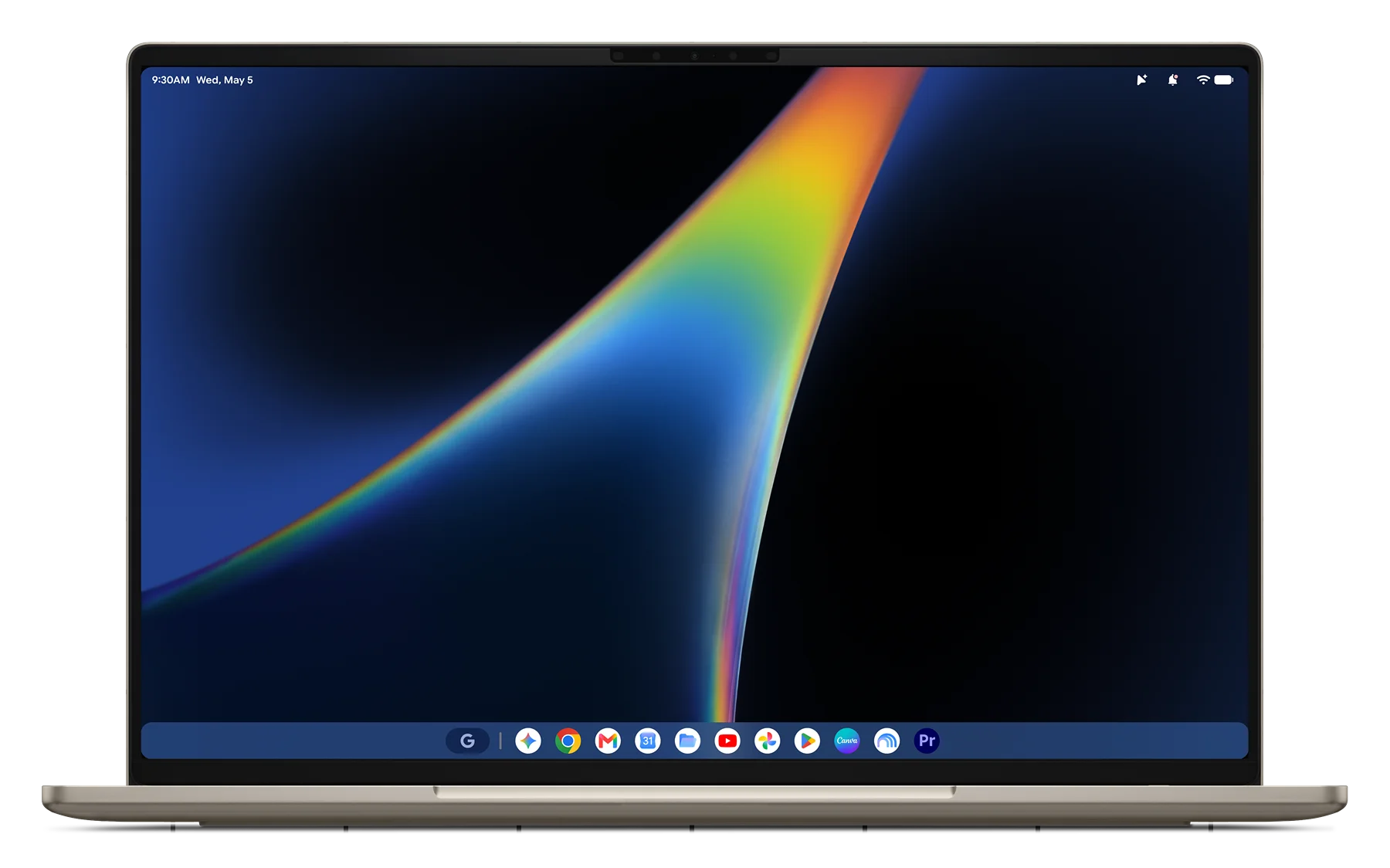
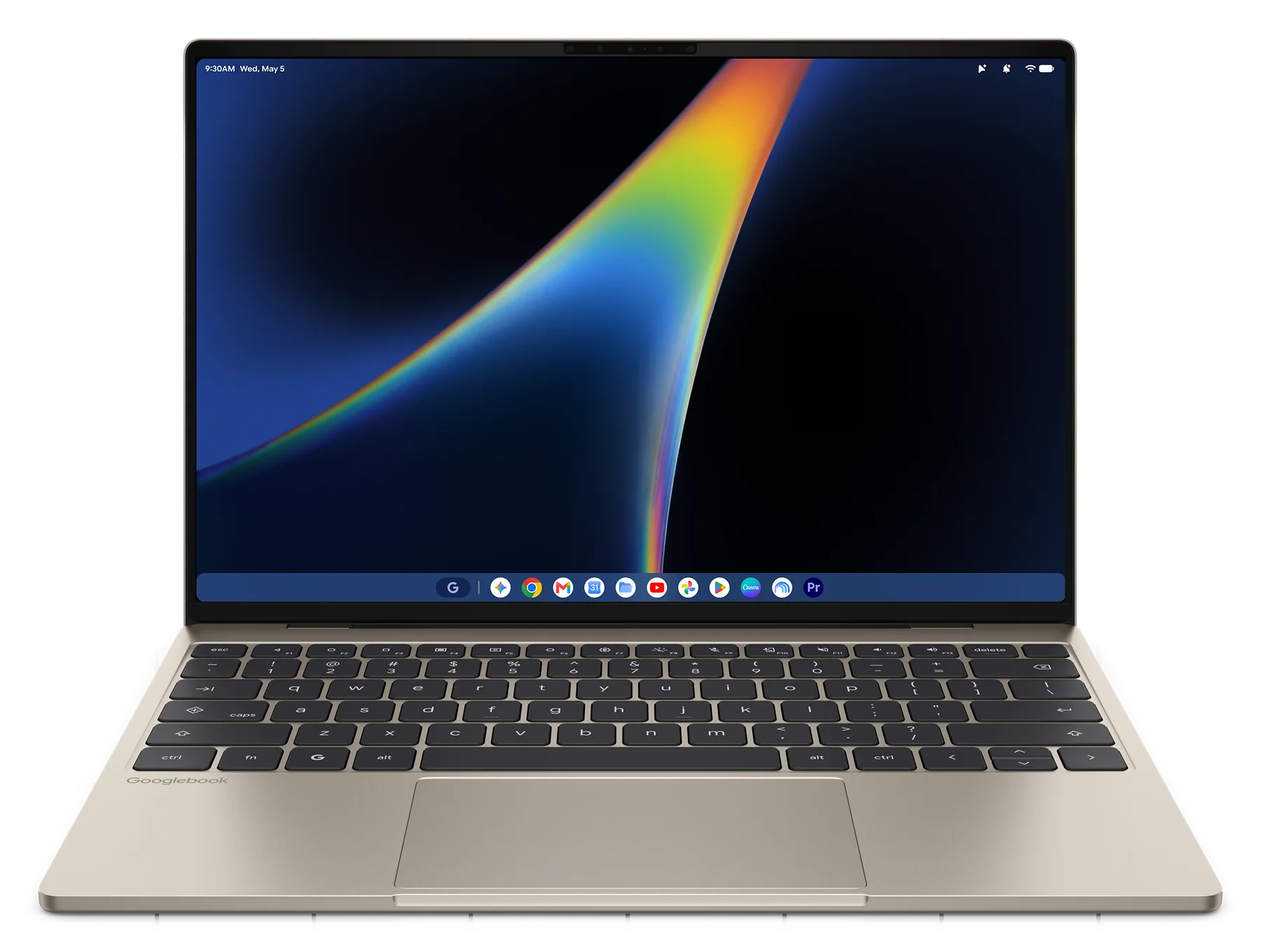
The Dell XPS Googlebook is the most compact Googlebook of the bunch. It features a 13.4-inch 2.5K 500-nit touch display housed inside a 12.7mm thin machined aluminum chassis weighing 2.2 pounds. Under the hood, Dell chose Qualcomm’s fan-efficient Snapdragon X Elite processor paired with 16GB or 32GB of RAM and 512GB of baseline SSD storage, complemented by a glass haptic trackpad and both a fingerprint reader and dedicated IR face authentication. You can dive deeper and learn more about the Dell XPS Googlebook here.
HP Googlebook 14: Understated elegance ($1,299)
HP took a very similar silicon route to Dell, utilizing the Qualcomm Snapdragon X Elite to deliver silent ARM efficiency, cool lap thermals, and outstanding battery longevity.
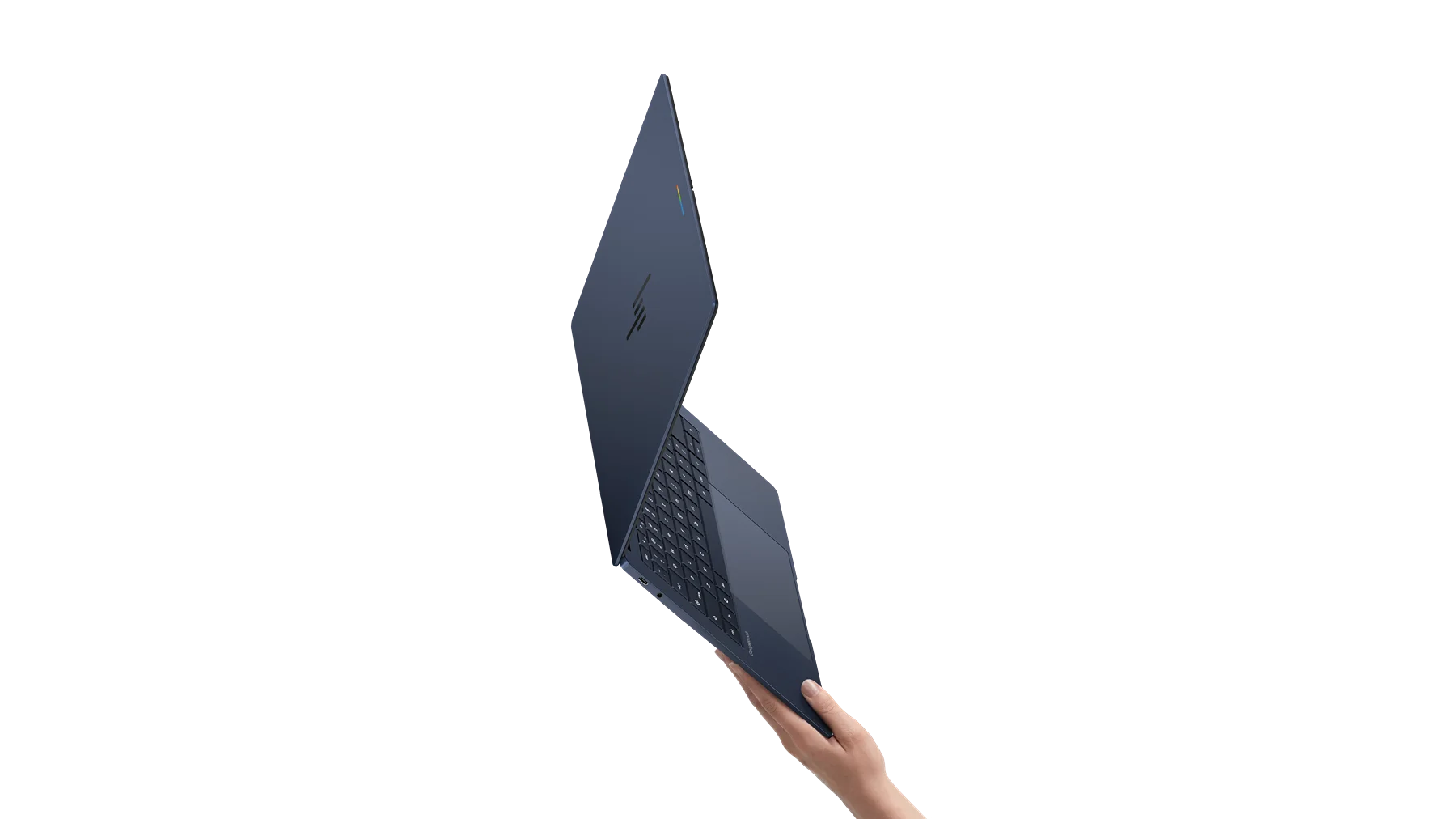
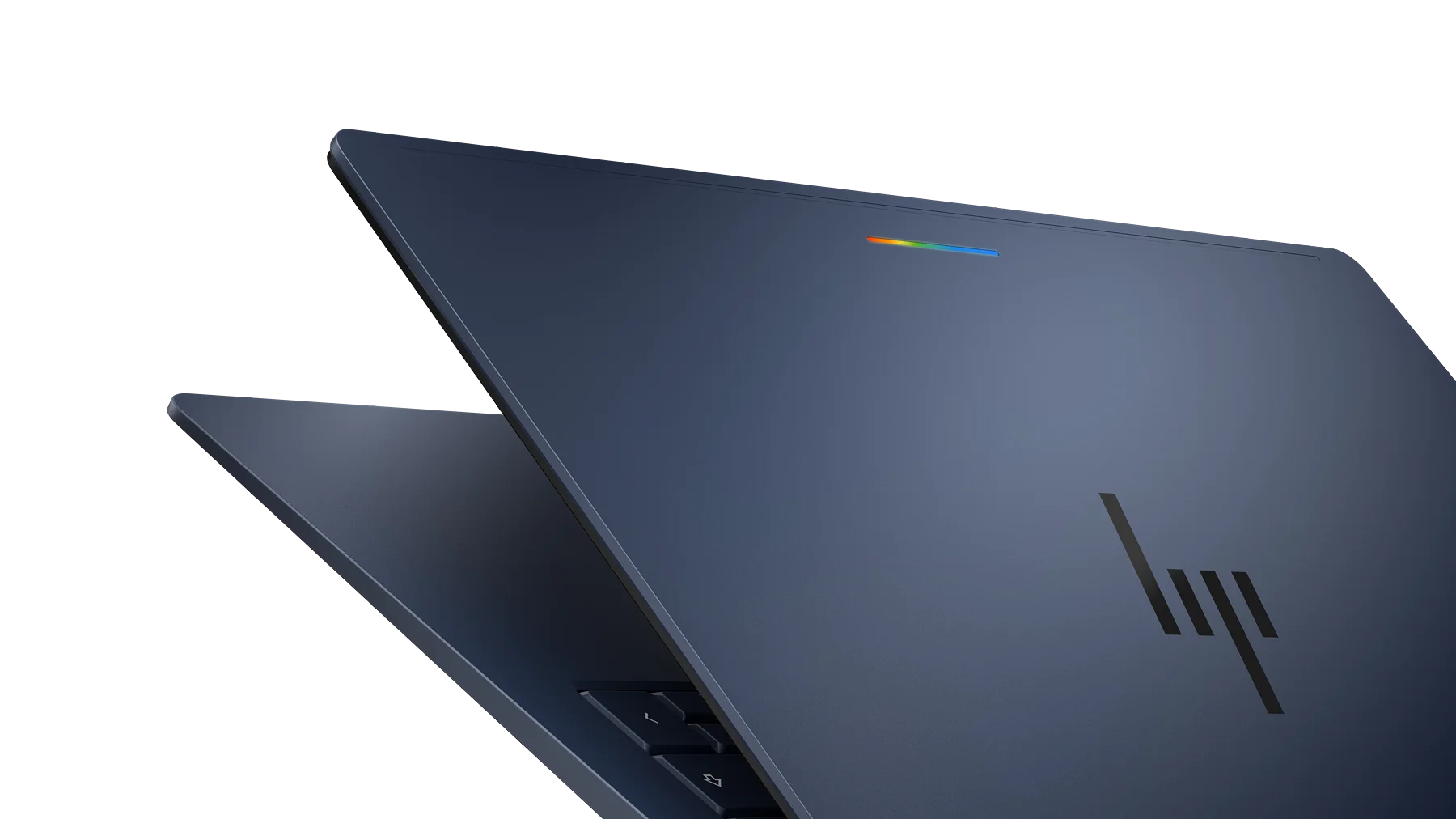
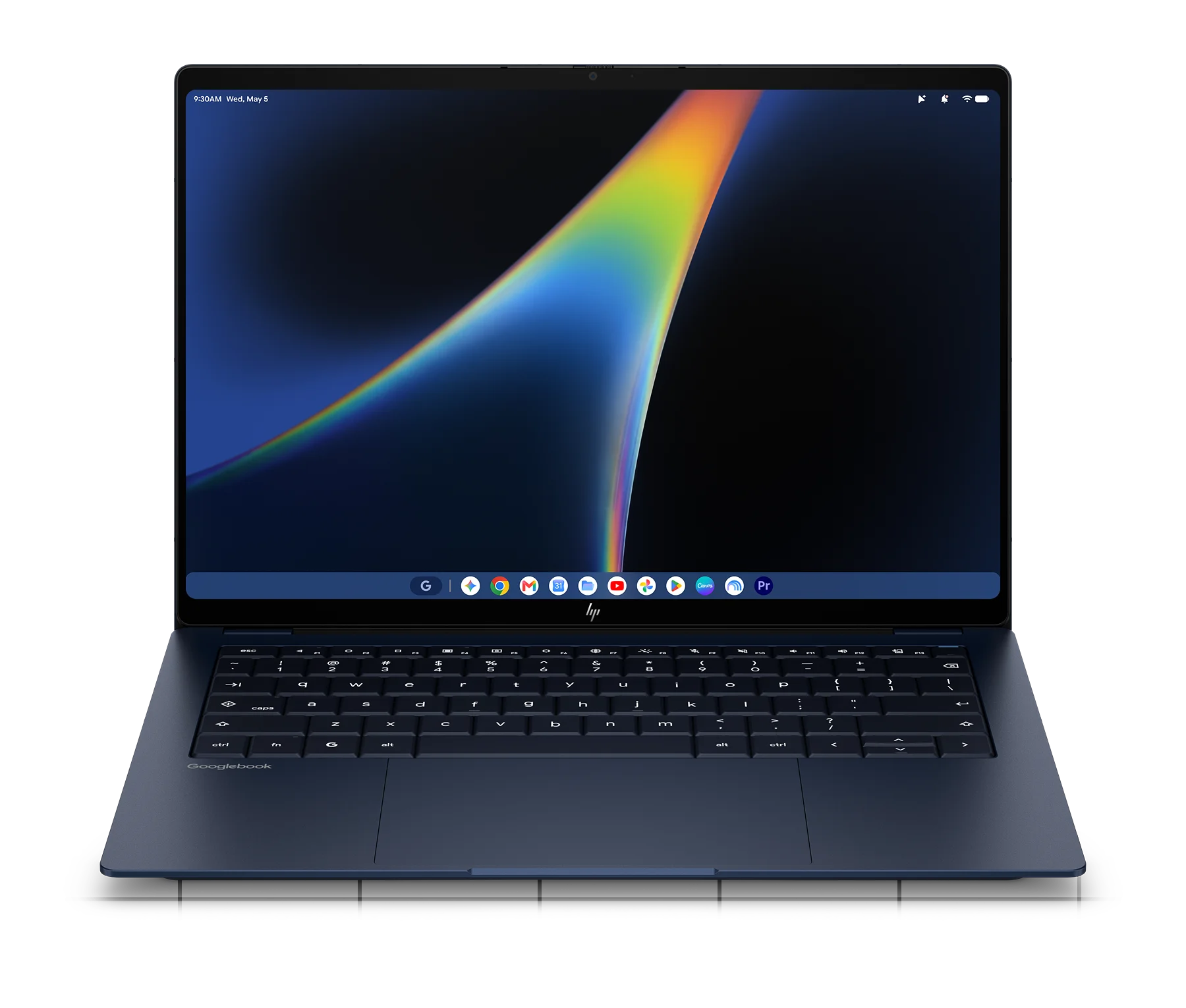
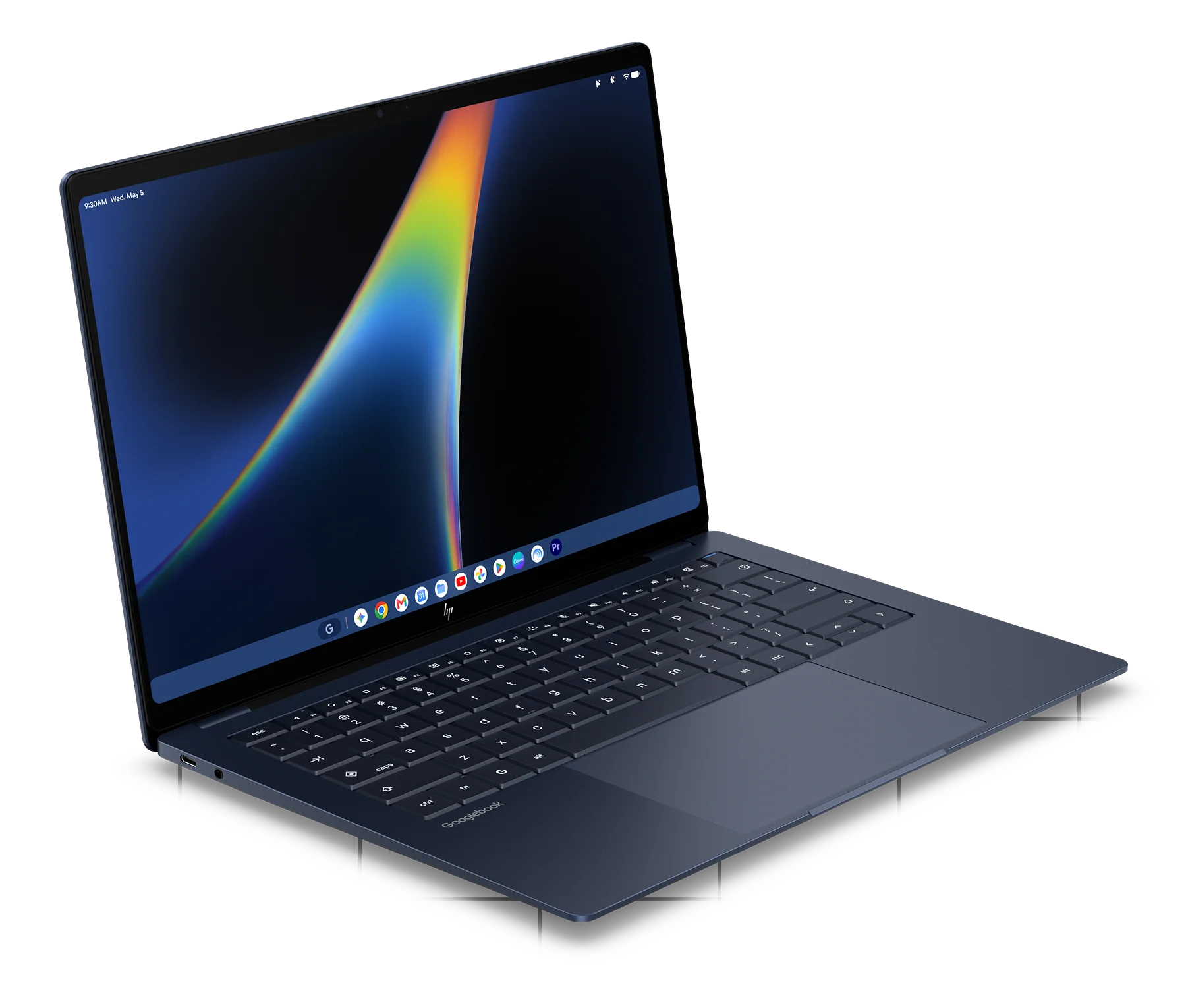
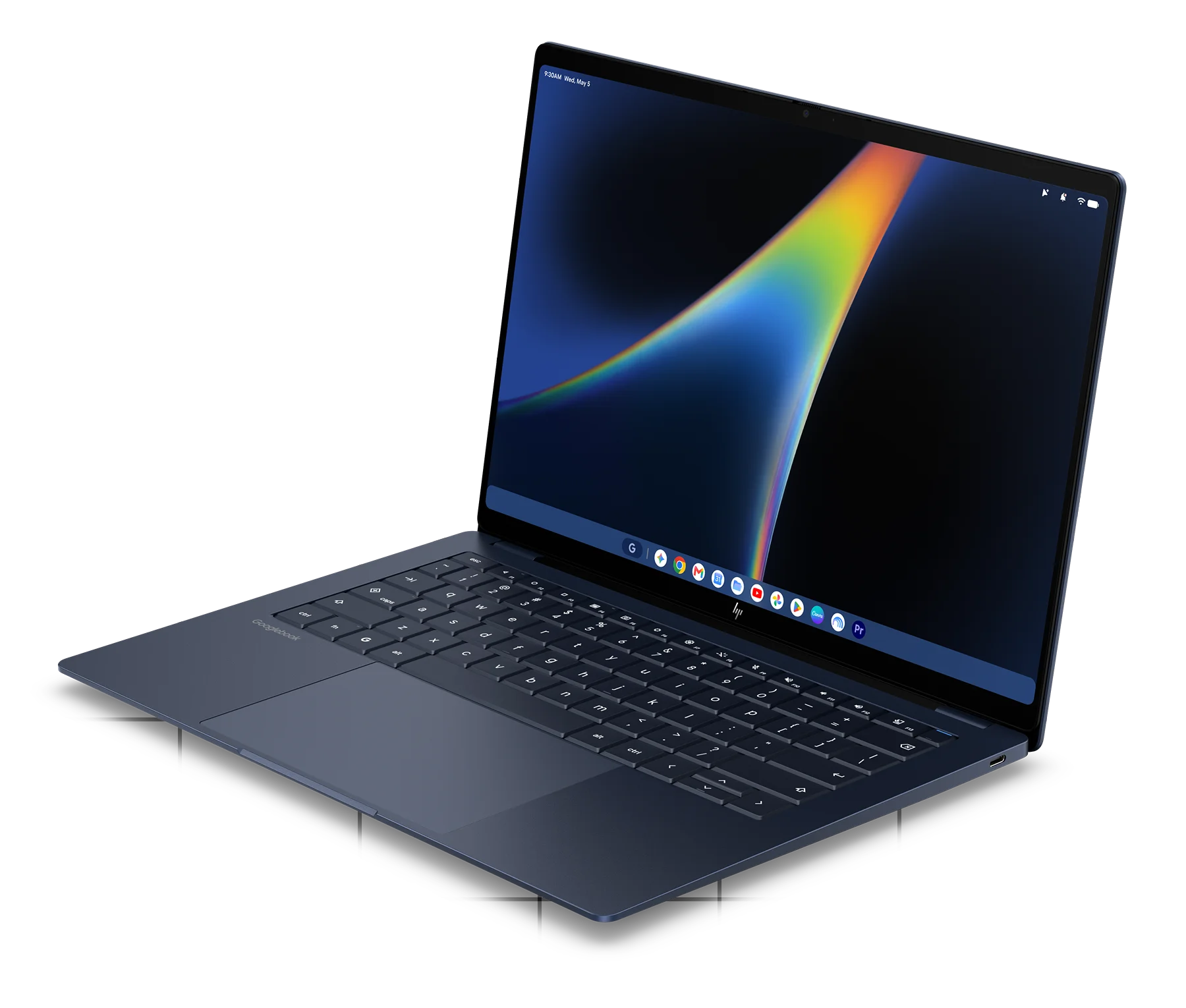
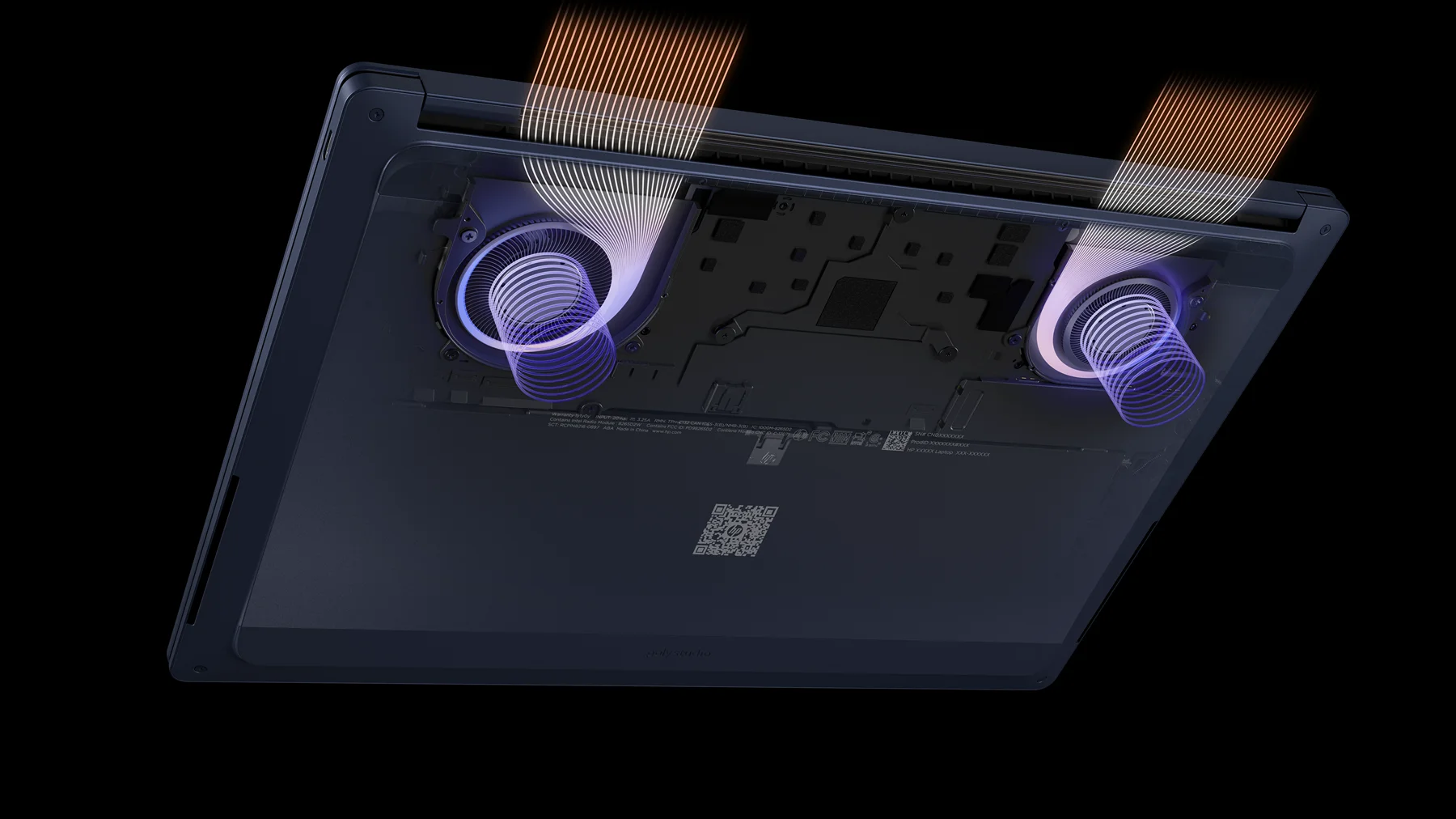
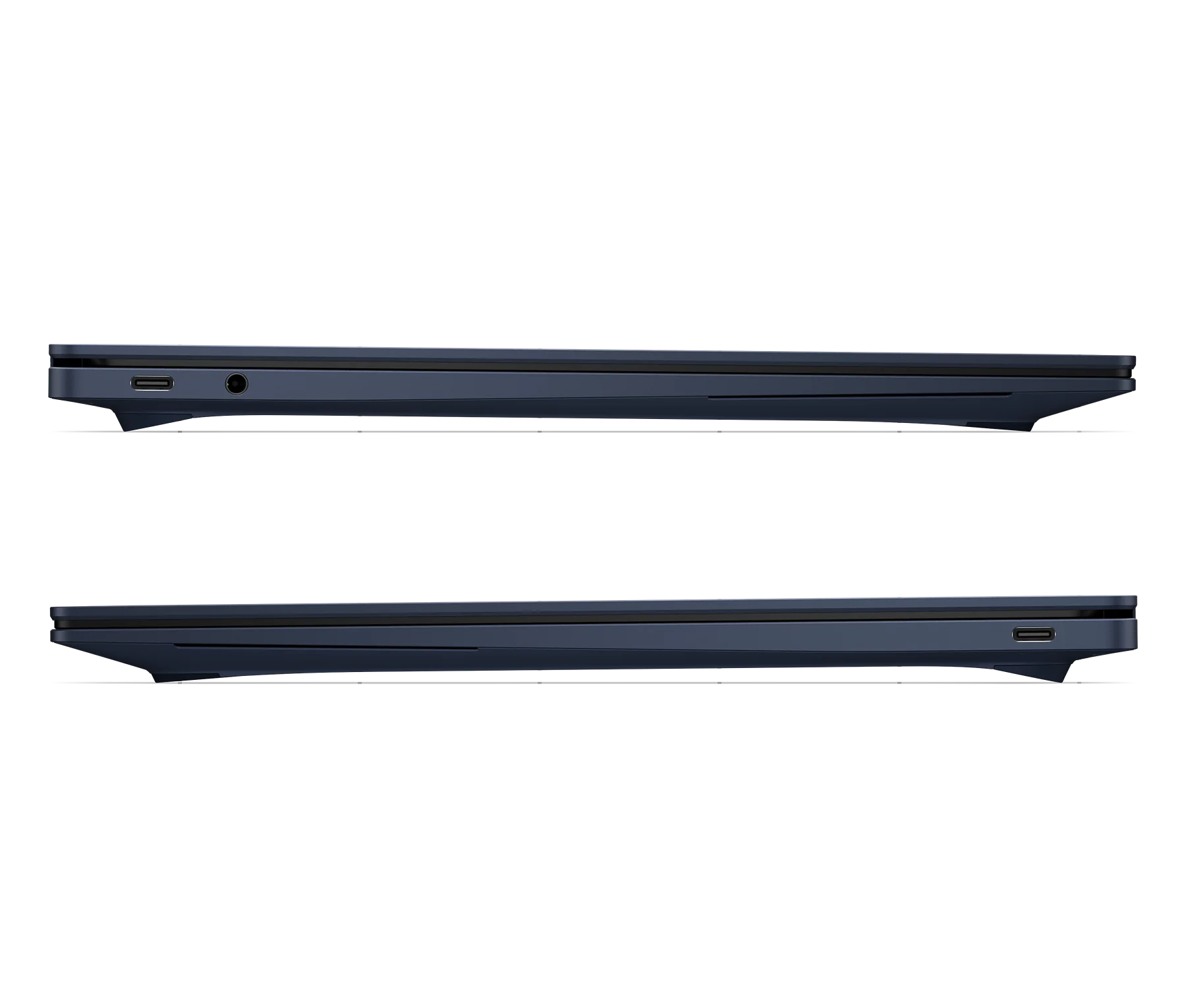
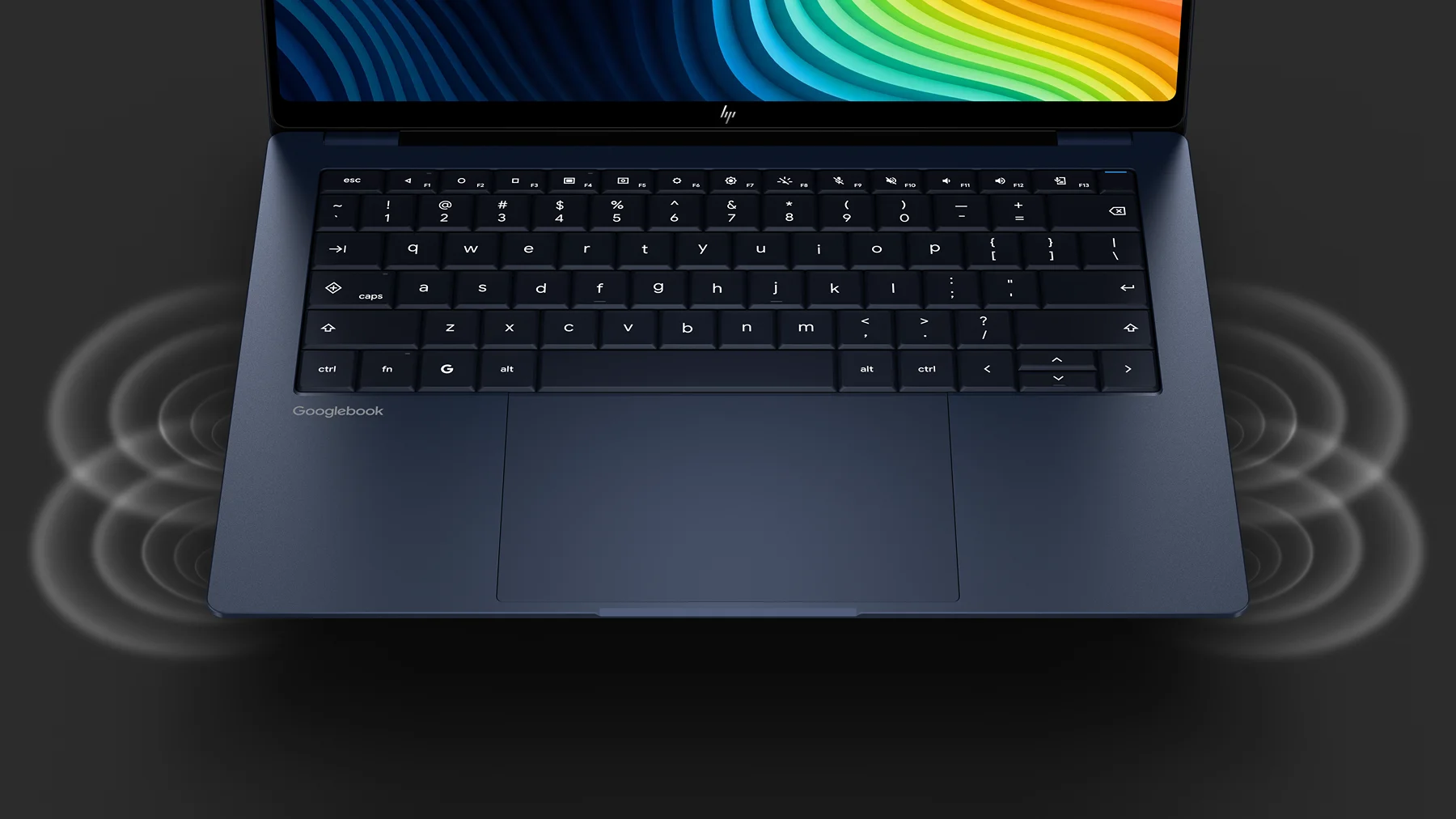
Wrapped in an all-aluminum unibody weighing 2.7 pounds, the HP Googlebook 14 features a gorgeous 14-inch 2.8K OLED touch panel at 500 nits, an exceptional glass haptic trackpad, a fingerprint sensor, IR face authentication and a clean, comfortable keyboard deck that feels phenomenal to type on. You can dive deeper and learn more about the HP Googlebook 14 here.
Lenovo Googlebook 15: The lightweight productivity giant ($1,099)
If you need a spacious canvas for split-screen multitasking, Lenovo delivered the lone big screen of the event. The Lenovo Googlebook 15 boasts a 15.3-inch 2.8K OLED touchscreen with Dolby Atmos surround audio, running on Intel Core Ultra 3 silicon.
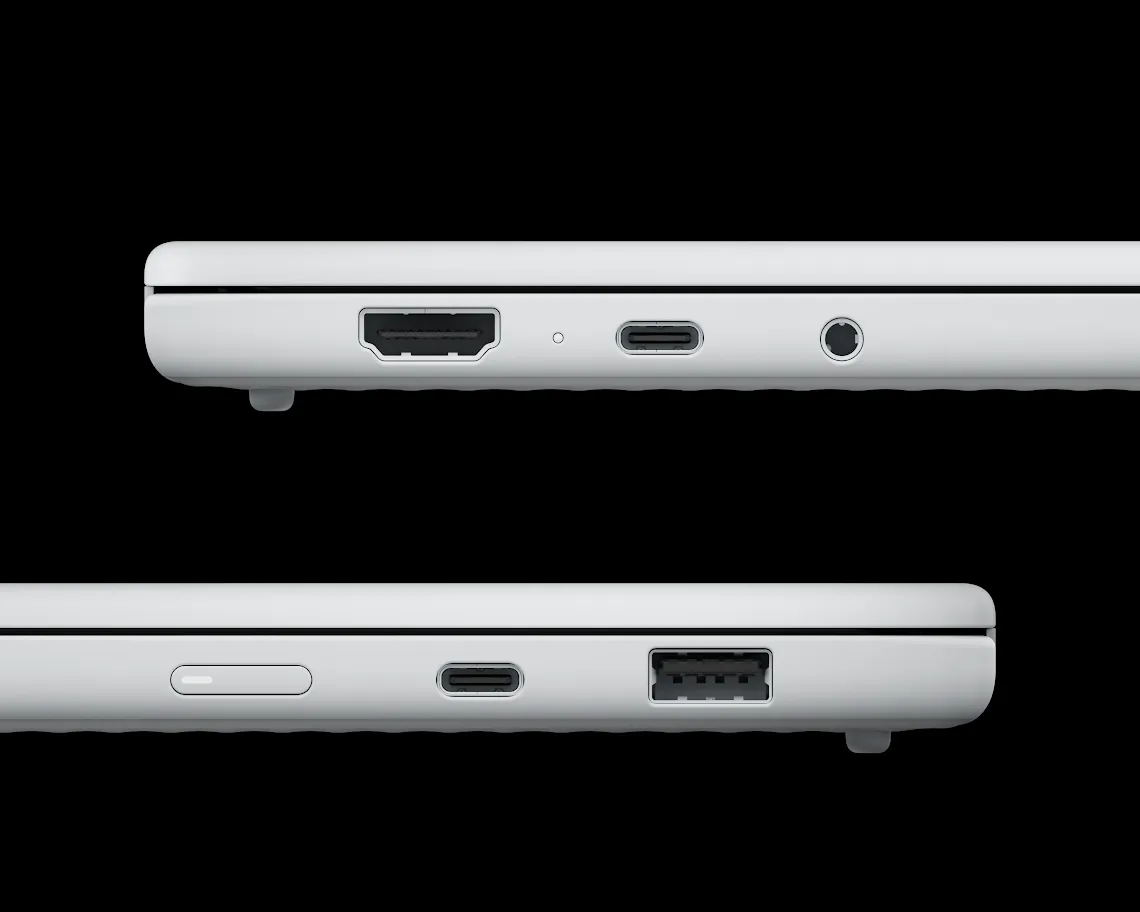
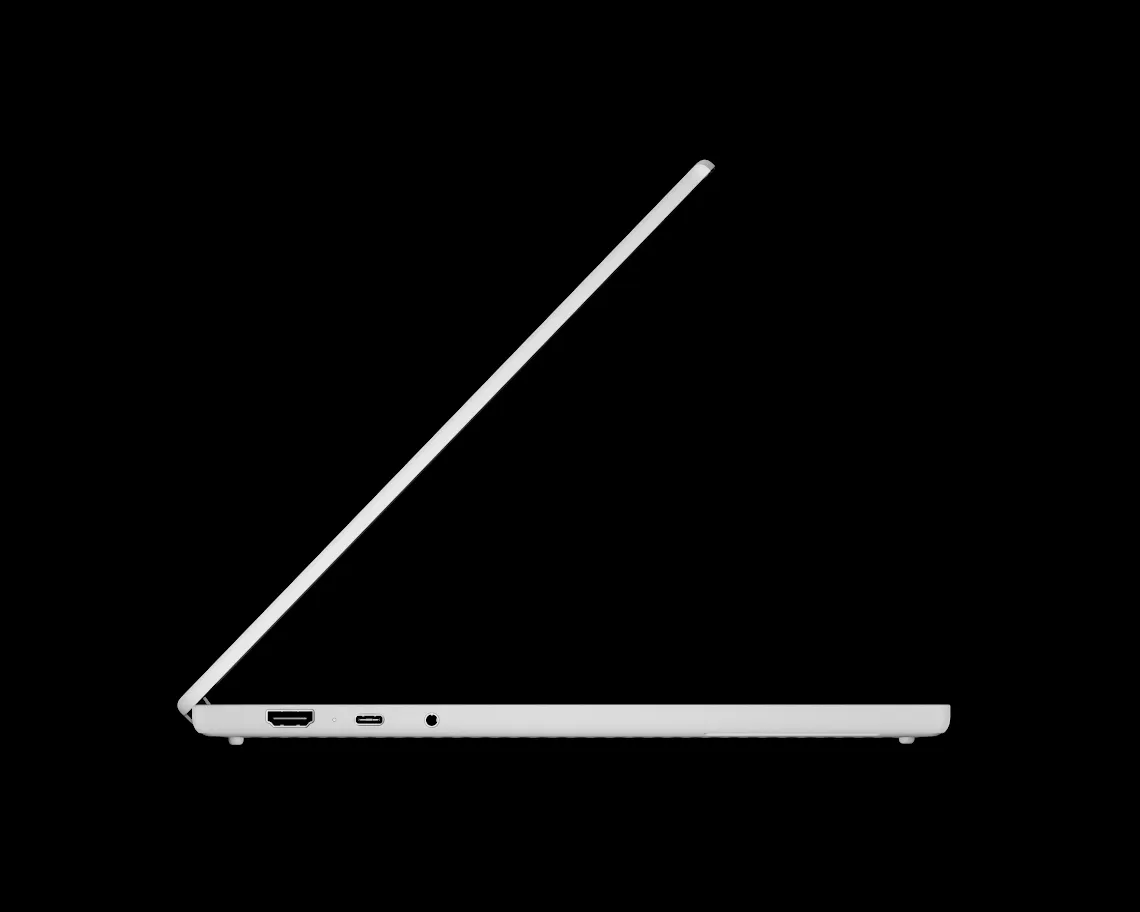
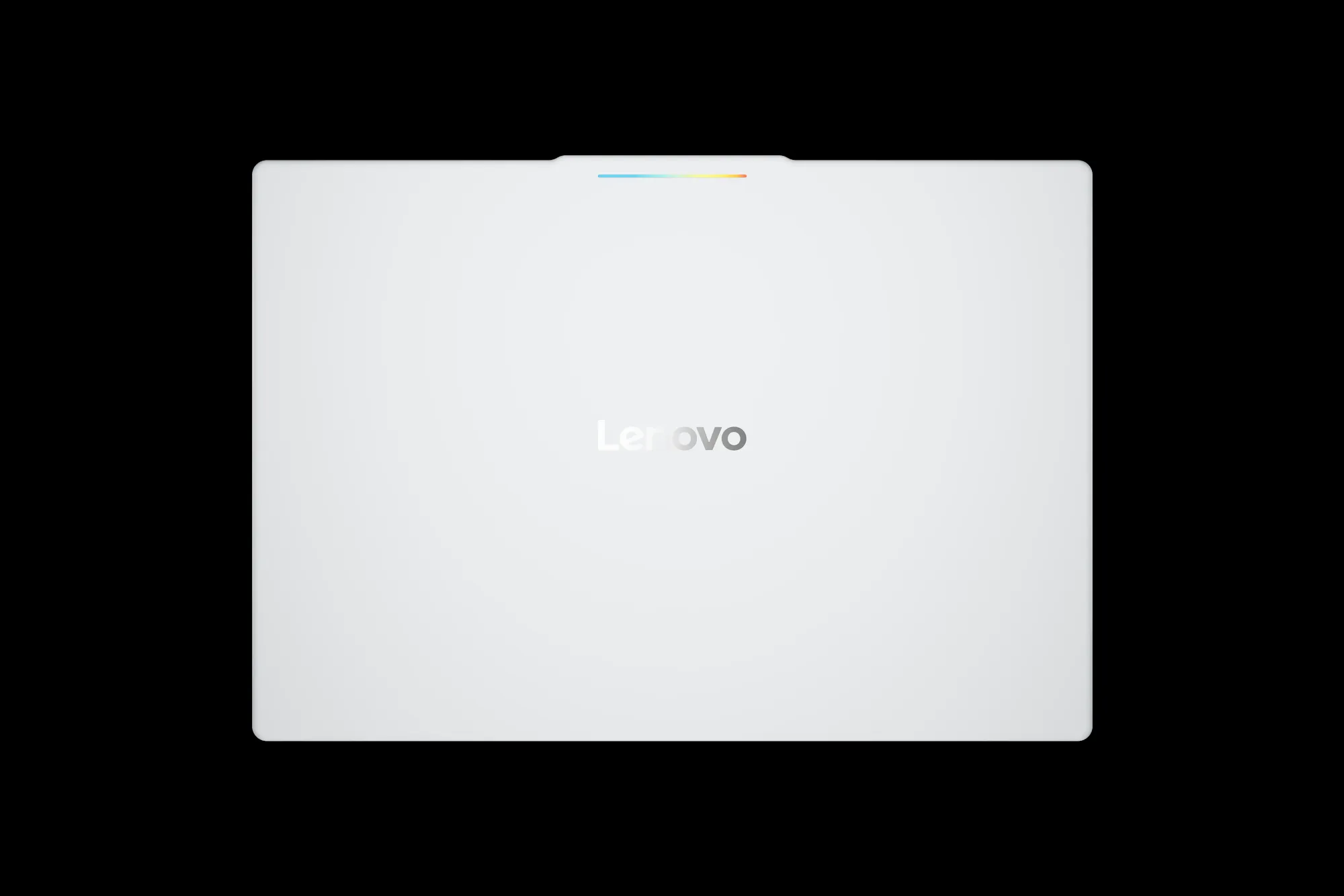
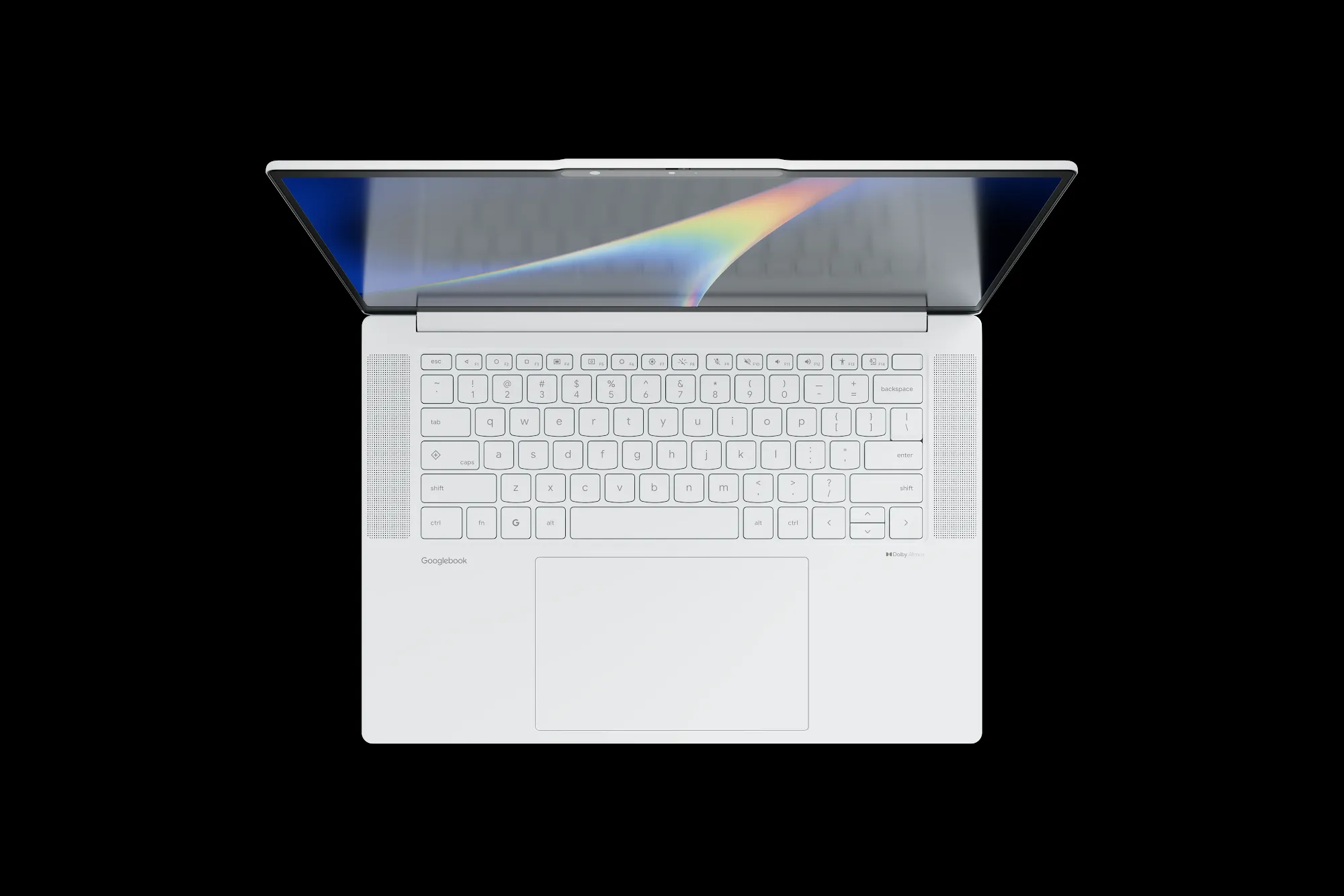
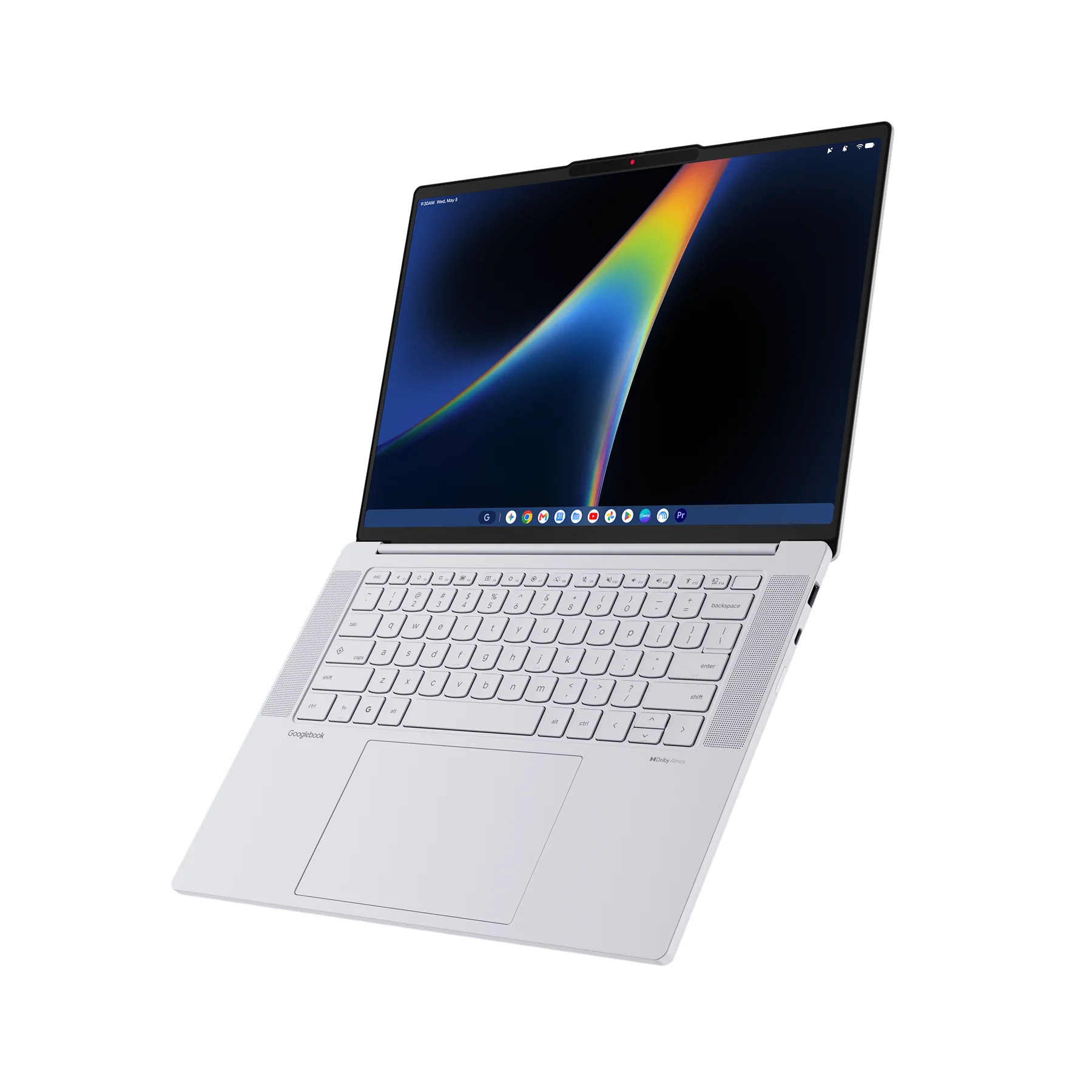
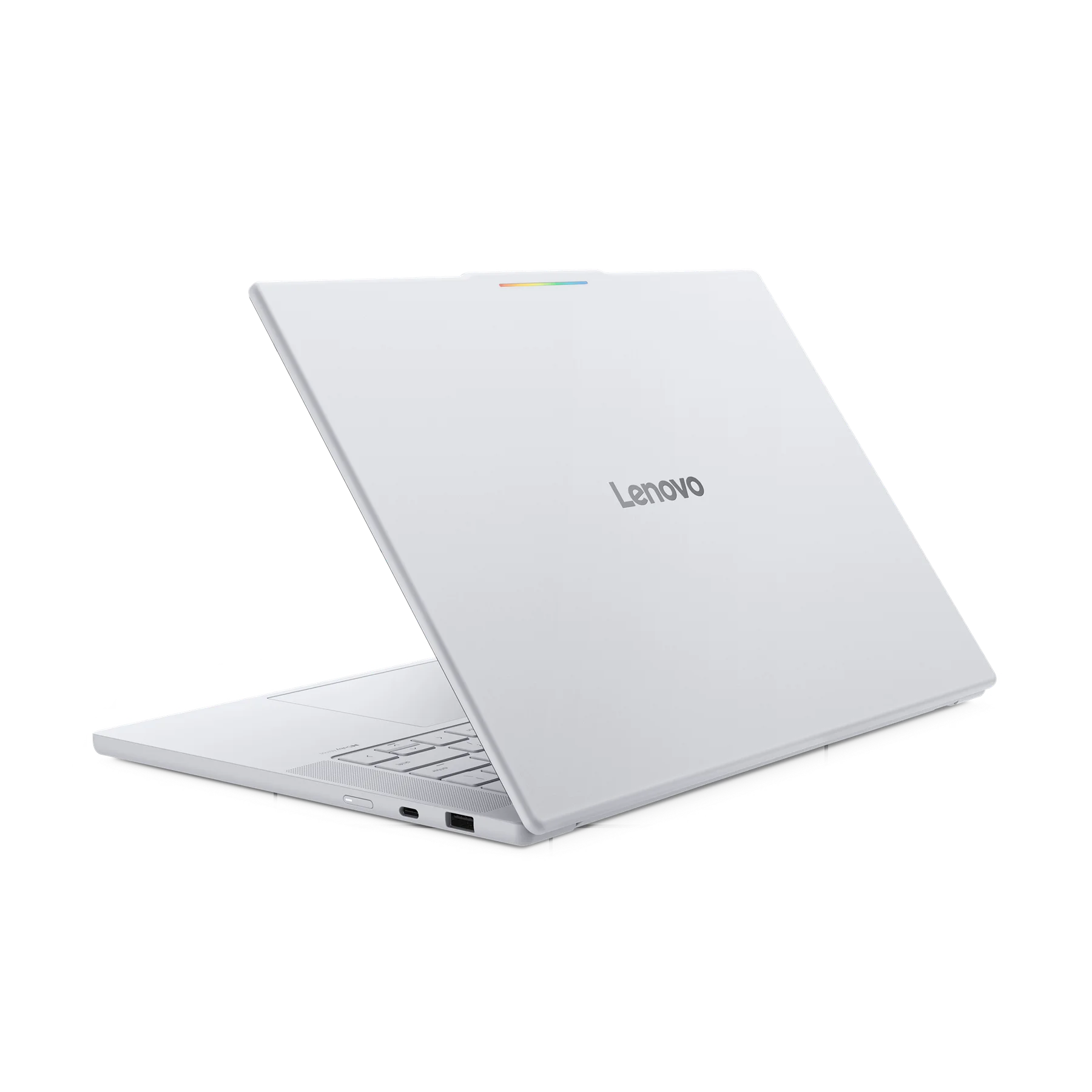
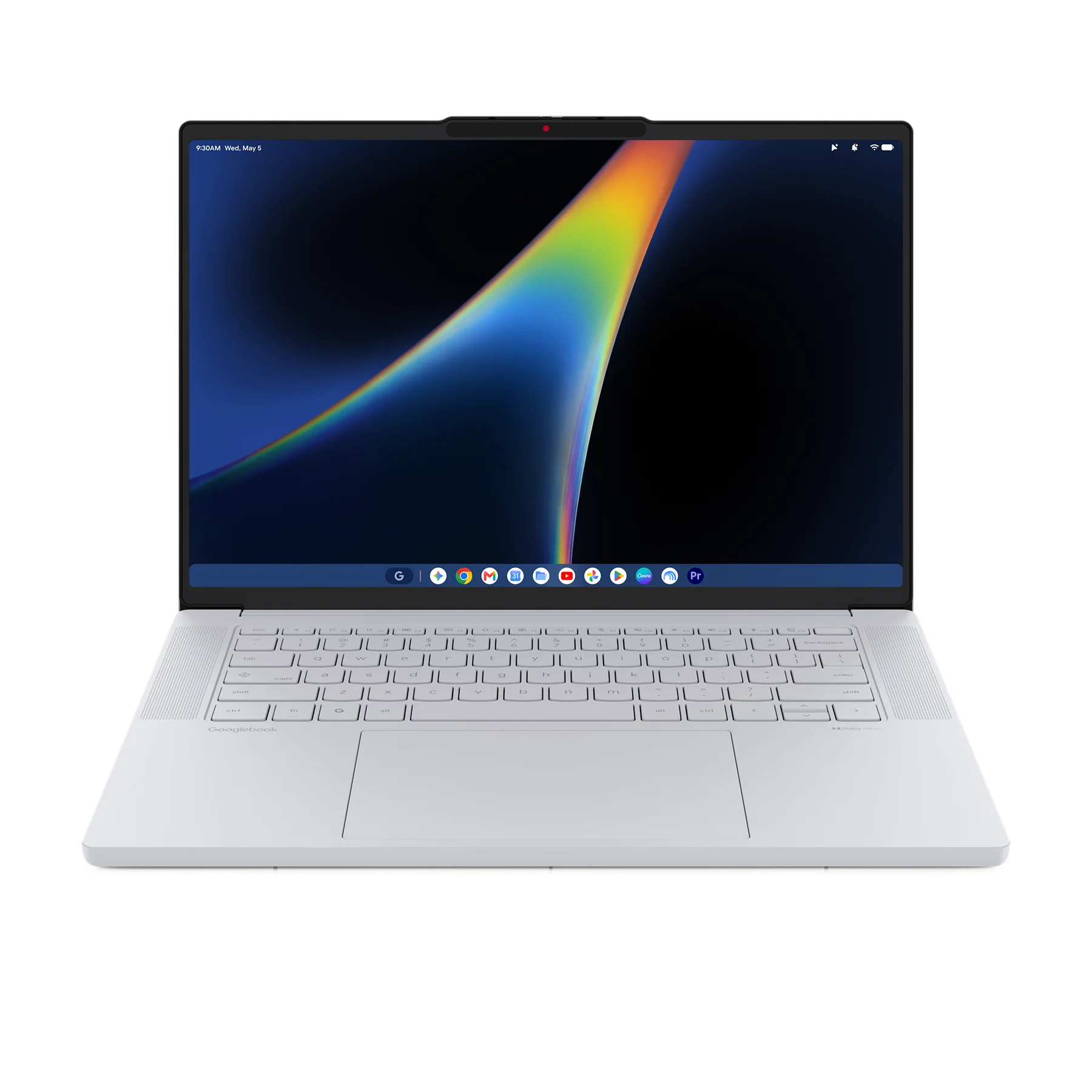
The real surprise in person, however, is the weight. By constructing the chassis out of a specialized blend of magnesium alloy and carbon fiber that feels buttery-smooth to the touch, Lenovo brought the total weight down to just 2.84 pounds (1.28 kg). That means this massive 15.3-inch laptop is nearly as light as some of the 14-inch models in the room. Lenovo also packed in the complete biometric suite, offering both IR face authentication and a fingerprint sensor alongside a huge haptic trackpad. You can dive deeper and learn more about the Lenovo Googlebook 15 here.
Launch bundles, updates, and availability
Google is packing an enormous amount of added value into every retail box to kick off pre-orders. Every Googlebook purchased includes:
- 12 months of Google AI Pro: Providing 5TB of cloud storage and full access to Gemini Advanced tools
- 3 months of creative and entertainment subscriptions: Complimentary access to YouTube Premium, Adobe Photoshop, and CapCut
- 1 year of GeForce NOW: Giving buyers access to high-end cloud gaming right out of the gate
- 10 years of guaranteed OS updates: Setting an industry-leading standard for long-term software support and regular feature drops
Pre-orders for all five devices are officially live starting today, September 21, on the Google Store, Best Buy, and other select retailers. Devices hit physical store shelves starting October 4 in the U.S., followed by Canada, the U.K., Ireland, France, Germany, and Australia on October 5.
Our review units will be arriving at the same time as all Googlebooks are hitting store shelves on October 4th or 5th, and you can bet we will be putting every single one of these machines through real-world battery tests, display benchmarks, and daily workloads over the coming weeks. Stay tuned for dedicated individual unboxings and reviews on each model, and make sure to read our companion breakdown exploring the new operating system powering it all: Googlebook OS!
SUBSCRIBE TO UPSTREAM
Get Chrome Unboxed delivered straight to your inbox
Upstream is our flagship, curated newsletter with the top stories, most click-worthy deals, giveaways, and trending articles from Chrome Unboxed sent directly to your inbox a few times a week. Join 31,000+ subscribers.

