
Support our independent tech coverage. Chrome Unboxed is written by real people, for real people—not search algorithms. Join Chrome Unboxed Plus for just $2 a month to get an ad-free experience, access to our private Discord, and more. Learn more about membership here.
START FREE TRIAL (MONTHLY)START FREE TRIAL (ANNUAL)
A couple of years ago when I was wrote up the One by Wacom as the first ChromeOS-compatible graphics tablet for students and creatives, the larger, more impressive Wacom One was not at all functional with Chromebooks. I was pretty bummed out since I had one, but figured that at some point in the future this would change.
Without receiving word of this, and somehow stumbling upon it on their website, I discovered that this has finally happened. Over on the official Wacom One product splash page, a notice about halfway down indicates that the 13.3″ display was tested and confirmed directly by Wacom itself as compatible with Chromebooks!
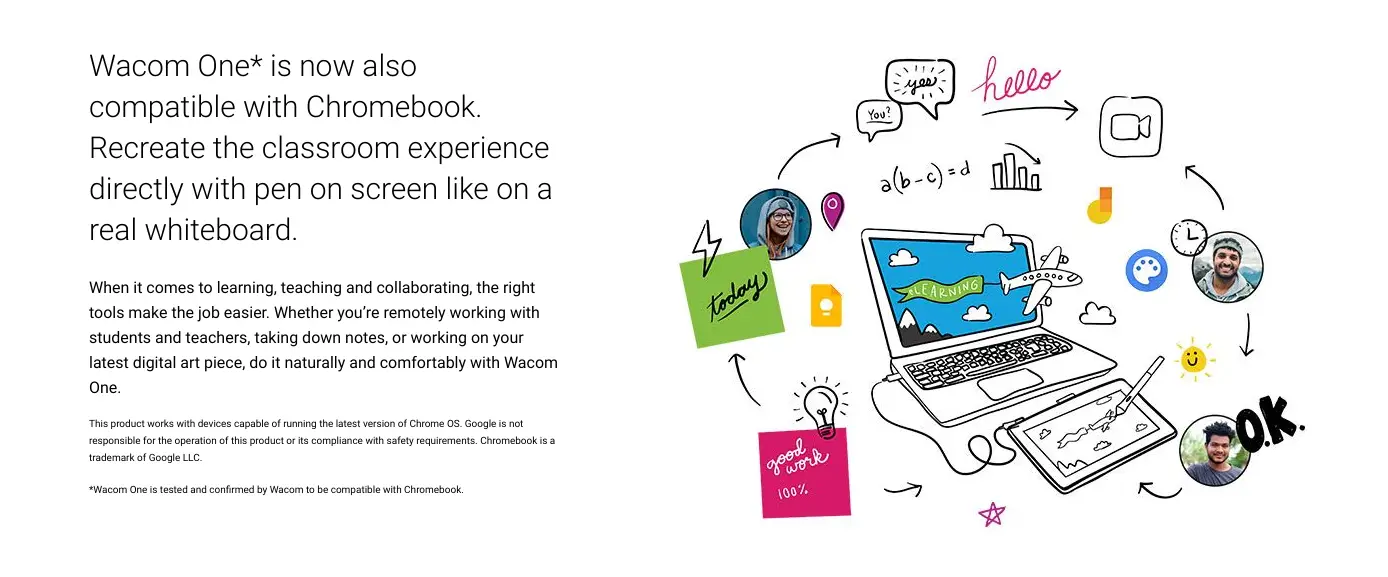
While I call it a display, don’t for one second think that this is a second monitor. Wacom graphics tablets allow direct pen input so that you can draw, sketch, paint, or create in a more tangible way than a mouse lets you. If you’re an aspiring artist, designer, or even 3D modeler, you’re going to want to use a graphics tablet over other peripherals every day of the week.
As you can see below (sorry for the crappy picture quality), I’ve plugged my Pixelbook Go into the Wacom One, and while it does act as another display, the pen that it comes with allows me to feel like I’m drawing on paper. There’s noticeable nib resistance and the tablet doesn’t detect my palm at all. This is something you simply can’t get by drawing directly on your Chromebook since it feels like glass (since it is) and palm rejection is notoriously garbage, despite Google’s neural updates which were meant to intelligently detect and reject your hand.

This marks an important transition for artistic tools on Chromebooks. Until the One by Wacom and now the Wacom One (yes, they have similar names), you were left to buying a device with a built-in stylus and hoping that the apps and screen were good enough to bang out a few decent drawings. Now, you can feel like you’re in the big leagues and have that sense of professionalism without having to buy a Windows PC.
Many of the apps available to you, like ArtFlow Studios, Autodesk Sketchbook and even Concepts will work much better this way than if you were to use them natively on the Chromebook screen for the reasons aforementioned. While we don’t yet have the full, real-deal Adobe Photoshop on ChromeOS and the web-based version we have covered in the past will likely not have pressure sensitivity available, there are still plenty of ways to unlock your creativity, and the Wacom One makes that more effortless than ever.
The Wacom One is currently $100 off and while it will cost you $299 USD, it’s worth every penny if you’re like me and art is a big part of your life. If you’re just tinkering, prefer not to set up the HDMI to Type-C adapter and power cable to the wall in order to run this gorgeous pen display and only casually draw to express yourself, then I recommend picking up the much less expensive, more portable One by Wacom so you can throw it in your laptop bag and hit the road prepared.
SUBSCRIBE TO UPSTREAM
Get Chrome Unboxed delivered straight to your inbox
Upstream is our flagship, curated newsletter with the top stories, most click-worthy deals, giveaways, and trending articles from Chrome Unboxed sent directly to your inbox a few times a week. Join 31,000+ subscribers.

