

Desktop notifications can be a great addition to your workflow when managed properly. On the flip side, they can be an absolutely frustrating annoyance when they get out of hand and become a distraction. Once upon a time, notifications on Chrome OS were little more than what you'd expect when using … [Read more...] about Managing notifications on your Chromebook
Support our independent tech coverage. Chrome Unboxed is written by real people, for real people—not search algorithms. Join Chrome Unboxed Plus for just $2 a month to get an ad-free experience, access to our private Discord, and more. Learn more about membership here.
START FREE TRIAL (MONTHLY)START FREE TRIAL (ANNUAL)
The potential impact of the upcoming true mouse support in iPad OS 14
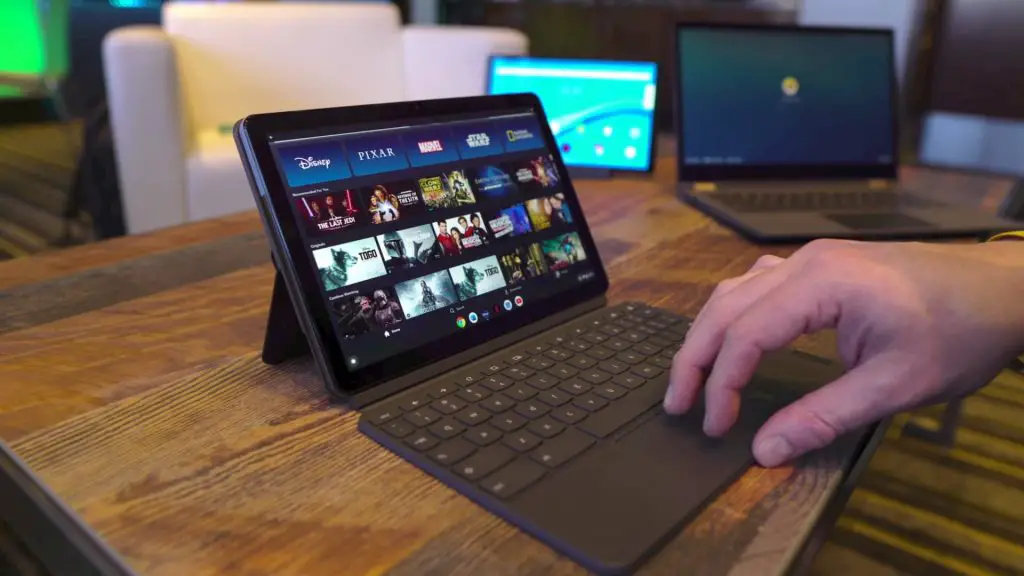
It would seem that iPads will soon have proper mouse support. No, I'm not talking about the accessibility feature that is there in iPad OS 13 currently. Instead, I'm referring to a new feature spotted by 9to5 Mac that is internally being identified as 'rich system-wide support' for mouse cursors … [Read more...] about The potential impact of the upcoming true mouse support in iPad OS 14
4K for Stadia on the web is here: what you need to get it working

According to an early report by 9to5 Google and a subsequent confirmation by Google on Reddit, Stadia is making good on yet another of its earlier promises by delivering 4K to the web-based version of the game streaming platform. Up to this point, 4K gameplay has been limited to the Chromecast … [Read more...] about 4K for Stadia on the web is here: what you need to get it working
ASUS Chromebook Flip C436 gets a beautiful new teaser video

If there's one thing you can't fault ASUS for, it is their ability to create compelling, beautiful videos for their Chromebooks. The Flip C434 got the same treatment last year and in mid-January 2020, we saw a short video show up for the Flip C436 alongside a new landing page on ASUS' website. … [Read more...] about ASUS Chromebook Flip C436 gets a beautiful new teaser video
At $379, the ASUS Chromebook Flip C433 is finally worth a look

Robby's initial review of the Chromebook Flip C433 showed us that ASUS' dumbed-down version of the C434 was a bit of a mixed bag. While it features the same relatively powerful internals, the build quality left a little something to be desired. That doesn't necessarily mean it's not a good … [Read more...] about At $379, the ASUS Chromebook Flip C433 is finally worth a look
Monster Deal: This Core i5 HP Chromebook 15 is priced to sell

If you're looking to get your hands on a powerful Chromebook that's great for productivity, the HP Chromebook 15 w/numeric keypad is a great option. We've seen various configurations of this device on sale off and on over the past few months but the Core i5 model has been the easiest to recommend … [Read more...] about Monster Deal: This Core i5 HP Chromebook 15 is priced to sell
How to install Signal Desktop Messenger on your Chromebook

Messaging apps come in more flavors than Baskin Robbins' Ice Cream and most people have a personal favorite. Personally, I'm a WhatsApp kind of guy. I use Android Messages on my phone and my Chromebook a lot of conversations but the majority of my chats, work and home-related, take place in WhatsApp … [Read more...] about How to install Signal Desktop Messenger on your Chromebook
Darktable: How to install this Lightroom alternative on your Chromebook

In today's installment of the Command Line, we're going to take a look at a serious photo editor that is not only free but can be a viable alternative to Adobe's popular Lightroom. While I don't fancy myself a professional photographer, I've had a number of people ask about this app. After doing a … [Read more...] about Darktable: How to install this Lightroom alternative on your Chromebook
How to take better screenshots on your Chromebook with these easy tips!

For me, taking screenshots is an essential, daily practice. Sometimes it's easier to show someone rather than try to explain it! Fortunately, taking a screenshot on your Chromebook is built-in and super easy! Capture your entire screen If you want to capture everything on your … [Read more...] about How to take better screenshots on your Chromebook with these easy tips!
Stadia Pro is now open to more users with a Chromecast Ultra purchase
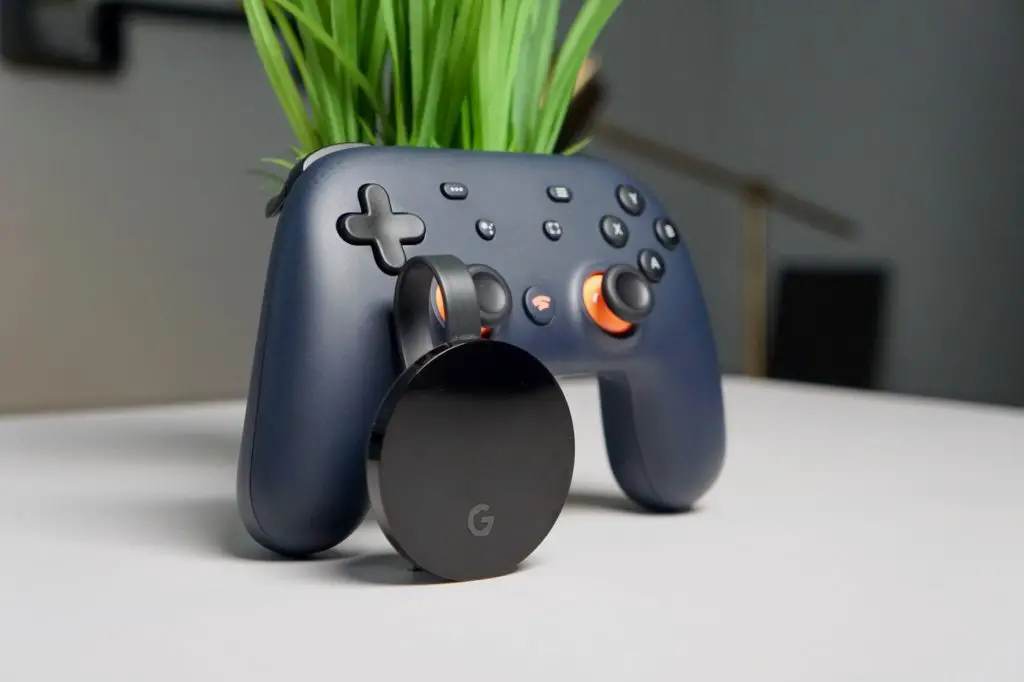
Since Stadia's launch in November, there have only been a few ways to get involved and start using the service. For the earliest adopters out there, the Founders Edition was the way in, giving those who signed up a Chromecast Ultra, a limited-run Stadia controller, and 3 free months of Stadia Pro … [Read more...] about Stadia Pro is now open to more users with a Chromecast Ultra purchase
5 steps to clean and disinfect your Chromebook to prevent coronavirus spread
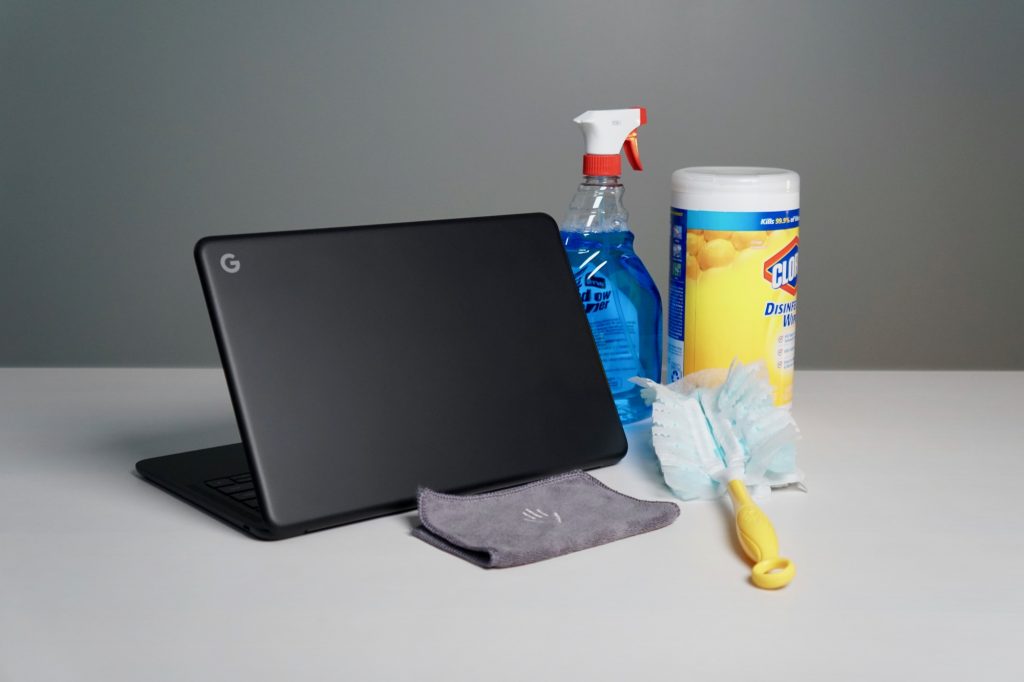
As the world continues to deal with the threat of the novel coronavirus, people are looking for ways to clean and disinfect their living spaces and belongings. In our latest episode of The Chrome Cast, we talked about the many tech events that have been canceled and how businesses and schools are … [Read more...] about 5 steps to clean and disinfect your Chromebook to prevent coronavirus spread
The Chrome Cast 51: Android App overhaul on Chrome OS and Google Assistant reads the internet

This week on The Chrome Cast we discuss the state of Android Apps on Chrome OS and what ARCVM means for the future of the platform. Before we dig into that, we cover Google's cancellation of the annual I/O conference and the effect that the Coronavirus is having on the tech industry in general. … [Read more...] about The Chrome Cast 51: Android App overhaul on Chrome OS and Google Assistant reads the internet
