

It is no secret that I love the Pixelbook Go. I've tried two of the configurations and though I'd say most people would be fine with the entry-level m3 model that retails for $649, there are some perks to doubling the storage and bumping up performance in the $849 Core i5 model. And even though I … [Read more...] about We bought and used the 4K Pixelbook Go so you don’t have to
Support our independent tech coverage. Chrome Unboxed is written by real people, for real people—not search algorithms. Join Chrome Unboxed Plus for just $2 a month to get an ad-free experience, access to our private Discord, and more. Learn more about membership here.
START FREE TRIAL (MONTHLY)START FREE TRIAL (ANNUAL)
How to install the Vivaldi browser on your Chromebook
It's that time again. The time where we tinker with Linux on Chrome OS to explore what can be done for one simple reason. WE CAN! Yesterday's Command Line article focused on adding the ability to print from your Crostini Linux apps. That feature is a much-needed resource for many Chrome OS users … [Read more...] about How to install the Vivaldi browser on your Chromebook
[UPDATE] How to use your HP Printer with Linux on Chrome OS
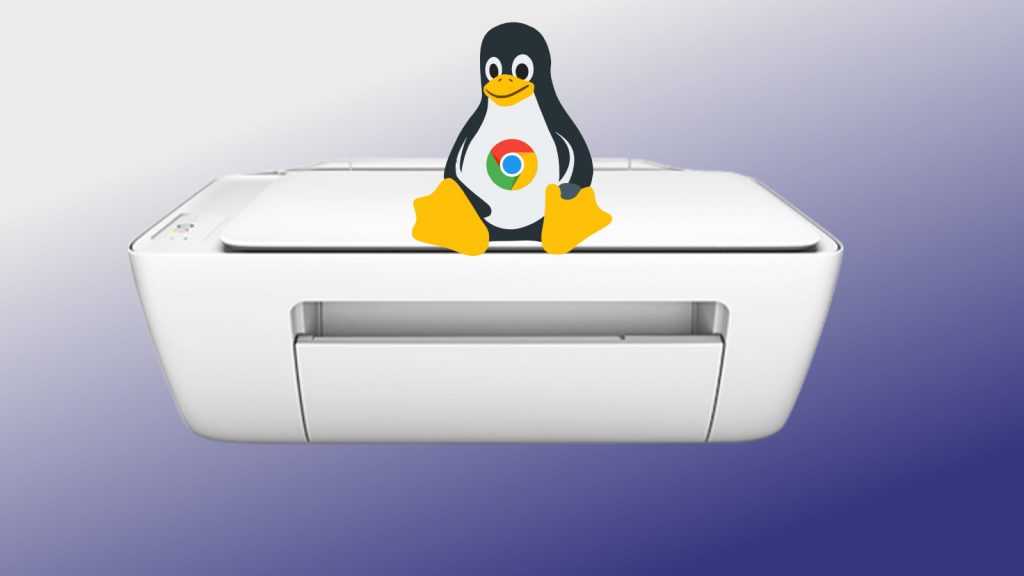
I was perusing various forums this evening in an effort to gather some good fodder for future Command Line articles when I stumbled upon a thread that immediately piqued my interest. The subject in question was how to print from a particular app that was running on Chrome OS via the Linux container. … [Read more...] about [UPDATE] How to use your HP Printer with Linux on Chrome OS
Install this standalone Shockwave player on your Chromebook and get your retro game on
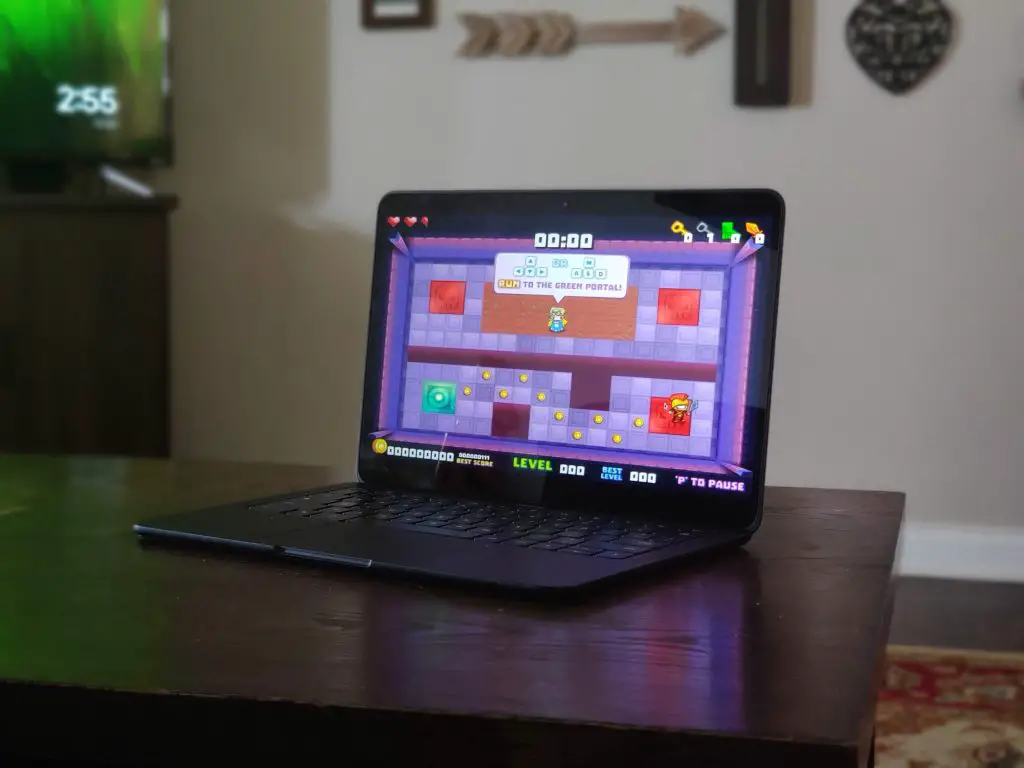
Chromebooks are becoming more and more capable every day. With the addition of Android and Linux apps and streaming platforms like Stadia, they're also turning into pretty decent gaming rigs as well. More power and legitimate GPUs may someday mean the advent of real-deal AAA+ games on Chrome OS but … [Read more...] about Install this standalone Shockwave player on your Chromebook and get your retro game on
Unboxing and setting up the new Google Pixel Buds

Yesterday was finally the day! We've been waiting since October of 2019 to get our hands on Google's latest take on the truly wireless earbuds and after over 6 months of anticipation, they are finally here and ready to get the unboxing treatment. The Pixel Buds bring a lot to the table in terms … [Read more...] about Unboxing and setting up the new Google Pixel Buds
Samsung Galaxy Chromebook review: pulling out all the stops

The Samsung Galaxy Chromebook is what you get when a company takes a swing at doing everything right, landing all the punches, and delivering on all fronts. When we talk about Chromebooks and what makes them great, the pillars are pretty simple: build quality, screen, keyboard, trackpad, … [Read more...] about Samsung Galaxy Chromebook review: pulling out all the stops
This new Chrome OS 81 feature will help tame your microphone in video calls

It is no secret or surprise that we are all investing far more time than before in video calls. Whether you use Zoom, Google Meet, Facetime, Google Duo, WhatsApp, Messenger Rooms, or something else, there are constants that exist between every single video chat platform. When it comes down to it, … [Read more...] about This new Chrome OS 81 feature will help tame your microphone in video calls
Unboxing & hands-on with the rugged version of the Lenovo Chromebook Duet

Today is kinda the day, folks: a device that is very, very similar to the Lenovo Chromebook Duet is in the house and we're doing an old-fashioned unboxing for you to see. The Lenovo Chromebook 10e is in many ways a re-skinned version of the Chromebook Duet with an education focus in its approach to … [Read more...] about Unboxing & hands-on with the rugged version of the Lenovo Chromebook Duet
Help fight disease with Folding@home on Chrome OS
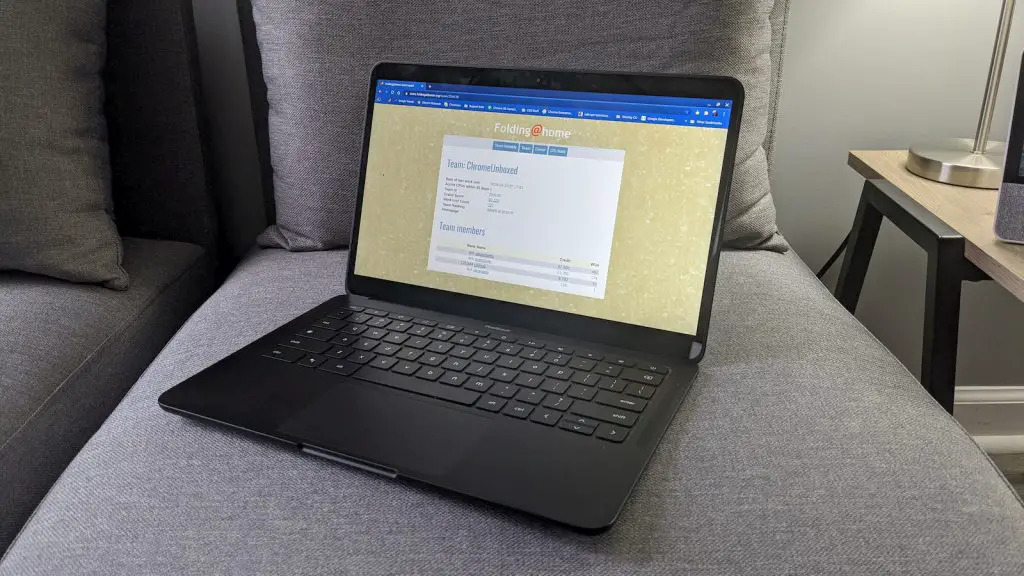
Distributed computing is at the core of many of the technologies that we use on a daily basis without even realizing it. To simplify it into terms I can understand, the process involves multiple systems performing the same tasks in conjunction with each other but not dependent on any one device. The … [Read more...] about Help fight disease with Folding@home on Chrome OS
ASUS Chromebook Flip C434 VS Flip C436: sometimes newer isn’t always better

We've already unboxed, previewed and reviewed both of the devices we are comparing today, so please check those videos/articles out if you haven't already. In all likelihood, you've read or watched plenty about both of these ASUS Chromebooks and you're simply here looking for some help on deciding … [Read more...] about ASUS Chromebook Flip C434 VS Flip C436: sometimes newer isn’t always better
How-to: Adding Debian Backports to Chrome OS
In many cases, finding the Linux software you need for your Chromebook is as simple as using using apt install from the command line as the Debian Buster repository is full of common and popular packages used by many. However, there are occasions when the package you want doesn't exist in the stable … [Read more...] about How-to: Adding Debian Backports to Chrome OS
The Samsung Galaxy Chromebook’s extravagance helps me appreciate the Pixelbook Go’s understated brilliance

I've now been using the new Samsung Galaxy Chromebook as my primary device for a week at this point. Don't worry, a full review is coming soon as my opinions are fully forming around this high-end Chromebook, but what I'm noticing in tangent to my thoughts congealing around the flat-out … [Read more...] about The Samsung Galaxy Chromebook’s extravagance helps me appreciate the Pixelbook Go’s understated brilliance
