


Support our independent tech coverage. Chrome Unboxed is written by real people, for real people—not search algorithms. Join Chrome Unboxed Plus for just $2 a month to get an ad-free experience, access to our private Discord, and more. Learn more about membership here.
START FREE TRIAL (MONTHLY)START FREE TRIAL (ANNUAL)
After ‘accidentally’ leaking its new Nest hardware on its own store yesterday, Google has finally announced revamped and long-awaited vision for the future of its products. On The Keyword today, several new devices were announced and are now available for pre-order. Here’s the list of what we can look forward to:
- $179.99 USD – Google Nest Camera (battery) – Indoor/Outdoor usage
- $179.99 USD – Google Nest Doorbell (battery) – Fantastic for homes or apartments (Rebranded from Nest Hello)
- $279.99 USD – Google Nest Camera with Floodlight – Outdoor usage and security
- $99.99 – USD – 2nd Generation Google Nest Camera (wired) – indoor and affordable!
If you decide to snag the battery-powered Nest Camera or Doorbell, you’ll have to wait until August 24, 2021, for them to begin shipping. If you’re interested in the wired indoor Nest Camera or the new floodlight Nest Camera, you’ll need to sit tight until Google announces a release date on these as it states that they are ‘coming soon’.

Nest Doorbell (battery) 
Nest Camera with Floodlight 
Nest Camera (Indoor/Outdoor – battery) 
Nest Camera (2nd gen – wired)
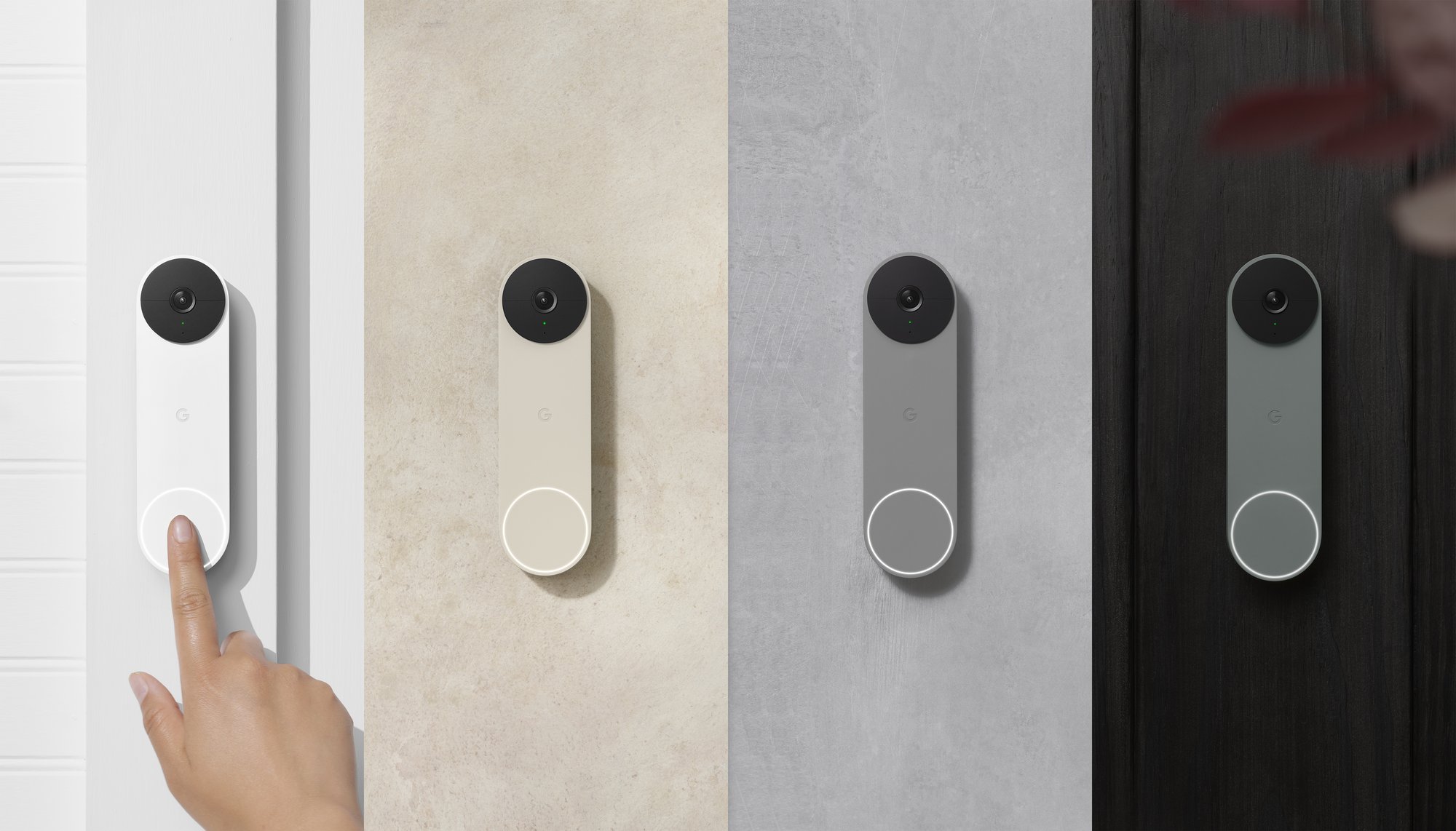
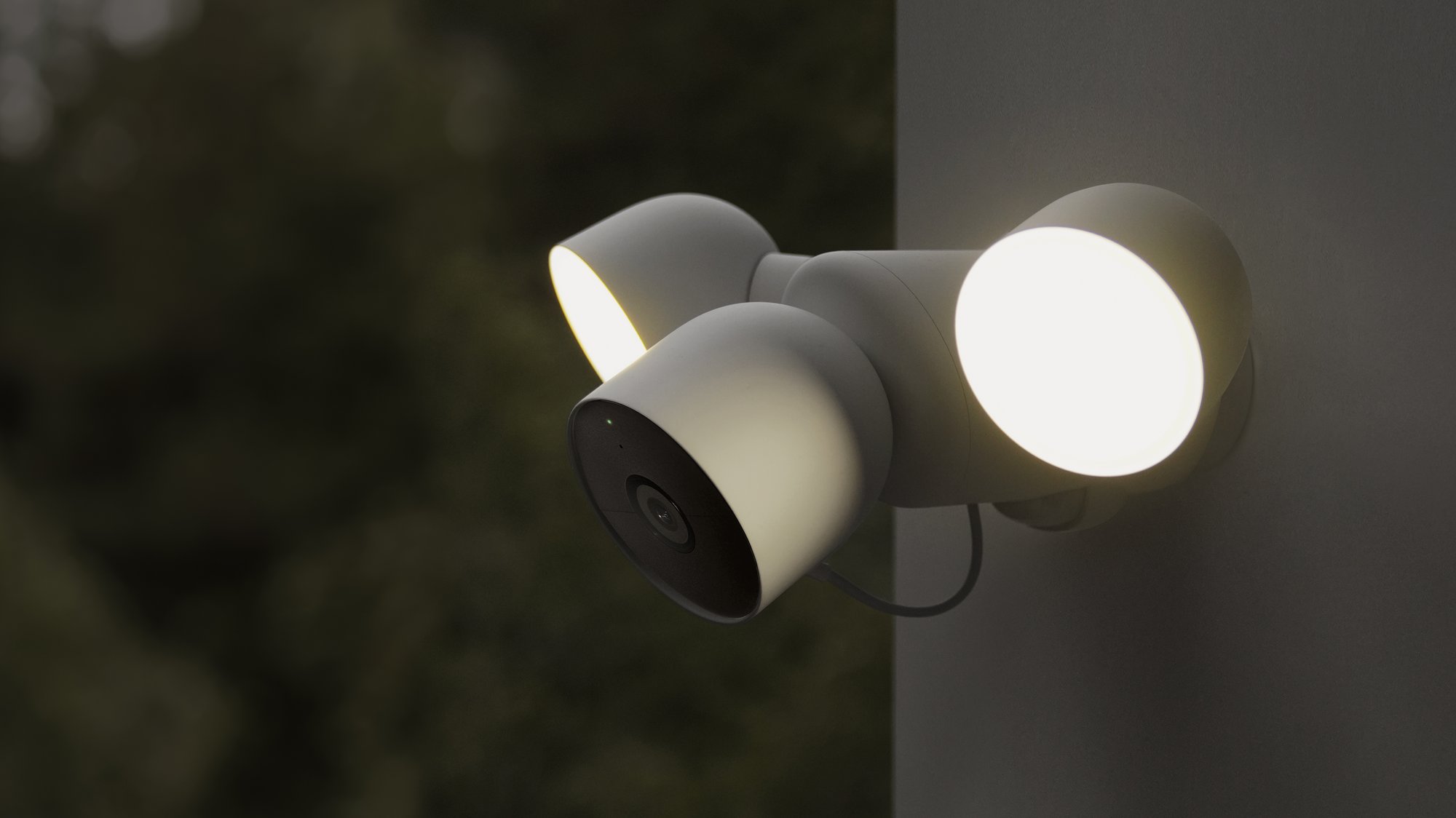

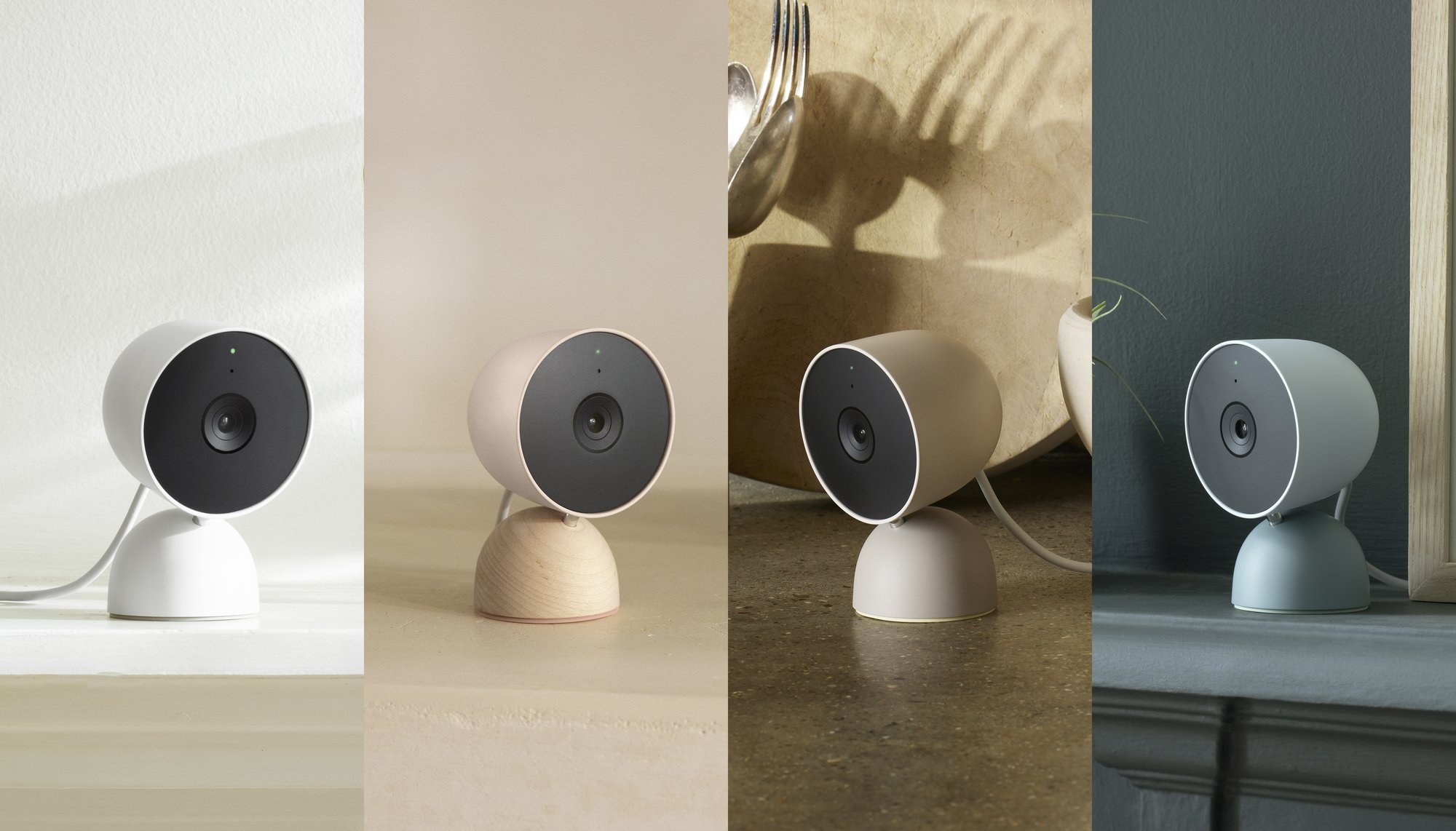
One of Nest’s first goals was to simplify home security, and we did this with our first line of cameras. So when we started dreaming up what our next generation of cameras and doorbells would be like, we wanted to incorporate the way the connected home — and your expectations — were heading. That included smarter alerts, wire-free options for installation flexibility, greater value and beautiful designs, plus enhanced privacy and security. We wanted our new line to give you the most comprehensive set of intelligent alerts right out of the box, and easily work with your other Nest products, like displays.
The Keyword
This new line of cameras is more intelligent than the previous – even to the point of being able to tell the difference between a person, an animal, a vehicle, and even a package. Yes, the first-generation devices could already do much of this, but with varying success. To improve this, the newly announced ones take onboard AI and machine learning to the next level, and by more accurately processing what they see, they can send you more relevant notifications. The best part is that all of this is done out of the box, and requires no subscription!
I’m particularly excited about the Nest Doorbell with a battery – because I live in an apartment, I’ve been unable to wire up the original model, and have gone without this piece of tech in my home (or rather, outside of it!) It will be nice to have eyes on my front door whenever needed without having to deal with a complicated setup, and I know I’m not alone in that. In fact, the Nest Camera and Doorbell with a battery both present an opportunity for the company to lower the bar of entry into smart home tech for consumers, and I believe adoption rates will soar as a result. That’s not to mention the pricing – it’s affordable and easy!
Speaking of easy, all of the new hardware will require the Google Home app. As Google continues to phase out the Nest app and place Home in, well, your home, this both makes sense and simplifies setup and usage across the board. I know many may not be excited about this, but for me, personally, I detest having to open the Nest app to set my alarm and to perform expanded Nest functions. That’s why I’m grateful that everything will be in one place going forward!
While several features will come for free out of the box, as I said before, a Nest Aware Plus subscription will be required for you to extend your event video history from three hours to 30 hours, or even to 60 days. Additionally, the subscription will let you use familiar face detection, and 24/7 video history on wired Nest Cams. Currently, $12 per month gets you all of this and more on all of your compatible devices and is no longer per device.
Probably one of the coolest features to come is the ability for the Doorbell, the battery-powered Nest Cam, and Floodlight to all record video for up to one hour offline in case of a Wi-Fi outage. Once they reconnect, they will immediately upload that footage so that there’s no gap in your coverage. They do this by utilizing a bit of onboard storage – sweet!
Wrapping things up, the Nest Camera and battery-powered doorbell will come in several nature-inspired colors and all of the devices announced today are made with recycled materials as Google continues its dedication to sustainability! Are you excited about anything discussed here, or do you still have reservations? I think for many of us, it’s past time for an upgrade, but if you decide to stick it out and see how these new products perform on the market, your current 1st generation Nest Camera will continue to get updates and support for the foreseeable future, though Google did mention that they will stop selling them on their store as they did with the Nest Cam IQ.
SUBSCRIBE TO UPSTREAM
Get Chrome Unboxed delivered straight to your inbox
Upstream is our flagship, curated newsletter with the top stories, most click-worthy deals, giveaways, and trending articles from Chrome Unboxed sent directly to your inbox a few times a week. Join 31,000+ subscribers.


