


Support our independent tech coverage. Chrome Unboxed is written by real people, for real people—not search algorithms. Join Chrome Unboxed Plus for just $2 a month to get an ad-free experience, access to our private Discord, and more. Learn more about membership here.
START FREE TRIAL (MONTHLY)START FREE TRIAL (ANNUAL)
Google Workspace has certainly gone through many changes and improvements in the past couple of years. Recently we saw the launch of tone and styling suggestions, Gmail draft capabilities, and auto-generated summaries in Google Docs. Google is now expanding on some of these existing capabilities and introducing some new ones, and promptly announced them at today’s I/O Developer Conference.
Motivated by the rise of hybrid work and what can be done to improve that experience, Google has developed more ways to use machine learning to keep us from going into information overload and hopefully increase productivity.
Google Meet received the bulk of the Workspace improvements announced, with several features aimed at improving picture and sound quality, as well as adding security and time-saving options. For example, one feature that Google is calling “Portrait restore” uses AI technology to improve video quality to the point where it will add lighting in cases when you are not properly lit or have an old webcam.
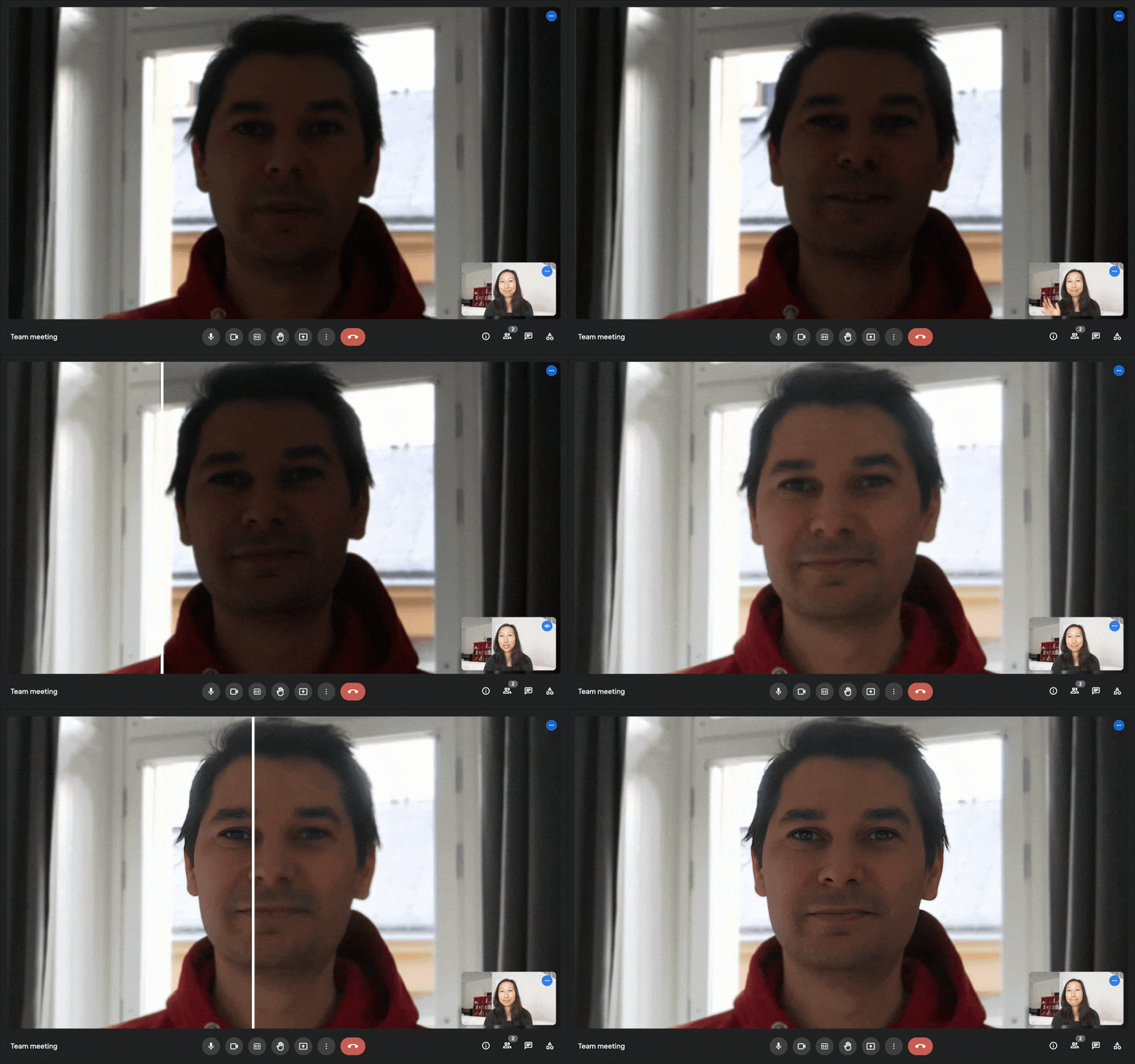
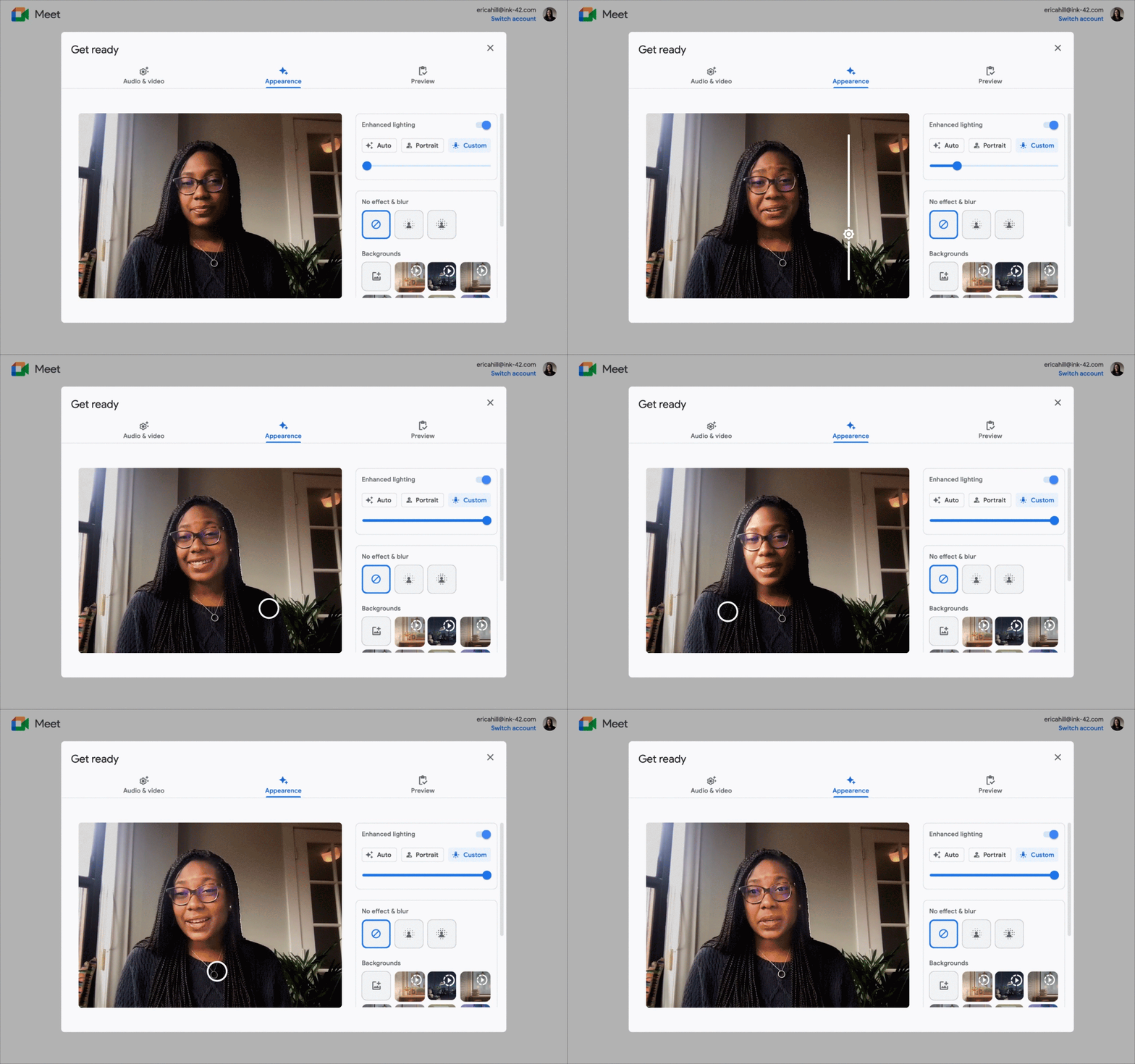
Using machine learning, Google has also introduced “Portrait light” to simulate studio-quality lighting that can be adjusted to move positions or change brightness. This feature is reminiscent of Portrait Lighting on Pixel phones, and now we can use it on the web.
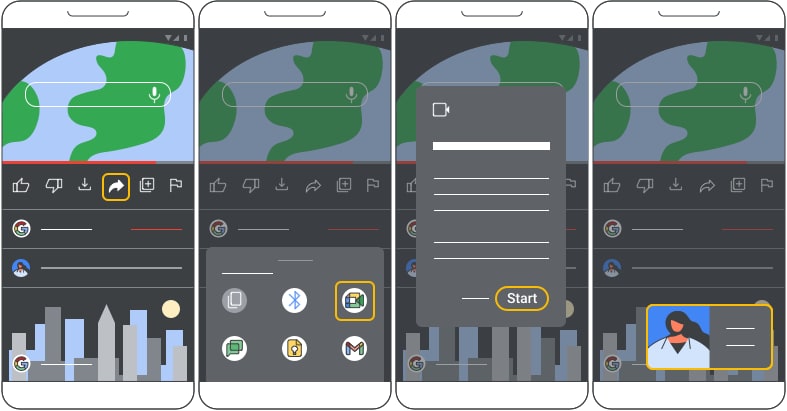
On the audio side of things, a new feature called “de-reverberation” is being introduced, which filters out echoes in Meet calls to sound your best regardless of your location. Additionally, a new “Live sharing” APK will allow developers to incorporate Meet into their apps and sync content across devices in real-time.
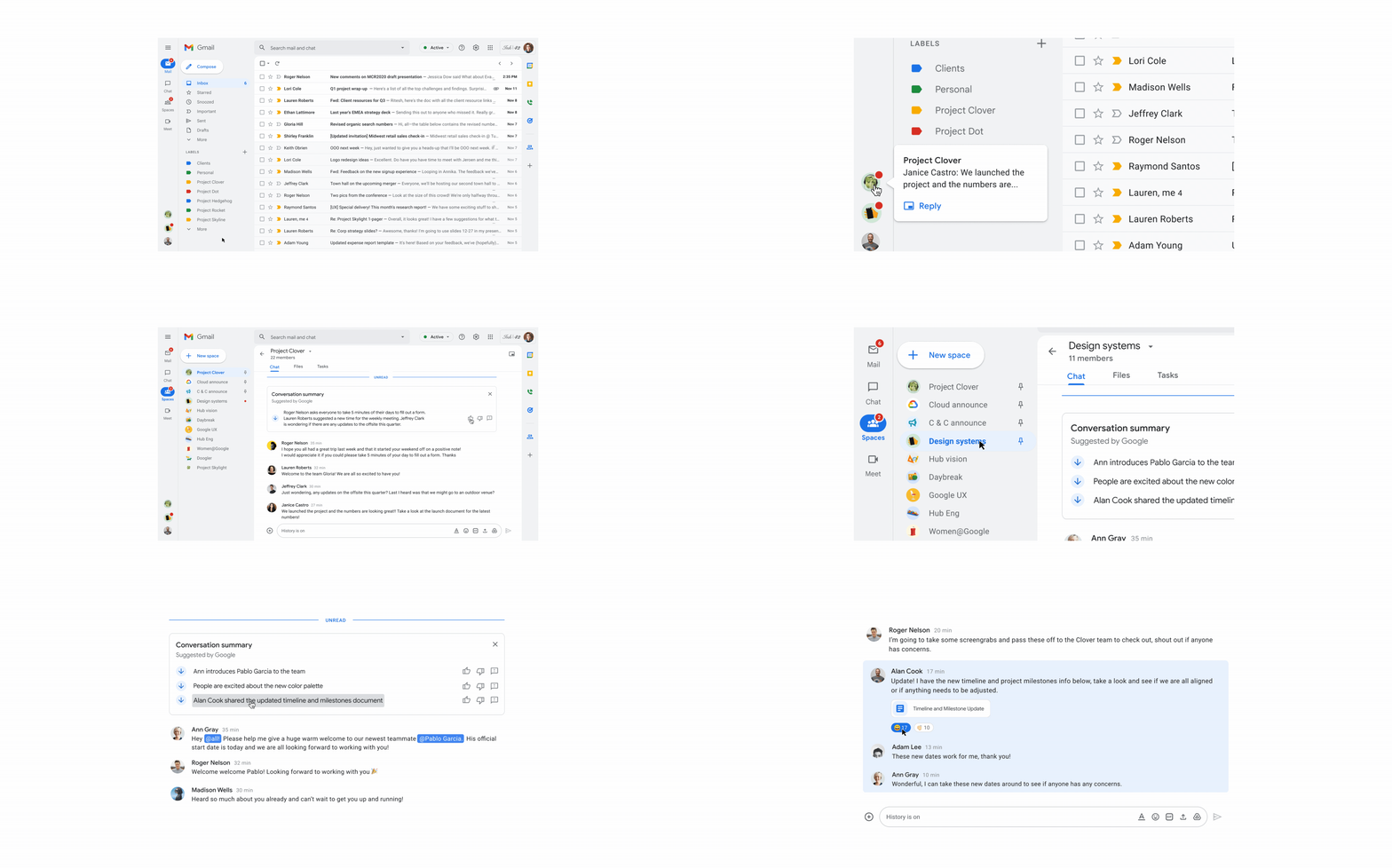
On the heels of Google adding auto-generated summaries in Google Docs, the functionality now extends to Spaces. It provides a digest of all the conversations you missed that you want to catch up on without it taking up too much of your time. In that same vein, there will now be automated transcriptions of Google Meet meetings, to catch up with what was discussed.
I am very please with all the features and improvements announced, but in particular, I am impressed with the lighting and sound improvements that are coming to Google Meet. As everyone knows, not all of us can participate in a video call using perfect lighting and a decent backdrop, nor does everyone have access to a good quality camera. Innovations such as these are what make me excited to watch Google I/O every year and see what more quality of life improvements they come up with.
SUBSCRIBE TO UPSTREAM
Get Chrome Unboxed delivered straight to your inbox
Upstream is our flagship, curated newsletter with the top stories, most click-worthy deals, giveaways, and trending articles from Chrome Unboxed sent directly to your inbox a few times a week. Join 31,000+ subscribers.
