


Support our independent tech coverage. Chrome Unboxed is written by real people, for real people—not search algorithms. Join Chrome Unboxed Plus for just $2 a month to get an ad-free experience, access to our private Discord, and more. Learn more about membership here.
START FREE TRIAL (MONTHLY)START FREE TRIAL (ANNUAL)
Back when Google Play Pass first launched, I was starry-eyed about the idea. One small price per year or per month for hundreds of apps and games. Normally, you’d have to spend cash on each and every one of those paid experiences, and you’d still get ads and in-app purchases shoved in your face. Play Pass sought to remove all of that and give you a premium means of accessing, trying out, and enjoying all that the store had to offer and that had accumulated over the past decade.
As you’re probably well aware, many of the games and applications in the Play Store aren’t something many people would take a chance on – at least, not in troves. Mobile gaming, at least in the west, hasn’t caught on as much as it has overseas, and for that reason, Play Pass seemed necessary to help users dig up the true gems.
However, I forgot I was even paying for the service, and have since canceled it. Well, that’s not entirely accurate as I didn’t exactly cancel it. Instead, I just turned off auto-renewal on my Play Store subscriptions tab for it so that I’m not charged when my year rolls around. As a reference point, I did go ahead and spend the $29.99 USD for the annual tier last year.
With that being said, I wanted to take some time talking about why I ditched Play Pass, and what Google can do to win me back. To be clear, I’m not confident in any of my suggestions taking with the company and believe that their subscription model for Android apps and games will fade into obscurity before it has a chance to become something the masses will truly latch on to and find sufficient, ongoing value from. Now that Play Games has hit 5 billion installs on Android though, I think it’s worth it for someone to read this and take the feedback seriously.
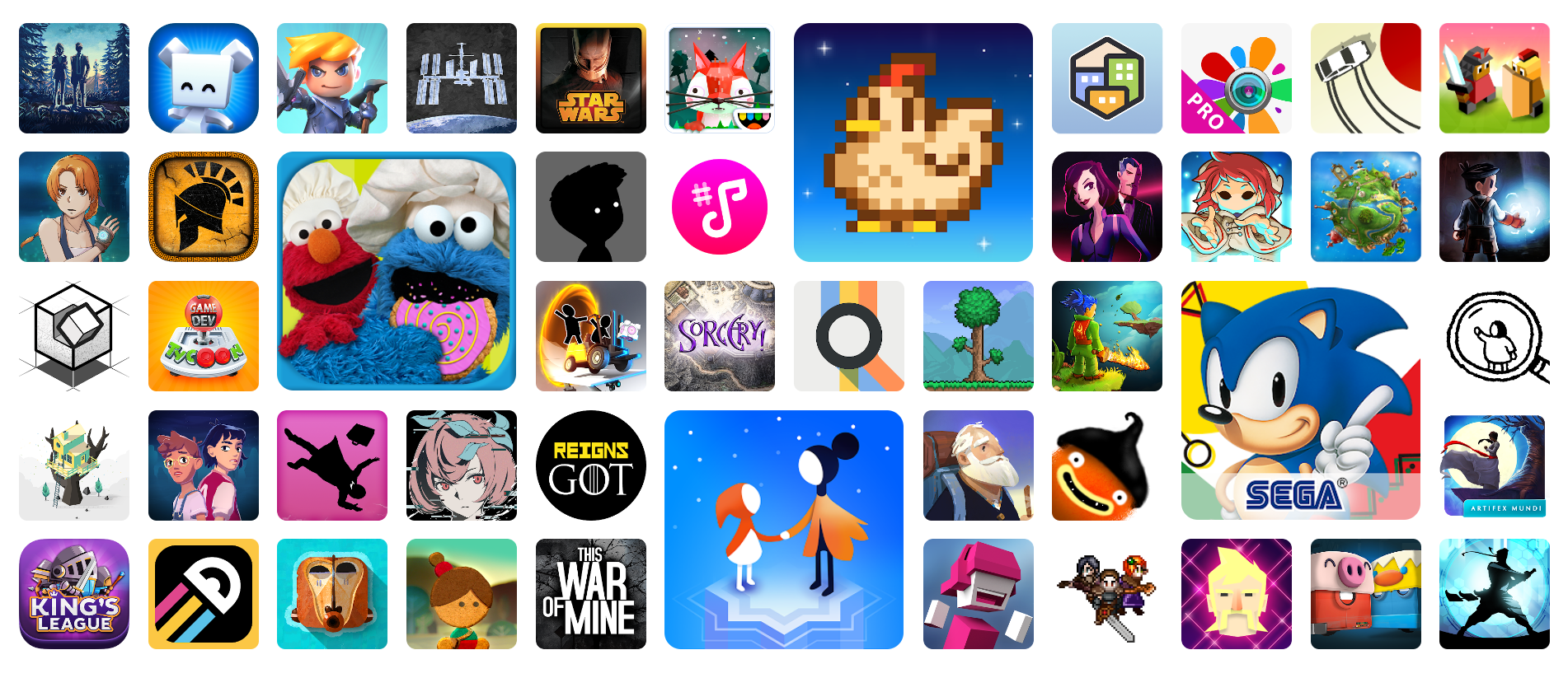
That brings me to my first reason for canceling Play Pass – the value given from the get-go was an accumulated pool of apps and games that the store had amassed over the past decade and a half. Many of the titles that were introduced as a part of the subscription had little to no value for most users or were already a core part of the Android gaming experience. What I mean is that many of the things Google set up with Play Pass were already of value to me years ago, so I bought them with my hard-earned cash…years ago.
Almost everything else was pretty much fluff. Well, that’s not entirely fair. There are plenty of titles that I had installed simply because they were free with my subscription and that I would never have tried out otherwise, so in that regard, it certainly did its job. However, a large swath of content was focused on kids, families, and productivity. Google’s aim from the start has been to provide something for everyone, but not enough for anyone, in my opinion. Perhaps it’s my fault for hoping it would continuously receive a slate of great roleplaying games, action-adventure titles, and more.
That’s another thing – of the 800 “apps and games”, there’s really virtually no way of telling how many games someone like me, who’s solely interested in the gaming aspect of the subscription service, can enjoy. How many of those are apps, Google? Why isn’t there a comprehensive list anywhere but on Android Authority (thanks, guys!) It’s really hard to accept the company saying “Here’s a crap ton of value, enjoy” as they dump it on your lap if you have no way to pick through it and verify that it’s actually valuable. Quantity doesn’t always mean quality, and it leads to false perceptions about value.
Oh, and why isn’t there a gamepad-supported section or indicator on games that work well with a controller? I know that there’s a “Premium” section for games that work well on Chromebooks, but it’s both inaccurate and updated infrequently. How many of the titles on the “Premium” section of Google Play Pass work with a controller? How many of them work with a mouse and a keyboard?
With Chromebooks set to receive a dedicated game mode and Play Games for PC launching in more regions, aren’t these things much more important than they used to be? I mean, I get that Eastern markets are much more on board with micro-transactions and auto gameplay than we are in the West, but come on, Google, get it together. Now, it’s not just Chromebook owners who want larger screen games supported by popular peripherals, it’s Windows users and mobile game controller fans too!
On the topic of apps, I really don’t recall the last time I ever visited the Google Play Store’s “apps” section for, well, anything. Everything that I install on a new phone I search for and tap the green install button because I know what experiences I enjoy. For pretty much all of my “app” experiences, I either Google a website through the Chrome browser on my phone or call up the web apps and PWAs on my Chromebook. The death of non-gaming apps in favor of PWAs is a discussion for another time, but I truly believe there will be a future where most traditional apps go the way of the Western and are no longer featured on the Play Store itself.
Taking a quick survey, let me know in the comments section if you browse the apps section of the Play Store and install new experiences often. Most of what Play Pass offers are third-party productivity apps, utility apps that do a less good job than the free apps from larger, more well-known companies (that everyone already uses), and so on.
I have found value in creative apps for art and music, but again, I already owned ArtFlow, Infinite Painter, FL Studios Mobile, and so on. I’m not knocking the value here so much as I am stating that for me, it’s stuff I’ve already bought and enjoyed. If I’m going to re-subscribe to Play Pass, I want Google to inject new and ongoing value into the service. Otherwise, it’s no different and no better than me paying for an Adobe Creative Cloud subscription- ongoing payments for software you could just buy once and own forever. Does that make sense?
At the end of the day, it just feels as though Google is asking too much money for them to be this aimless and uncommunicative. Update the list of titles for Play Pass sporadically, never tell users what’s coming on the horizon, and rake in the cash from millions of unwitting people who set and forget their subscriptions. Maybe Google isn’t taking this that seriously, or maybe they’ve stretched themselves too thin, but either way, the user suffers while it profits, which is very common.
With cloud gaming popularity skyrocketing, most users are looking to it to provide them with entertainment both at home and on the go. Android apps and games still get billions of installs, but I’m still firmly of the opinion that Google should merge Play Pass into Stadia, provide a thousand or so games with that one subscription, and let gamers run Android games without the need for an install or download. It already features touchscreen gameplay (tapping and swiping), so this would work really well.
The bottom line is this – If Google wants users to commit to Play Pass, it needs to do a better job at communicating and enticing them. It’s not a user’s job to do the hard work of finding value in a service, it’s the company’s job to present it on a platter in exchange for money. Until it does that, I’m sad to say that I’m done with Google Play Pass.
SUBSCRIBE TO UPSTREAM
Get Chrome Unboxed delivered straight to your inbox
Upstream is our flagship, curated newsletter with the top stories, most click-worthy deals, giveaways, and trending articles from Chrome Unboxed sent directly to your inbox a few times a week. Join 31,000+ subscribers.

