


Support our independent tech coverage. Chrome Unboxed is written by real people, for real people—not search algorithms. Join Chrome Unboxed Plus for just $2 a month to get an ad-free experience, access to our private Discord, and more. Learn more about membership here.
START FREE TRIAL (MONTHLY)START FREE TRIAL (ANNUAL)
It’s happening! Starting June 23, 2021, you will finally be able to officially play all of your Stadia games on your big, beautiful television. You know, where most people who are console gamers play? In October of this past year, we found out that the app was being worked on, and then on April 17, 2021, we saw hints of support for the company’s new streaming dongle in the Stadia for Android app’s code, but until now, Google has been silent on the matter.
A new post on the Google Nest Help forum mentioned that later this month users would see the real deal Stadia app appear on their Chromecast with Google TV interfaces and that it would be ready for use, and the Stadia Community team just confirmed this with a post of their own. Support for Stadia is actually coming to more devices than just the new Chromecast. The Hisense Android Smart TVs (U7G, U8G, and U9G), the Nvidia Shield TV and TV Pro, and Walmart’s new Onn FHD Streaming Stick and UHD Streaming device, are all going to work. Additionally, Philips Android TVs (8215, 8585, and OLED 935/805 series) and the Xiaomi MIBOX3 and 4 will also be supported.
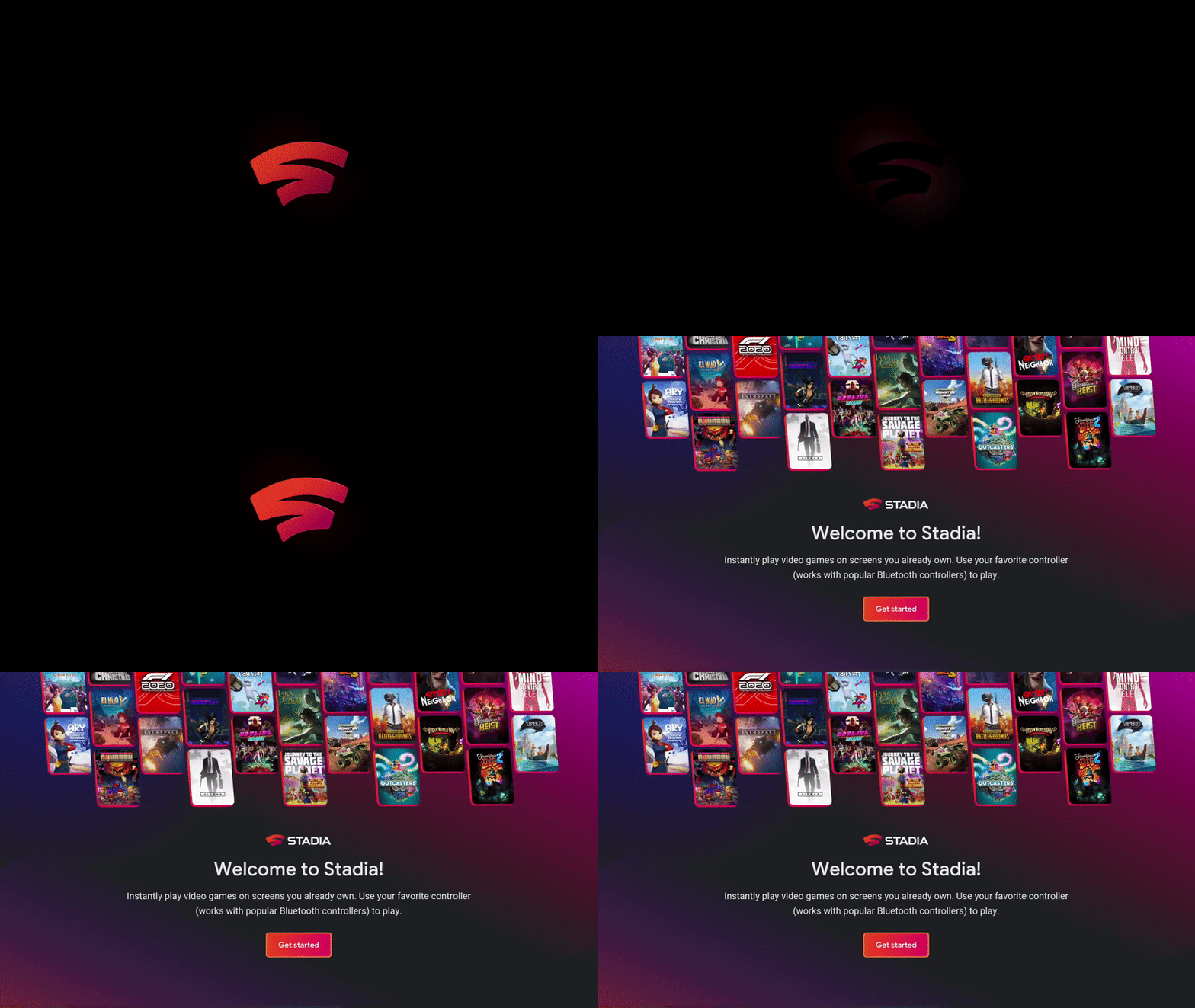
Any Android TV device not on the list that you’d like to attempt playing on can be opted into an experimental support mode. Google just wants you to know that it’s still in active development, so if something is broken or wonky, there’s no fault to be had. Alright, so if you want to start playing the nearly 200 games that currently exist on Stadia directly on your living room centerpiece, just navigate to the Play Store on your television and install the Stadia app with just a few clicks once it becomes available.
I can’t tell you how excited this makes me! If I’m honest, as a Playstation gamer, the idea of playing from my couch is what truly brings these games to life for me. I’ve never been much for sitting at my PC and playing things, so Xbox and Windows gaming has never really appealed to me. I feel as though without proper support for the Chromecast, Stadia has remained a “console” restricted to a web app for me, withholding its potential in many of the same ways that Microsoft’s offerings have for me since I’ve never really been interested in buying an Xbox.
I know I get a lot of flak for discounting the Chromecast Ultra’s ability to play Stadia natively, but we’re finally seeing the big push for the service’s living room adoption. Most people who got excited about the Chromecast with Google TV and upgraded weren’t about to go swapping between dongles or plugging them both in simultaneously just to play games, but that’s just one man’s opinion. Will this cause you to play more Stadia than before? Let me know in the comments if you own any of the listed devices and if you’ll be installing the app later this month.
SUBSCRIBE TO UPSTREAM
Get Chrome Unboxed delivered straight to your inbox
Upstream is our flagship, curated newsletter with the top stories, most click-worthy deals, giveaways, and trending articles from Chrome Unboxed sent directly to your inbox a few times a week. Join 31,000+ subscribers.


