


Support our independent tech coverage. Chrome Unboxed is written by real people, for real people—not search algorithms. Join Chrome Unboxed Plus for just $2 a month to get an ad-free experience, access to our private Discord, and more. Learn more about membership here.
START FREE TRIAL (MONTHLY)START FREE TRIAL (ANNUAL)
As a part of the 2022 Consumer Electronics Show (CES), Samsung has announced something called the “Samsung Gaming Hub” for select 2022 TV models under its brand. Powered by its Tizen operating system, the Hub is a new game streaming platform that brings together the best of NVIDIA GeForce NOW, Google Stadia, and Utomik – a service I had never heard of before today as apparently, they’re new-ish to the cloud gaming space – under one roof. Apparently, more services are to join the lineup as the service grows as well.
Actually, Samsung Gaming Hub is meant to do more than that – it’s meant to bring together these services with the company’s own hardware in a way that gives gamers a seamless experience. The newest generation of Samsung TVs will provide the latest in premium streaming technology, intelligent picture quality, and sound for a better gaming experience, and it wants to capitalize on that as cloud gaming becomes more prevalent.
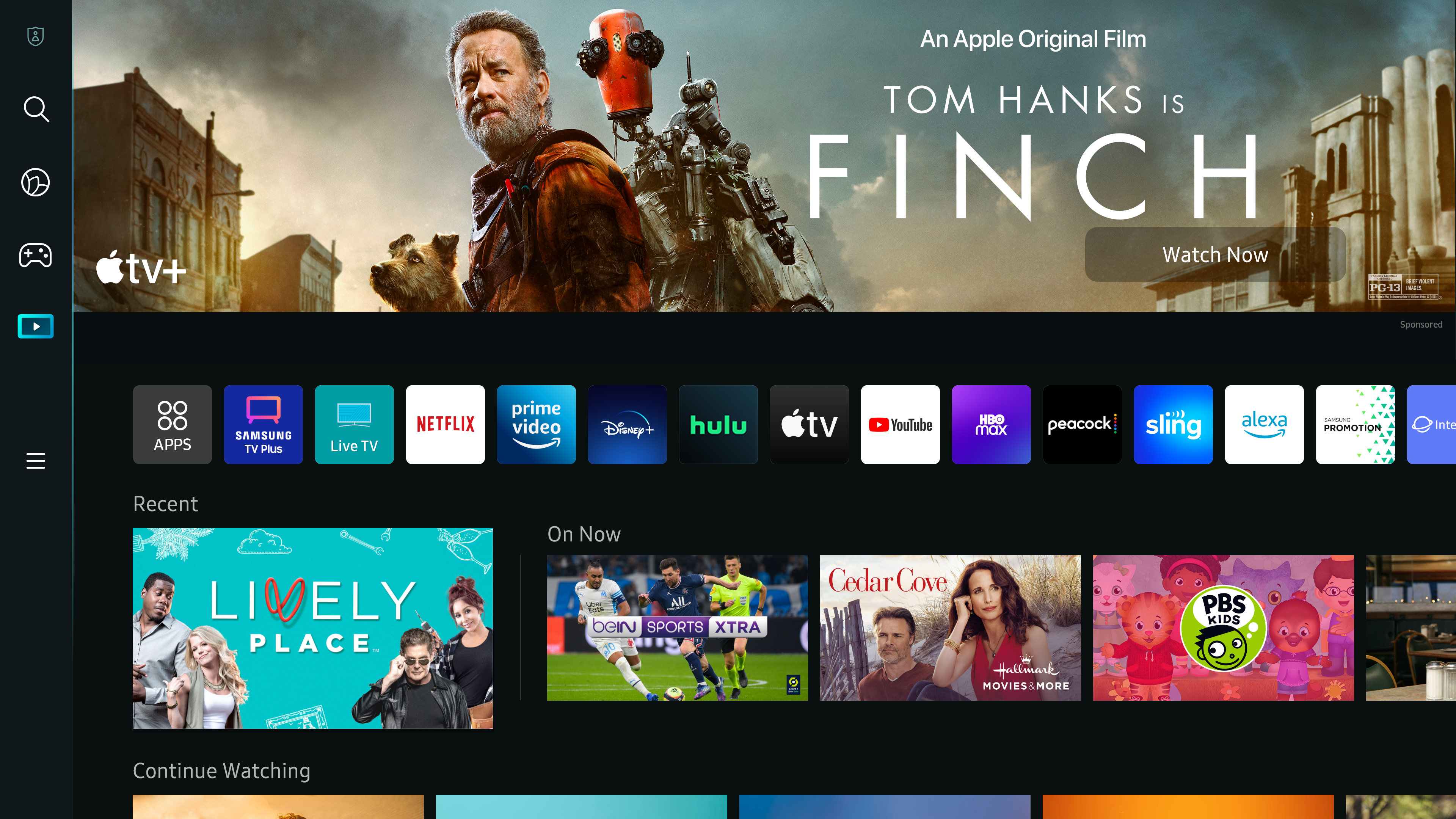

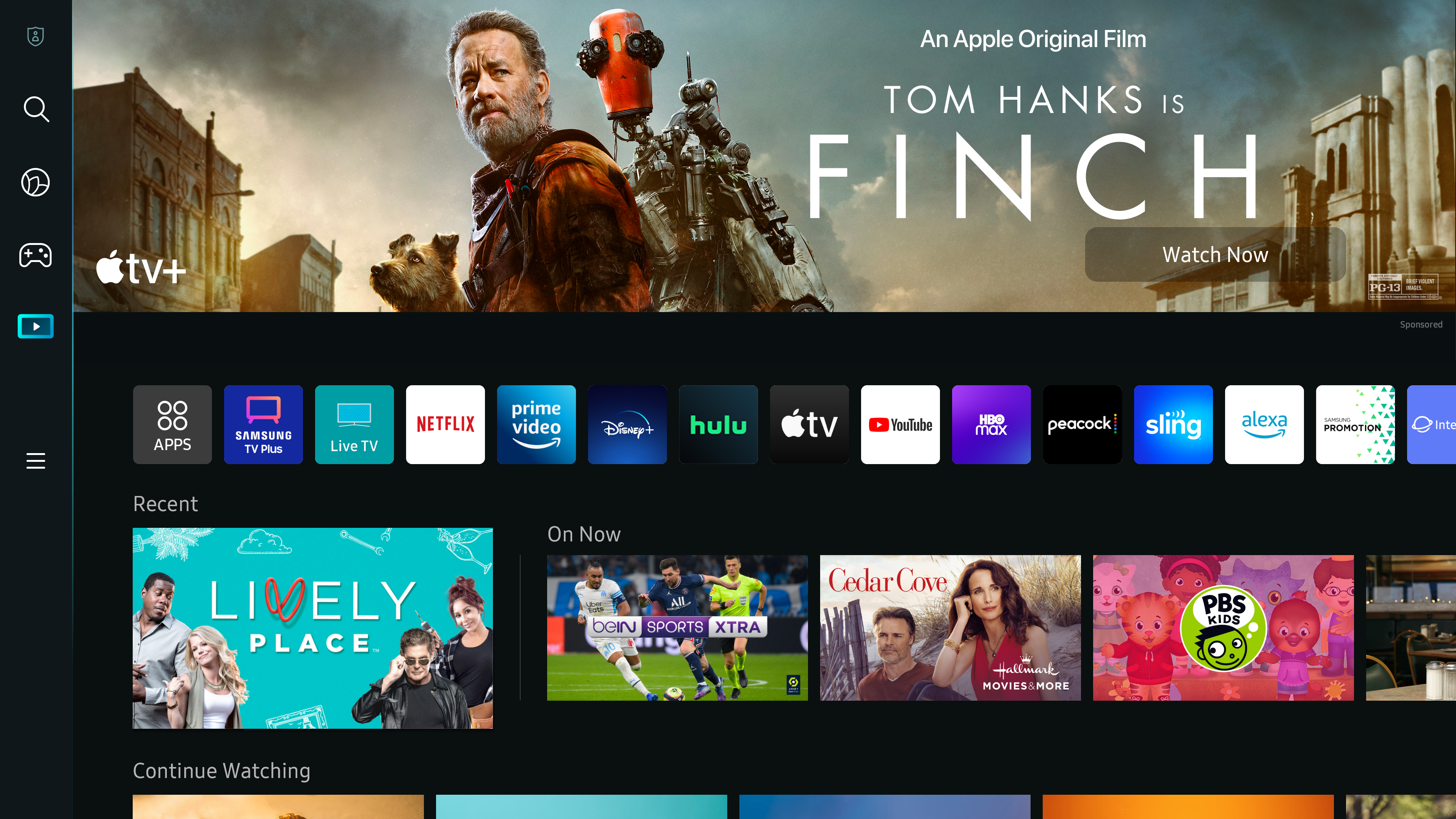
“We know that gaming continues to increase in popularity for our customers and we have bridged the gap between our Smart TV leadership and advanced gaming software to create an easier way for people to enjoy the games they love, faster. We developed the Samsung Gaming Hub with our incredible content partners to benefit all gamers, and we plan to continue our collaboration to grow the ecosystem.”
Won-Jin Lee, Corporate President at Samsung Electronics
Touted as “console-like performance without the hassle of downloads or worrying about precious storage space or latency”, the Samsung Gaming Hub is a big step forward for cloud gamers because it’s one of the first big pushes in TV tech companies that shows that it’s getting attention instead of being treated as a fad. Cloud gaming is clearly here to stay, and this is just pure awesome.
Obviously, you can already use Stadia and GeForce NOW on TVs via Google’s own Chromecast with Google TV, but the rollout for dedicated apps on smart TVs is moving slowly, almost to the point of embarrassment. With a company as big as Samsung creating a dedicated experience from scratch around cloud gaming, the future is looking bright for those who wish to ditch the hardware console that traditionally sat next to their television.
Some of the key highlights for Samsung Gaming Hub, which is set to launch later this year (no specific release date was given) include support for Youtube Gaming, the ability to pair third-party game controllers, a robust explore section for searching, and buying new games within the Hub itself, and much more.
Upon launch on select 2022 Samsung TV models, you will be able to access the Samsung Gaming Hub via the main navigation menu by choosing the gaming icon. At this time, there’s no telling when or if the hub will come to older models, but I would wager it does in some form. Let me know in the comments if this is something that interests you!
SUBSCRIBE TO UPSTREAM
Get Chrome Unboxed delivered straight to your inbox
Upstream is our flagship, curated newsletter with the top stories, most click-worthy deals, giveaways, and trending articles from Chrome Unboxed sent directly to your inbox a few times a week. Join 31,000+ subscribers.

