


Support our independent tech coverage. Chrome Unboxed is written by real people, for real people—not search algorithms. Join Chrome Unboxed Plus for just $2 a month to get an ad-free experience, access to our private Discord, and more. Learn more about membership here.
START FREE TRIAL (MONTHLY)START FREE TRIAL (ANNUAL)
The Fourth of July weekend is upon us and that means deals, deals, deals. As the weekend progresses and many get the pleasure of a three-day weekend, I’m sure that we will have some Chromebook deals to send your way but this morning, I discovered that three of my favorite Google Assistant devices are currently on sale over at Best Buy. Oddly enough, all three of these smart devices are from Lenovo and you can pick one up for as little as $29.99. Here’s a quick rundown of the devices and their respective discounts.
Lenovo 7″ Smart Display
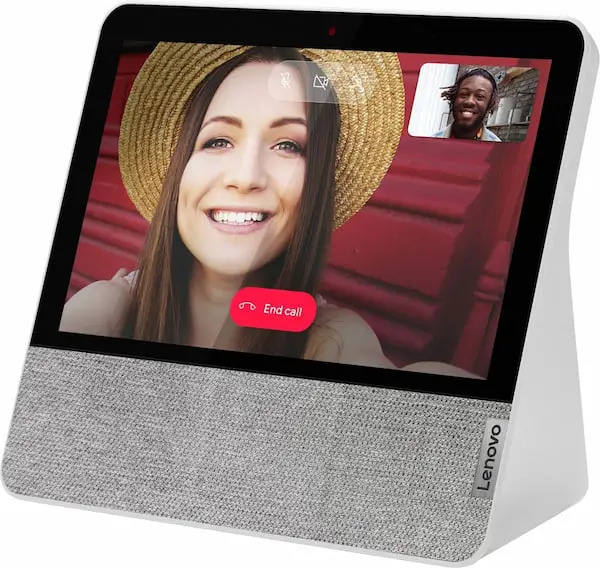
Lenovo’s 7″ Smart Display is my overall favorite Google Assistant device because it is full-featured with a relatively small footprint and good audio quality. Unlike Google’s slightly larger Nest Hub, the Lenovo smart display comes equipped with a camera that allows you to make and take video calls. The 7″ display is large enough to see clearly when I’m looking at a recipe from across the kitchen and the audio quality is better than average for a device this size which makes it a handy entertainment tool for my kiddos. Normally $99, you can pick up this very capable smart display for only $69.99 at the moment. That’s $30 cheaper than Google’s 2nd gen Nest Hub and you’re getting the added bonus of a camera.
Lenovo 7″ Smart Display Best Buy
Lenovo Smart Clock
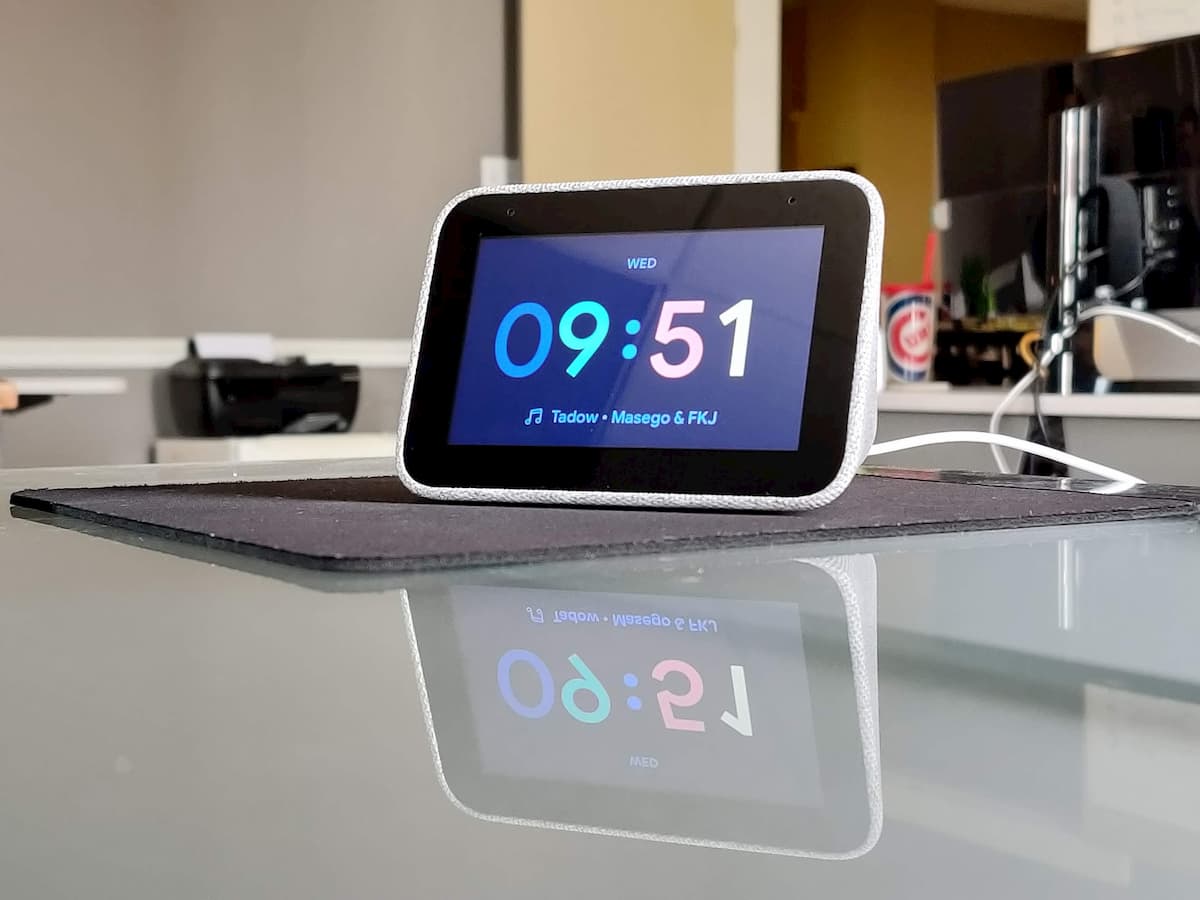
Later this year, Lenovo will launch the second iteration of the company’s popular smart clock, and let me tell you, I can not wait. The clock itself really isn’t an upgrade from the original model but it comes toting a removable base that adds a wireless charging pad. This is exactly what I’ve been looking for to upgrade my nightstand and I can’t wait to get my hands on it. That said, the original Lenovo Smart Clock is still a great little bedside smart device and I highly recommend it to anyone wanting a new alarm clock with some useful Google Assistant features. You won’t get a camera on this model because it’s designed for the bedroom. Apart from that, it has a good speaker and a recent software update even added a nightlight feature. You can’t cast a video to the smart clock but let’s be honest, who wants to watch YouTube on a 4″ display. Regularly $79.99, Best Buy has knocked this cool little smart device down to $39.99 and you can get it in Grey or Charcoal.
Lenovo Smart Clock Essential
If you’re looking for something a little more compact, Lenovo’s smaller Smart Clock Essential is a good fit. This model doesn’t have an interactive touch display but the audio quality is comparable to the larger model and you still get all the home control and smarts of the Google Assistant. This model features a true nightlight in the form of an LED ring on the back of the clock and the 4″ display gives you time, temperature, and general weather conditions. At an MSRP of $49.99, I’m not totally sold on the Essential but you can get one right now for only $29.99 and that makes it a solid purchase for just about any Google Assistant device.
Lenovo Smart Clock Essential Best Buy
Stay tuned for more deals for the Fourth of July weekend and don’t forget to sign up for a free Rakuten account to score some extra cashback simply by shopping. You’ll get 1% back at Best Buy but many retailers will net you 10% or more when you activate that Rakuten button.

