


Now that the Brydge C-Touch wireless trackpad is out of the picture, we thought it a good time to return to the Magic Trackpad 2 from Apple and give it a spin once again. We uncovered the addition of this accessory to Chrome OS a long time ago and in the time since, the Magic Trackpad has only … [Read more...] about How to set up the Apple Magic Trackpad 2 on your Chromebook now that the Brydge C-Type is no more
Guides and How-To's
Of all the things we share with our readers, we get some of the most positive feedback concerning our guides and how-to articles. As many aren't fully familiar with the ins and outs of Chrome OS, these articles provide interesting and useful info for new and experienced users alike.
Support our independent tech coverage. Chrome Unboxed is written by real people, for real people—not search algorithms. Join Chrome Unboxed Plus for just $2 a month to get an ad-free experience, access to our private Discord, and more. Learn more about membership here.
START FREE TRIAL (MONTHLY)START FREE TRIAL (ANNUAL)
Installing the latest version of Inkscape on Chrome OS just got a whole lot easier

We use Gravit Designer on the daily as our go-to vector editing and design tool but for a long time, Inkscape was always in the old tool bag. Problem was, using Inkscape on Chrome OS in the past required Crouton and the unofficial path to dual-booting Linux on your Chromebook. With the advent of the … [Read more...] about Installing the latest version of Inkscape on Chrome OS just got a whole lot easier
Darktable: How to install this Lightroom alternative on your Chromebook

In today's installment of the Command Line, we're going to take a look at a serious photo editor that is not only free but can be a viable alternative to Adobe's popular Lightroom. While I don't fancy myself a professional photographer, I've had a number of people ask about this app. After doing a … [Read more...] about Darktable: How to install this Lightroom alternative on your Chromebook
5 steps to clean and disinfect your Chromebook to prevent coronavirus spread
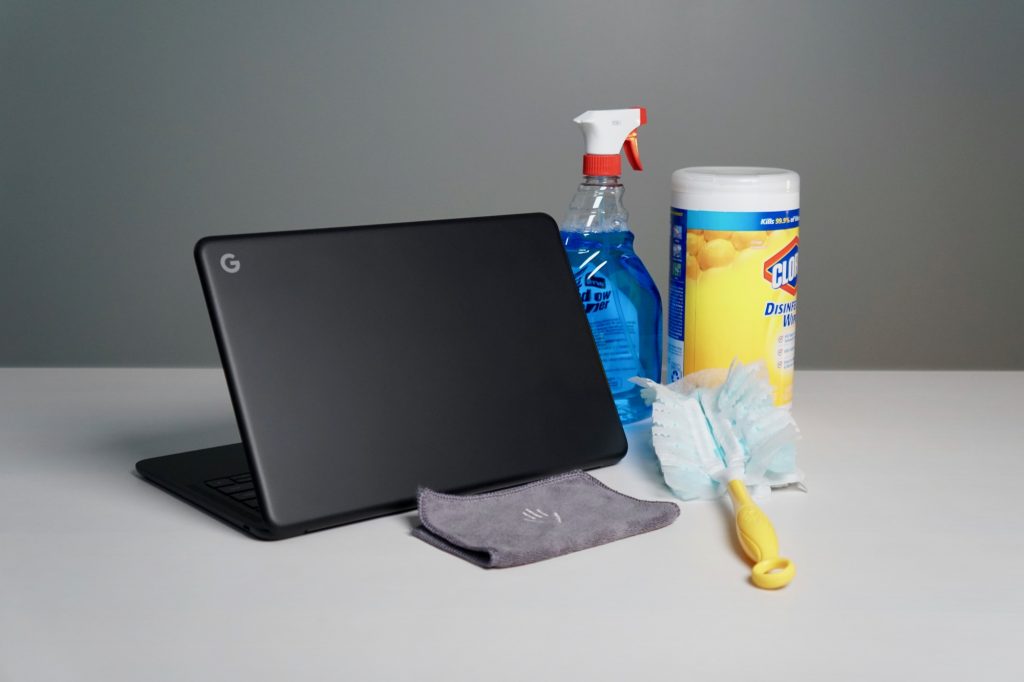
As the world continues to deal with the threat of the novel coronavirus, people are looking for ways to clean and disinfect their living spaces and belongings. In our latest episode of The Chrome Cast, we talked about the many tech events that have been canceled and how businesses and schools are … [Read more...] about 5 steps to clean and disinfect your Chromebook to prevent coronavirus spread
Three ways to install Blender 3D software on your Chromebook

We've talked a lot lately about Linux apps on Chrome OS and the plausibility that Chromebooks could eventually be able to run resource-hungry applications such as full-fledged video editors like Davinci Resolve. Now, we're still a little ways out from that becoming a reality but if and when Crostini … [Read more...] about Three ways to install Blender 3D software on your Chromebook
Installing a Linux desktop on your Chromebook [VIDEO]

Welcome to The Command Line. In case you missed the announcement, The Command Line is our brand new, ongoing series that explores Linux support, a.k.a. Crostini on Chrome OS. The inaugural post of this new series spurred a lot of great questions and conversation around the relatively new Chromebook … [Read more...] about Installing a Linux desktop on your Chromebook [VIDEO]
Can I install the Brave Browser on my Chromebook?
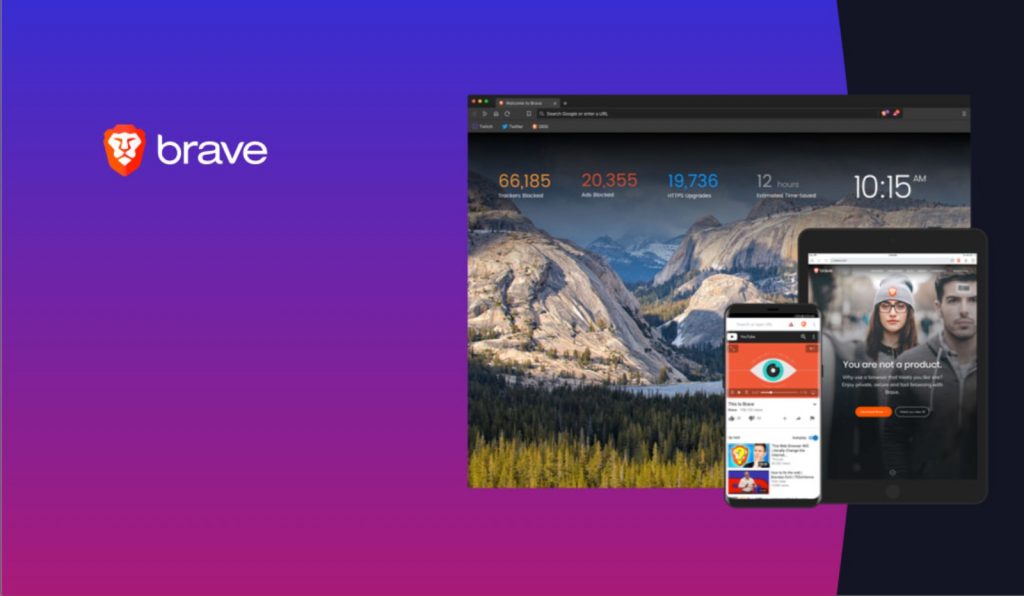
If you're using a Chromebook, chances are high that you're perfectly comfortable using the Chrome browser as your default portal to the internet. However, as the Chrome OS ecosystem continues to expand, more and more users are moving to the platform and some of them may want other options. Because … [Read more...] about Can I install the Brave Browser on my Chromebook?
Microphone support finally comes to Linux on Chromebooks

Linux apps on Chromebooks have become a bit more commonplace than they were just a year ago. Many devices now support this new feature and the overall abilities of the Linux container in Chrome OS continue to grow. As the big pieces have been in place for some time, it is easy at this point to … [Read more...] about Microphone support finally comes to Linux on Chromebooks
Chromebook Tip Tuesday: Quickly adjust your display resolution [VIDEO]

As the Chromebook market has evolved, the number of new screen sizes, resolutions, and aspect ratios has only increased. At this point, there are Chrome OS devices anywhere from 10-inches up to 15.6-inches, 720p to 4K, and everything in between. And that's to say nothing of extended displays and … [Read more...] about Chromebook Tip Tuesday: Quickly adjust your display resolution [VIDEO]
Chromebook Tip Tuesday: how to manage your audio outputs [VIDEO]

If you are new to Chromebook or don't often plug in peripherals to your devices, perhaps you aren't familiar with external audio and how it gets handled and routed on a Chromebook. For those unfamiliar with the process, it can be a frustrating scenario when you've plugged in an external monitor and … [Read more...] about Chromebook Tip Tuesday: how to manage your audio outputs [VIDEO]
ASUS Chromebox 3: Cheap and easy RAM upgrade [VIDEO]

Chromeboxes have seen a major resurgence over the past couple of years and rightfully so. With the addition of Android and Linux apps, the lightweight, relatively inexpensive desktop boxes make the perfect setup for just about any user. Celeron-based models will run you less than $300 and as you can … [Read more...] about ASUS Chromebox 3: Cheap and easy RAM upgrade [VIDEO]
Hate the new Google Images? Here’s how to restore the old layout

If you have searched Google Images recently, you might have noticed the new layout that was rolled out on August 6th. The change has been a bit polarizing for some, so if you want your Google Images to look and feel like they did before the change, there is an extension available for Chrome that … [Read more...] about Hate the new Google Images? Here’s how to restore the old layout
