


One of the cooler, less-often talked about features of the Google app is its ability to deliver up immersive AR (augmented reality) experiences right from a search. We've talked a bit about them here before as animals began showing up in the app and bugs were also recently added, but a couple posts … [Read more...] about These Google 3D AR experiences are perfect for back to school learning
Guides and How-To's
Of all the things we share with our readers, we get some of the most positive feedback concerning our guides and how-to articles. As many aren't fully familiar with the ins and outs of Chrome OS, these articles provide interesting and useful info for new and experienced users alike.
Support our independent tech coverage. Chrome Unboxed is written by real people, for real people—not search algorithms. Join Chrome Unboxed Plus for just $2 a month to get an ad-free experience, access to our private Discord, and more. Learn more about membership here.
START FREE TRIAL (MONTHLY)START FREE TRIAL (ANNUAL)
This handy trick helps you multitask better on a Chromebook in tablet mode

The other night I was doing a bit of couch-based web browsing on the Acer Chromebook Spin 713. Flipped back into presentation mode (lid open around 270 degrees) and on my lap, the 13.5-inch touchscreen does a fantastic job of being a massive canvas for web content and Chrome OS with this much … [Read more...] about This handy trick helps you multitask better on a Chromebook in tablet mode
How to use an EQ for your Chromebook audio playback

I'll be honest: I haven't thought of applying an EQ (equalizer) to audio on a Chromebook since I've owned one. My audio is largely cast to a Chromecast-ready speaker or sent wirelessly to my Bluetooth headphones and I rely heavily on streaming services like Spotify, Google Play Music and YouTube … [Read more...] about How to use an EQ for your Chromebook audio playback
5 must-have terminal commands for Linux on your Chromebook

We've spent a lot of time over the past week exploring what is possible on Chrome OS. Thanks to some updates to the Linux container, we've installed Windows 10 and a variety of Linux flavors. I love tinkering with Chrome OS to see how far I can push the maturing ecosystem but today, we're going to … [Read more...] about 5 must-have terminal commands for Linux on your Chromebook
Find your Chrome OS version, recovery images and more with this handy website

After a few months of hiccups, delays and reorganization, Chrome OS updates finally appear to be back on track and the last two released have landed right on schedule. On top of that, Google is finally making a concerted effort to make release announcements official prior to the actually drop of the … [Read more...] about Find your Chrome OS version, recovery images and more with this handy website
Yes, AirPods Pro work very well with a Chromebook

Since we put out our video not too long ago where I admitted to finally breaking down and buying a set of AirPods Pro, I've had quite a few questions in regards to using these wireless earbuds with a Chromebook. As many of you already know, I don't own a whole lot of Apple hardware. I have an iPad … [Read more...] about Yes, AirPods Pro work very well with a Chromebook
Quick Tip: How to select a custom download location on your Chromebook

Because we eat, sleep and breathe Chromebooks here at Chrome Unboxed, it's easy for us to take for granted the seemingly simple functionalities of Chrome OS. We use them every day without a second thought but we want to make sure we are offering not only news and reviews but also great tips and … [Read more...] about Quick Tip: How to select a custom download location on your Chromebook
The best built-in Chromebook webcams you can buy now [VIDEO]

Let's face it, when it comes to built-in webcams on Chromebooks, the standard fare is less than desirable. For years, webcams have honestly been a basic commodity that have received very little attention, but the pandemic has obviously shed a massive spotlight on laptop webcams across the board and … [Read more...] about The best built-in Chromebook webcams you can buy now [VIDEO]
This new Chrome OS 81 feature will help tame your microphone in video calls

It is no secret or surprise that we are all investing far more time than before in video calls. Whether you use Zoom, Google Meet, Facetime, Google Duo, WhatsApp, Messenger Rooms, or something else, there are constants that exist between every single video chat platform. When it comes down to it, … [Read more...] about This new Chrome OS 81 feature will help tame your microphone in video calls
How to fix the “add-apt-repository command not found” error in Crostini Linux

As we continue our Command Line series, we're always on the lookout for ways to try new software and alternative methods for installing Linux applications. One common instance that comes up frequently is installing software from a repository other than the default Debian Buster that comes with … [Read more...] about How to fix the “add-apt-repository command not found” error in Crostini Linux
How to use Zoom Meetings without downloading anything

Chances are good that, given the events of the past two months, you've heard of or even used the teleconferencing platform Zoom. Since the beginning of 2020, the cross-platform meetings application has gained more new users than it did for the entire year of 2019. The circumstances may not be the … [Read more...] about How to use Zoom Meetings without downloading anything
How to install the latest version of Telegram Desktop on Chrome OS
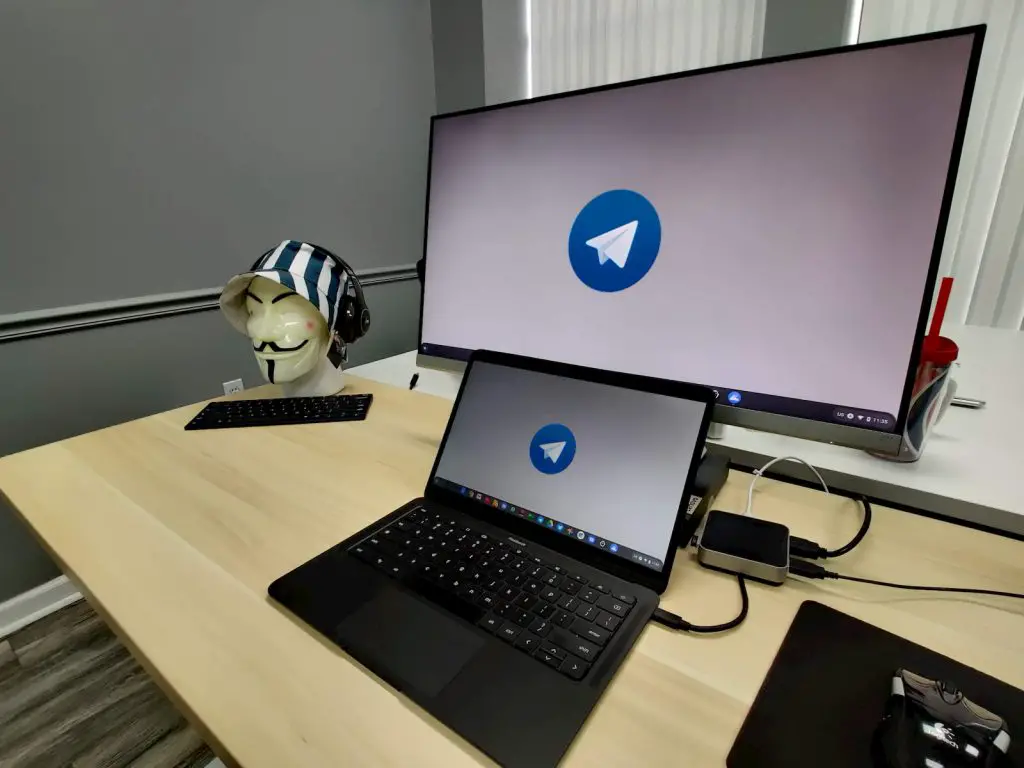
Back when times were simpler, Allo was our go-to chat platform here at Chrome Unboxed. We used it for personal and professional communication and Google Messages was our secondary app for those who weren't aboard the Allo train. Then, our beloved chat app met an untimely demise at the hands of … [Read more...] about How to install the latest version of Telegram Desktop on Chrome OS
