


Support our independent tech coverage. Chrome Unboxed is written by real people, for real people—not search algorithms. Join Chrome Unboxed Plus for just $2 a month to get an ad-free experience, access to our private Discord, and more. Learn more about membership here.
START FREE TRIAL (MONTHLY)START FREE TRIAL (ANNUAL)
With the revamp of Google Chat came a new way to access and organize Tasks. The collaborative “Spaces” feature meant that you could assign tasks to others who are there with you and keep them organized with separate Space lists. This is similar to the standard Google Account Google Tasks feature, but it also allowed you to place an icon and more details to differentiate these lists.
I grew to use this across all of my accounts as a sort of ‘digital Bullet Journal’. In connection to Google Calendar, this made for a fantastic way to keep my life organized and lead projects across the board. However, it also made for a strange disconnect in my productivity that had me reaching for a piece of paper and a pencil in order to ‘brain dump’ all of my todos into one place before sorting them out. Sometimes, I didn’t even want to sort them out! On certain days, it makes more sense to work from a raw list of items without much or any organization, and “Google Chat Spaces Tasks” simply don’t allow for this.
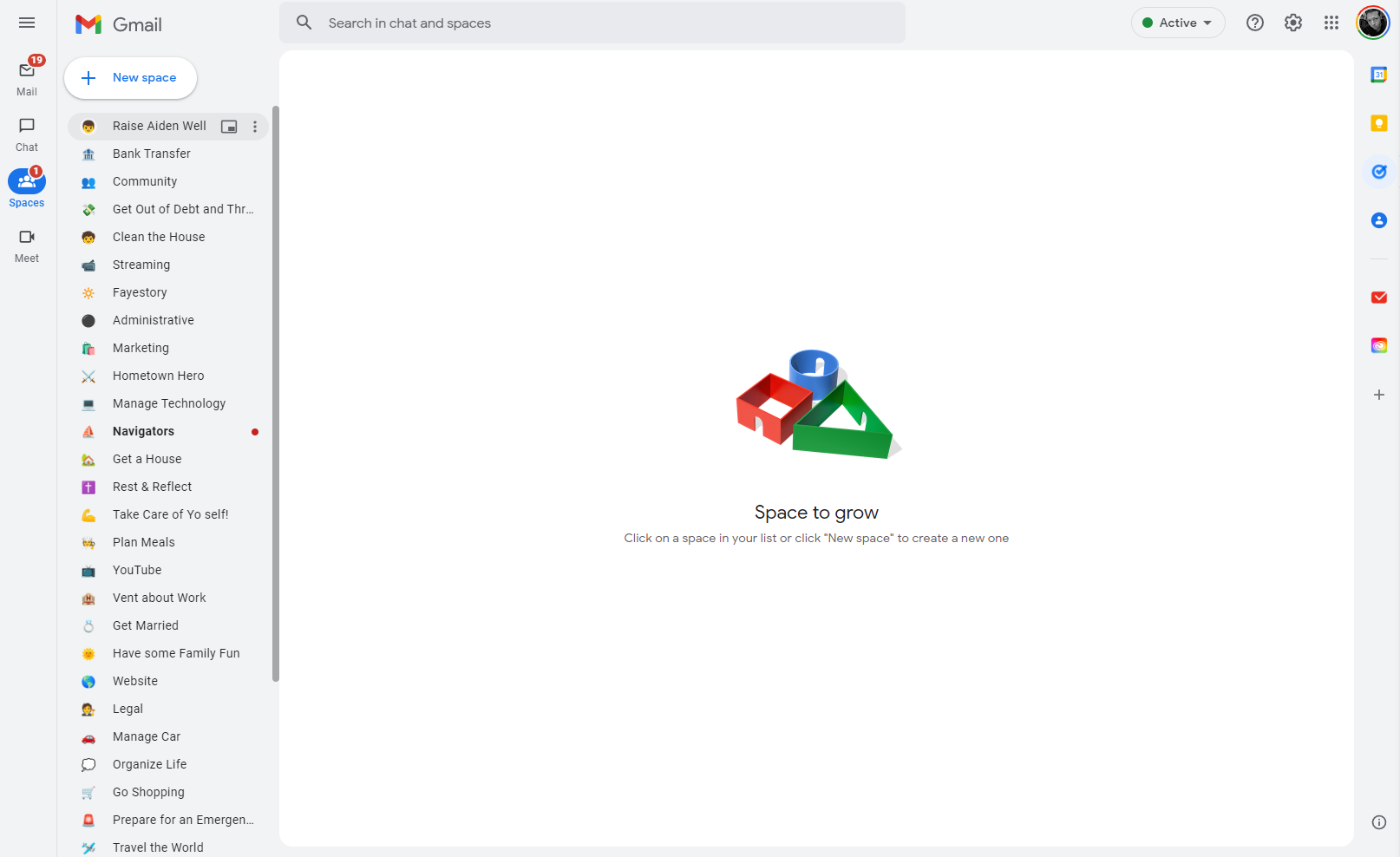
By their very nature, they’re meant to be organized, so I’m not faulting them for this. They’re even great for families who want to work together to crush their goals in life! What I am saying though is that the good old classic Google Tasks is more like a piece of paper that lets me freely jot down everything as it comes to me without me needing to jump back and forth between Spaces.
When I transitioned all of my classic Tasks over to Google Spaces, I removed the Google Tasks app from my phone. As a result, I found myself aligning less often with my goals each week. Actually, jumping between spaces just to see which items were due soon became so daunting that I’ve sometimes gone several weeks without vision planning or updating anything, opting instead to wing it and bust out my physical Bullet Journal or a sheet of computer paper for the day again.
In classic Tasks, I can sort by date and see all tasks from all spaces in one place. Again, this is great once and only after they’re organized, and I can even jot down tasks that aren’t organized there. On top of that, I can view all of my tasks on Google Calendar in one place. As clever as this combination is, I have only one thing to say about this – why do I need three separate apps (four if you count Gmail, which has Spaces built-in) just to manage my day and my week?
This sort of fragmentation is exactly why people don’t use technology and instead jump over to a spiral notebook or something to accomplish their goals. I recognize the collaborative benefits of a digital journal or planner, and Google services are fantastic for this, but the split nature of this strange “Calendar-tasks-chat-space-room-keep’ amalgamation is driving me up the wall.
I’ve been asking myself for months why classic Google Tasks even needs to exist anymore when Spaces has become so robust, and why Google has been running these products parallel to one another (even though that’s the company’s M.O.) and now I have my answer. Google Tasks is simple, and it’s beautiful for that reason. Spaces still lacks several features that Tasks has and has had for years. Tasks in Spaces still can’t be set to recur, and Tasks itself recently picked up this long-sought-after feature.
Just trying to explain all of this is probably overly confusing, and that’s because it’s unavoidable. I mean, the products are literally called the same thing, but one is standalone and the other is embedded into another service. It’s just a hot mess, and I wish Google would simplify it. Here’s what I want – Google Chat Spaces Tasks (a stupid mouthful of words) needs a “Field notes” section where things don’t need to be organized (I guess I could just create a Space for that too, but that would further annoy me…), tasks need a recurring option, and Google needs to finalize its combined efforts to merge one into the other.
Currently, I’m using the real deal for brain dumping my thoughts into one location (I’m forced to use several services at once yet again) but once I’m ready to backlog tasks or organize them, I can’t move them into Spaces, only into other Task lists. If Google must keep both services alive, at least allow them to interlink or for tasks to be moved seamlessly between lists and spaces!
Spaces are available to non Workspace users, so why even continue offering the old school (but reliable and excellent) tool if it can bake it entirely into the new school system? This madness must end, or I may be forced to quit using Google services for productivity and planning. My bullet journal is calling me back to it, and I’m starting to lean in and incline my ear.
SUBSCRIBE TO UPSTREAM
Get Chrome Unboxed delivered straight to your inbox
Upstream is our flagship, curated newsletter with the top stories, most click-worthy deals, giveaways, and trending articles from Chrome Unboxed sent directly to your inbox a few times a week. Join 31,000+ subscribers.

