

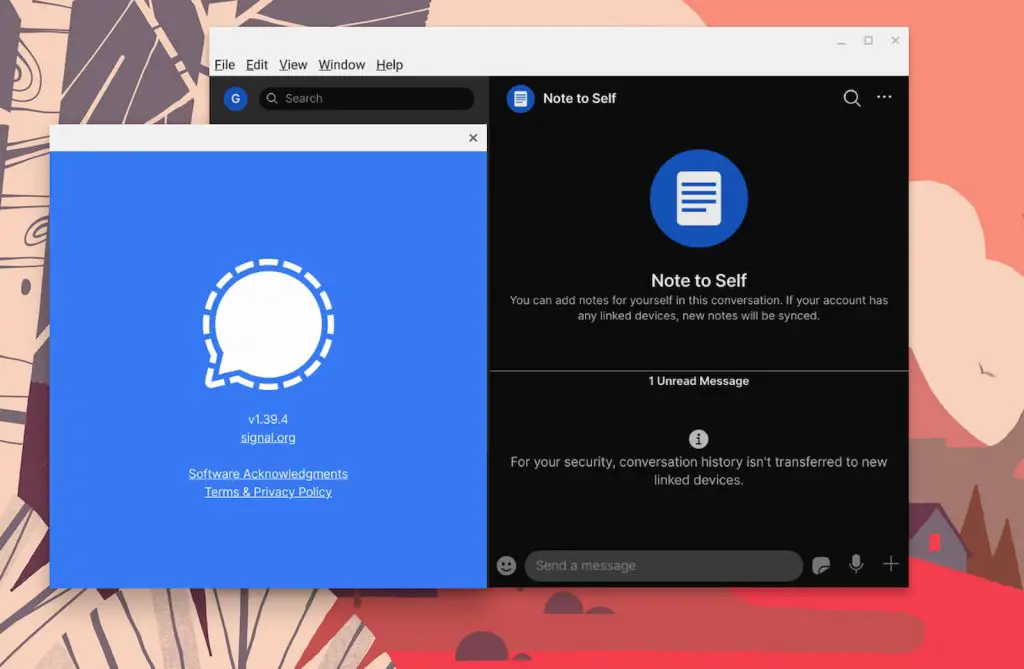
Well, it seems that 2021 is shaping up to be the year of "mass exodus" to and from various tech platforms. I'll save the politics for other websites but we are here to help users get the most out of Chromebooks and that has spurred this latest how-to. Thanks in part to a simple, two-word tweet from … [Read more...] about Installing Signal for Desktop on your Chromebook (2021 Edition)
Crostini
Support our independent tech coverage. Chrome Unboxed is written by real people, for real people—not search algorithms. Join Chrome Unboxed Plus for just $2 a month to get an ad-free experience, access to our private Discord, and more. Learn more about membership here.
START FREE TRIAL (MONTHLY)START FREE TRIAL (ANNUAL)
Run a variety of virtual machines on your Chromebook with Gnome Boxes
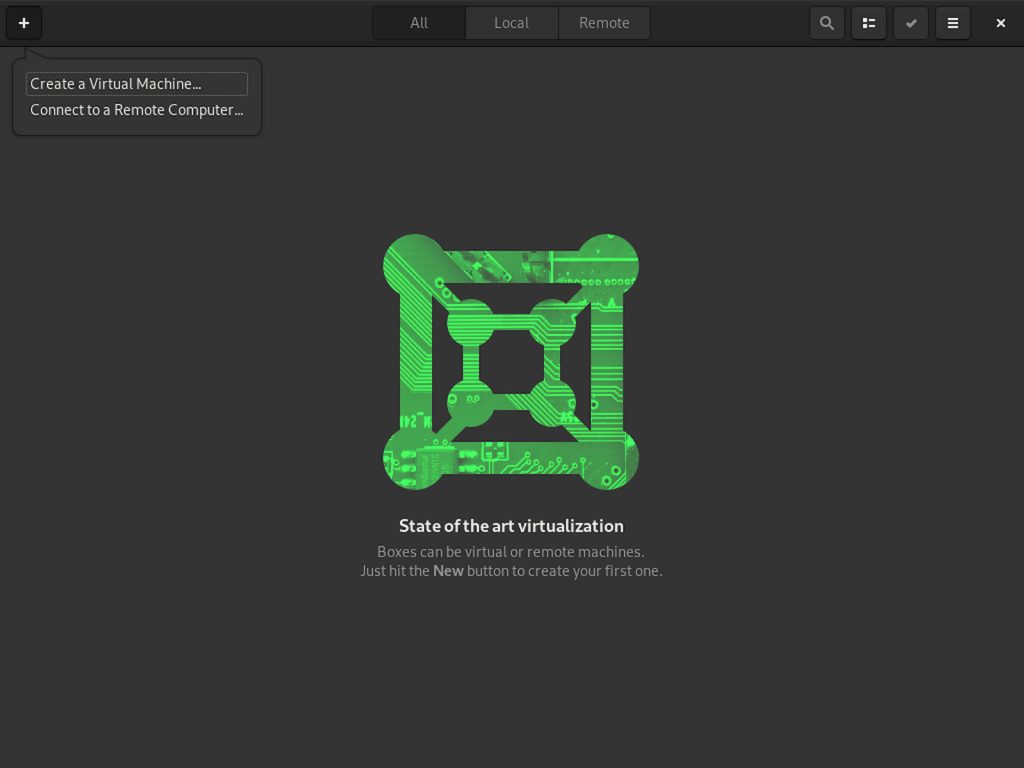
Now that Chrome OS is offering an official Windows Desktop via Parallels, Enterprise customers have a fully-supported and very viable way to access legacy applications while still embracing the cloud. That's all fine and well for companies that have the means to purchase high-end Chromebooks along … [Read more...] about Run a variety of virtual machines on your Chromebook with Gnome Boxes
Chrome OS Developers highlight the Linux terminal in new promo video

Google rolled out the new Terminal 2.0 for Crostini Linux back in late July and with it came some much-needed UI improvements to make the Chrome OS developer environment a little more user-friendly. With the update, users can now customize the terminal as well as open multiple terminal instances in … [Read more...] about Chrome OS Developers highlight the Linux terminal in new promo video
Developers made a cleaner way to install Steam on a Chromebook
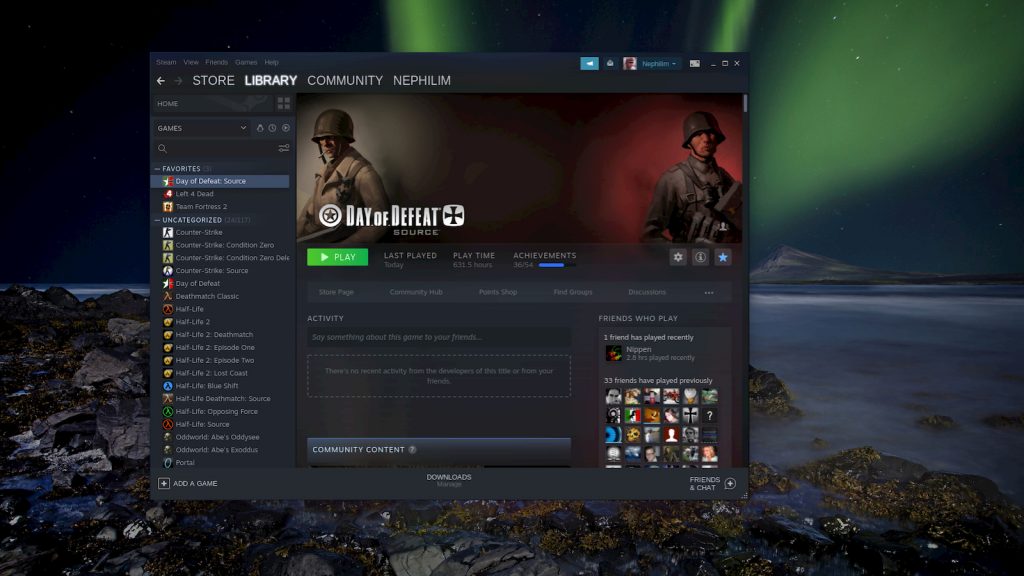
Between Android apps, Stadia and GeForce Now, Chromebooks are quickly becoming legitimate gaming machines capable of serving up premium gaming experiences for the masses. Whether you're a casual gamer of a hardcore battling machine, Chrome OS offers a little something for just about everyone. The … [Read more...] about Developers made a cleaner way to install Steam on a Chromebook
Revisit childhood games with DOSBox on your Chromebook
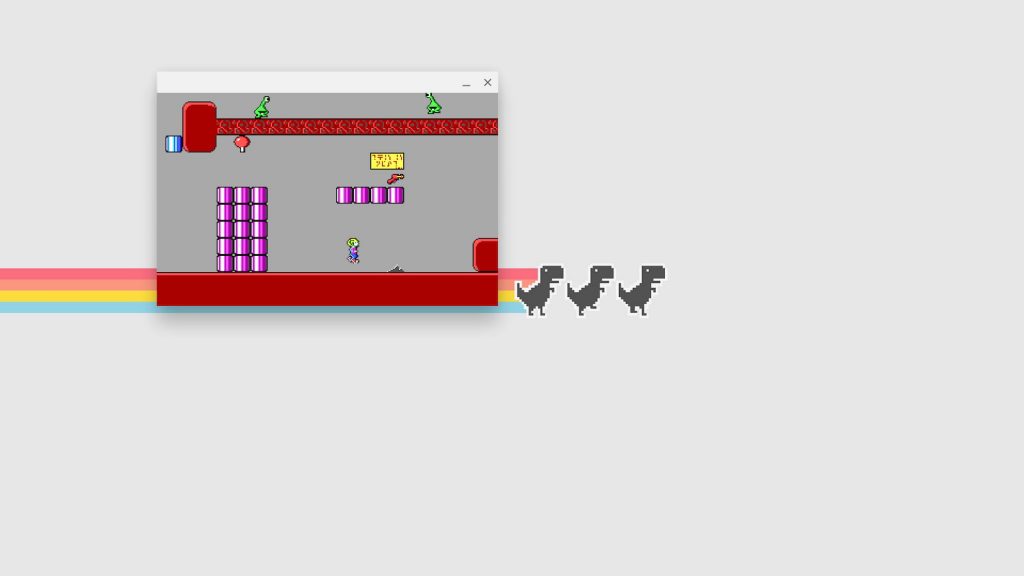
I'm back at it! I spent the better part of yesterday morning tinkering with virtual machines and the Linux container on my Chromebook to see was sort of shenanigans I could get myself into. Somewhere along the way, I decided to fiddle with MS-DOS. More on that later. Along the way, I discovered a … [Read more...] about Revisit childhood games with DOSBox on your Chromebook
Backup and restore your Chromebook’s Linux setup
If you've been exploring Linux apps on Chrome OS with us, it's high time we covered how to save your current setup so you can restore it in a pinch. Full Linux distros have various tools available to run backups and store them locally or off site depending on your personal preference. Chrome OS, … [Read more...] about Backup and restore your Chromebook’s Linux setup
Add Synaptic to your Chromebook for easy Linux package management
Yesterday, we've covered three methods you can use to install Linux packages from the terminal on your Chromebook. Today, we're going to look at how to install and use one of the most popular package management tools for Debian/Ubuntu based operating systems. Synaptic Package Manager is a GUI … [Read more...] about Add Synaptic to your Chromebook for easy Linux package management
3 ways to install Linux packages on your Chromebook
If you're new to Chrome OS or maybe you're just learning your way around the recent addition of Linux apps, you may have found yourself a bit overwhelmed with it all. You've probably spent precious time searching the web to figure out which Linux apps are available via your shiny, new Linux … [Read more...] about 3 ways to install Linux packages on your Chromebook
How to play Minecraft Bedrock on your Chromebook

A couple of months back, the Android version of Mojang's wildly popular Minecraft blocked from being used on Chromebooks. At that time, it wasn't clear as to why the sandbox video game was no longer compatible with Chrome OS. However, the reason became very clear with Microsoft's recent announcement … [Read more...] about How to play Minecraft Bedrock on your Chromebook
Manjaro Monday: Installing this Arch Linux branch on your Chromebook

I've spent quite a few hours over the past week or so experimenting with different operating systems that can be installed inside a virtual machine on select Chrome OS devices. What began with an unlikely installation of Windows 10 led me down a path of testing out various Linux distributions in an … [Read more...] about Manjaro Monday: Installing this Arch Linux branch on your Chromebook
5 must-have terminal commands for Linux on your Chromebook

We've spent a lot of time over the past week exploring what is possible on Chrome OS. Thanks to some updates to the Linux container, we've installed Windows 10 and a variety of Linux flavors. I love tinkering with Chrome OS to see how far I can push the maturing ecosystem but today, we're going to … [Read more...] about 5 must-have terminal commands for Linux on your Chromebook
Reader’s Choice: Here’s Pop!_OS running on a Chromebook

We now have a closer look at how Parallels will bring Windows to Chrome OS in the coming months but for the general consumer, it simply won't be an option. In the latest release from Parallels, the company clearly states that this collaboration with Google is meant solely for Chrome Enterprise … [Read more...] about Reader’s Choice: Here’s Pop!_OS running on a Chromebook
