

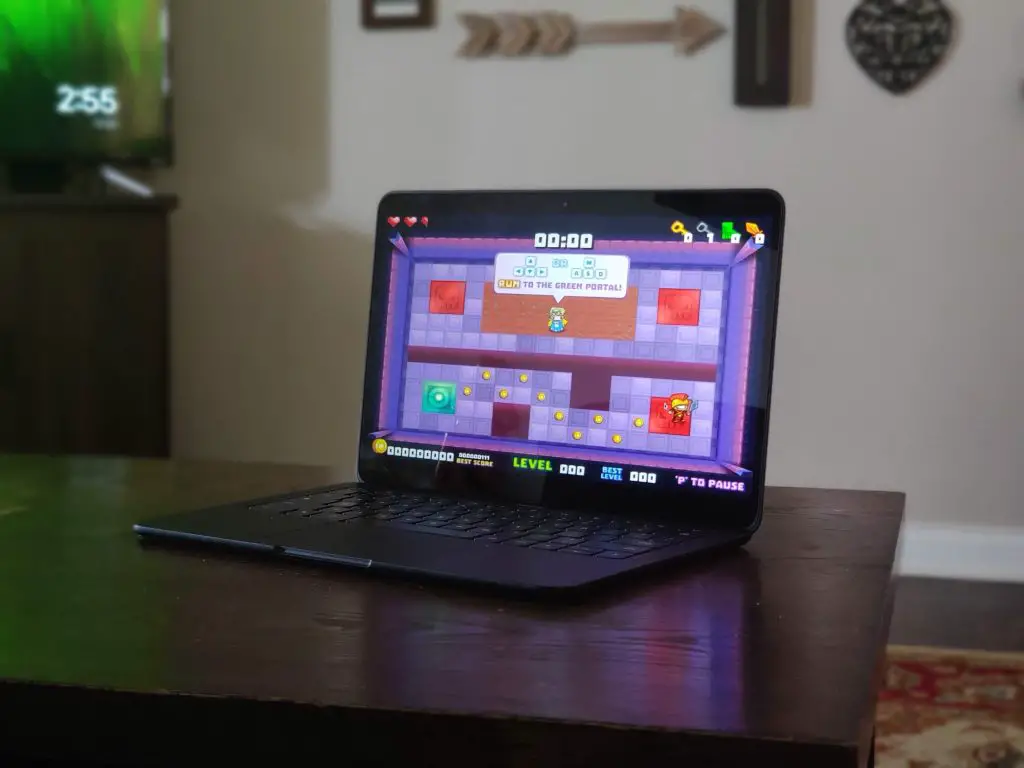
Chromebooks are becoming more and more capable every day. With the addition of Android and Linux apps and streaming platforms like Stadia, they're also turning into pretty decent gaming rigs as well. More power and legitimate GPUs may someday mean the advent of real-deal AAA+ games on Chrome OS but … [Read more...] about Install this standalone Shockwave player on your Chromebook and get your retro game on
Command Line
Welcome to Command Line. This is our ongoing series dedicated to the Crostini Project and Linux apps on Chrome OS. We're exploring what's new and what you can do with this exciting new feature.
Support our independent tech coverage. Chrome Unboxed is written by real people, for real people—not search algorithms. Join Chrome Unboxed Plus for just $2 a month to get an ad-free experience, access to our private Discord, and more. Learn more about membership here.
START FREE TRIAL (MONTHLY)START FREE TRIAL (ANNUAL)
Help fight disease with Folding@home on Chrome OS
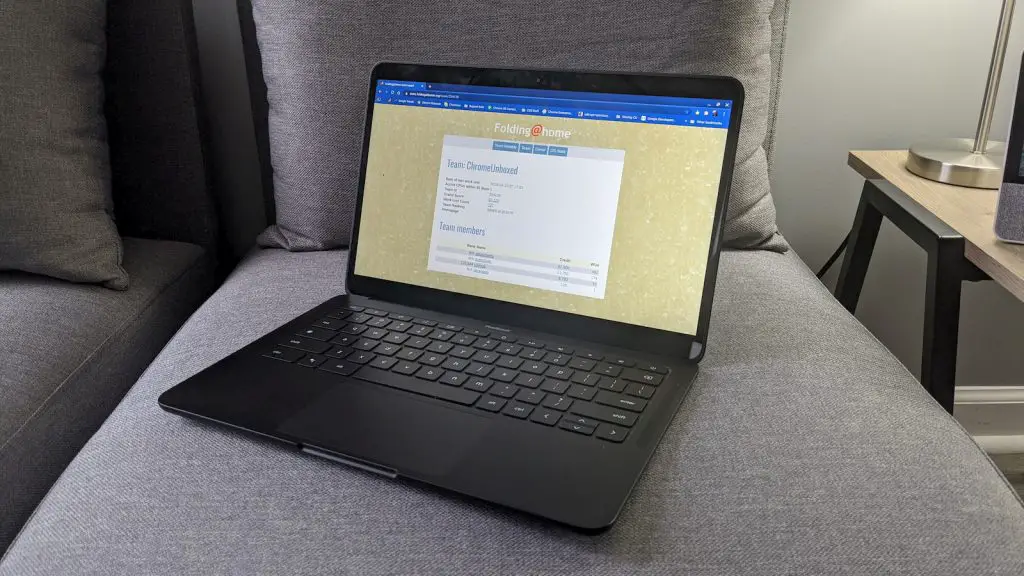
Distributed computing is at the core of many of the technologies that we use on a daily basis without even realizing it. To simplify it into terms I can understand, the process involves multiple systems performing the same tasks in conjunction with each other but not dependent on any one device. The … [Read more...] about Help fight disease with Folding@home on Chrome OS
How to install TD Ameritrade’s “thinkorswim” on your Chromebook
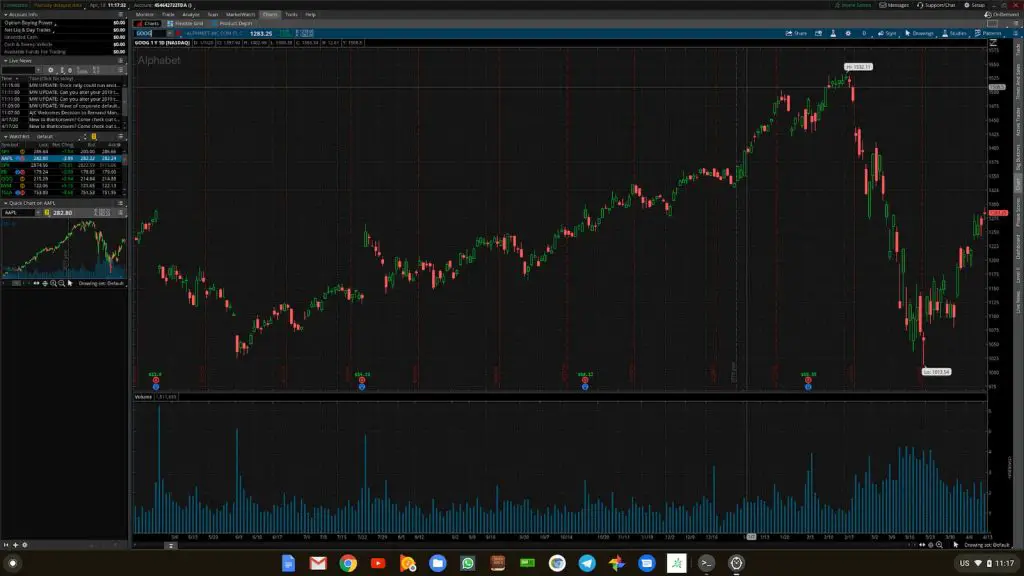
The stock market is a volatile place on a good day but as of late, trying to win big can be a gamble that many just aren't willing to take. However, with so many companies taking massive financial hits, some traders are looking to take advantage of reduces share prices. While I'm not here to solicit … [Read more...] about How to install TD Ameritrade’s “thinkorswim” on your Chromebook
How-to: Adding Debian Backports to Chrome OS
In many cases, finding the Linux software you need for your Chromebook is as simple as using using apt install from the command line as the Debian Buster repository is full of common and popular packages used by many. However, there are occasions when the package you want doesn't exist in the stable … [Read more...] about How-to: Adding Debian Backports to Chrome OS
How to fix the “add-apt-repository command not found” error in Crostini Linux

As we continue our Command Line series, we're always on the lookout for ways to try new software and alternative methods for installing Linux applications. One common instance that comes up frequently is installing software from a repository other than the default Debian Buster that comes with … [Read more...] about How to fix the “add-apt-repository command not found” error in Crostini Linux
Install this Linux App Store on your Chromebook for easy one-click installs
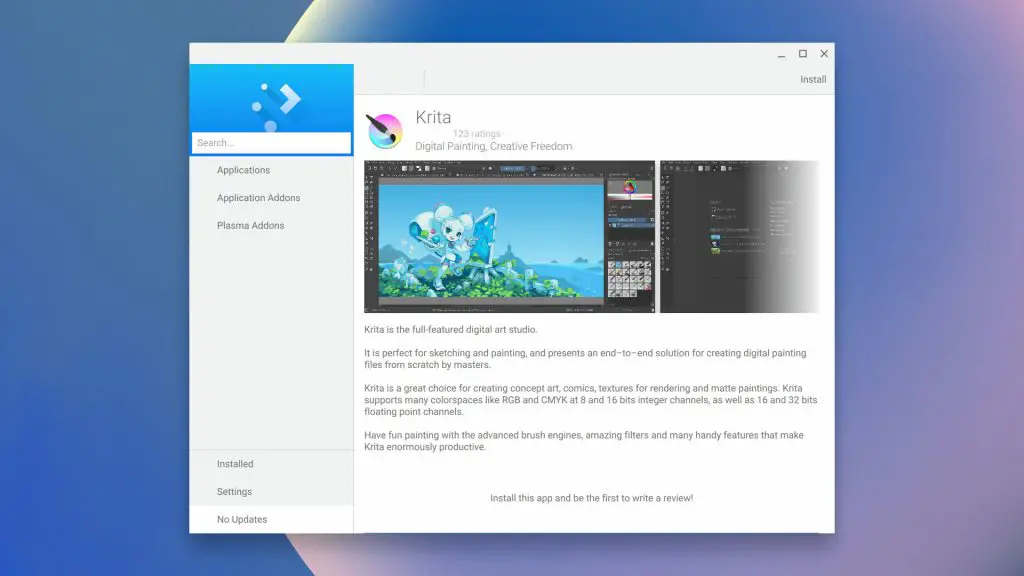
We started the Command Line series to explore new and uncharted ways to utilize Linux Apps on Chrome OS. In our journey, we're discovering a lot of great tools and methods to bring powerful and versatile tools to your Chromebook but alas, the Crostini Project is still lacking one essential tool that … [Read more...] about Install this Linux App Store on your Chromebook for easy one-click installs
Need Viber on your Chromebook? For now, Linux is probably the answer
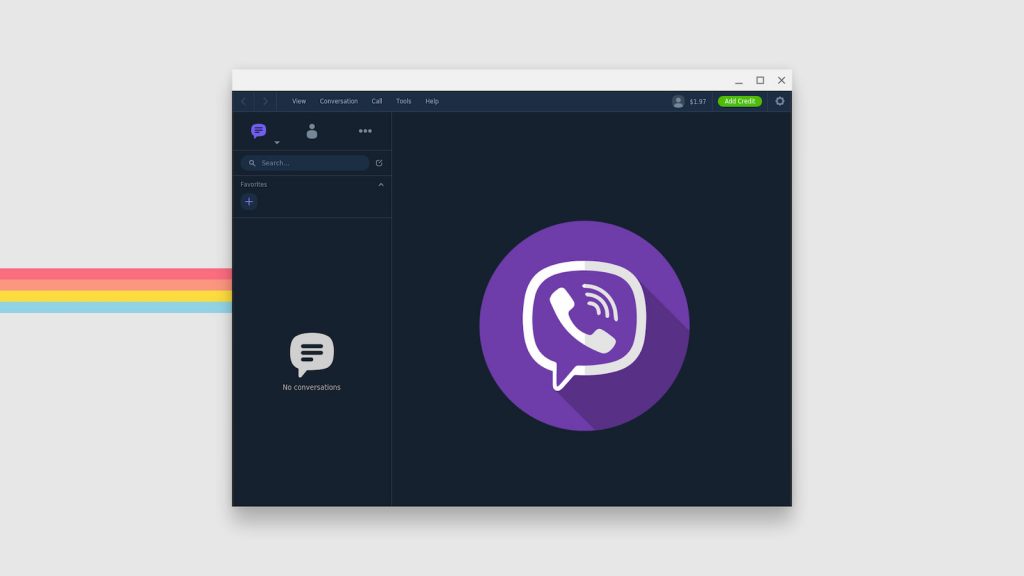
Over the weekend, I received a message from a reader who was desperately trying to get Viber working on his Chromebook. What is Viber you ask? Yeah, I wasn't exactly familiar with it either but over 1 billion people around the globe depend on Rakuten's messaging platform for chat, calls and even … [Read more...] about Need Viber on your Chromebook? For now, Linux is probably the answer
First Look at the UI for resizing Linux Disk on Chrome OS
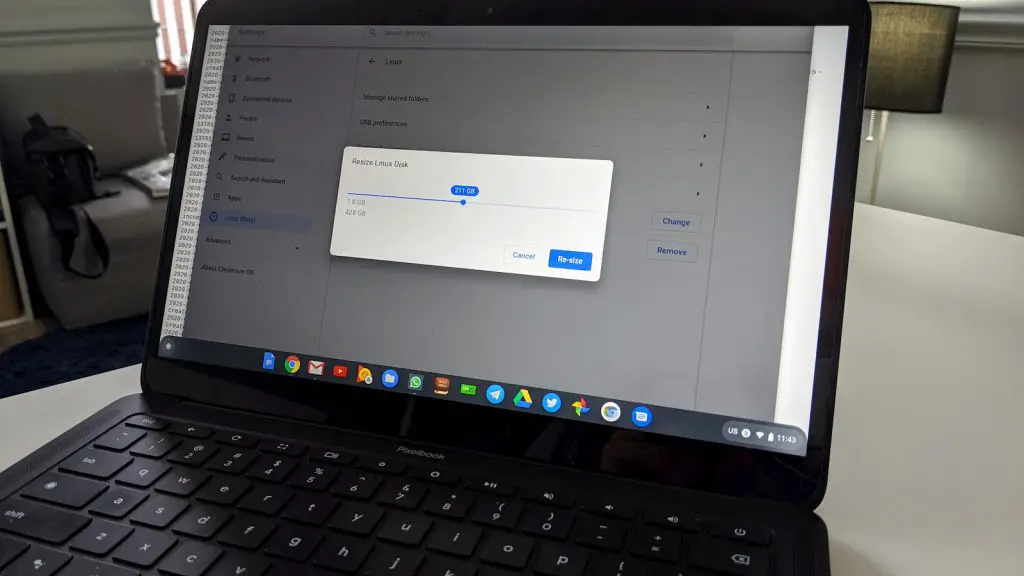
Even with Chrome OS updates on a hiatus, development continues to move forward and it looks like developers are adding some polish to an upcoming Linux feature. In its current state, the Linux container on Chrome OS can utilize up to 90% of the available free space on your Chromebooks disk. … [Read more...] about First Look at the UI for resizing Linux Disk on Chrome OS
Install the privacy-focused Tor Browser on your Chromebook in 4 simple steps
More and more, security and privacy are becoming important factors for users looking to choose a web browser. While most major browsers such as Chrome, Firefox and Edge will allow users to limit the amount of data that is shared and what traces are left from browsing, that isn't the default … [Read more...] about Install the privacy-focused Tor Browser on your Chromebook in 4 simple steps
How to install the latest version of Telegram Desktop on Chrome OS
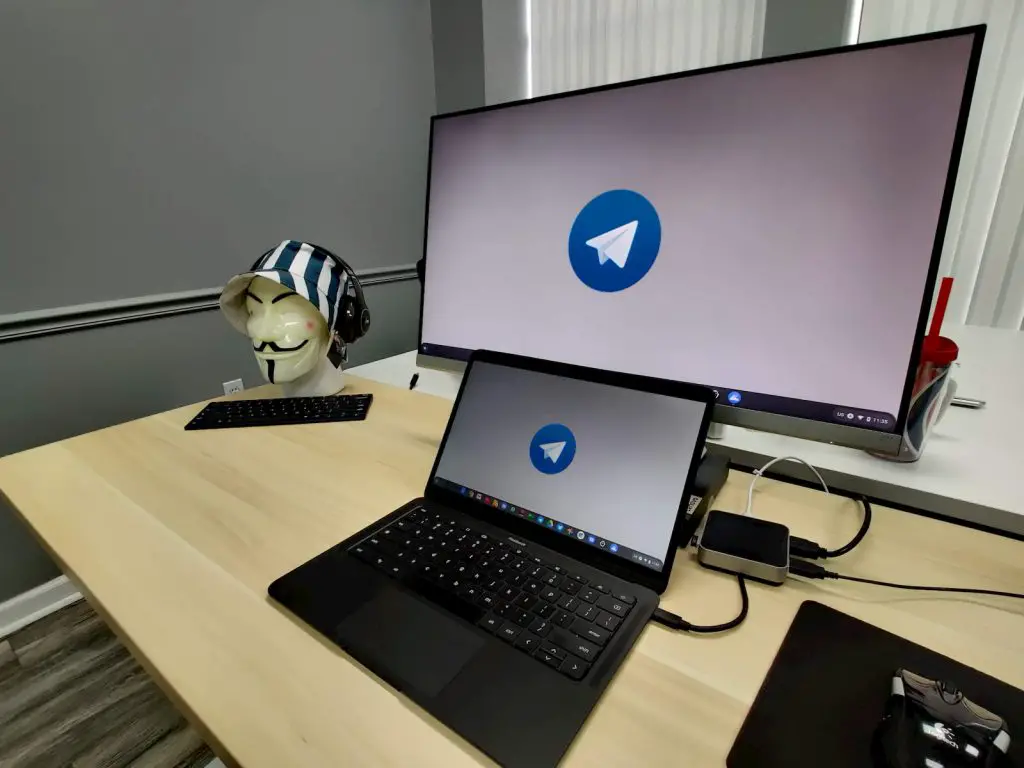
Back when times were simpler, Allo was our go-to chat platform here at Chrome Unboxed. We used it for personal and professional communication and Google Messages was our secondary app for those who weren't aboard the Allo train. Then, our beloved chat app met an untimely demise at the hands of … [Read more...] about How to install the latest version of Telegram Desktop on Chrome OS
Chrome OS to shrink Linux disk image for Chromebooks with limited storage
Linux apps bring a lot to the table for Chromebook users. The ability to have installable applications for which there isn't a web-based alternative is huge and it could play an integral part in launching Chrome OS to a new level of usability and consumer popularity. Apart from the learning curve … [Read more...] about Chrome OS to shrink Linux disk image for Chromebooks with limited storage
Getting started with Linux AppImages on your Chromebook
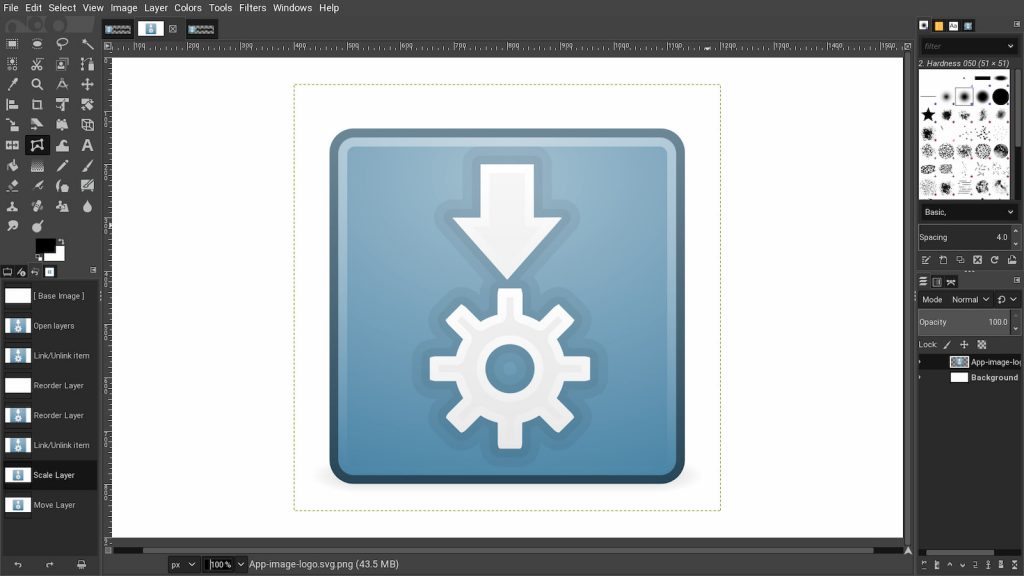
Yesterday, I covered installing Snaps on Chrome OS and come to the conclusion that the "standalone" Linux apps and Chromebooks weren't quite ready to play nice. In that article, I mentioned that I had covered installing Flatpaks and AppImages but that wasn't 100% accurate. We have discussed how to … [Read more...] about Getting started with Linux AppImages on your Chromebook
