

Support our independent tech coverage. Chrome Unboxed is written by real people, for real people—not search algorithms. Join Chrome Unboxed Plus for just $2 a month to get an ad-free experience, access to our private Discord, and more. Learn more about membership here.
START FREE TRIAL (MONTHLY)START FREE TRIAL (ANNUAL)
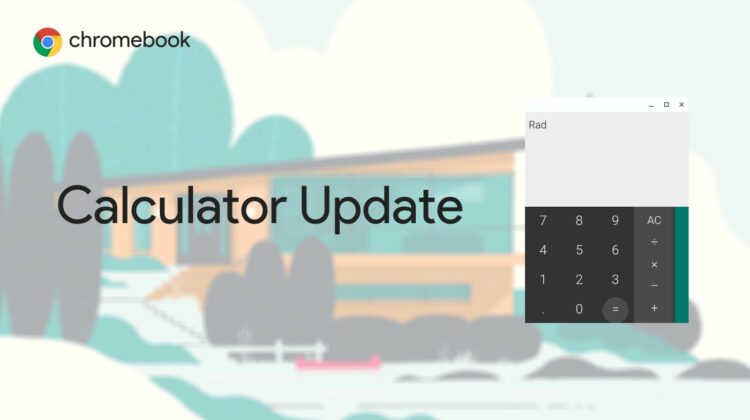
For those familiar with Progressive Web Apps (PWAs), you’ll be happy to hear that a new Chrome developer flag in the Canary channel is set to test replace the aging Chrome Calculator app with a web-based alternative. For those who aren’t sure what a PWA is, you’re in for a treat! Progressive Web Apps are basically a website version of an application – it’s considered progressive because it works offline, has many app-like features like touch, swipe, and more, and is easier to update than a traditionally packaged app!
Default install Calculator PWA
Enable default installing of the calculator PWA instead of the deprecated chrome app. – Chrome OS
#default-install-calculator-web-app
The Calculator app on Chromebooks has remained relatively unchanged for a long time now, aside from a new icon it received this past March when it was updated alongside five other apps – Text, Chromebook Recovery Utility, Diagnostics, Network Diagnostics, and Terminal. Before that, the Files app, Camera, Explore Wallpapers, Print Jobs and Scan apps all respectively gained their own iconography refresh as well.
I enabled this new flag, and unfortunately, the built-in app for calculations simply didn’t change. This indicates that this is in early development and that we’ll have to wait some time before it’s finished and rolled out. The most exciting thing about this making an appearance though is that we’re seeing more and more of the operating system’s apps receive web app replacements over the past year which means two things.
Once the Calculator PWA does take over the original Chrome app, the flag indicates that the latter has been ‘deprecated’, speaking in the past tense. However, as of writing this, the Chrome version of Calculator is alive and well, so this tells us that it will be rapidly and mercilessly deprecated once the PWA becomes publicly available. This is nothing new either, Chrome has already replaced the Remote Desktop client, Google Keep, and the aforementioned Recovery Utility with PWAs.
On top of that, it’s working on a System Web App (SWA – or a PWA that’s built into the system) for the Files app, has already finished its work on the new Wallpaper SWA, and has many more in the works. Before long, all of Chrome OS will be running on Progressive Web App fuel as it rockets to the next major milestone in its adoption by the masses!
First, that Google is prepping Chrome OS for its big Material You update which is set to radically and vibrantly recolor and restyle every aspect of the interface in the same way it has Android 12, and second, it means that more web applications will soon be served over the Google Play Store, making it much easier for new users to discover and obtain experiences out of the box and for existing and more seasoned users to update and maintain consistency in their own experience.
SUBSCRIBE TO UPSTREAM
Get Chrome Unboxed delivered straight to your inbox
Upstream is our flagship, curated newsletter with the top stories, most click-worthy deals, giveaways, and trending articles from Chrome Unboxed sent directly to your inbox a few times a week. Join 31,000+ subscribers.


