

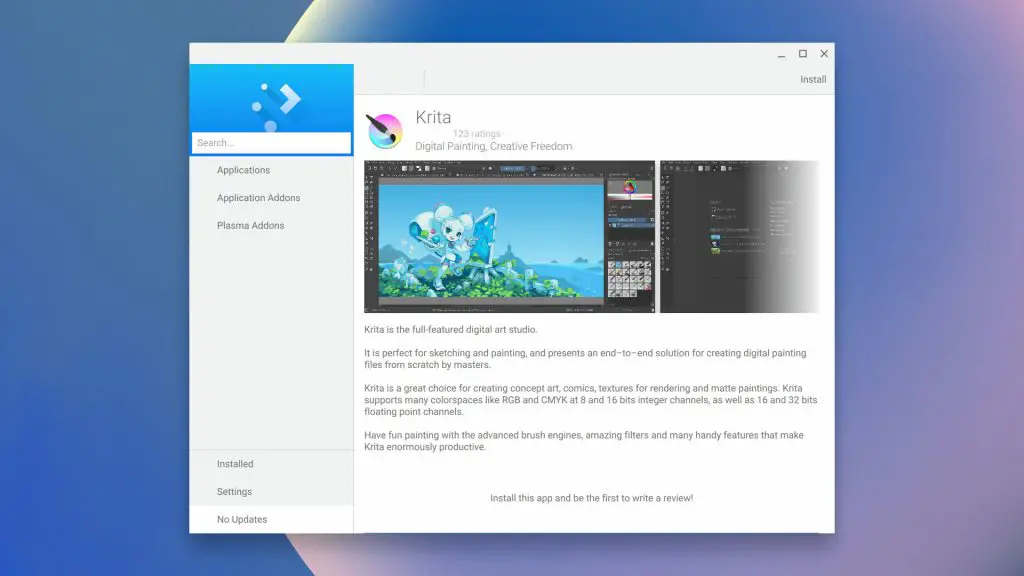
We started the Command Line series to explore new and uncharted ways to utilize Linux Apps on Chrome OS. In our journey, we're discovering a lot of great tools and methods to bring powerful and versatile tools to your Chromebook but alas, the Crostini Project is still lacking one essential tool that … [Read more...] about Install this Linux App Store on your Chromebook for easy one-click installs
ChromeOS
Support our independent tech coverage. Chrome Unboxed is written by real people, for real people—not search algorithms. Join Chrome Unboxed Plus for just $2 a month to get an ad-free experience, access to our private Discord, and more. Learn more about membership here.
START FREE TRIAL (MONTHLY)START FREE TRIAL (ANNUAL)
One of my most-used Chrome OS keyboard shortcuts will be removed later this year
The Chrome OS keyboard is a bit of a minimalist dream. I know it is one of the things that most attracted me to Chromebooks in the early days. Without the intervention of all the manufacturers building custom functions and keyboard layouts, the predictability of the Chromebook keyboard is one of … [Read more...] about One of my most-used Chrome OS keyboard shortcuts will be removed later this year
First Look at the UI for resizing Linux Disk on Chrome OS
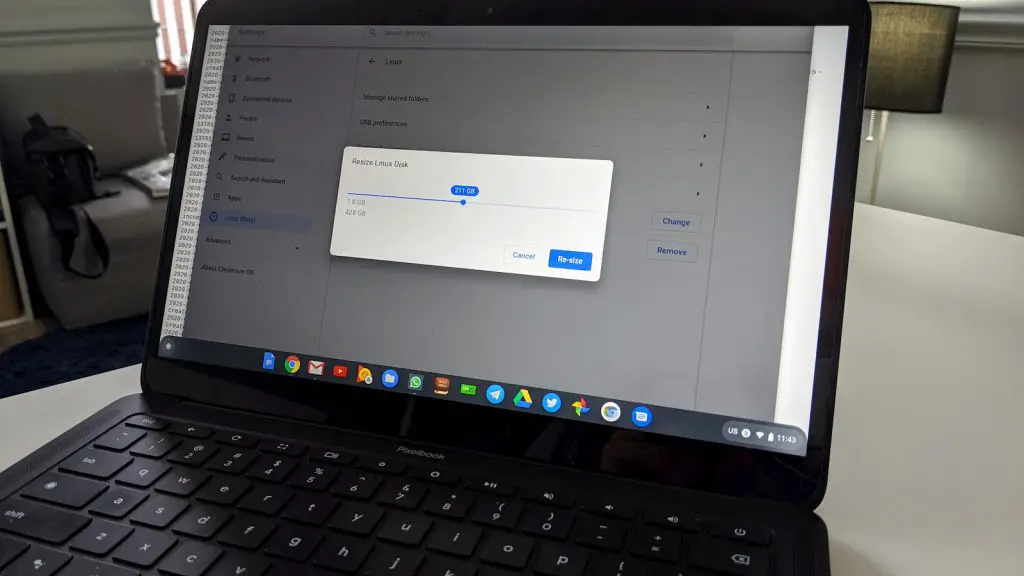
Even with Chrome OS updates on a hiatus, development continues to move forward and it looks like developers are adding some polish to an upcoming Linux feature. In its current state, the Linux container on Chrome OS can utilize up to 90% of the available free space on your Chromebooks disk. … [Read more...] about First Look at the UI for resizing Linux Disk on Chrome OS
Install the privacy-focused Tor Browser on your Chromebook in 4 simple steps
More and more, security and privacy are becoming important factors for users looking to choose a web browser. While most major browsers such as Chrome, Firefox and Edge will allow users to limit the amount of data that is shared and what traces are left from browsing, that isn't the default … [Read more...] about Install the privacy-focused Tor Browser on your Chromebook in 4 simple steps
How to install the latest version of Telegram Desktop on Chrome OS
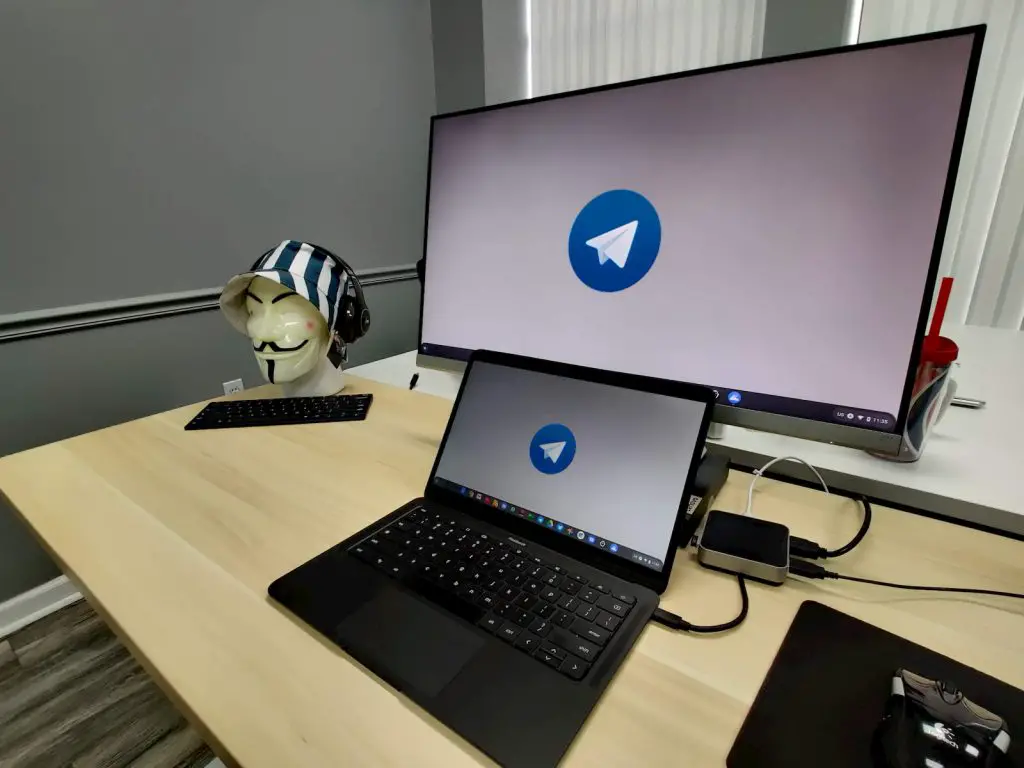
Back when times were simpler, Allo was our go-to chat platform here at Chrome Unboxed. We used it for personal and professional communication and Google Messages was our secondary app for those who weren't aboard the Allo train. Then, our beloved chat app met an untimely demise at the hands of … [Read more...] about How to install the latest version of Telegram Desktop on Chrome OS
Getting started with Linux AppImages on your Chromebook
Yesterday, I covered installing Snaps on Chrome OS and come to the conclusion that the "standalone" Linux apps and Chromebooks weren't quite ready to play nice. In that article, I mentioned that I had covered installing Flatpaks and AppImages but that wasn't 100% accurate. We have discussed how to … [Read more...] about Getting started with Linux AppImages on your Chromebook
Yes, you can install Snap packages on Chrome OS, but it’s not great
Before we go any deeper with this, I'd like to confess that I am in no way an expert on Linux. Since the Crostini project first emerged and brought Linux applications to Chrome OS, I have been quite busy researching the various Linux distros and more specifically, how apps are packaged and handled … [Read more...] about Yes, you can install Snap packages on Chrome OS, but it’s not great
Older Chromebooks are starting to get Google’s new 8-year Auto Update Policy

Back in mid-January, Google decided to announce its plans for extending the AUE (auto update policy) for new Chromebooks relesed in 2020. That new policy would affect any new Chrome OS device that hits the market this year, effectively guaranteeing buyers regular updates on these new devices until … [Read more...] about Older Chromebooks are starting to get Google’s new 8-year Auto Update Policy
Oh, Glorious Day. Chromebooks are getting Print and Scan management

Chrome OS and printing have had a long, tumultuous relationship and that's a shame because Chromebooks have solidified their place in education and have now set their sights on the enterprise and consumer markets. That's not to say Chrome OS hasn't made advances in the printing department. With … [Read more...] about Oh, Glorious Day. Chromebooks are getting Print and Scan management
Installing the latest version of Inkscape on Chrome OS just got a whole lot easier

We use Gravit Designer on the daily as our go-to vector editing and design tool but for a long time, Inkscape was always in the old tool bag. Problem was, using Inkscape on Chrome OS in the past required Crouton and the unofficial path to dual-booting Linux on your Chromebook. With the advent of the … [Read more...] about Installing the latest version of Inkscape on Chrome OS just got a whole lot easier
Chrome OS 80 makes graphic intensive Linux apps so much better
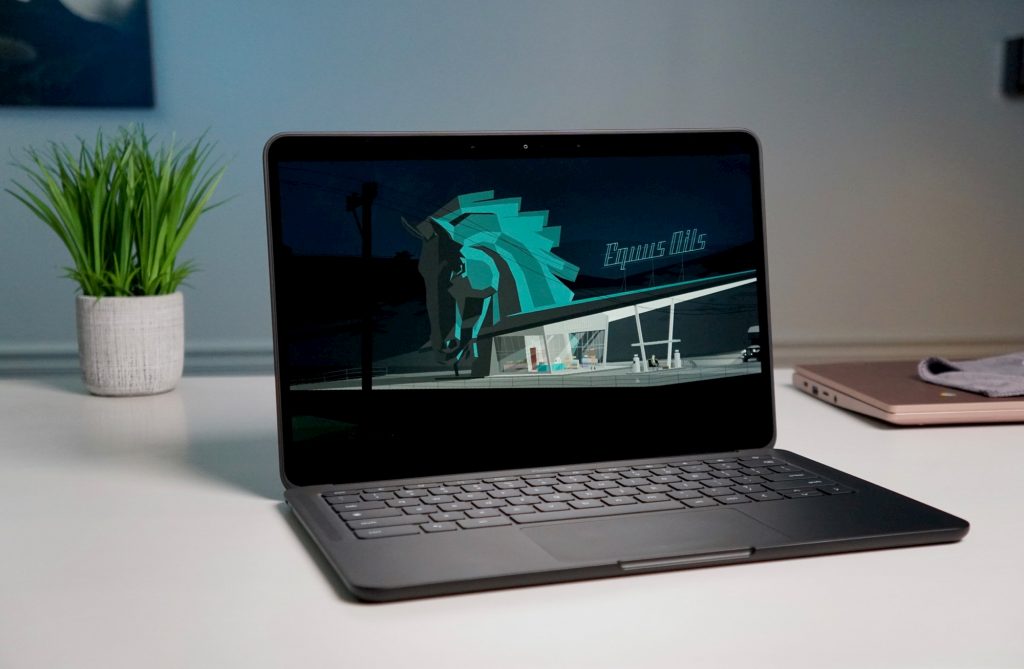
As we've seen in the past few months, Linux apps on Chrome OS have come a long way. There's still work to be done and there are new features that are on the way or that have just launched, but the overall feel of Linux apps on Chromebooks is way more cohesive than it was just 6 months ago. If … [Read more...] about Chrome OS 80 makes graphic intensive Linux apps so much better
Three ways to install Blender 3D software on your Chromebook

We've talked a lot lately about Linux apps on Chrome OS and the plausibility that Chromebooks could eventually be able to run resource-hungry applications such as full-fledged video editors like Davinci Resolve. Now, we're still a little ways out from that becoming a reality but if and when Crostini … [Read more...] about Three ways to install Blender 3D software on your Chromebook
