


Support our independent tech coverage. Chrome Unboxed is written by real people, for real people—not search algorithms. Join Chrome Unboxed Plus for just $2 a month to get an ad-free experience, access to our private Discord, and more. Learn more about membership here.
START FREE TRIAL (MONTHLY)START FREE TRIAL (ANNUAL)
 Much as we expected, the somewhat overdue release of Chrome OS 61 has now started to arrive following the launch of Google’s PixelBook. I’d love to tell you that this version (clearly focused on Google’s new flagship) brought with it some ground-breaking changes but unfortunately, that isn’t the case.
That doesn’t mean there aren’t some great updates with version 61 of Chrome OS. Many of the features we have been tracking for months have finally made their way to the Stable channel and this is what you can expect to see when you mash that update button.
So, here are a few of the new goodies that arrived with Chrome OS 61.
- New default profile avatar and picker
- Improved window management support in tablet mode
- New App launcher
- Improved power management setting
- Improved Get Help App
- New Sign in and Lock Screen design
The profile avatar picker has been updated with animated origami and various other cute pics. This feature has been in the works for a little while now but made its way to the Stable channel relatively quickly. These new avatars give Chrome OS a more Material Design feel all around.
 We know that “selfie” .gifs are also being tested for the Chrome OS profile pic but it appears to have been held back from this release.
The improved window management support is a much-needed update to the Chromebook experience. If Chrome OS is to truly leverage Android apps, this is a must. Ironically, of all the devices I have, none of them that have the Play Store have received the update to 61. Therefore, I have yet to be able to test out these enhancements.
The new app launcher is referring to the “Peeking launcher” we have been talking about for a couple of months now. The Pixel-esque design is now the default experience in Chrome OS 61.
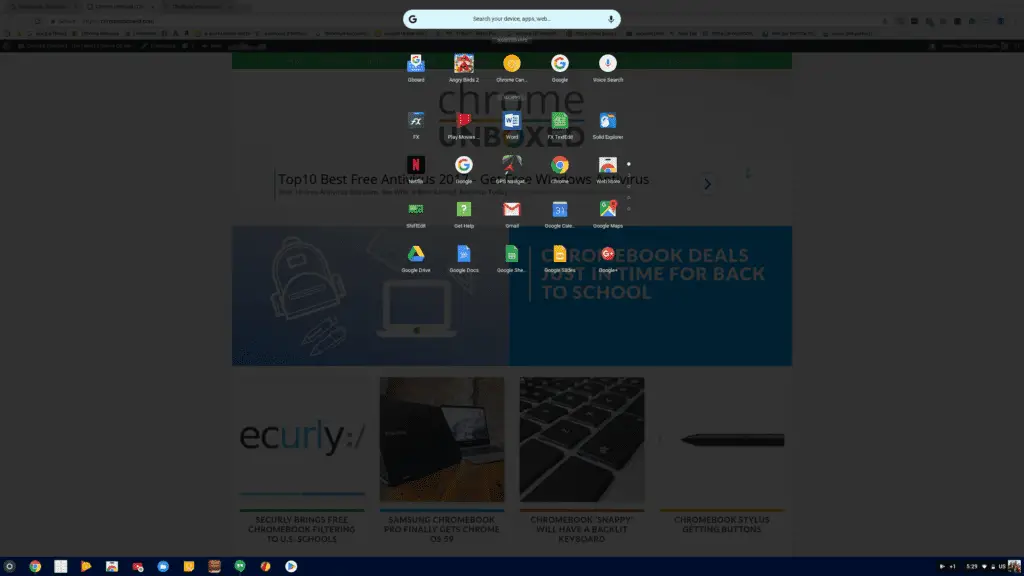
If you aren’t a fan of the new launcher you can still disable it by heading to chrome://flags and searching for “peeking launcher.” Disable it and relaunch the browser and you’re back to old school. However, I would say to you “don’t get used to it.” This will likely become the de facto with no option to disable in the future.
The blurred UI Robby talked about a few weeks ago is accessible in 61 as well but you do have to enable it in Chrome’s flags. It is right under the Peeking launcher and will give you a nice blurred background effect on the launcher, lock screen and tab switcher.
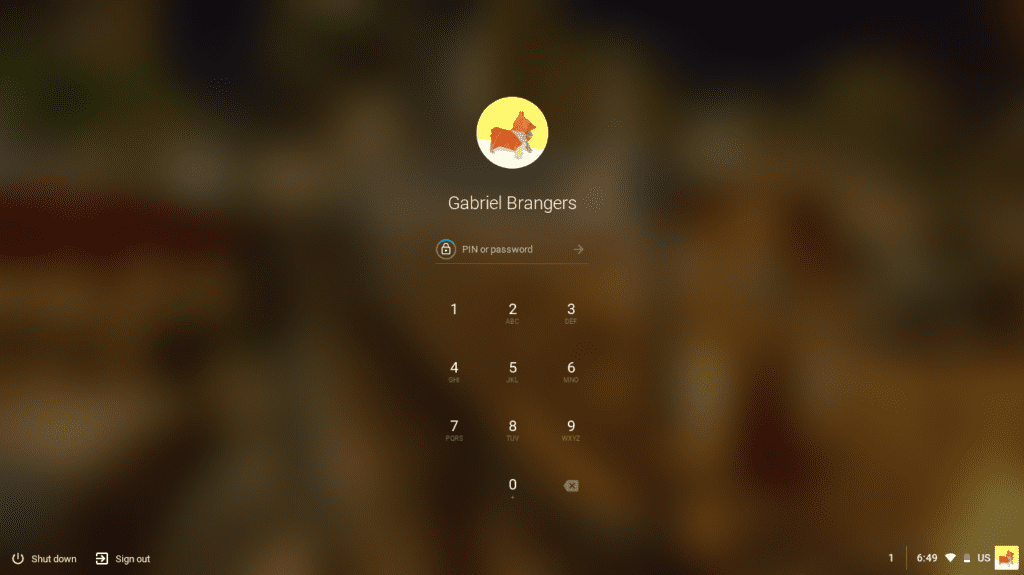
Speaking of the lock screen, that has finally received the anticipated refresh. You now have the updated avatars, blurred background and your option of screen locks all enabled by default.
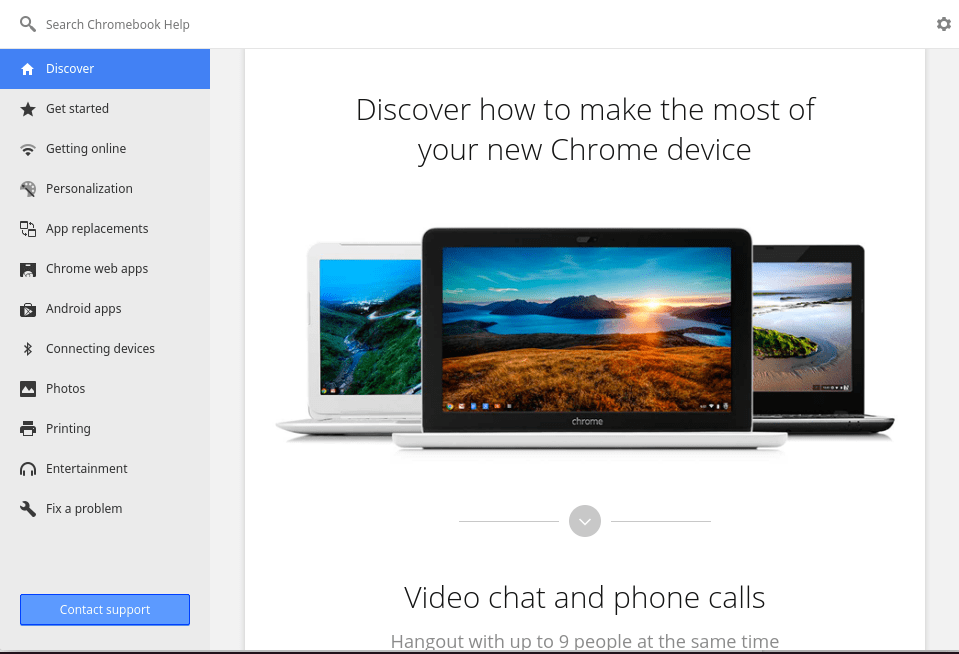
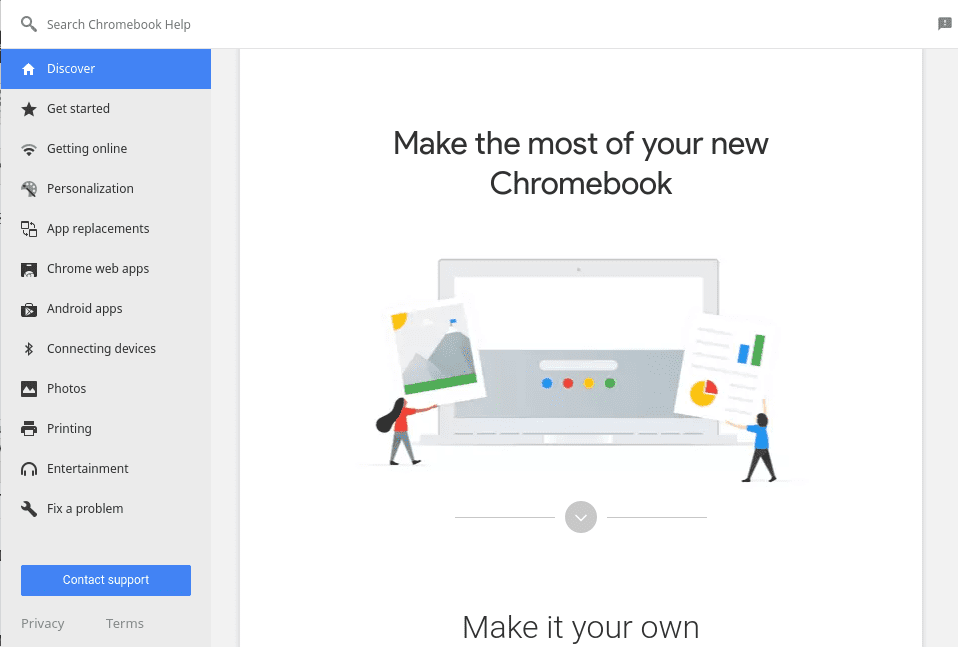
The Get Help App has a new look as well. Below you can see what the Chrome OS help navigation looks like. You can get there on your device by clicking the 3-dot menu at the top right of your browser and heading to help>Get Help.
On the left is Chrome OS version 61 and the right is the updated look of 61.
One very important thing to note about this update is the unusually large number of devices excluded for the time being. Below you will find the list of Chromebooks and Chrome devices that are not receiving Chrome OS 61 until further notice.
- Acer Chromebase 24
- Acer Chromebook 11
- Acer Chromebook 14
- Acer Chromebook 14 for Work
- Acer Chromebook 15
- Acer Chromebook R13
- AOpen Chromebox Mini
- ASUS Chromebook C202SA
- ASUS Chromebook Flip
- Chromebook 11 (not clear which model)
- Chromebook Pixel
- Dell Chromebook 13
- HP Chromebook 11 G5
- HP Chromebook x360
- Lenovo Flex 11
- Lenovo N23 Chromebook
- Lenovo Thinkpad 11e
- Samsung Chromebook Plus
- Samsung Chromebook Pro
- Toshiba Chromebook 2
Yes, that is a lot of devices. No, it isn’t clear why these models have been delayed. YES, I have every intention of finding out why if I am able to do so. When I know, you will know.
Also, I presumed when they listed the ASUS Chromebook Flip they just meant the OG Flip C100. However, I have checked the ASUS Flip C213 and it has yet to receive the update. Will keep you posted.
Apart from this, there a likely some more changes to be discovered with Chrome OS 61 and as we find them we will share accordingly.
Source: Chrome Releases

