


Support our independent tech coverage. Chrome Unboxed is written by real people, for real people—not search algorithms. Join Chrome Unboxed Plus for just $2 a month to get an ad-free experience, access to our private Discord, and more. Learn more about membership here.
START FREE TRIAL (MONTHLY)START FREE TRIAL (ANNUAL)
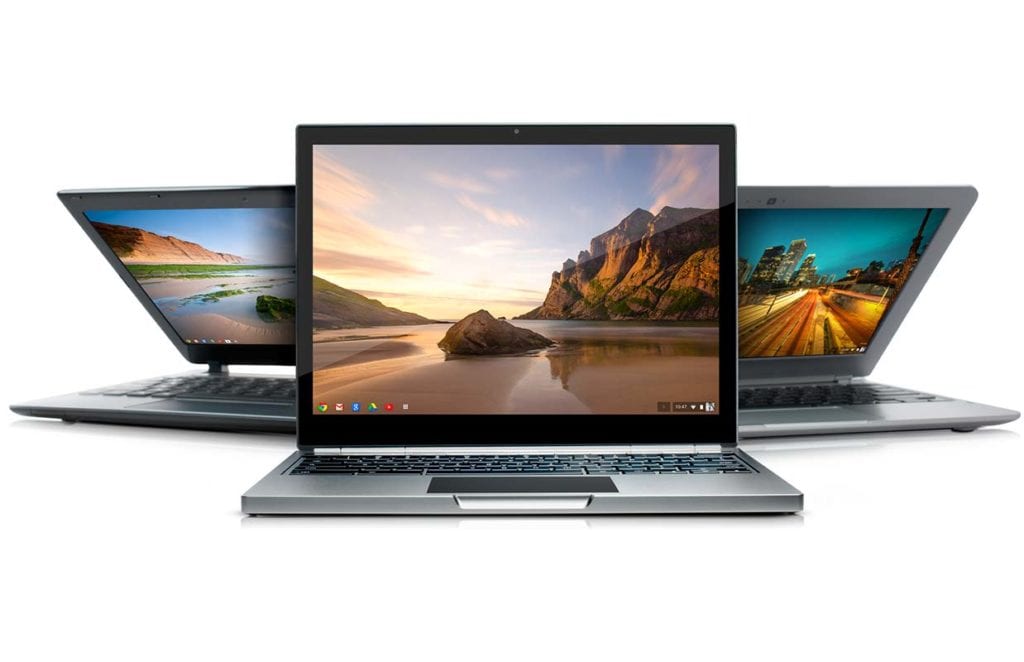 As I’m sure many of you have heard, Google has recently announced an updated official End of Life(EOL) Policy for Chromebooks. While the EOL has been in place since 2014, it has been a hot topic as of late. To put it breifly, devices that reach 5 years from production date will no longer receive official support or updates for Chrome OS. You can check out all the details and fine print at Google’s support page for EOL.
Now, this has been cause for much discussion in the Chromebook community both positive and most certainly negative. I worked in the automobile industry for a number of years and I can tell you, anytime you place planned obselecence on a product, consumers will complain. But I can tell you from experience, this is not the same thing as the auto manufacturers creating an artificial neccessity to purchase a new product, parts or services. Here’s my thoughts on why.
Open Source OS
Firstly, Chrome OS is built off of the Chromuim open source project. The developers of this OS are from all walks of life and every sector of industry. Many of which devote their free time to develop Chromium and Chromium OS for the benefit of all users. And they do this without compensation. With that being said, Google isn’t pandering the latest version of their OS for grotesque amounts of money. You buy a Chromebook. You get regular updates and security patches at no cost every 6-8 weeks like clockwork.
The cost
Let’s be honest. If I had a mid-range Windows machine sitting here that was almost 5 years old, chances are it would be a little sluggish, quite bloated and the hardware almost antiquated by industries standards. So? Go buy a new one. Sure thing. Now, I can go by a sub $300 laptop and get a device that, in reality, might last a year or two. But, that would be a little pointless wouldn’t it?
The average consumer spends roughly $450 on a laptop, according to most sources. If you’re into serious web work, editing or gaming, that amount isn’t going to get you far at all. For only a few dollars more you can get a “premium” Chromebook like the HP 13 G1 and you’d be getting a lot more bang for your buck. Plus, this device will get you support and updates until May of 2021 if not longer. Seriously, I do not care for Windows, at all. But, if I could replace my old Thinkpad with a new device powerful enough to do what I need for less than $500, I would have done it a long time ago. It’s just not a viable option, in my opinion.
My daily driver Chromebook cost me less than $200 and it is capable of more than I’d ever ask of it. Replacing it, if needed, wouldn’t even be a question. I’m on my fourth or fifth Chrome device in less than 2 years and have spent less than one premium Windows machine or last generation MacBook. And Robby? Forget about it. The list of Chrome devices he hasn’t had floating around would probably fit on an index card.
Developers
As we’ve discussed, Chrome and Chrome OS are based off of open source software. The apps are no different. With the addition of the Play Store to Chromebooks almost upon us, developers now have the potential to expand the reach of their products exponentially. Since the majority of these Chrome and Android apps are third party developers outside of Google, developing and maintaining apps for legacy devices could prove to be almost impossible. The EOL policy will help allow these developers to keep focused on forward production of their products without becoming bogged down with continuing support for older hardware.
This is much in line with what Android has been doing for years. My old Nexus 4 does not get official support from Android anymore. I can’t install Nougat on it and many of my apps are just broken. Considering Android only has a major update once a year, a 5 year EOL policy for Chromebooks sounds pretty good to me. Especially since Chrome updates every 6-8 weeks.
So, there you have it. I just don’t feel that a 5 year End of Life Policy is a big deal. Over the next five years I feel most Chromebook users, current and first time, will explore, expand and upgrade regardless of the EOL. That’s just my opinion, for what it’s worth. Either way, I hope this has opened your mind a little to a few of many reasons behind the policy.
We’d love to hear your thoughts. Leave us a comment below and let us know what you think of Google’s End of Life Policy.

