


Support our independent tech coverage. Chrome Unboxed is written by real people, for real people—not search algorithms. Join Chrome Unboxed Plus for just $2 a month to get an ad-free experience, access to our private Discord, and more. Learn more about membership here.
START FREE TRIAL (MONTHLY)START FREE TRIAL (ANNUAL)
The latest update to Google Stadia’s web application and Android app now lets you subscribe to Ubisoft+ directly from within without needing to leave your cozy gaming corner. This comes after the two companies decided to collaborate in December. At that time, Ubisoft+ began rolling out in beta, and those who were already subscribed to the service were able to connect their subscription to their Stadia account in order to play 20 of the publisher’s games on Google’s cloud gaming platform under just one cost – no Stadia Pro necessary.
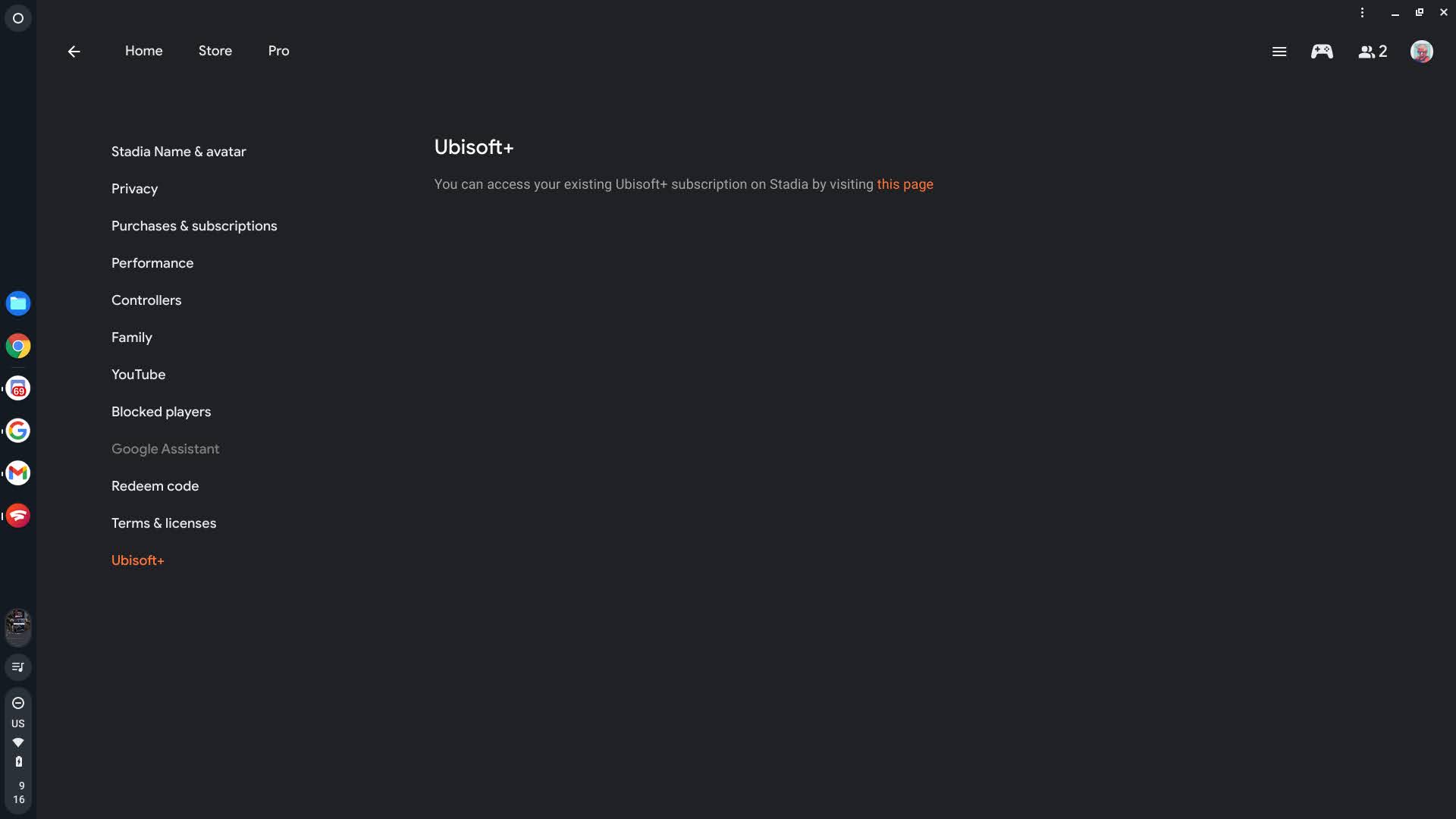

By visiting your profile image at the top-right of the app or website and clicking ‘Ubisoft+’, you can then subscribe by following the steps provided. Ubisoft+ costs $14.99 per month and gives you unfettered access to access to the following titles and more:
- Assassin’s Creed Odyssey – Stadia Ultimate Edition
- Assassin’s Creed Valhalla Ultimate Edition
- Family Feud
- Far Cry New Dawn Deluxe Edition
- Far Cry 5 Ultimate Edition
- Ghost Recon Wildlands Ultimate Stadia Edition
- Immortals: Fenyx Rising Gold Edition
- Monopoly
- The Crew 2 – Gold Edition
- The Division 2: Warlords of New York Ultimate Edition
- Tom Clancy’s Ghost Recon Breakpoint – Ultimate Edition
- Trials Rising – Digital Gold Edition
- UNO Ultimate Edition
- Watch Dogs 2: Ultimate Edition
- Watch Dogs Complete Edition
- Watch Dogs: Legion
- Scott Pilgrim vs. The World: The Game
Being that I’ve already purchased many of Ubisoft’s titles on Stadia, I won’t be subscribing – I find that having a copy of the game by paying and being done is better in some instances than having unnecessary subscription costs in my life that I need to worry about. Too many subs for too many things – especially luxuries and not necessities – have been the bane of my existence since the beginning pandemic.
With that being said, If you’re going to sink hundreds of hours into Ubi’s open-world games and collect everything, playing frequently, then $14.99 is basically the price of eating out once per month, so I encourage it! I’m just saying that subscribing to Stadia Pro and Ubisoft+ (should you want both) can get pricey pretty quickly, so you’ll have to make a decision in that regard.
If you’re like me and prefer to manage all of your subscriptions from within the Google Play Store’s subscriptions section, subscribing through the Android app and then using it via the web will be your best bet. Tapping ‘Get started’ from the Ubisoft splash page on the app will launch the Play Store’s in-app purchase screen which already has your saved debit or credit card, Play Points and more, so signing up for the service is easier than ever. It sure beats navigating to Ubi’s website and manually subscribing, so having it baked directly into Stadia is a welcome addition.
Who knows, maybe I’ll change my mind and end up subscribing after all once FarCry 6 and other titles come to the platform in the near future. For some, this service could prove to be more valuable than Stadia Pro, but the good thing is that we’re starting to get options. I’d love to hear what your plans are regarding all of this. Will you be subscribing to Ubisoft+ and abandoning Stadia Pro? Will you keep both services? Will you just keep Stadia Pro and watch what happens with Ubisoft’s integration over time? Let me know in the comments section and happy gaming!
Subscribe to Ubisoft+ via Stadia
SUBSCRIBE TO UPSTREAM
Get Chrome Unboxed delivered straight to your inbox
Upstream is our flagship, curated newsletter with the top stories, most click-worthy deals, giveaways, and trending articles from Chrome Unboxed sent directly to your inbox a few times a week. Join 31,000+ subscribers.


