
Support our independent tech coverage. Chrome Unboxed is written by real people, for real people—not search algorithms. Join Chrome Unboxed Plus for just $2 a month to get an ad-free experience, access to our private Discord, and more. Learn more about membership here.
START FREE TRIAL (MONTHLY)START FREE TRIAL (ANNUAL)
If you’ve ever tried hooking a Samsung phone up to an external monitor to use Samsung DeX as a primary workstation, you know that web browsing is usually where the desktop illusion starts to break down. Sure, you can tap “Request desktop site” in your browser of choice, but forcing a desktop user-agent onto an interface built for touch navigation never feels quite right.
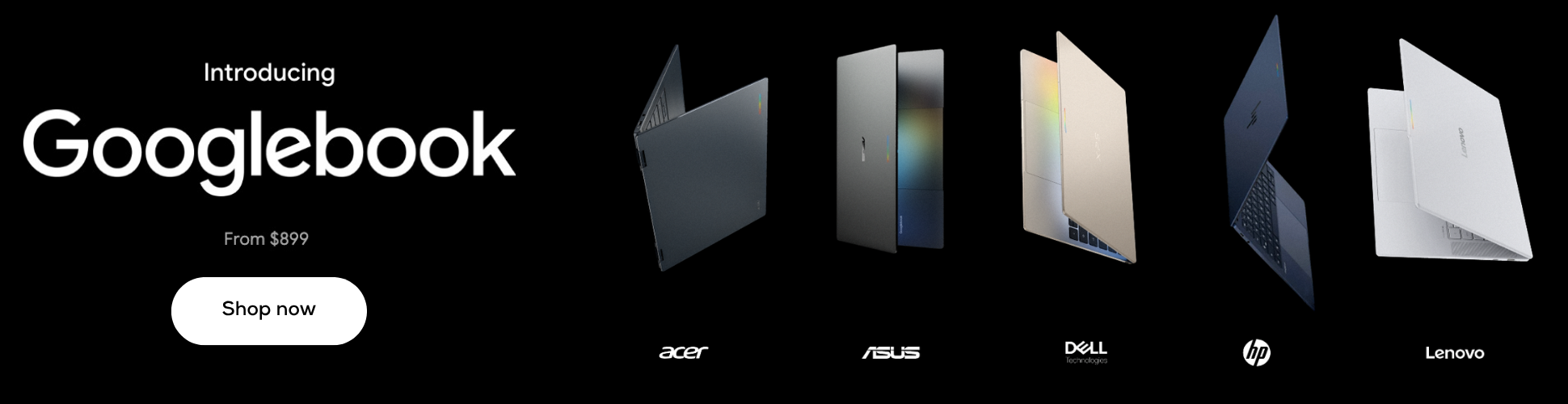
Around here lately, we’ve talked a bit about Samsung’s currently-mysterious laptop ambitions. Back in April, we dug into reports that Samsung was developing its own lineup of Galaxy Books powered by Android 17 and One UI. Then, just ahead of the Googlebook launch event, a Samsung device (model XE940XSA) packing a Snapdragon X Elite chip and 16GB of RAM showed up on Geekbench running Android 17 that led me to argue that this leaked machine likely wasn’t a Googlebook at all, but rather Samsung’s own independent Android laptop.
Now, we have what might be our biggest piece of software evidence yet to support that argument. According to early One UI 9.5 test builds spotted by Android Authority, Samsung is actively developing a dedicated, PC-style desktop interface for Samsung Internet. And while it’s currently showing up inside DeX, the timing and execution point straight toward a much larger hardware play.
A real desktop interface with sidebars and side-by-side tabs
Instead of just stretching a mobile browser across a 16:9 monitor, the unreleased One UI 9.5 build completely reorganizes how Samsung Internet uses screen real estate. The entire application reflows around a mouse and keyboard setup rather than touch targets:
- The collapsible desktop sidebar adds a persistent vertical navigation rail on the left side of the window, borrowing the layout from Samsung’s Windows browser to give users instant access to bookmarks, history, and downloads.
- Native side-by-side split tabs: let users tile two active web pages next to each other within a single window, cutting out the awkward friction of snapping two separate floating browser windows together.
- A dense horizontal tab bar: Reorganizes the top header into a true PC-style tab strip with compact tabs, extension shortcuts, and an omnibox tuned for precise mouse clicks.
Comparing this feature set to Googlebook, having split tabs in Samsung’s web browser before it hits Googlebook OS could sting a bit. And who knows: maybe Samsung will make this browser available on Googlebook OS alongside DeX, too.
Giving Galaxy AI its own dedicated side panel
The other standout change in this leaked build is how Samsung integrates Galaxy AI. On current mobile versions, tapping the Galaxy AI sparkle pops up modal sheets that cover up the article you’re trying to read, which works fine on a phone display but feels clumsy on a large monitor.
In the One UI 9.5 desktop layout, Galaxy AI moves into its own dedicated, collapsible utility panel on the right side of the screen. The panel stays anchored alongside your active page, offering one-click action chips:
- Summarize: Generates clean, bulleted takeaways of long articles or documentation without covering up the text.
- Translate: Translates foreign-language web pages in place without breaking responsive CSS layouts.
- Read highlights aloud: Plays audio summaries through connected speakers while you continue scrolling other tabs.
- Ask anything: Lets you query the active page conversationally using a bottom prompt field, complete with suggested follow-up questions.
The smoking gun for an Android-powered Galaxy Book
When I made the case last month that the leaked Samsung XE940XSA laptop on Geekbench was likely an independent Galaxy Book running One UI rather than a Googlebook, the biggest missing piece of the puzzle was software. Googlebook OS relies on Google’s desktop-adapted Chrome browser, but Chrome on Googlebook is still missing basic desktop features like multi-profile support.
If Samsung is truly preparing to launch a standalone laptop running Android 17 and One UI 9, it needs a premier, desktop-class web browser of its own. It couldn’t just ship the mobile build of Samsung Internet and call it a day.
Seeing Samsung build out native side-by-side tabs, a Windows-style sidebar, and an integrated Galaxy AI panel feels like the exact software groundwork needed to power an Android-based Galaxy Book clamshell. Whether Samsung ultimately decides to adopt Googlebook OS standards down the road or launches its own Snapdragon-powered Android PC alongside the Galaxy S27 early next year, building a true PC browser is a mandatory step.
Don’t get me wrong: Galaxy phones already pair smoothly with Googlebooks, and Google’s desktop platform is finding its footing. But if Samsung is building its own vision of an Android laptop powered by Snapdragon X Elite and One UI 9.5, this desktop browser overhaul proves they are taking the software side very seriously. And it could be a very, very big part of the Googlebook story moving forward.
SUBSCRIBE TO UPSTREAM
Get Chrome Unboxed delivered straight to your inbox
Upstream is our flagship, curated newsletter with the top stories, most click-worthy deals, giveaways, and trending articles from Chrome Unboxed sent directly to your inbox a few times a week. Join 31,000+ subscribers.

