


Support our independent tech coverage. Chrome Unboxed is written by real people, for real people—not search algorithms. Join Chrome Unboxed Plus for just $2 a month to get an ad-free experience, access to our private Discord, and more. Learn more about membership here.
START FREE TRIAL (MONTHLY)START FREE TRIAL (ANNUAL)
Web-based games have come a long way since the old flash days. Cloud gaming is now bigger than ever as it breaks onto the scene, and it’s getting mainstream recognition from the likes of Samsung and others. With all of this forward progress, why not take a step back into the past for a bit and explore what the web can do for the preservation of gaming history?
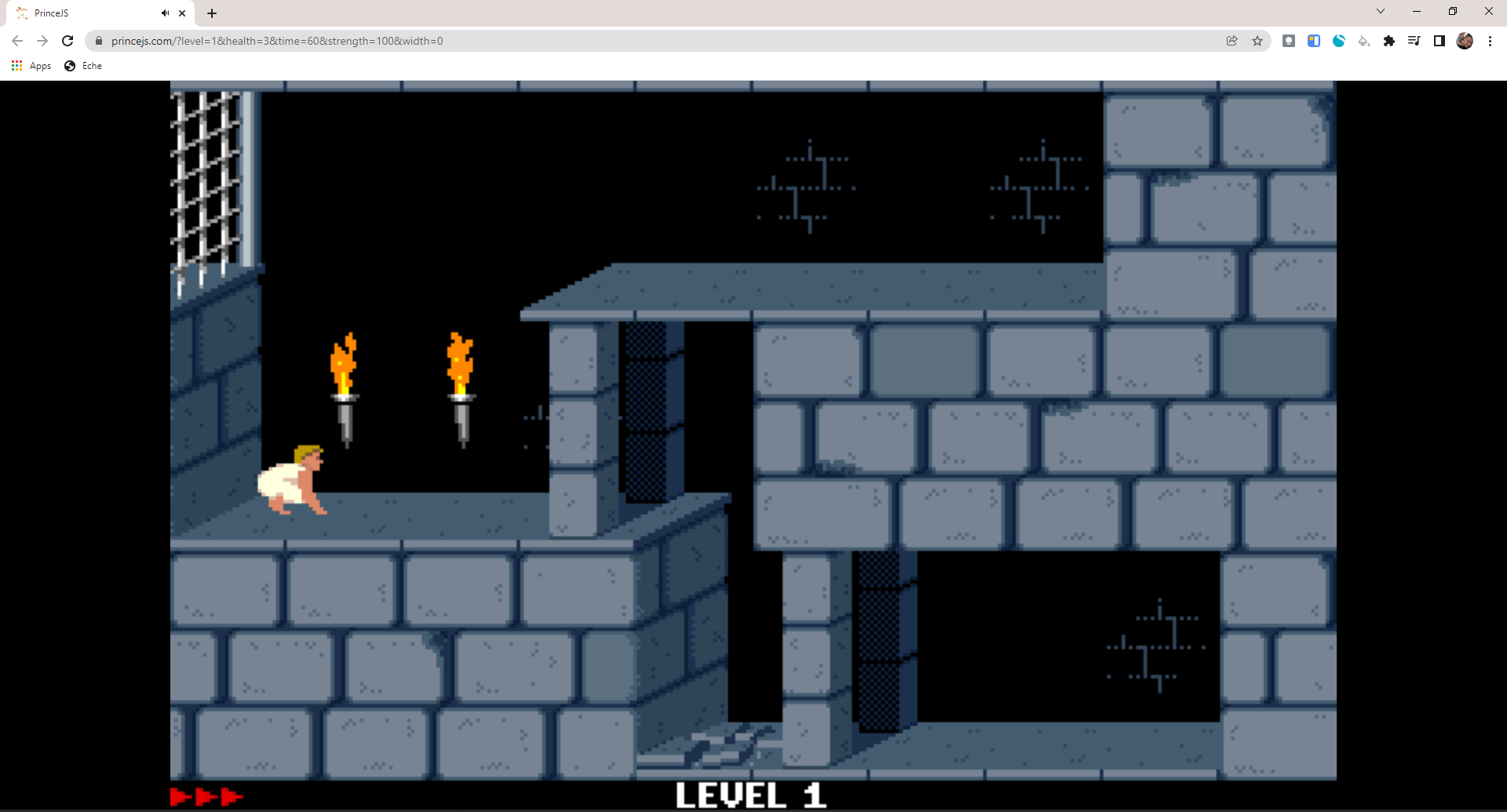
A new website called PrinceJS brings the original Prince of Persia by Jordan Mechner from 1990 to your screen with no downloads at all. Simply visit the site and “press start”. In this case, you’ll just click the screen or press any key on your keyboard to begin.
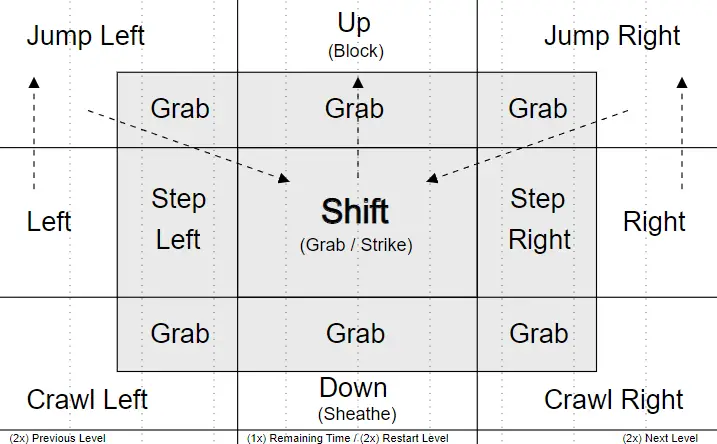
Note: This will work best on a tablet-style Chromebook!
- Dragging can be used to trigger continuous move sequences, e.g.
- Run Jump: Tap Left or Right -> Hold -> Drag in Left or Right corner
- Jump Grab: (Run) Jump -> Hold -> Drag to Center (Shift)
- Fight
- Left/Right: Advance/Retreat
- Shift: Strike
- Up: Block
- Down: Sheathe
For those who are unaware or simply accustomed to seeing Ubisoft’s version of the game from the Playstation 2 era, the traditional Prince of Persia experience was released on the Apple II and then brought over to the original Game Boy and Nintendo Entertainment System as well as MS-DOS.
The gameplay is also quite different from the newer games and takes the form of a side-scrolling platformer. You’ll run, climb ledges, and jump over spike pits to avoid certain death (or you won’t and you’ll be skewered, in which case, you shouldn’t let your kids play this since it’s a bit bloody for an older game!) Sometimes, you’ll have to activate pressure plates to open gates, while other times what looks like a plat will be crumbling ground that you could fall through.
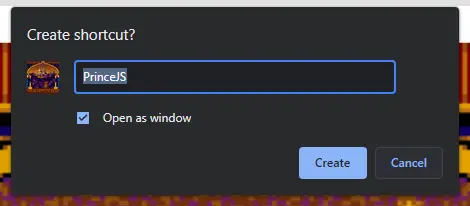
As the name gives away, this is a JavaScript version of the game and it can be played on your Android browser too if you’d like. I recommend turning the website into a shortcut on your home screen if you want to play it often. On Chromebooks, you can create a shortcut too, and you’ll get an icon reminiscent of the game’s title screen, making the entire experience just one click away at all times.
My favorite aspect of Prince of Persia is the character animation. You may be wondering how they were able to do this so fluidly with pixels, and the answer is something called rotoscoping. Basically, they recorded a real person jumping, falling, climbing and running, and traced over it frame by frame with pixel art to make sure it looked realistic.
For the time that this was released, and even for some time after, such a method was extremely impressive, even if it was also being utilized by other titles like Flashback. This was first implemented in 1984 by a game called Karateka, a karate game that was also released on the Apple II (also created by Jordan Mechner).
Kudos to Android Police for finding this gem!
I’d be interested to see how much things like this interest you and how many of you would play older games like this through the web browser on your Chromebook. It’s no Stadia game, but paying homage to the greats that started it all while discovering or re-discovering gaming history can be a lot of fun!
SUBSCRIBE TO UPSTREAM
Get Chrome Unboxed delivered straight to your inbox
Upstream is our flagship, curated newsletter with the top stories, most click-worthy deals, giveaways, and trending articles from Chrome Unboxed sent directly to your inbox a few times a week. Join 31,000+ subscribers.

