


Support our independent tech coverage. Chrome Unboxed is written by real people, for real people—not search algorithms. Join Chrome Unboxed Plus for just $2 a month to get an ad-free experience, access to our private Discord, and more. Learn more about membership here.
START FREE TRIAL (MONTHLY)START FREE TRIAL (ANNUAL)
I recently had a situation that maybe you can relate to. You get a new appliance or system installed, and the professional recommends a specific accessory because it’s “better for service” or “more reliable.” That’s exactly what happened when we updated our HVAC unit a few years ago. Our installer insisted on a Honeywell “Smart” thermostat, promising it was the pro-grade choice. I went with it, but honestly? It’s been a headache ever since.
After only about six months, I started seeing a “Thermostat Sensor Error” message. It was intermittent, ghostly, and frustratingly vague. Sometimes the unit would just randomly light up but refuse to work; other times it was fine.

And the software experience was even worse. I had to use the Honeywell Total Connection Comfort app (which looks like it hasn’t been updated since 2010) to connect it, but then needed a second app (Resideo) just to bridge it to Google Home. And the display? A cramped, outdated display where the actual interface occupied a tiny, hard-to-navigate square.
So, with Black Friday sales kicking off, I finally decided I’d had enough. I pulled the trigger on the new 4th Generation Nest Learning Thermostat, and my only regret is that I didn’t do it sooner.
A massive upgrade in every way
The difference was immediate. Installation took me maybe 25 minutes, tops. There was no juggling multiple apps or deciphering complex wiring diagrams; the Google Home app walked me through every single step with clear, easy instructions. It was super simple.
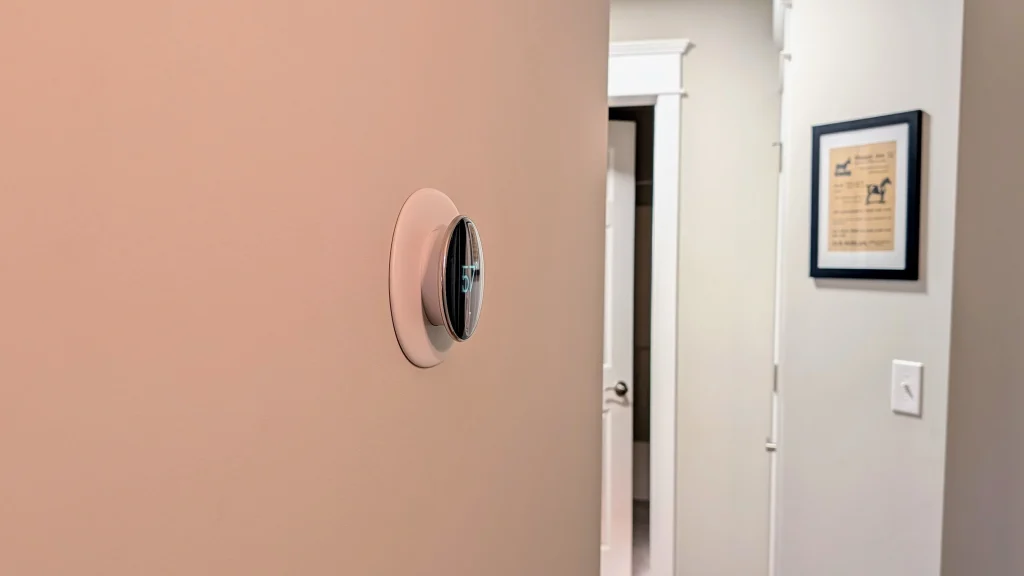
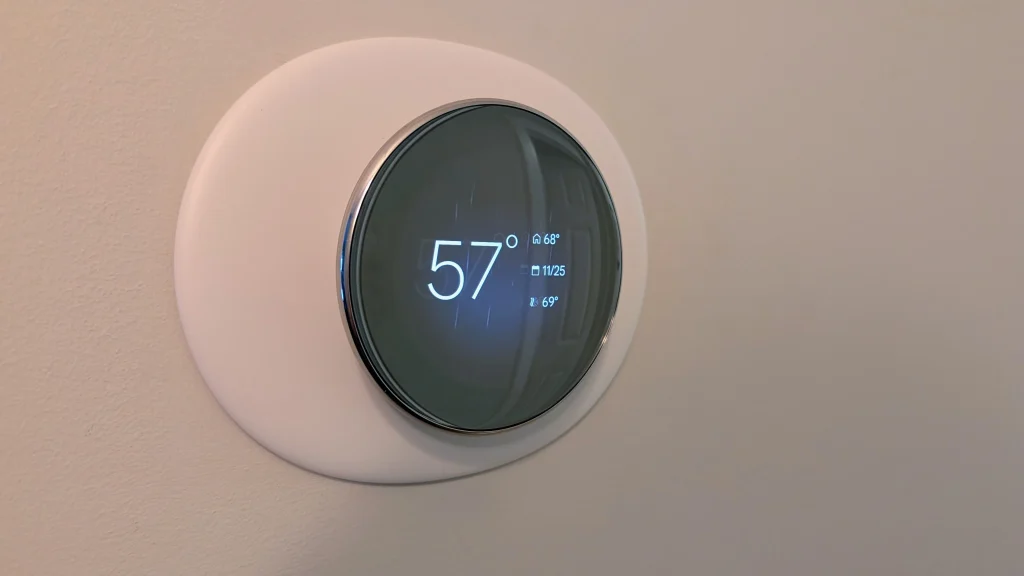
But the real game-changer is living with it. In photos, the new domed crystal design definitely gives off “alien spaceship vibes,” and I wasn’t entirely sure how it would look in our hallway. But on the wall, I think it looks fantastic—modern, sleek, and premium.
And one of my favorite new features is “Farsight,” which is genuinely useful. I have mine set to show the outdoor temperature, so now when I walk down the hall in the morning, the screen wakes up from a distance and lets me know if I need a jacket before I even check my phone. It’s a small quality-of-life improvement that makes the whole house feel smarter.
Nest Thermostat (4th gen) Black Friday Deal
If you’re stuck with a clunky thermostat that feels like it’s from 2010, now is the perfect time to upgrade. The Nest Learning Thermostat (4th Gen) is currently $50 off at Best Buy, dropping the price to $229.99.
It comes in Silver, Gold, and Obsidian, and includes the new pebble-shaped temperature sensor in the box (another huge perk for balancing hot/cold rooms).
If that’s still a bit steep, the standard Nest Thermostat is also on sale for just $89.99 ($40 off). It’s a simpler device, but it still gives you that rock-solid Google Home integration. Just note that it comes with a shorter warranty and doesn’t support the remote sensors.
For me, the upgrade to the 4th Gen model was worth every penny just to get rid of the connection headaches and have a thermostat that actually looks good on my wall!
SUBSCRIBE TO UPSTREAM
Get Chrome Unboxed delivered straight to your inbox
Upstream is our flagship, curated newsletter with the top stories, most click-worthy deals, giveaways, and trending articles from Chrome Unboxed sent directly to your inbox a few times a week. Join 31,000+ subscribers.

