

Support our independent tech coverage. Chrome Unboxed is written by real people, for real people—not search algorithms. Join Chrome Unboxed Plus for just $2 a month to get an ad-free experience, access to our private Discord, and more. Learn more about membership here.
START FREE TRIAL (MONTHLY)START FREE TRIAL (ANNUAL)
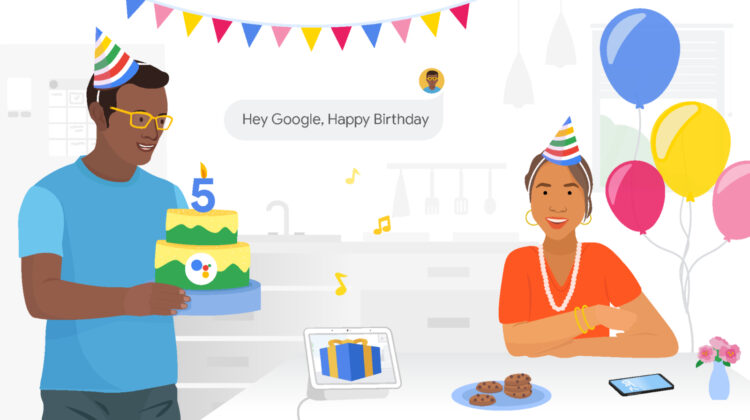
Google Assistant has drastically increased the quality of life for millions of users, at least in the sense that they are able to access the world’s information in an organized way as per Google’s mission statement. In a new blog post today, the company recapped its accomplishments with its AI and machine learning efforts. Assistant is no longer a toddler, so let’s take a look at some of the most notable advancements the tool has made since it launched all the way back in May of 2016.
While it offered just two voices at launch and was only available on the original Google Home speaker in the U.S. as well as Pixel phones in English and German, Assistant is now available in over 90 countries and comes in almost 30 languages. On top of that, there are 10 voices to choose from (even though Issa Rae and John Legend have been cycled out), and you can use it on over 100 million smart home devices. This includes security lights, systems, and even smart thermostats!
At first, the Assistant was pretty robotic, but then Google applied new NLP, or Natural Language Processing models to it to make it speak more naturally. BERT – or the company’s revolutionary neural transformer – also helped Assistant understand longer dialogues and context better than ever before.
Evolving from there, the controversial and incredibly spooky Duplex that was first launched three years ago let Google Assistant make phone calls on your behalf, book haircuts, and restaurant reservations, among other things. Google says that this feature was utilized more than 600,000 times in the past month alone and that through the pandemic, Duplex has already called millions of businesses to ask for store hours, delivery availability, and more so that it could intelligently update Maps and Search for your convenience. Duplex practically made Assistant sound and act human. Many people couldn’t even distinguish the difference and didn’t realize they were even conversing with an AI over the phone when they answered. That’s honestly crazy.
The team at Google also recapped several of their favorite features over the years via the blog post. For instance, the ability to broadcast your voice to your loved ones with Family Bell just recently expanded to phones, you can now ask Google to pay for gas to automatically complete a transaction via Google Pay, and Call Screen and Hold for Me are both fantastic ways to save time while waiting on the phone for someone to answer.
While many of its capabilities are centered around convenience, Assistant is also becoming much more considerate of your privacy and security. You can delete your voice history just by asking “Hey Google, delete everything I said to you this week”, or even toggle Guest Mode so that no interactions are saved to your Google Account. Not only that, but Voice Match ensures that no one else can activate your own personal Assistant but you (most of the time).
Of course, many people stick to the basics. Asking Google to “take a selfie”, or to open a specific app or toggle your flashlight may not be things you do often, but when you do, it can save you plenty of frustration that comes from trying to navigate your phone via touch in specific instances where it’s inconvenient. These actions even work without an internet connection!
With all of these fantastic and incredible tools available to us with nothing but a vocal request, it’s obvious to see why Google Assistant has come so far. What the future holds is anyone’s guess, but so long as it continues to respect privacy and let users remain in control, I think that Google will have a fruitful next half-decade on its hands! What do you think? Are there any features that work less well or that are missing entirely which you’d like to see come to Assistant soon? If you ask it when it was born or tell it “Happy Birthday,” it will tell you it remembers being nervous when it launched, but that it’s since grown and can do much more.
SUBSCRIBE TO UPSTREAM
Get Chrome Unboxed delivered straight to your inbox
Upstream is our flagship, curated newsletter with the top stories, most click-worthy deals, giveaways, and trending articles from Chrome Unboxed sent directly to your inbox a few times a week. Join 31,000+ subscribers.


