


There are pros and cons to Stadia if we look at it objectively. It runs extremely well on Chromecast, in a browser, and on supported phones. The controller is wonderful and the service allows for all sorts of 3rd party controllers as well. The interface is simple and easy to navigate and the … [Read more...] about You can now play Stadia on any Android device without a controller
Guides and How-To's
Of all the things we share with our readers, we get some of the most positive feedback concerning our guides and how-to articles. As many aren't fully familiar with the ins and outs of Chrome OS, these articles provide interesting and useful info for new and experienced users alike.
Support our independent tech coverage. Chrome Unboxed is written by real people, for real people—not search algorithms. Join Chrome Unboxed Plus for just $2 a month to get an ad-free experience, access to our private Discord, and more. Learn more about membership here.
START FREE TRIAL (MONTHLY)START FREE TRIAL (ANNUAL)
How to know if you should buy a Chromebook now or wait [VIDEO]

Chromebooks are still considered an emerging market. No, the idea of a laptop computer isn't new, but having a laptop that runs Google's Chrome OS still is for many. As the months wear on, we're getting more inquiries than ever about future Chromebook purchases. We've done a whole video on … [Read more...] about How to know if you should buy a Chromebook now or wait [VIDEO]
How to ring your phone with Google Assistant

No one likes to lose their phone. I am the type of person that will even become anxious when someone else has misplaced their phone. Google's Find My Device service is a great tool to help with this problem and you can use it to find, lock or erase your device. But there is another quick trick that … [Read more...] about How to ring your phone with Google Assistant
3 web apps I use every single day on my Chromebook [VIDEO]

I get asked quite often what things I use on my Chromebook. The truth is, I leverage Android and Linux very little as I am a bit of a web purist. If I can accomplish a task via some sort of web service, that is where I am headed. When I started my Chromebook journey in 2011, this wasn't an easy … [Read more...] about 3 web apps I use every single day on my Chromebook [VIDEO]
Can I install the Brave Browser on my Chromebook?
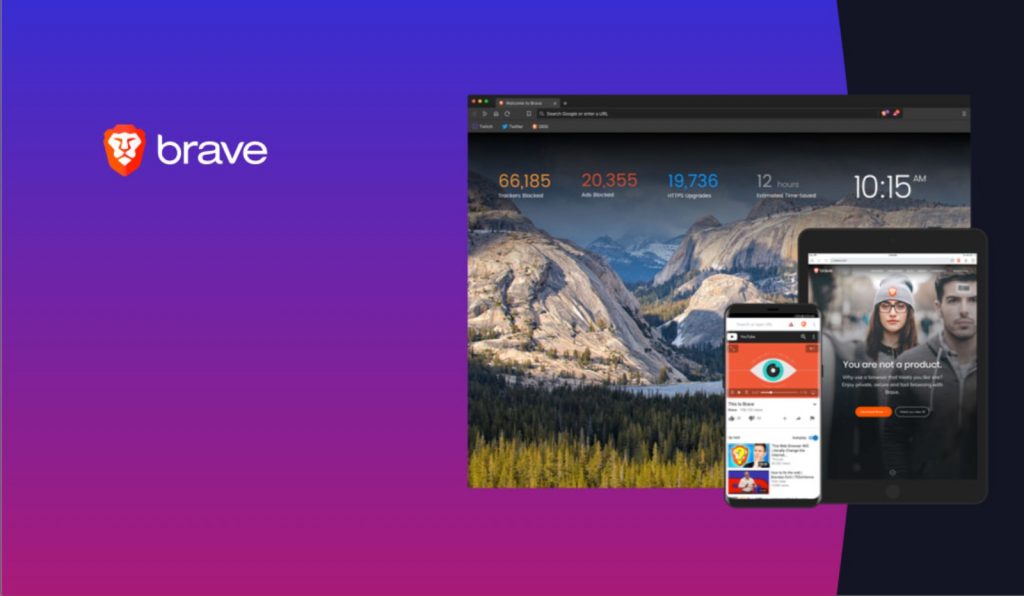
If you're using a Chromebook, chances are high that you're perfectly comfortable using the Chrome browser as your default portal to the internet. However, as the Chrome OS ecosystem continues to expand, more and more users are moving to the platform and some of them may want other options. Because … [Read more...] about Can I install the Brave Browser on my Chromebook?
How To: Factory reset your ASUS Chromebit for managed enrollment

One of the most unusual but also most versatile Chrome OS devices ever produced is ASUS Chromebit (CS10). In its heyday, the tiny PC on a stick was capable of turning your TV or HDMI monitor into a full-blown Chrome OS desktop. While the Chromebit is still capable of running Chrome OS, the aging … [Read more...] about How To: Factory reset your ASUS Chromebit for managed enrollment
5 tips to clean up your Chromebook and keep it running fast

It’s no secret that we love Chromebooks and truly believe in the future of cloud computing. Chromebooks are awesome for many reasons and they make great daily computers because they boot up in seconds, you don’t have to spend half your day updating the operating system, and are simple to use. You … [Read more...] about 5 tips to clean up your Chromebook and keep it running fast
Microphone support finally comes to Linux on Chromebooks

Linux apps on Chromebooks have become a bit more commonplace than they were just a year ago. Many devices now support this new feature and the overall abilities of the Linux container in Chrome OS continue to grow. As the big pieces have been in place for some time, it is easy at this point to … [Read more...] about Microphone support finally comes to Linux on Chromebooks
This flag adds a small change to Chrome’s URL bar that has a big impact

If you are a regular user of Chrome, you know all too well when its bent towards helping you do things automatically turns into a frustrating mess. Auto-fill passwords and addresses can be a massive time saver, but they can also become insanely frustrating when you have one too many auto-fills … [Read more...] about This flag adds a small change to Chrome’s URL bar that has a big impact
Chromebook Tip Tuesday: Extending your display with USB Type C [VIDEO]

As time has gone by, Chromebooks have been slowly but surely losing their ports in favor of simplifying things with USB Type C. In general, I'm a fan of this move in a lot of ways. As the one-plug-fits-all, USB Type C could eventually replace nearly every type of cable you use today. With the … [Read more...] about Chromebook Tip Tuesday: Extending your display with USB Type C [VIDEO]
If you just got a new Chromebook, here are 10 things you need to know to get started [VIDEO]
We spend a great deal of time here at Chrome Unboxed looking to the future, uncovering new devices and unearthing upcoming features for Chromebooks. We spend an equally-large amount of our time helping new users understand and make the most of their devices. Whether you have a Chromebook or … [Read more...] about If you just got a new Chromebook, here are 10 things you need to know to get started [VIDEO]
Chromebook Tip Tuesday: Powerwash your Chromebook from the lock screen [VIDEO]
Of all the tools available to the Chromebook user, the Powerwash is one of my favorites. The functionality isn't that big of a deal, really. In fact, nearly every device on the market has a factory reset of some sort at this point. The addition of this feature isn't standout or useful because it … [Read more...] about Chromebook Tip Tuesday: Powerwash your Chromebook from the lock screen [VIDEO]
