

Support our independent tech coverage. Chrome Unboxed is written by real people, for real people—not search algorithms. Join Chrome Unboxed Plus for just $2 a month to get an ad-free experience, access to our private Discord, and more. Learn more about membership here.
START FREE TRIAL (MONTHLY)START FREE TRIAL (ANNUAL)
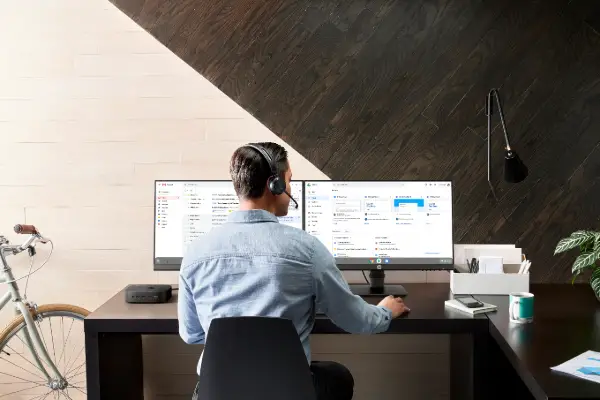
Individuals working the frontlines during the pandemic have had less access to the same collaboration and communication tools as knowledge workers, and have had a more difficult time staying connected and informed. First responders, public transport workers, corrections workers, and more have some of the toughest jobs and remain the most exposed during these trying times. Google has recognized this and will be releasing something called Google Workspace Frontline over the next few weeks to bridge this gap.
Workspace Frontline is a custom solution that includes communication and collaboration apps like Gmail, Chat, Docs, Drive, and more, as well as business-grade support and security features like advanced endpoint management that help keep a company’s data secure.
Google Cloud Blog
The company is also making it easier for business teams to build custom AppSheet apps from Google Sheets and Drive so that digitizing and streamlining work tasks such as collecting data in the field, reporting safety risks, and managing customer requests is easier than ever.
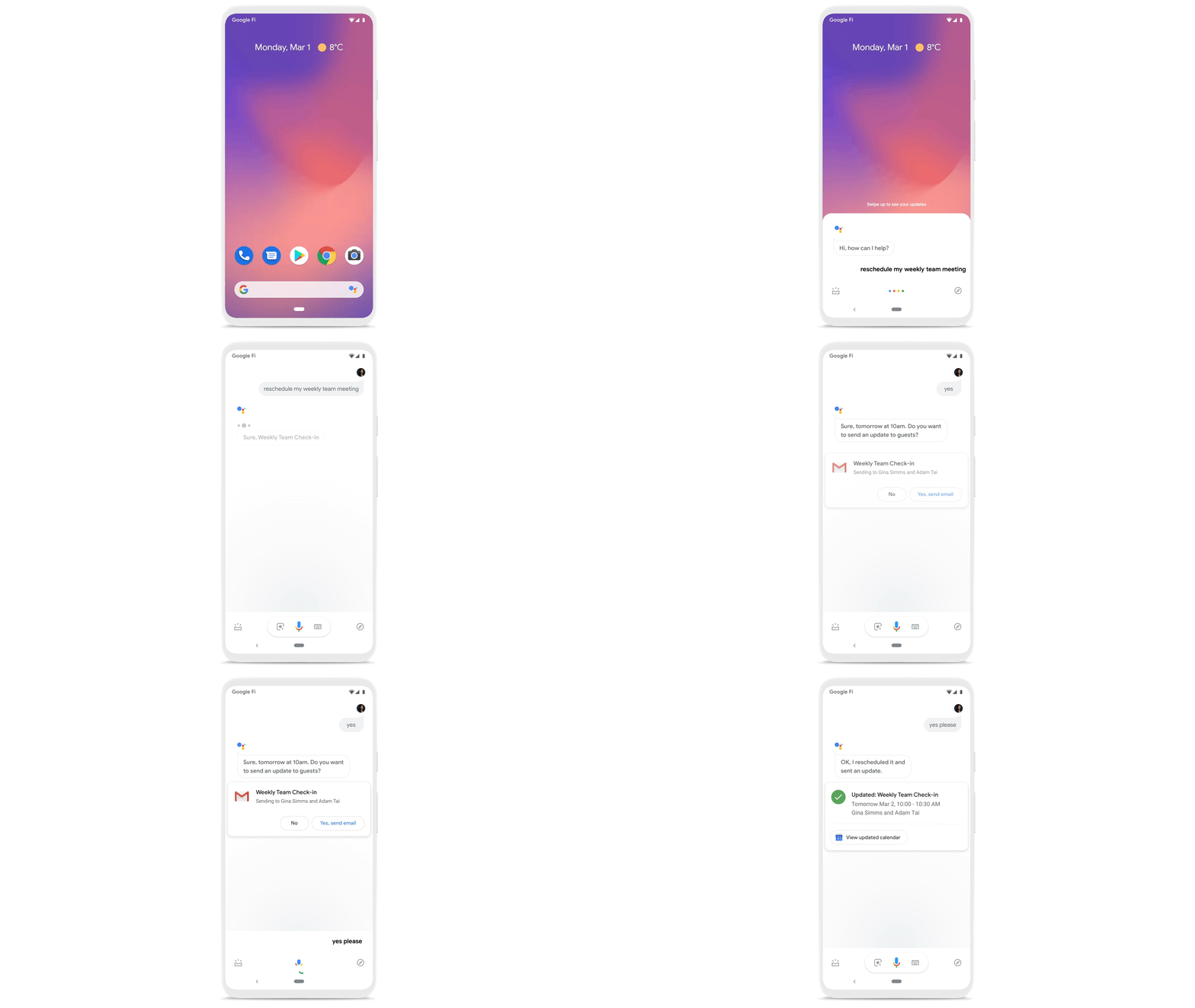
Frontline workers will also get secure access on any device, just like corporate teams do. Additionally, Workspace will now work with Google Assistant for things like setting calendar events, checking messages by voice, and rescheduling meetings. Oh, and Assistant for Workspace is also in beta for smart home displays – score!
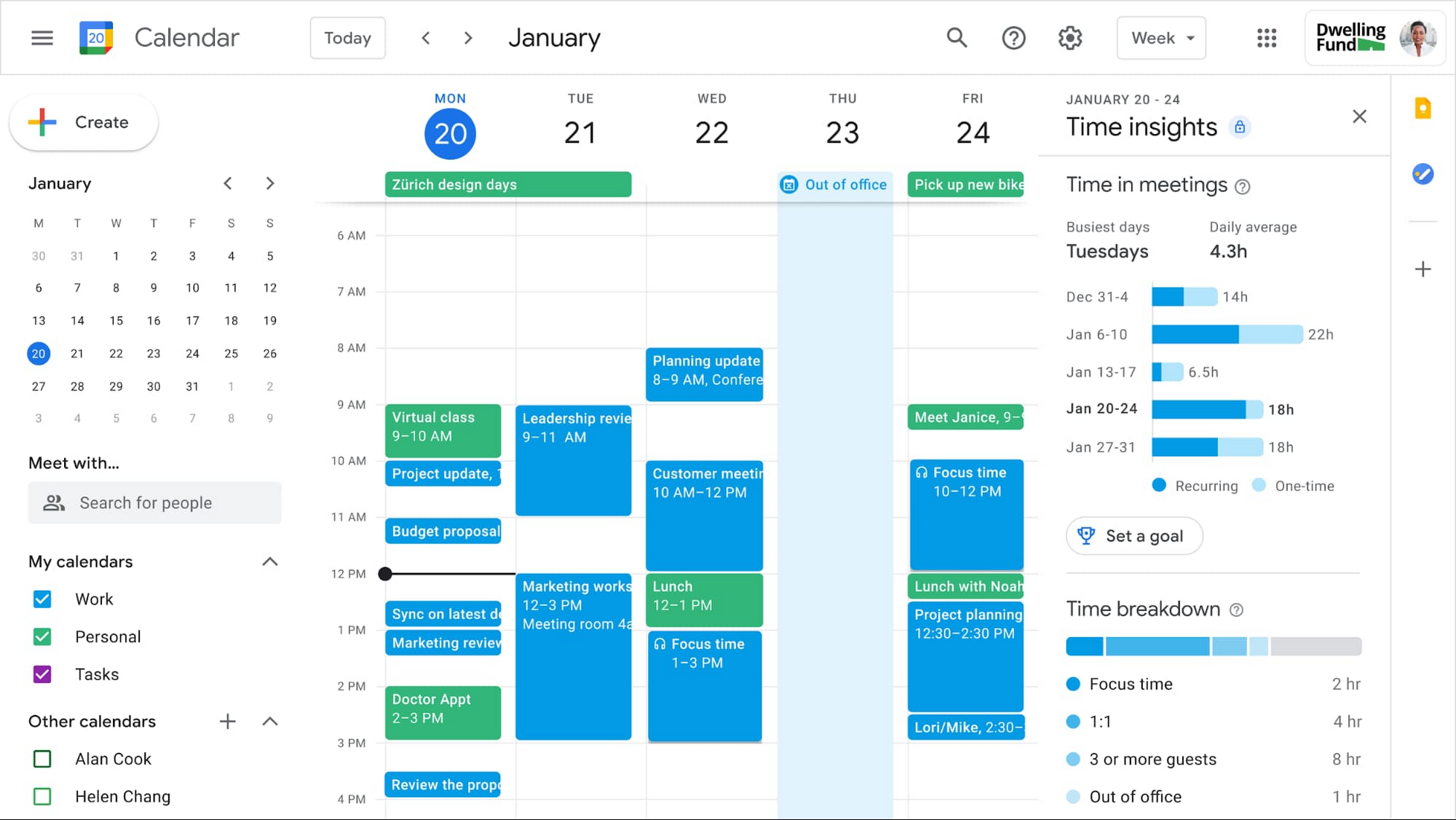
Probably one of the coolest features for Workspace Frontline is a new Time Insights widget built directly into Google Calendar. This will help users easily share their work hours and location and manage “sprints” as a team with segmentable working hours, recurring out-of-office entries, and more.
There’s also a new event type called Focus Time which will let people limit notifications while it’s active to reduce distractions. All of these Time Insight tools will appear across Calendar, Meet, Chat, and Gmail so that individuals can assess their priorities and how they’re spending their time (not visible to managers). Basically, Google Workspace Frontline is a powerhouse for on-the-go teams that have to manage a ton of moving parts in real-time.
Google Meet is gaining the ability to display specific information regarding the active call on secondary screens in the coming months. Things like presenting, chatting, engaging in polls and Q&As will all display on your Google Meet Hardware or Nest Hub Max while you sit eye to eye with your colleagues on the primary screen.
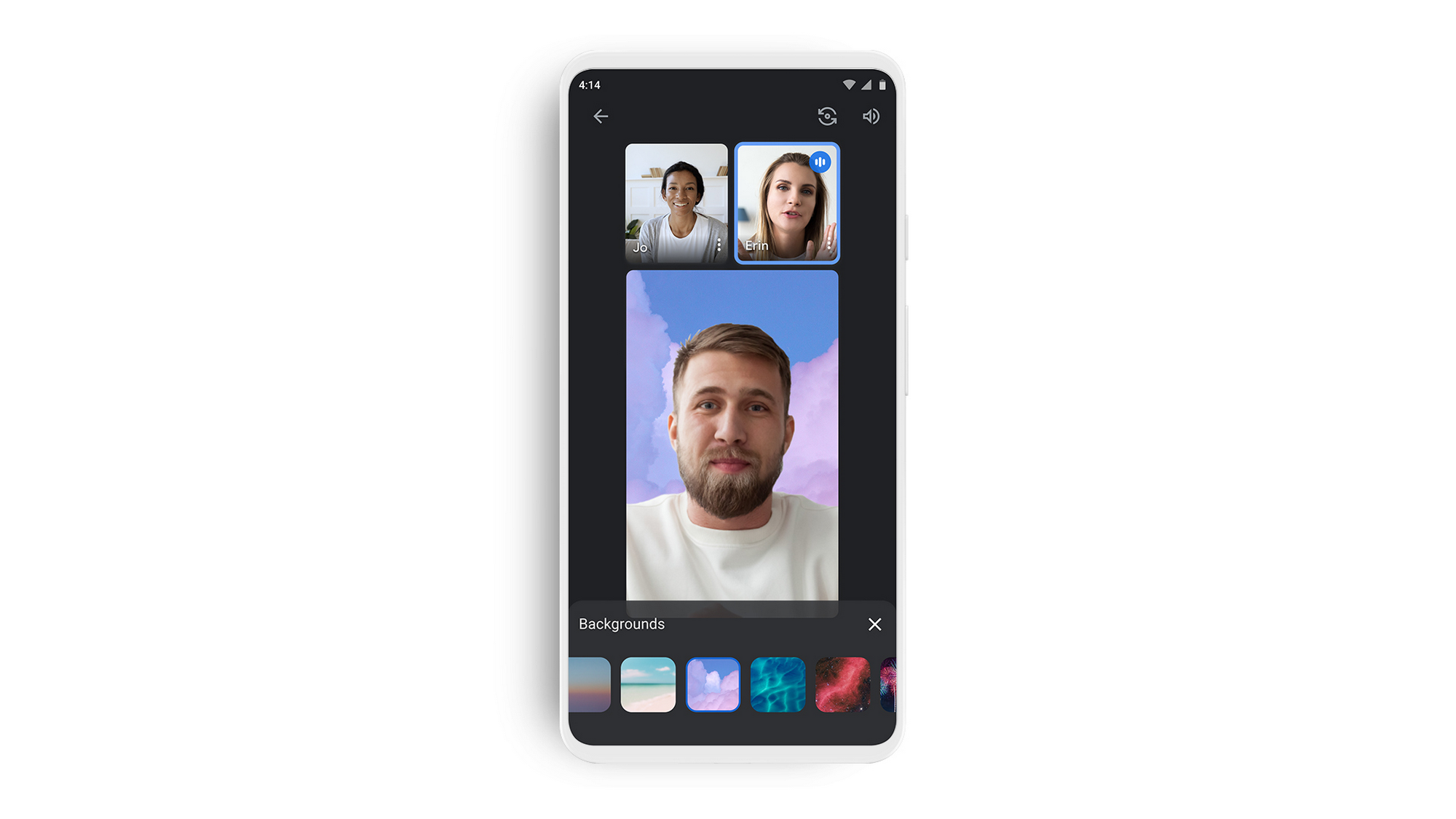
Not only that but if you’re joining from a phone, Meet will soon display a new “tile view” which is optimized for smaller displays, allowing you to see more people simultaneously. Mobile support for background replacement (see below), Q&As, and even polls are coming to Meet on phones and even for live streams! Speaking of live streams, they’ll soon be accessible to multiple Workspace domains within the same organization – whew!
Clearly, Google understands the value of Workspace in the midst of our current societal struggles, and it seems to be pouring every last resource it has into making significant developmental strides in this space. Not being content with revamping its Education offerings, it’s now expanded outward to essential frontline workers, and I’m so very glad they are. The more equipped we are as a society to tackle complex issues and mobilize against COVID, the more likely we are to deal with it efficiently and be on the other side of it.
SUBSCRIBE TO UPSTREAM
Get Chrome Unboxed delivered straight to your inbox
Upstream is our flagship, curated newsletter with the top stories, most click-worthy deals, giveaways, and trending articles from Chrome Unboxed sent directly to your inbox a few times a week. Join 31,000+ subscribers.

