


Support our independent tech coverage. Chrome Unboxed is written by real people, for real people—not search algorithms. Join Chrome Unboxed Plus for just $2 a month to get an ad-free experience, access to our private Discord, and more. Learn more about membership here.
START FREE TRIAL (MONTHLY)START FREE TRIAL (ANNUAL)
The new Google Pay app is doing everything in its power to let you know that it’s here to stay and to acquire new users (aside from revamping its web app). A new promotion is offering a $30 reward for those who participate in its Spring Challenge and collect all five of its Spring-themed animal stamps! Available only to users in the United States. You can find the challenge under the ‘Home’ tab under ‘Discover’ if you want to join in. The service is asking users to spread the word and participate in taking actions that put Google Pay in the purview of other individuals and companies.
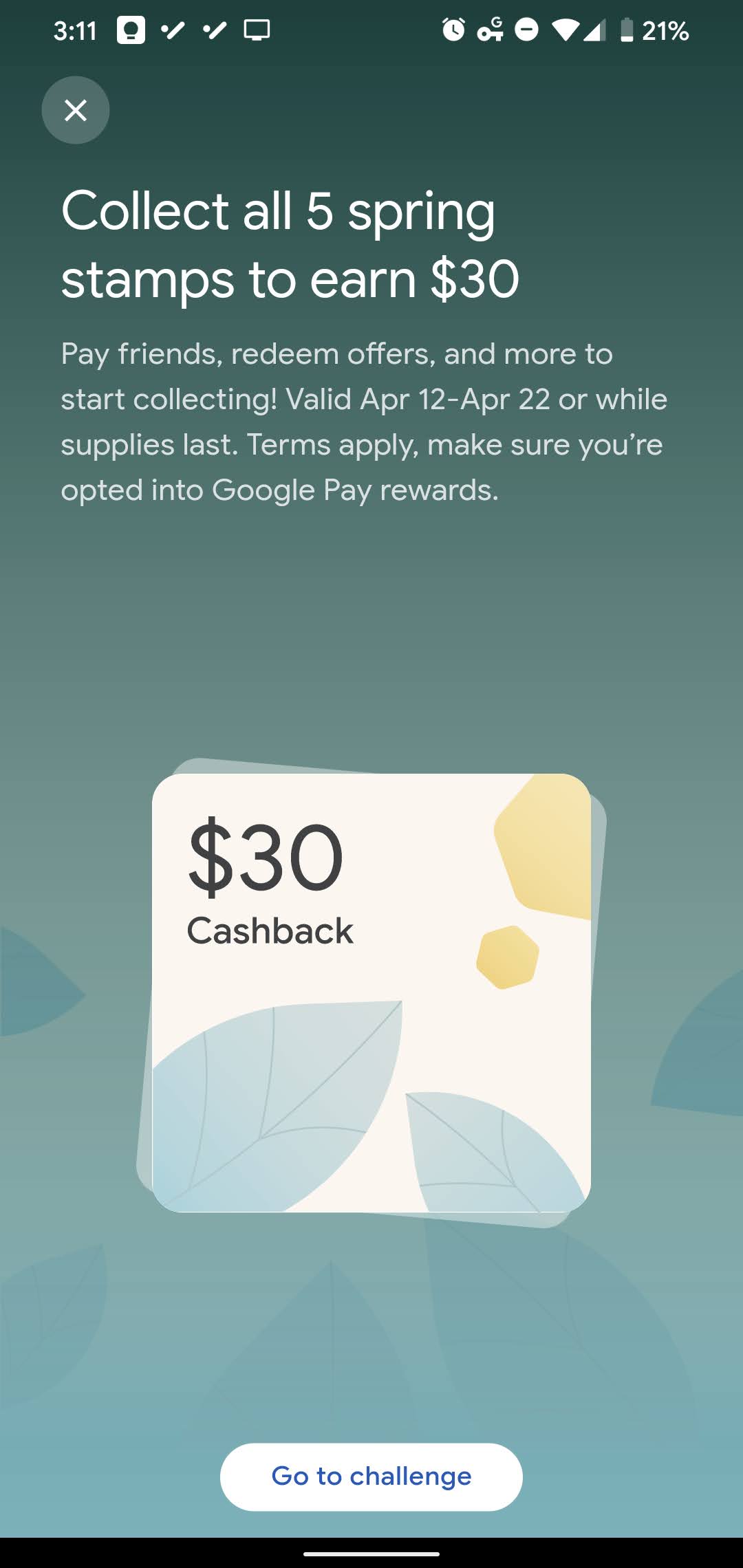

Pay friends, redeem offers, and more to start collecting! Valid Apr 12-Apr 22 or while supplies last. Terms apply, make sure you’re opted into Google Pay rewards.
Google Pay Spring Challenge details
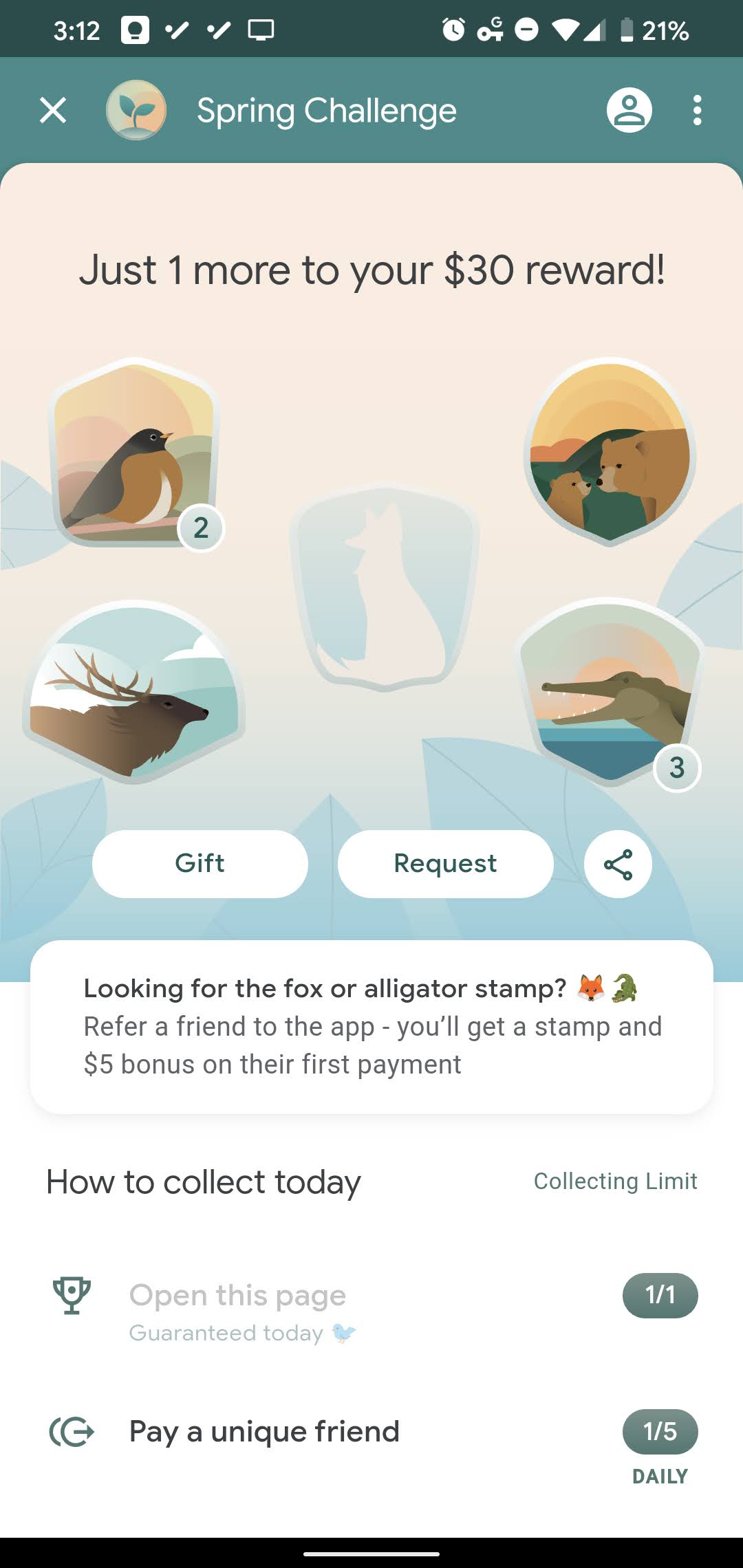
Actions that help you collect stamps include opening the initial challenge page (easy), paying a unique friend – a friend to whom you’ve never used Google Pay to send money before, tapping to pay at a business you’ve never used the app at before and more. As you can see above, I’ve already collected four of the five stamps since this morning (Thank you, Starbucks!), but I’m having trouble finding the fox stamp. Referring a friend to the app may get you a stamp you’re missing, but that individual you invite will also need to use the app at least once as well.
You can also get a stamp for redeeming cashback offers at two participating merchants – found on the Explore tab – and several of the listed merchants have online retail options that collaborate with Google Pay. While many of these will make you spend a $35 minimum in order to get your stamp (aha! There’s the catch, Google!) this Spring Challenge can be seen as a way to find something you’re interested in, shop for it via the app, and then get your $30 reward.
This means that you’re effectively getting something for free if you stay around the minimum shopping requirement for the merchant since Google’s reward will make up for it! Of course, if you don’t have a bank account linked to the app, you will incur an instant transfer fee when you ship that $30 off to your financial institution.
Lastly, activating the spending insights on your bank account or card via the Google Pay app will get you another stamp. This is routed through Plaid as a provider, and my bank is not able to be used with Plaid so yeah – your mileage may vary with this one. On top of that, I’ve already received several of the stamps two or three times, so snagging that last stamp may be tricky. Either way, you have until April 22, 2021, to catch ’em all – I mean…collect them all, so keep at it! While the event has been running for a few days now, you still have a week to beat the challenge.
SUBSCRIBE TO UPSTREAM
Get Chrome Unboxed delivered straight to your inbox
Upstream is our flagship, curated newsletter with the top stories, most click-worthy deals, giveaways, and trending articles from Chrome Unboxed sent directly to your inbox a few times a week. Join 31,000+ subscribers.

