


Support our independent tech coverage. Chrome Unboxed is written by real people, for real people—not search algorithms. Join Chrome Unboxed Plus for just $2 a month to get an ad-free experience, access to our private Discord, and more. Learn more about membership here.
START FREE TRIAL (MONTHLY)START FREE TRIAL (ANNUAL)
Google Lens is Google’s image recognition software that utilizes computer vision, AI, and machine learning to determine what’s in the foreground and background of an image in order to show you related images, products, and more. Initially, it became available on Pixel phones, but shortly thereafter rolled out to Android and embedded itself into the home screen’s search bar.
Now, it’s not only available on ChromeOS and the Chrome browser via the Side Panel, but it’s also become available as an option for searching in Google Image Search as of this week! As you can see below, a new Lens icon in Google’s famous four primary colors now sits between the search icon and the microphone on the desktop.

Clicking the Lens icon will then pull up the following box which will allow you to drag and drop any image to upload or use the built-in file picker via the “upload a file” button select one from your local storage. Additionally, a “Past image link” box with a search button exists below that so that you have extra options for image sources.
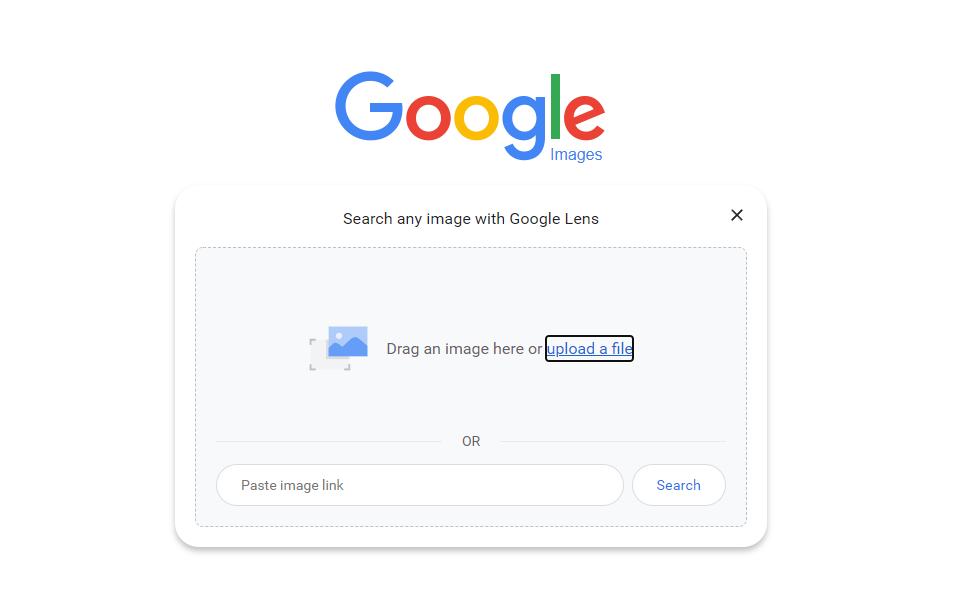
Once you’ve chosen an image and clicked “Search”, you’re met with the familiar Google Lens desktop web layout that the company recently ported from mobile when it implemented Lens via the contextual menu in Chrome. Here, I’ve utilized the Scratch image from my last article, and I’m given loads of similar images as a result. There are YouTube links and other websites that have utilized the Scratch logo for similar articles, tutorials, educational resources, and more. This will, of course, work with any image you choose.
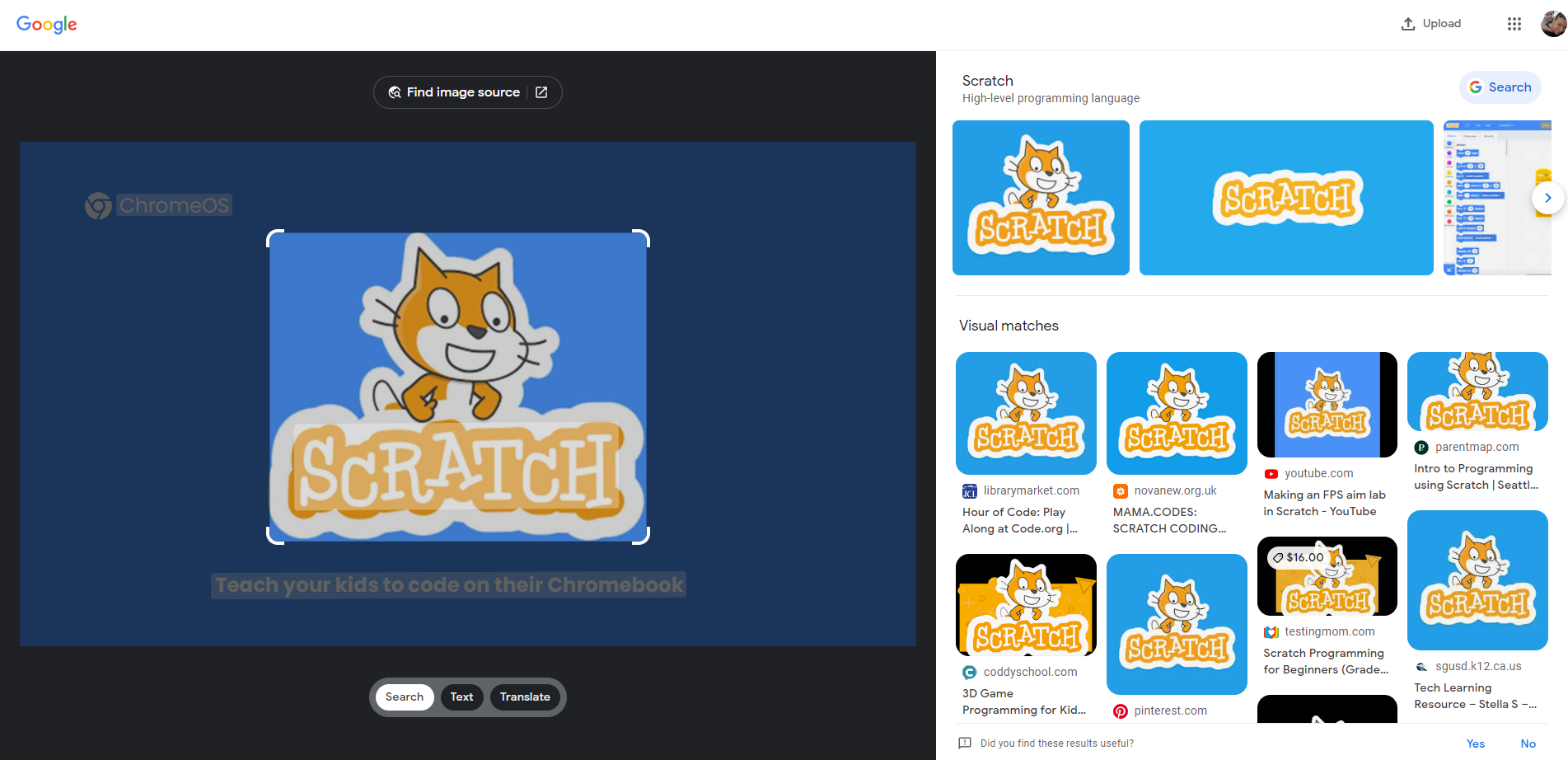
Searching for images based on keywords will still present you with a standard image search results page, but using Lens will allow you further means of finding useful content like products to buy. The most important use case for Lens, in my opinion, is reverse image searching. In the past, you would have to drag and drop an image into the box to find other sources that used it, but these were purely link returning techniques being employed, not intelligent image recognition, meaning that you were severely limited in what type of information you could discover about it.
SUBSCRIBE TO UPSTREAM
Get Chrome Unboxed delivered straight to your inbox
Upstream is our flagship, curated newsletter with the top stories, most click-worthy deals, giveaways, and trending articles from Chrome Unboxed sent directly to your inbox a few times a week. Join 31,000+ subscribers.

