


Support our independent tech coverage. Chrome Unboxed is written by real people, for real people—not search algorithms. Join Chrome Unboxed Plus for just $2 a month to get an ad-free experience, access to our private Discord, and more. Learn more about membership here.
START FREE TRIAL (MONTHLY)START FREE TRIAL (ANNUAL)
With the release of the new Nest cameras, practically all current Nest and Google hardware is connected and unified in the Home app this year. The Google Wifi and Nest apps are being phased out aside from a few use cases (speaking of which, can I pretty please set my Nest Guard through the Home app soon Google?), and it’s clear that the company wants everything in one place. However, despite this vision and the importance of web applications as of late, we’ve still never seen or heard anything regarding a PWA experience for controlling your home!
Why do I mention this now? Well, I’ve been thinking lately about how you can already view your Nest cameras and other devices by visiting its web interface. Such an experience would have several benefits if it existed for Google’s new golden child, the Home app.
First, you’d be able to get to it more easily from devices that don’t offer Google apps. More accessibility means more users, and with the increased focus on dropping the price and lowering the bar of entry for the hardware, the software deserves the same approach, don’t you think? Next, being able to sign in securely from a borrowed device and check on your home security would be useful to many.
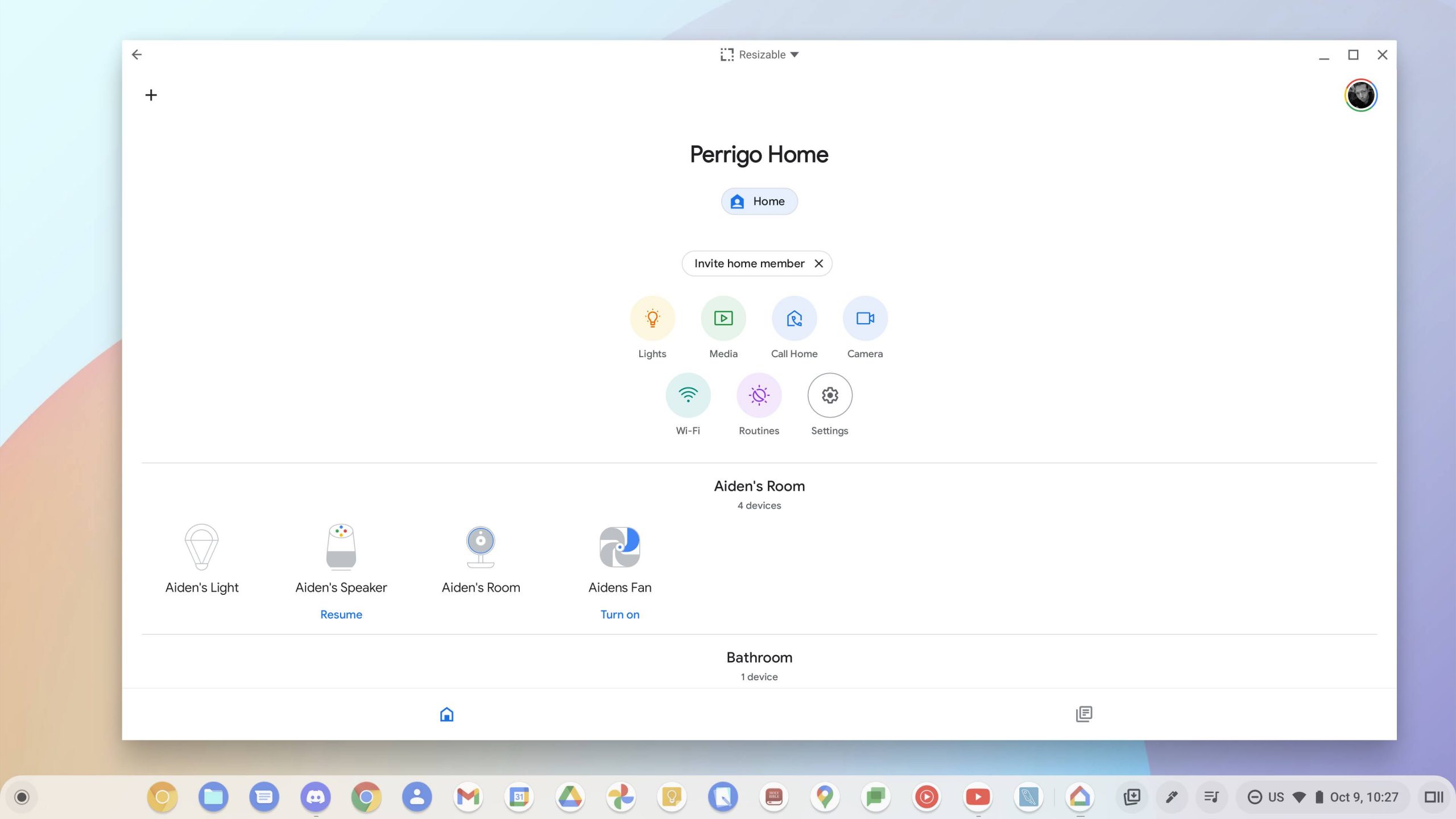
As a Chromebook user, I speak a lot about utilizing the operating system’s multi-account simultaneous login feature. Unfortunately, only the primary user that’s logged in can make use of the Play Store and Android apps. This means that if I log in first with my business or work persona in order to use design apps, I can’t then swap to my personal account and check or control my lights, set my security system, or view my cameras. To do so, I’d have to log out and log back in with my personal account! Sure, I could just pick up my phone, but it’s not always right there by my side. I make it a point to intentionally do everything through my Chromebook while using it so that my focus isn’t split between multiple devices.
Now that Google is swapping out News, Youtube Music, and many other Android apps in the Play Store on Chromebooks with PWAs, it only makes sense to me that it offers a similar experience for the Google Home app. I feel that it’s matured enough to deserve this, and it certainly has enough users to warrant an upgrade like this. This may seem like a small complaint or observation, but to many of us, a web app would make all the difference in the world for how we interact with our smart homes.
Not only that but as I’ve previously discussed when I made a list of five exciting features I predict Chromebooks will one day receive, I think it only makes sense for Google to add a quick settings tile for home controls on its laptops. Android 12 already has this, and it places your smart devices just one tap away. If Home became an SWA, or a system web app – a progressive web app that’s built into the system – it would make such a feature possible! I’m actually pretty surprised that I’ve never personally seen this suggested before. Let me know in the comments if you think this would be useful for you.
SUBSCRIBE TO UPSTREAM
Get Chrome Unboxed delivered straight to your inbox
Upstream is our flagship, curated newsletter with the top stories, most click-worthy deals, giveaways, and trending articles from Chrome Unboxed sent directly to your inbox a few times a week. Join 31,000+ subscribers.


