


Support our independent tech coverage. Chrome Unboxed is written by real people, for real people—not search algorithms. Join Chrome Unboxed Plus for just $2 a month to get an ad-free experience, access to our private Discord, and more. Learn more about membership here.
START FREE TRIAL (MONTHLY)START FREE TRIAL (ANNUAL)
When Google first announced its new handwriting app, Cursive, I was ecstatic. As someone who’s always kept a physical Bullet Journal to reflect and make decisions, the idea of finally having a viable solution to do so digitally, and on a Chromebook nonetheless, was very exciting to me. Up until now, I’d shifted almost entirely to Google services like Calendar, Tasks in Chat, and Keep in order to jot down my thoughts and keep in step with my goals.
Keep’s handwriting tools are so rudimentary, and the palm rejection is just so atrocious that it’s nearly unusable for daily notetaking, in my opinion. Cursive, on the other hand, has worked fantastically for me on certain devices like the Samsung Galaxy Chromebook, but it has bigger fish to fry. While it does show promise, and you can check out our thoughts on it, the app has got some things to fix and probably shouldn’t have been launched yet.
While test driving it extensively as a Bullet Journal in my personal life, I’ve constantly come up against brick walls while using Cursive. Specifically, I’ve encountered several loading issues and in some cases, my notes have flat out refused to open, stating that they’d been corrupted. You can see several variations of the same problem below. I was unable to replicate and capture the corrupted note message this time though.
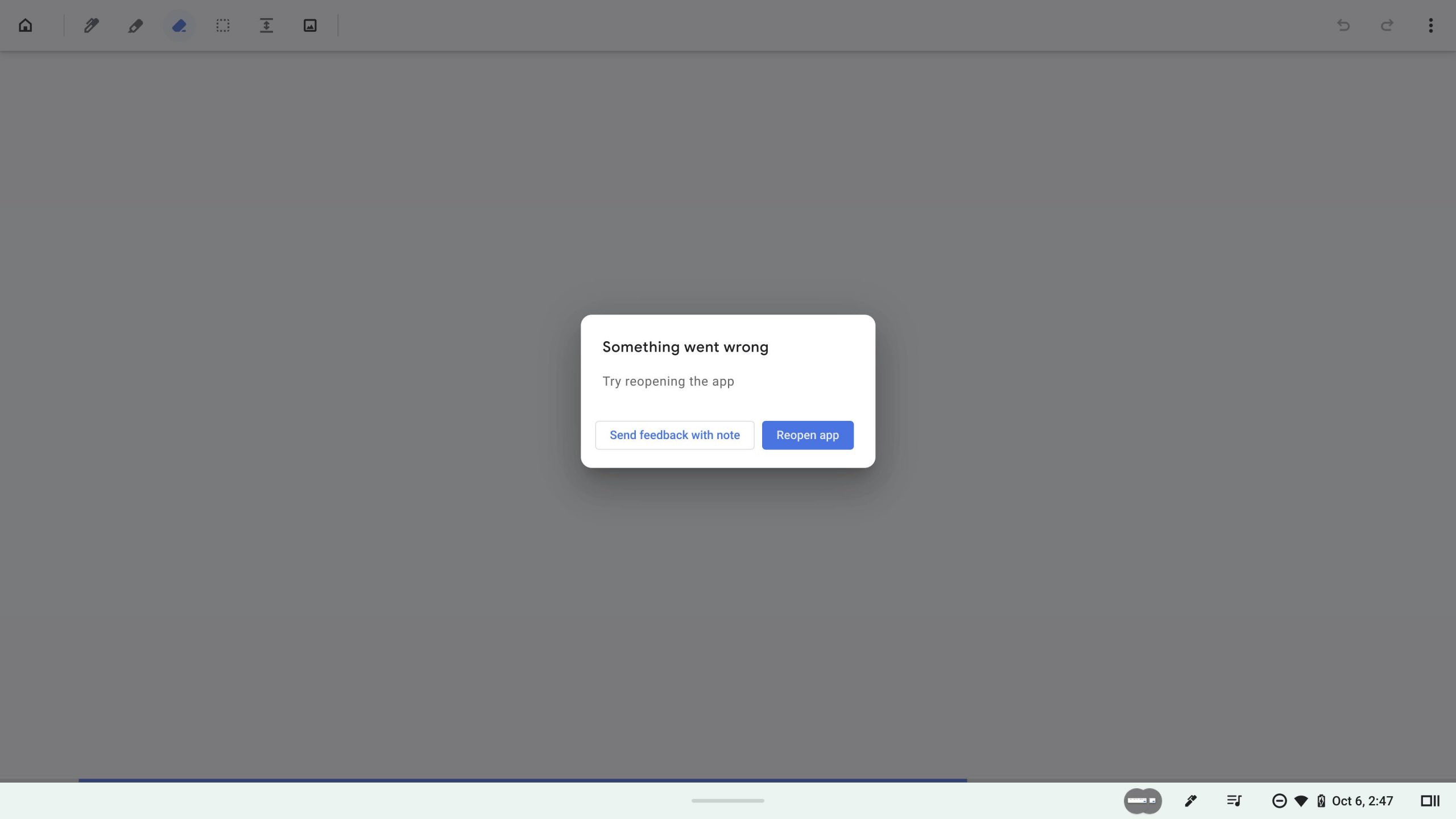
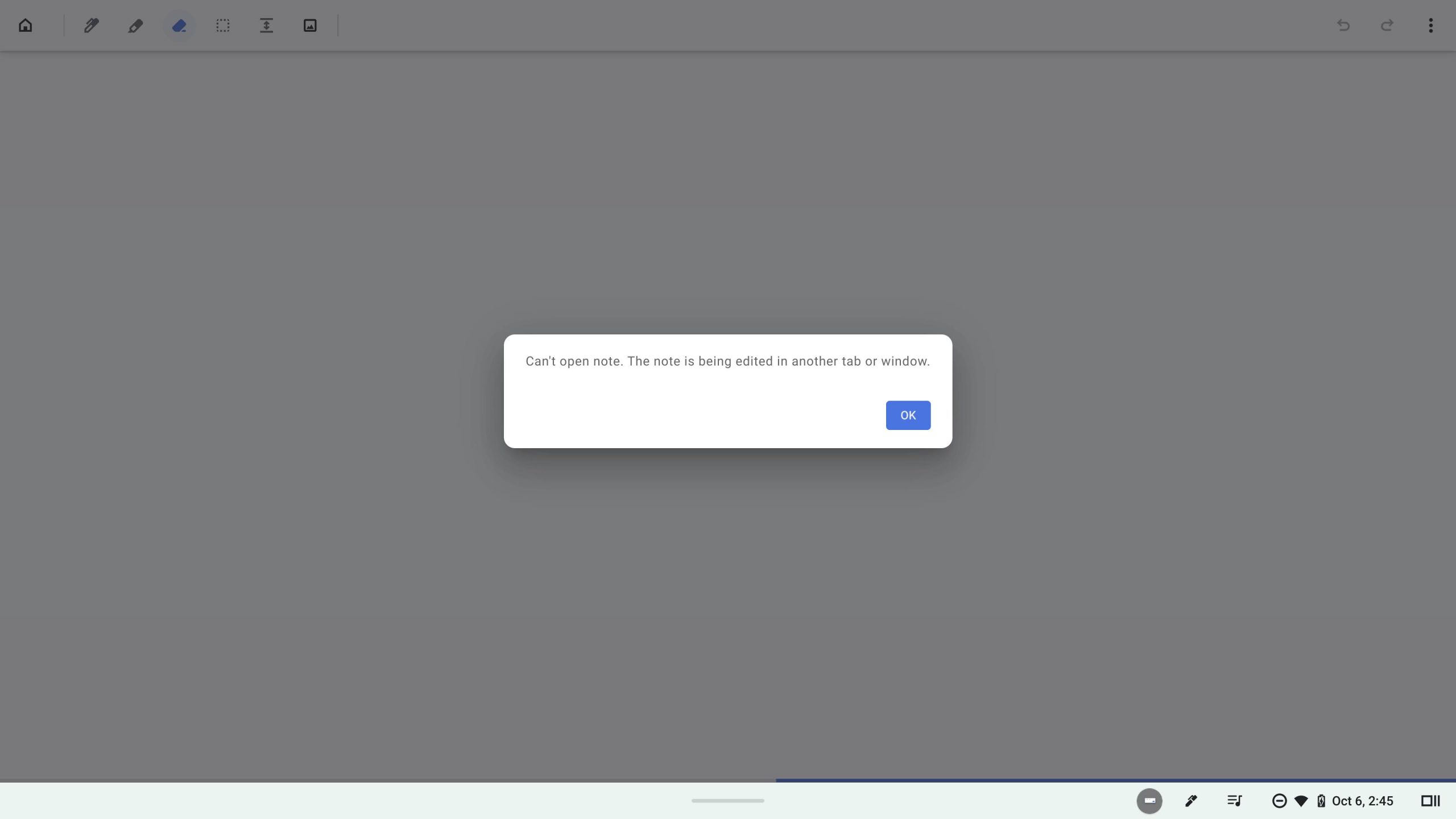
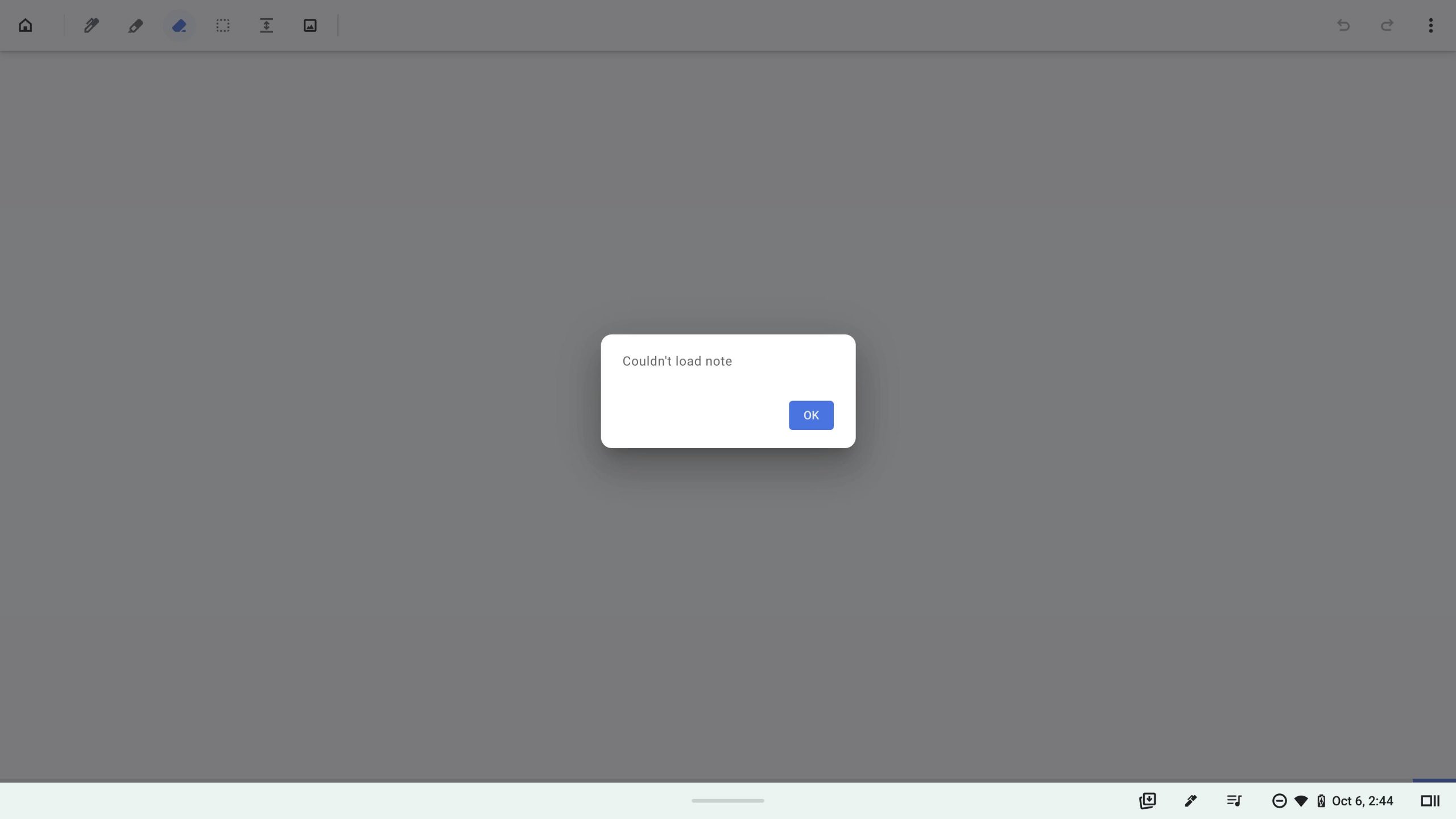
As you can see, one message says “Something went wrong. Try reopening the app,” another says “Can’t open note. The note is being edited in another tab or window,” and the last one states that the note simply couldn’t be loaded. To clarify my usage, I had just turned my Chromebook on for the day, and this is the only device I’ve used Cursive on thanks to the Galaxy Chromebook’s built-in stylus. There are no other tabs. There’s no reason why the note shouldn’t have loaded, and I shouldn’t have to reopen the app.
What’s going on here, Google? Obviously, new tools and services have a period of time when they’re rough around the edges, but the fact that the company keeps launching apps in beta and half-baked is beginning to get on my nerves a bit. Let’s talk about something that’s more evident—Cursive shouldn’t exist. Instead, Keep should have received a fresh coat of paint, notebooks, better palm rejection, more handwriting tools, and pressure sensitivity for styli.
Keep is already widely accepted and used, and while creating a new app instead keeps things intentionally separate as Google tries something different, the same result could have been achieved by creating a preview program for Keep and letting users test experiments early. Youtube does this, and so does Google Home.
All of my most important notes are already in Keep, and it can already grab text from images like handwritten notes that you upload and attach (though that feature is pretty terrible), so it’s clear that all of the pieces are in place for an update featuring exciting new functionality. The Keep team hasn’t forgotten about their app either—they recently added image backgrounds for notes, so they’re most certainly in there tinkering with the app’s code. Let’s get these two apps merged and get on with it already!
Have you had loading issues with Cursive? Are you even using it yet? Check out our tutorial on how to install it on your Chromebook. Would you prefer if the idea of separating things into ‘notebooks’ instead of labels were a part of Keep? Do you want pressure sensitivity in Keep and better palm rejection for handwriting in both experiences? Let’s discuss all of this and more in the comments! For now, I’m going to refrain from using Cursive entirely because it’s flat-out cursed. The execution of this idea is a straight-up disaster, and I’m hoping Google shifts its plans in the near future to bolster its existing efforts instead.
SUBSCRIBE TO UPSTREAM
Get Chrome Unboxed delivered straight to your inbox
Upstream is our flagship, curated newsletter with the top stories, most click-worthy deals, giveaways, and trending articles from Chrome Unboxed sent directly to your inbox a few times a week. Join 31,000+ subscribers.


