

Support our independent tech coverage. Chrome Unboxed is written by real people, for real people—not search algorithms. Join Chrome Unboxed Plus for just $2 a month to get an ad-free experience, access to our private Discord, and more. Learn more about membership here.
START FREE TRIAL (MONTHLY)START FREE TRIAL (ANNUAL)
Uncovered by 9to5Google in a recent APK Insights deep dive was a feature for the Nest Hub Max called “Look and talk”. Codenamed “Blue Steel” as a reference to the Ben Stiller movie “Zoolander”, the feature was just officially revealed at Google I/O 2022, and it’s a small part of a much larger initiative where Google hopes to make its Assistant much more natural and comfortable to interact with.
Look and Talk for Nest Hub Max
The goal is to easily initiate a conversation with Google Assistant on any device and to simply speak naturally and be understood. Our voices are becoming the fastest way to tap into computing and to process queries, but to date, it’s not perfect. For instance, having to say “Hey Google” every time you want to ask your Nest Hub or phone something – anything at all. “Look and Talk” seeks to solve that by allowing you to simply glance over at your Nest Hub Max from up to five feet away and activate it before speaking.
You can stop worrying about the right way to ask for something, and just relax and talk naturally
Sissie Hsiao, VP/GM, Google Assistant at Google
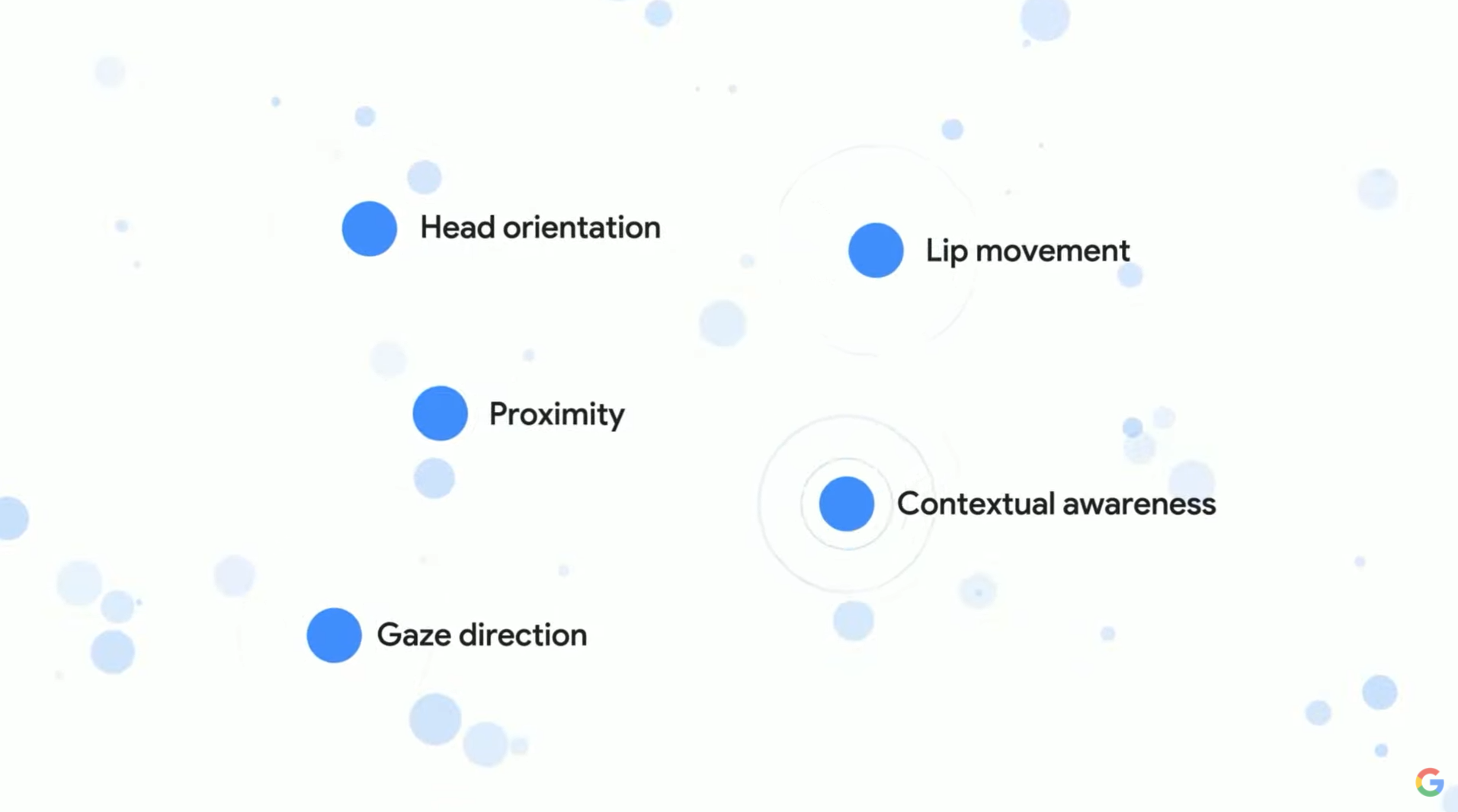
In order to achieve this, the Assistant utilizes six machine learning models to process more than 100 signals from both the Hub’s camera and microphone in real-time. Things like your head orientation, your proximity to the device, the direction of your gaze, how your lips are moving, and any other contextual awareness necessary to accurately process your request.
Let me first start by saying that this is absolutely wild. We all knew that the need for the hotword would one day disappear into the background of smart home usage, but until now, we weren’t really sure how that would occur and had reservations regarding how Google could do this in a way that was both efficient and respectful of user privacy.
Regarding Look and Talk, it’s deemed safe and secure, and all data is processed on the device, never being sent to Google or anyone else. It also utilizes both face match and voice match simultaneously, so it only works if it recognizes that you are truly you and that you’re the one making the request when you look at your device, which is super clever.
Assistant will handle pauses and filler words in voice requests
One of the biggest gripes I have as I try to teach my household how to properly use Google Assistant is that they frequently pause halfway through their requests, and Assistant thinks they’re done speaking. It will process the command, returning to results and not fulfilling their request, and it makes them frustrated. In reality, they weren’t quite finished speaking, but instead, they were simply thinking of the right word to use. In this way, many millions of users are apprehensive about how to use Assistant because they feel they need to perfect their thought before speaking. This is both uncomfortable and annoying.
To fix this, Google is creating a more comprehensive neural network that runs on its Tensor chip as well as implementing a more polite and patient AI helper. Instead of assuming the user is finished speaking just because there is a bit of silence, it will process what was spoken and see if it makes sense or is a complete sentence before closing off the microphone. If it’s not quite sure that the user has conveyed a full thought or request (read: If they use awkward pauses or filler words like “ummm” while thinking out loud) it will gently encourage them to finish by saying “mm hm”.
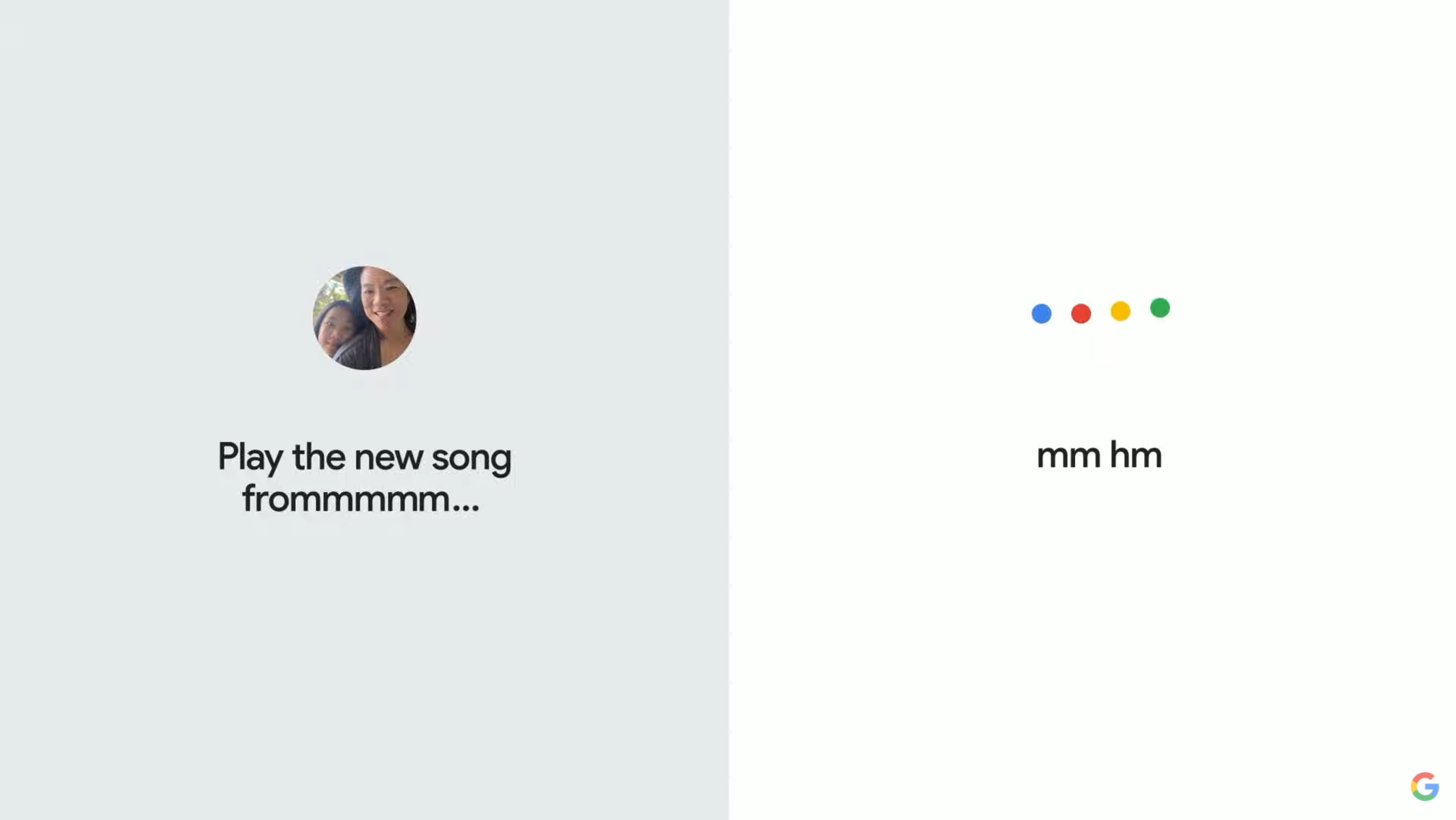
Additionally, it looks like Google Assistant will also pick up a greater sense of how to complete the user’s thoughts on their behalf. So polite, right? When Sissie Hsiao demonstrated this on stage, she used the word “something”, and in its place, the Assistant understood how to complete the song title and automatically decided to play it on Spotify!
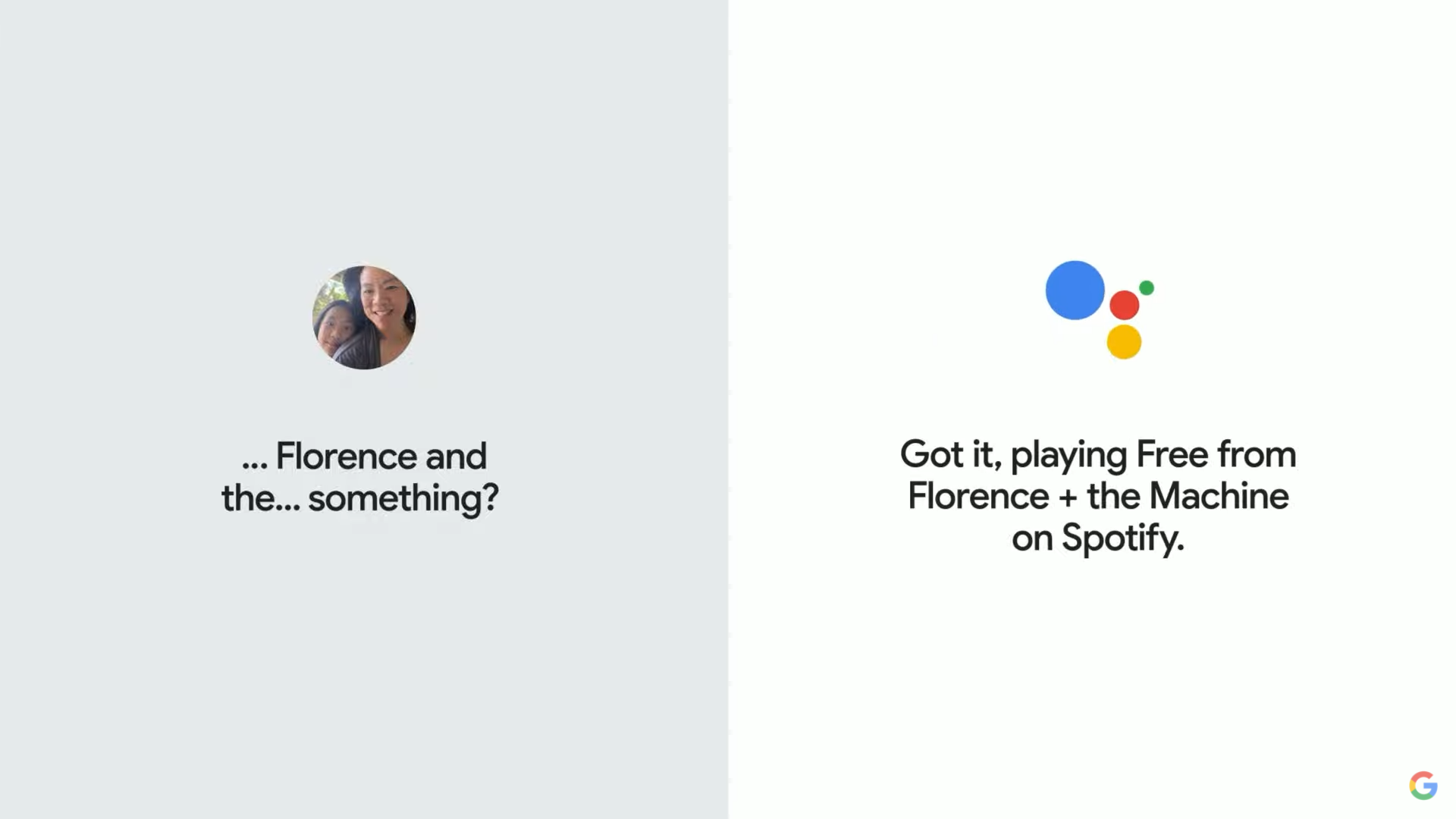
Basically, this is meant in the sense “yeah? and what else? Please continue…” Admittedly, I was over the moon when I saw this demonstrated live at Google I/O 2022, and it will likely be the one update that solves most of my smart home frustrations.
Quick Phrases and Real Tone applications
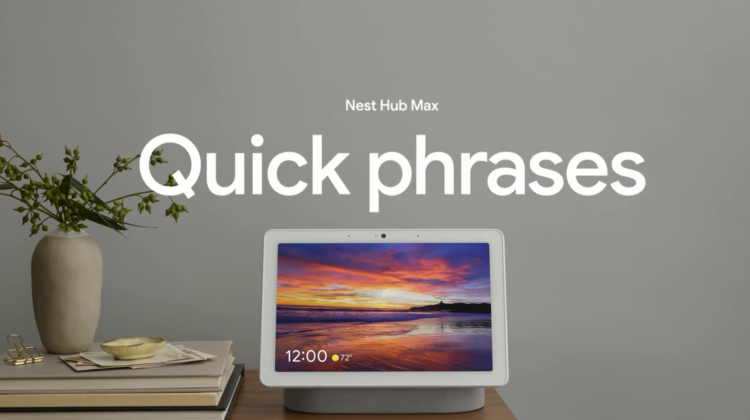
Quick Phrases – Google’s first implementation for nixing the need for the “Okay Google” hotword for specific tasks like setting timers, toggling smart lights, and more – are being expanded to the Nest Hub Max! Lastly, Real Tone, an effort to improve Google’s camera and imagery products across skin tones to properly represent users with diverse backgrounds will work with Nest Hub Max for Look and Talk. More work is being done on this feature with the new Monk Skin Tone Scale that was launched today (Really, it was just made open-source thanks to its creator, Harvard professor Dr. Ellis Monk) Google AI’s skin tone research is meant to help improve skin tone evaluation in machine learning and provides a set of recommended practices to be utilized in ML Fairness.

If you want to watch the full Google I/O 2022 Keynote, you can do so below. We also have plenty of coverage on everything that was announced and revealed yesterday, so please be sure to check it out! Let me know in the comments which of these Google Assistant features you’re most excited about, and whether you think Google is making history or playing with fire regarding AI and machine learning.
SUBSCRIBE TO UPSTREAM
Get Chrome Unboxed delivered straight to your inbox
Upstream is our flagship, curated newsletter with the top stories, most click-worthy deals, giveaways, and trending articles from Chrome Unboxed sent directly to your inbox a few times a week. Join 31,000+ subscribers.

