

Support our independent tech coverage. Chrome Unboxed is written by real people, for real people—not search algorithms. Join Chrome Unboxed Plus for just $2 a month to get an ad-free experience, access to our private Discord, and more. Learn more about membership here.
START FREE TRIAL (MONTHLY)START FREE TRIAL (ANNUAL)
As a part of a large server-side update, Google is bringing several new features to Nest Hubs and third-party smart displays. While some of these have been available to several users, they have yet to be rolled out to everyone. You should begin to see them shortly, so keep an eye out. These changes were first spotted by Rita El Khoury over at Android Police, so check out her coverage for more great content!
First up, we’re getting a new alarm interface and a Sunrise alarm feature which will cause your display to gradually get brighter in the morning to match the sunrise in your area. Regarding the new alarm UI, you can customize things like its tone, recurrence, snooze duration and more. Simply swipe up from the bottom of your display to see the clock icon and begin playing with it.
Next up, we’ve got Family Sticky Notes – I’ve personally had these available on my Nest Hub for a while now, but again, these are officially becoming visible to everyone with this latest update. Family Sticky Notes basically let you utilize your display home screen in the same way that you would the front of your fridge. Leave a reminder for your other family members by saying “Hey Google, leave a family note” so that they see it when they return home – no magnet needed!
The Family Tab is also finally rolling out. This provides a much more kid and a family-friendly section of content including games, fun facts, and more. There’s even the Animal of the Day, which is fun for my five year old – you should try it! One feature of this tab that we use daily is Family Bells. We have one for bedtime, one for when it’s time to read a story, and even one for cleaning up the room.
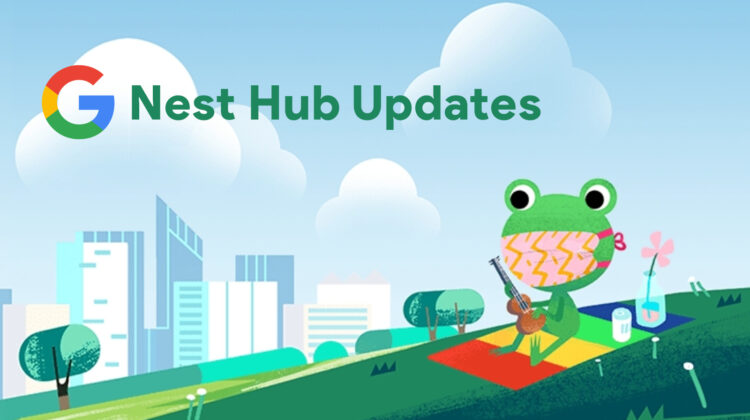
Lastly, Google’s cute little weather frog is making the leap to your smart display! Is it bad that this is the thing that’s making me the most excited? When you ask for the weather on your phone or on the web, you’re presented with the forecast, but guess who’s presenting it to you? The weather frog, of course! Well, he’s more so relaxing as you scroll through the week and check for thunderstorms, but still. There are over fifty versions of this little guy depending on the weather or season (He even wears a mask), and you can start seeing him as the ambient wallpaper for your display if you toggle it on. Just say “Okay Google, set up my photo frame’, and then choose ‘Google Weather Frog’.
Fun Fact: The Google Weather Frog’s name is Froggy – did you expect something else? He originally appeared in the Halloween 2016 doodle as one of Momo’s classmates. He appeared again for the Earth Day doodle a year later with Momo and the Fox.
Do you already have these updates? Did you just receive them? How often will you leave Family Sticky Notes in your home? Do you think that the Family Tab is missing anything that you’d like to see it receive in a future update? Let’s discuss!
SUBSCRIBE TO UPSTREAM
Get Chrome Unboxed delivered straight to your inbox
Upstream is our flagship, curated newsletter with the top stories, most click-worthy deals, giveaways, and trending articles from Chrome Unboxed sent directly to your inbox a few times a week. Join 31,000+ subscribers.

