

Support our independent tech coverage. Chrome Unboxed is written by real people, for real people—not search algorithms. Join Chrome Unboxed Plus for just $2 a month to get an ad-free experience, access to our private Discord, and more. Learn more about membership here.
START FREE TRIAL (MONTHLY)START FREE TRIAL (ANNUAL)
Last year, Google added food and drink options to Assistant, which allowed users to choose whether or not they would like to receive recipes on smart displays that were categorized as gluten-free, vegan, or vegetarian. Not long ago, they also added the ability to specify cuisine types and ingredients, ensuring that you’ll only receive content that’s to your taste, literally.
If you open the Google Search app on your device, you’ll see the word ‘more’ on the bottom bar. Once you navigate there, you can tap ‘settings’ and then ‘Google Assistant’ to see everything Assistant has to offer. There’s a lot on the menu here, but if you scroll down about halfway, you will find ‘Food preferences’.
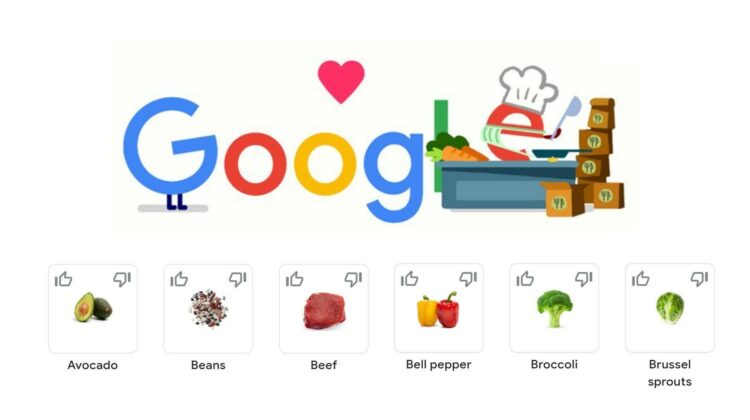
You can add a thumbs up or a thumbs down to each ingredient or dish type so that Google knows what you’re more or less interested in and there are also ‘suggestion chips’ or filters at the top to help you whittle down the choices. There are currently 13 cuisine types and 31 ingredients to choose from. I hope that more are added over time, specifically condiments and seasonings so that those who are allergic to specific ones can avoid them!
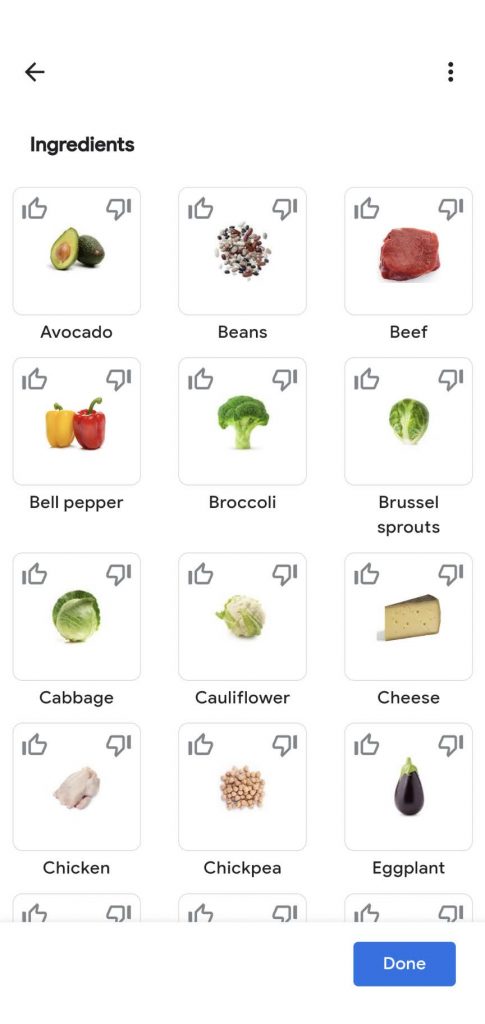
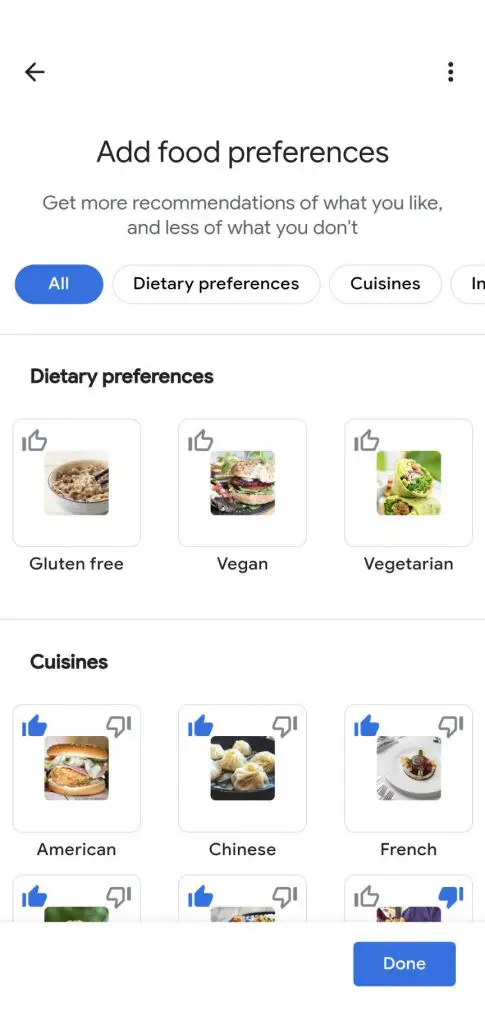
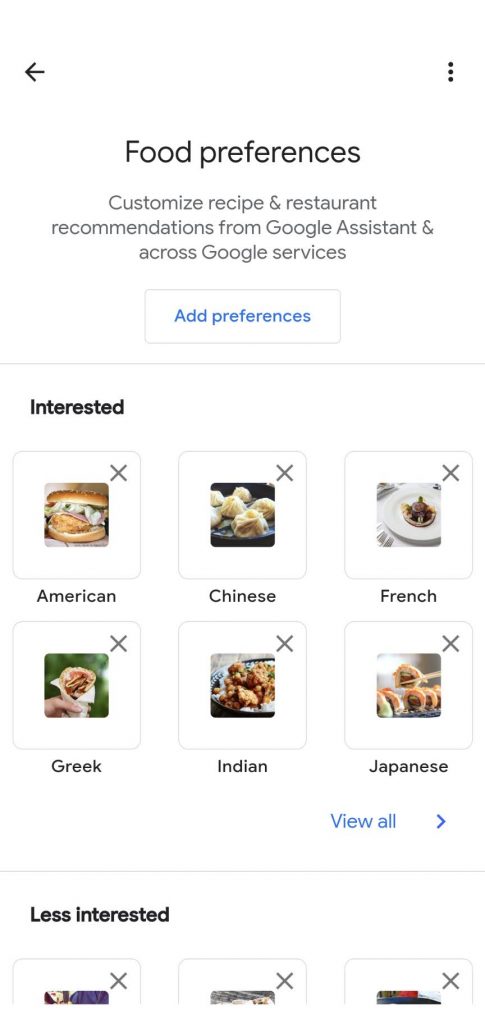
Setting your dietary and ingredient preferences or telling Assistant what regional dishes you prefer allows you to benefit most when you ask your Nest Hub or other Assistant-enabled smart displays for recipes. Once you do, you can add them to your Cookbook collection so that you can easily call them up when you get hungry!
I recommend that you poke through the other Assistant settings as well because making Google work for you instead of just accepting the content that it dishes out can greatly improve your day to day experience. I hope you customize your food preferences to your liking and discover some delicious new recipes!
SUBSCRIBE TO UPSTREAM
Get Chrome Unboxed delivered straight to your inbox
Upstream is our flagship, curated newsletter with the top stories, most click-worthy deals, giveaways, and trending articles from Chrome Unboxed sent directly to your inbox a few times a week. Join 31,000+ subscribers.

