


When Logitech announced the new Keys-to-Go 2, I was actually a little underwhelmed. Specifically, I thought they were simply taking the (admittedly great) Casa Keys from the Casa Pop-Up Desk and slapping a cover on it. While I think they should totally sell the Casa Keys as a standalone item, I no … [Read more...] about Unboxing and hands-on with Logitech’s ultra-light Keys-to-Go 2 [VIDEO]
Accessories
Support our independent tech coverage. Chrome Unboxed is written by real people, for real people—not search algorithms. Join Chrome Unboxed Plus for just $2 a month to get an ad-free experience, access to our private Discord, and more. Learn more about membership here.
START FREE TRIAL (MONTHLY)START FREE TRIAL (ANNUAL)
I dismissed the Poly P5 Webcam, but you absolutely shouldn’t

Some time ago, either Plantronics (or Poly as they re-branded to) or HP (who now owns Poly) sent us the Poly P5 Webcam to check out. As these things go sometimes, it got shuffled to the side and forgotten about. As those in our Chrome Unboxed Plus community know, we've recently rearranged our … [Read more...] about I dismissed the Poly P5 Webcam, but you absolutely shouldn’t
This leaked change to the Samsung Galaxy Buds 3 may win me over

I've covered this over the past year or so, but I've largely transitioned over to Samsung devices for my non-Chromebook needs. I don't have anything against Google's Pixel lineup, but I was interested in seeing what Samsung had to offer a little over a year ago when the Galaxy S23 Ultra arrived, … [Read more...] about This leaked change to the Samsung Galaxy Buds 3 may win me over
Why I’m considering a dual-screen USB Type-C portable monitor

At Computex 2024 last month, ASUS debuted a bunch of new monitors for creatives and gamers, but the one that caught my eye was a bit different. Though nowhere near the first to release a dual-screen USB Type-C travel monitor, I have to admit that I didn't even think about something like this until … [Read more...] about Why I’m considering a dual-screen USB Type-C portable monitor
Why I still prefer a vertical multi-monitor Chromebook setup

I finished up my review process for the last of the new Chromebook Plus devices a few weeks back, and I was so excited to get back to a desktop setup that would have me use a laptop stand, wireless keyboard/mouse, and that would arrange my Chromebook up to the side of my main desktop monitor. I've … [Read more...] about Why I still prefer a vertical multi-monitor Chromebook setup
Unboxing and trying the new Logitech Casa Pop-Up Desk [VIDEO]
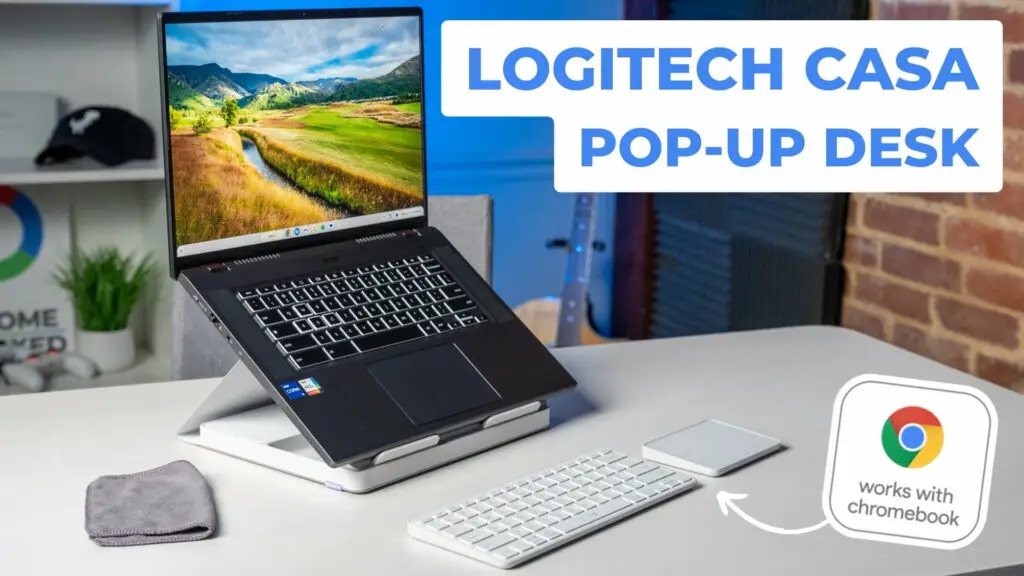
We've already talked quite a bit about the new Logitech Casa Pop-Up Desk here on Chrome Unboxed and on the Chrome Cast Podcast, but things are a bit different now: it's actually in the office. And in this video, we not only take a look at the design and quality of the components that make up the … [Read more...] about Unboxing and trying the new Logitech Casa Pop-Up Desk [VIDEO]
Logitech’s Casa Pop-Up Desk arrives at Best Buy March 21st

We've been talking about the new-ish Logitech Casa Pop-Up Desk quite a bit lately, and that's for good reason. This rather inventive new accessory accomplishes a lot for Chromebook users all in one, tidy package and it might finally give us an accessory we've waited on for ChromeOS for a very, very … [Read more...] about Logitech’s Casa Pop-Up Desk arrives at Best Buy March 21st
Logitech’s Casa Pop-Up Desk is confirmed ‘Works with Chromebook’
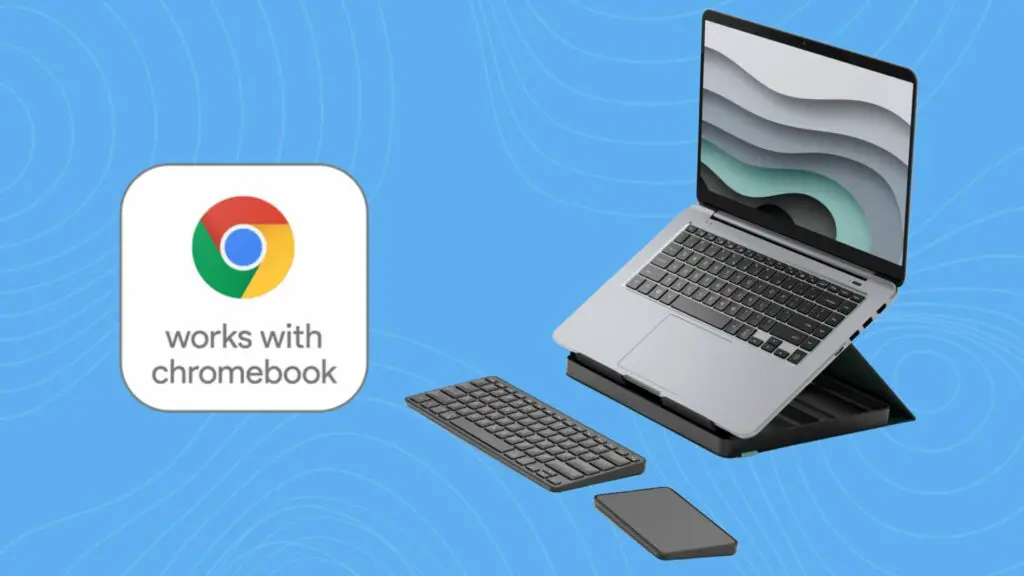
If you have been looking for a wireless trackpad and keyboard combo that works perfectly with your Chromebook, the Logitech Casa Pop-Up Desk might be the answer. After learning about the US release of this "desk in a box" that packs a keyboard and trackpad inside of a folding laptop stand, we … [Read more...] about Logitech’s Casa Pop-Up Desk is confirmed ‘Works with Chromebook’
Logitech’s Casa Pop-Up Desk: a real option for a wireless Chromebook trackpad?
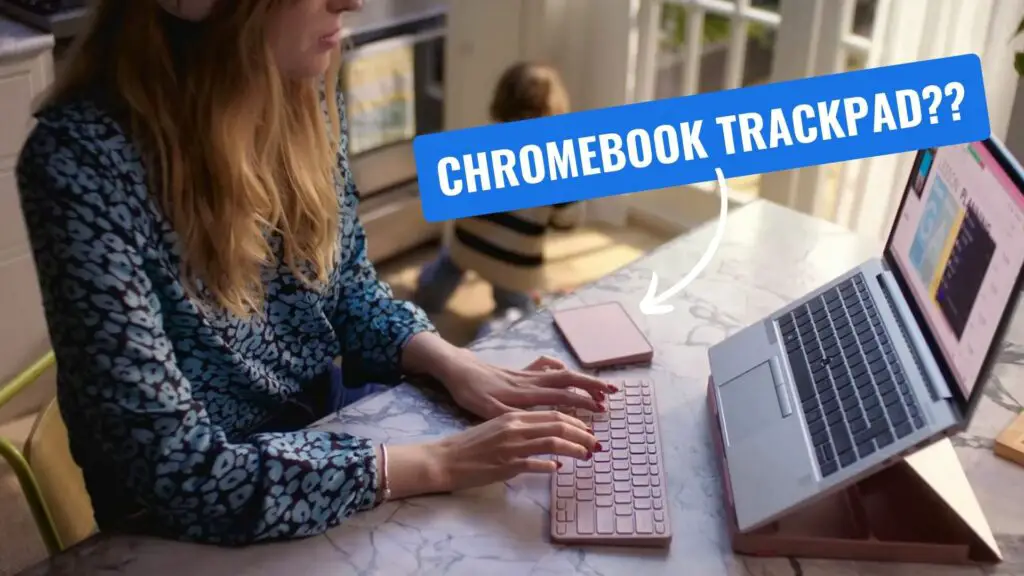
I have a love/hate relationship with Chromebooks and trackpads. On one hand, I love a smooth, glass trackpad with a satisfying click mechanism. On the other, I don't love the ergonomic position I'm in all day if the built-in trackpad on my Chromebook is my only way to navigate on-screen. I love … [Read more...] about Logitech’s Casa Pop-Up Desk: a real option for a wireless Chromebook trackpad?
How to customize your mouse buttons on a Chromebook [VIDEO]
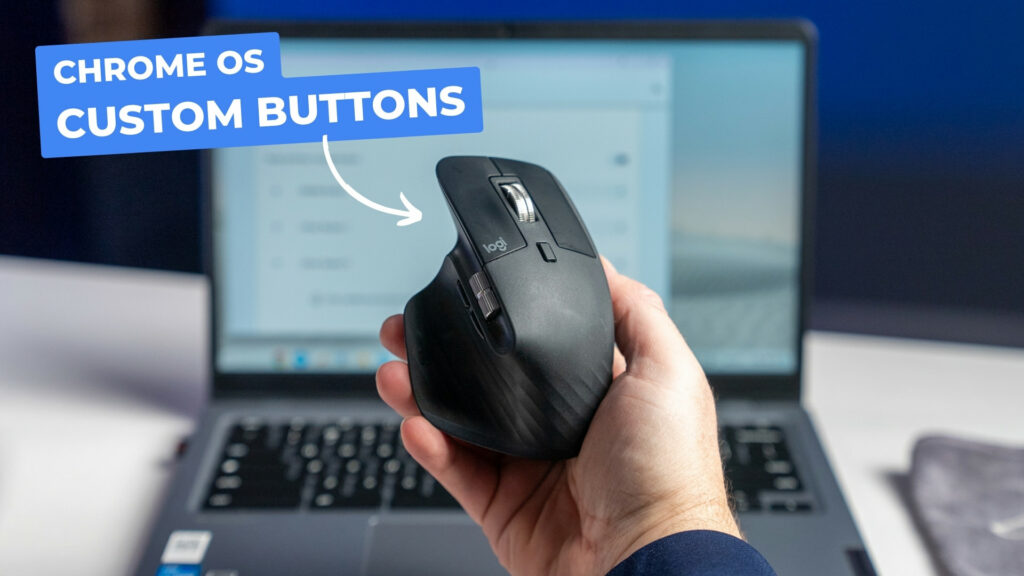
For years at this point, peripherals and accessories have "just worked" on Chromebooks. And while that's not changing anytime soon, Google is close to releasing a new feature that takes this "just works" mentality to the next level, specifically for your 3rd-party mouse. Whether its a gaming … [Read more...] about How to customize your mouse buttons on a Chromebook [VIDEO]
Google Assistant Quick Phrases are super helpful and arriving on Pixel Buds Pro
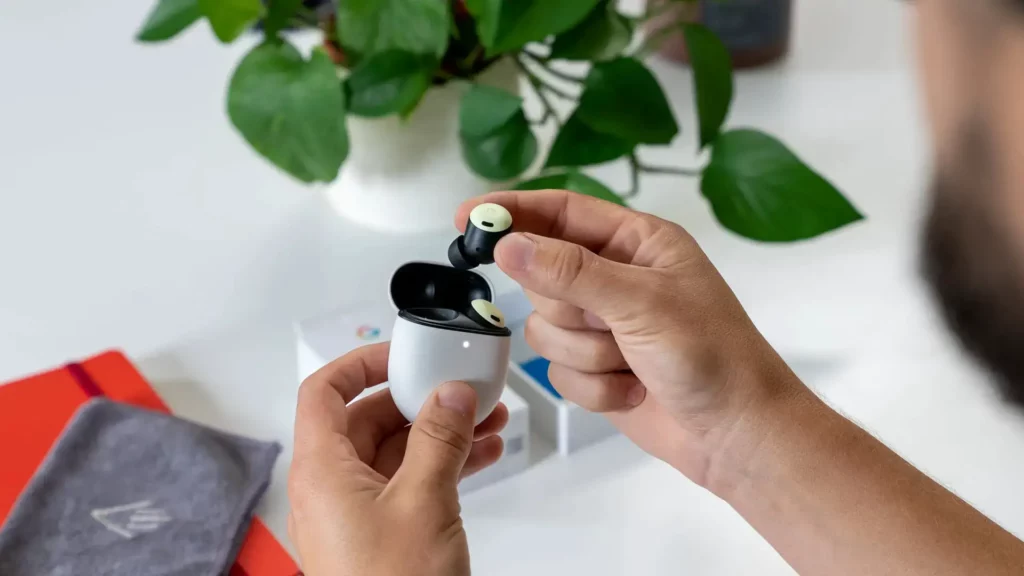
In the event that you didn't already know this was a thing, you can do a few Google Assistant actions on your Pixel phone without the need of uttering "Hey Google" beforehand. Pixel phones are able to answer, silence, or fully decline incoming calls with just the vocal command - "answer", "decline" … [Read more...] about Google Assistant Quick Phrases are super helpful and arriving on Pixel Buds Pro
USI 1.0 versus USI 2.0: understanding the difference [VIDEO]
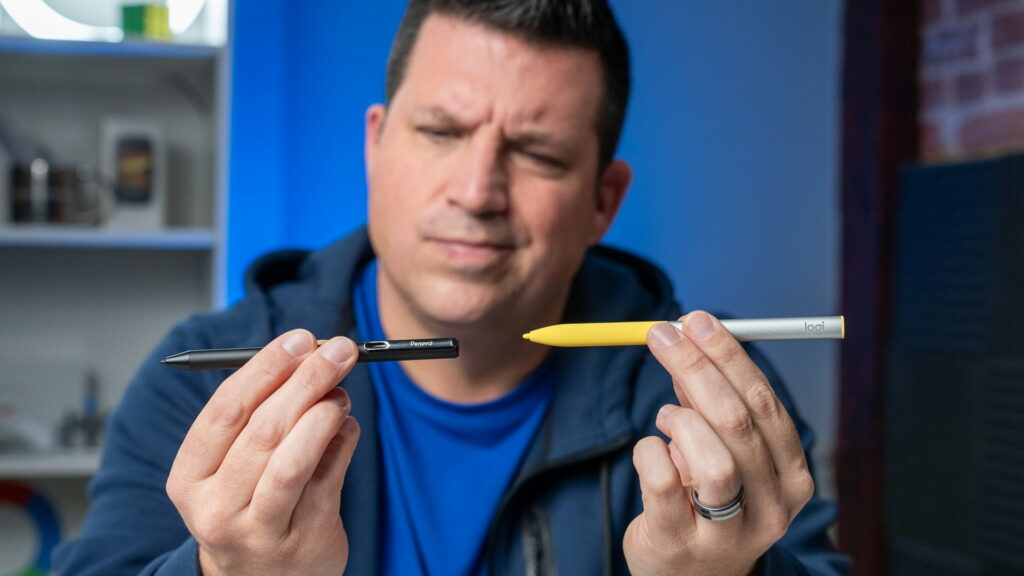
We get asked quite often about which pen works with which Chromebook when it comes to USI. And in some ways, that's a bit of a bummer. When USI first emerged and started showing up for Chromebooks, I was so relieved that the days of searching for the "right pen" for any given device were over. As … [Read more...] about USI 1.0 versus USI 2.0: understanding the difference [VIDEO]
