


Support our independent tech coverage. Chrome Unboxed is written by real people, for real people—not search algorithms. Join Chrome Unboxed Plus for just $2 a month to get an ad-free experience, access to our private Discord, and more. Learn more about membership here.
START FREE TRIAL (MONTHLY)START FREE TRIAL (ANNUAL)
It’s been less than six months since Zoom released its progressive web application in the Google Play Store as a replacement for its traditionally packaged Chrome Web Store app, and according to 9to5Google, the company is already killing off the latter.
Instead of being able to fire up calls in the Web Store app, users are now being presented with a message stating that they must upgrade their Zoom client in order to join the meeting. You can still install the old app, but it’s no longer being supported, and there’s no front-facing or easily accessible listing for it if you search the web store. Instead, you’ll have to visit Zoom on the web and use the install prompt found in the Omnibox of the Chrome browser.
Alternatively, you can open the Google Play Store on your Chromebook, search for “Zoom PWA“, and click Install on that! More and more progressive web apps are entering Google’s app store over the past year, including many of its own, like Google News, Youtube Music, and more.
Apparently, this change where the PWA is nearly a requirement for most users has only occurred over the past month or less, and it looks like it may not have been the smartest move just yet. Normally, companies swap users over to new software only when it has feature parity and stability, though admittedly, not nearly as much these days. Zoom’s PWA Gallery View is not supported on Google Chromebooks, many bugs persist, such as blank screens during video calls, and even audio cutting out sporadically. According to 9to5, the web app has even signed them out periodically without cause – strange!
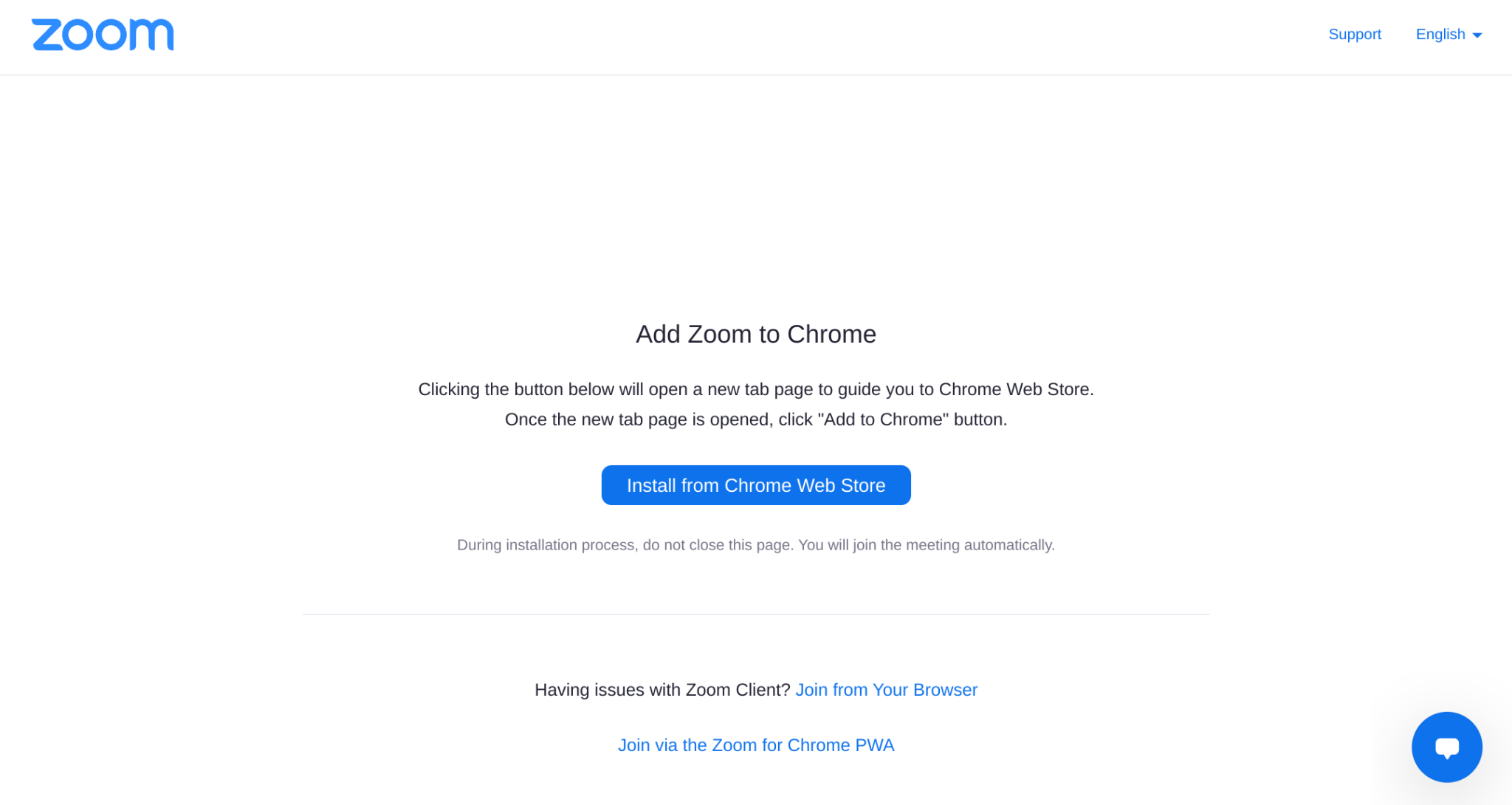
Perhaps the worst offender of this new setup is that any time a user clicks a Zoom invitation link, they’re asked to install the old, deprecated Chrome web store application instead of it opening directly in the shiny, new PWA. I’ve actually experienced this myself a bunch over the past few weeks, as many of my contacts still prefer to use Zoom for various reasons instead of Google Meet. The service has become quite competitive with Google and even matched its efforts to provide free, unlimited calls during the holidays last year.
Obviously, this is just not good. All of these bugs mean that the product is nearly unusable for many, or at the very least, very confusing for most. The fact that Chromebooks already struggle with having three versions of popular apps like Google Keep – Chrome app, web application, and Play Store app – is ridiculous.
Google is going to have to do something about these app identity issues before long, and hopefully, then, other companies like Zoom will follow suit. My hope is that they lead the way though, taking pride in understanding and keeping up with the ever-shifting requirements of the ecosystem and providing something cohesive for their audience. These bugs will no doubt get fixed, but the only question is about how long that will take.
SUBSCRIBE TO UPSTREAM
Get Chrome Unboxed delivered straight to your inbox
Upstream is our flagship, curated newsletter with the top stories, most click-worthy deals, giveaways, and trending articles from Chrome Unboxed sent directly to your inbox a few times a week. Join 31,000+ subscribers.

