

Support our independent tech coverage. Chrome Unboxed is written by real people, for real people—not search algorithms. Join Chrome Unboxed Plus for just $2 a month to get an ad-free experience, access to our private Discord, and more. Learn more about membership here.
START FREE TRIAL (MONTHLY)START FREE TRIAL (ANNUAL)
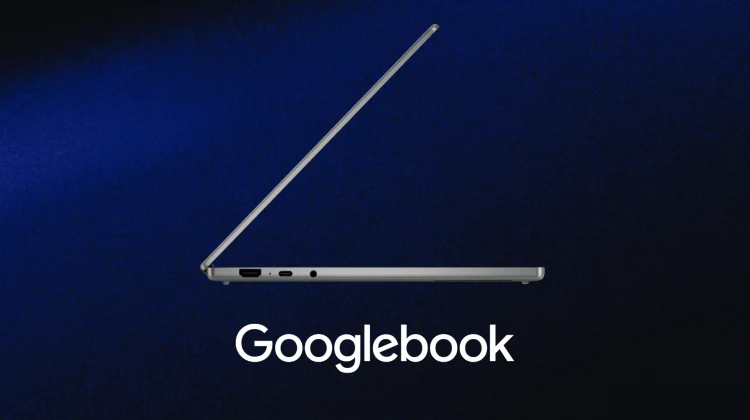
As we count down the days until Google’s September 15 media showcase in New York City, the continued addition of cross-device continuity features being prepped behind the scenes is making me more and more excited about using these laptops on day one.
We’ve already seen Google update Play services to lay the groundwork for streaming your phone apps to the desktop with ‘Cast My Apps’ and tracked seamless task-switching through Continue On. Now, it looks like that phone-to-laptop bridge is getting another clever feature.
According to a report from Android Authority, a recent teardown of version 1.0.1283.974003524 of Google’s Cross-Device Services app has uncovered an in-development feature dubbed “Cast trackpad.”
The tool is explicitly designed to turn an Android phone’s touchscreen into a wireless, remote trackpad to control another screen; and given the timing and system-level plumbing involved, all signs point to this arriving as a companion utility for Googlebook.
How ‘Cast trackpad’ works
If you’ve ever used the remote control interface inside the Google TV or Google Home apps to navigate your television, the general premise here will feel right at home.
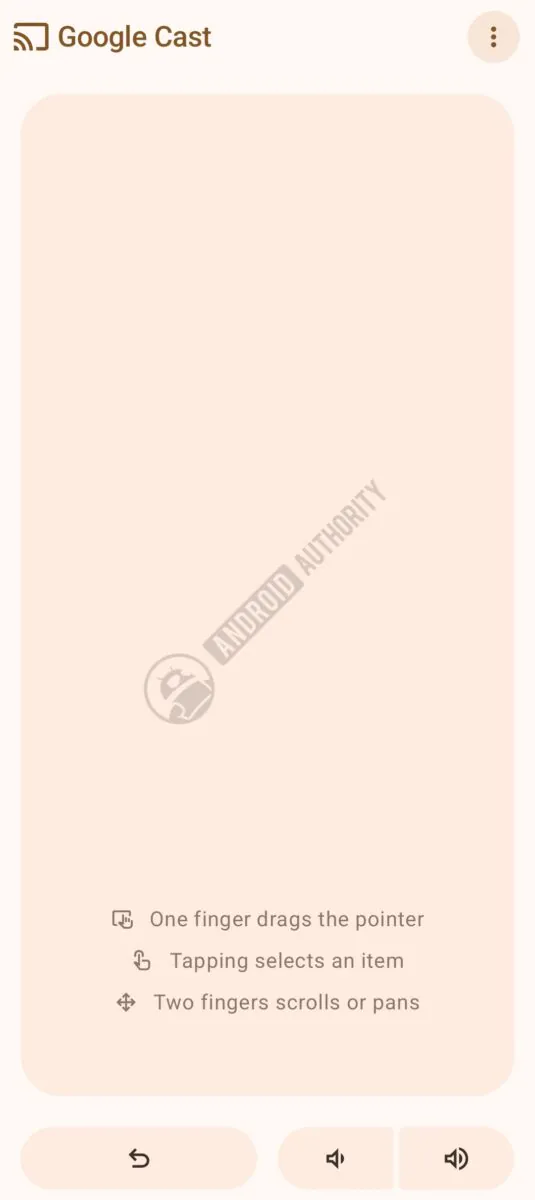
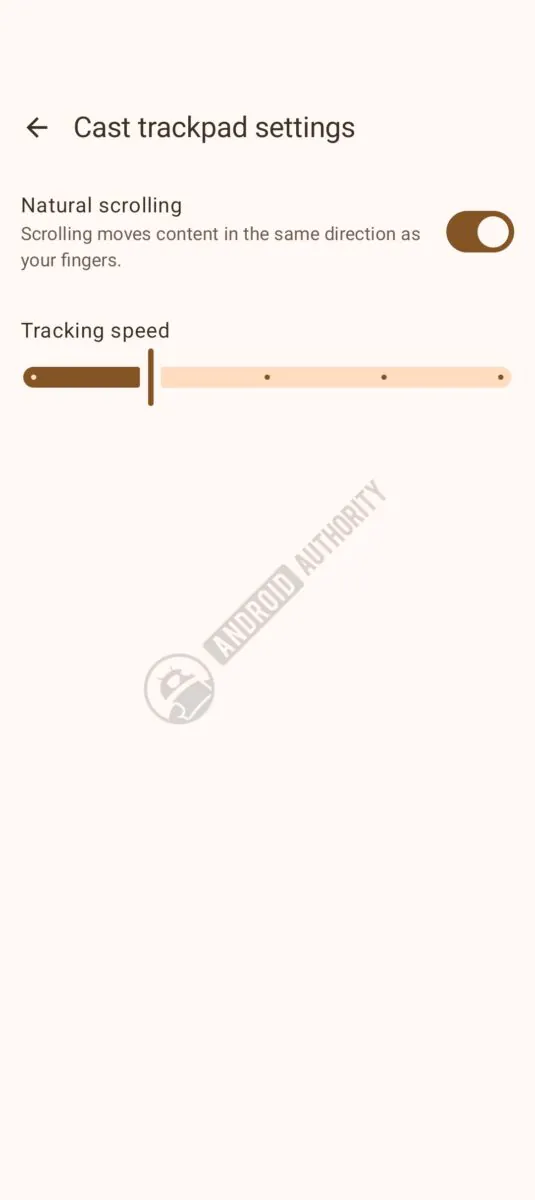
Screenshots uncovered in the teardown show a clean, touch-friendly interface that transforms your phone’s display into an interactive input surface with:
- Full Gesture Navigation: The app supports multi-touch gestures to let you move a pointer, tap to click, and interact with on-screen windows and UI elements.
- Dedicated System Controls: Alongside the blank trackpad area, the interface includes hardware-style shortcuts for “Back” and volume adjustment.
- Adjustable Sensitivity: Just like a physical trackpad in your system settings, you can fine-tune pointer speed and touch responsiveness to match your preferences.
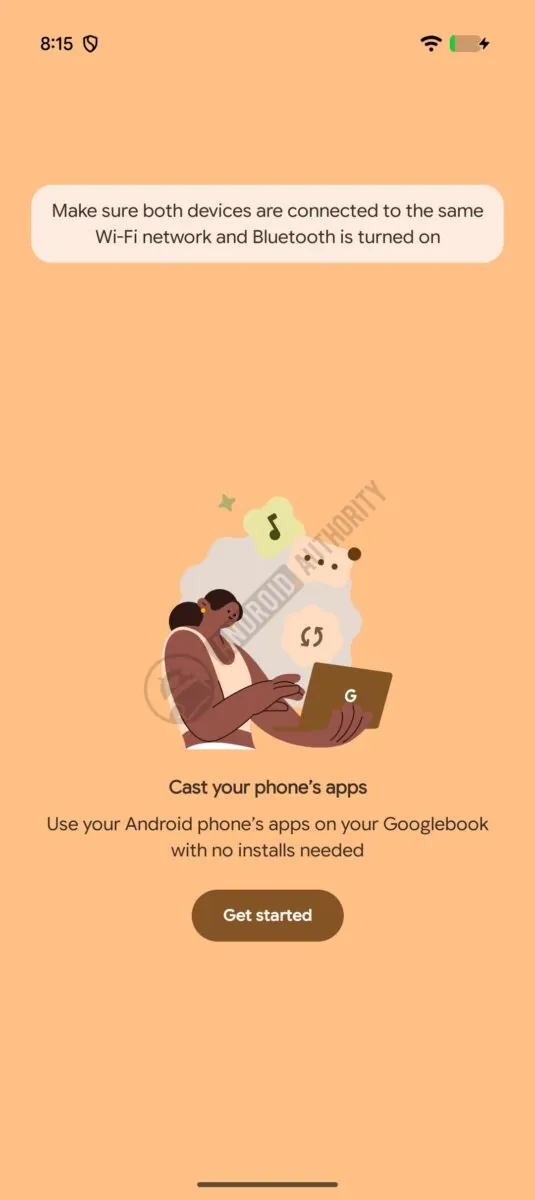
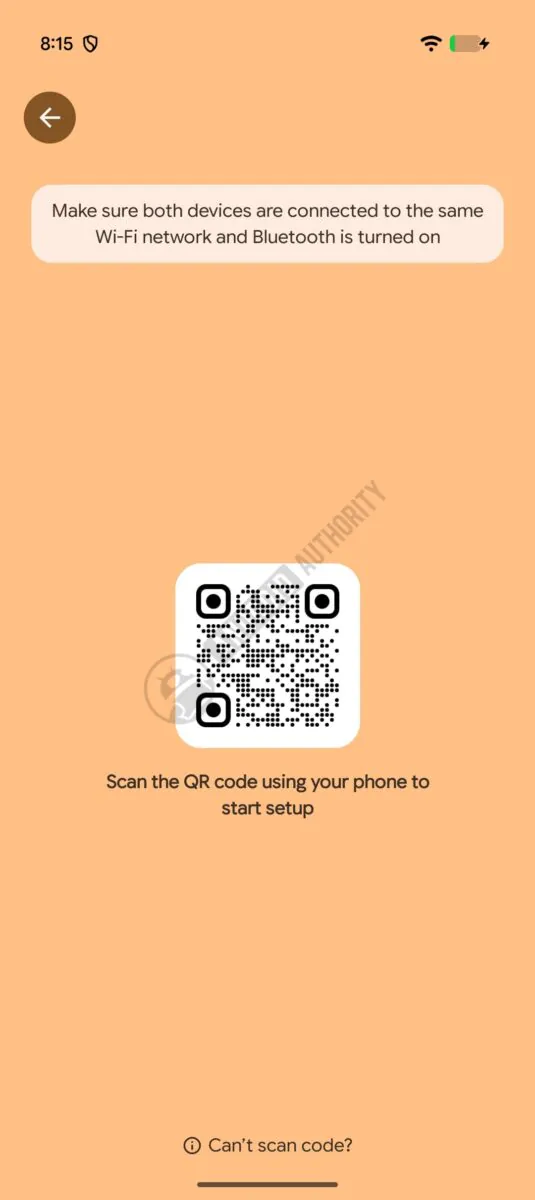
Alongside the trackpad layout, the teardown also surfaced onboarding screens specifically tied to the aforementioned “Cast My Apps” feature, reinforcing that Cross-Device Services is becoming the central hub for how Googlebooks and Android phones interact in real time.
The presentation and media superpower
At first glance, using a phone as a trackpad for a laptop that already has a keyboard and trackpad might sound like a novelty. But when you think about real-world use cases, having a built-in, wireless input tool in your pocket makes incredible sense.
Imagine walking into a conference room, plugging your Googlebook into a projector or external display, and running an entire presentation from the other side of the room using your phone. Instead of being tethered to your desk or needing to pack a dedicated clicker, you can advance slides, navigate web demos, and switch between open apps directly from your phone screen.
The same applies to casual lean-back setups. If you have your laptop hooked up to a TV across the living room to watch video or stream a game, you don’t have to get off the couch to pause, tweak the volume, or open a new browser tab.
A more unified ecosystem
Apple has certainly established a strong lead in device continuity with macOS and iOS, but Google’s approach with Googlebook is shaping up to be exceptionally broad.
Instead of treating your phone and laptop as isolated islands that occasionally ping each other with notifications, tools like Cast My Apps and Cast trackpad treat them as shared hardware resources. Whether you’re pulling mobile-exclusive apps up onto a 14-inch OLED display or using your phone to control the desktop from across the room, Google is clearly focused on making the multi-device experience as frictionless as possible.
We’ll be on the ground in New York in just over a week to likely watch Google showcase official demos of all these cross-device tools in person, so stay tuned for hands-on impressions as the the Googlebook era arrives in full.
SUBSCRIBE TO UPSTREAM
Get Chrome Unboxed delivered straight to your inbox
Upstream is our flagship, curated newsletter with the top stories, most click-worthy deals, giveaways, and trending articles from Chrome Unboxed sent directly to your inbox a few times a week. Join 31,000+ subscribers.

