

Support our independent tech coverage. Chrome Unboxed is written by real people, for real people—not search algorithms. Join Chrome Unboxed Plus for just $2 a month to get an ad-free experience, access to our private Discord, and more. Learn more about membership here.
START FREE TRIAL (MONTHLY)START FREE TRIAL (ANNUAL)
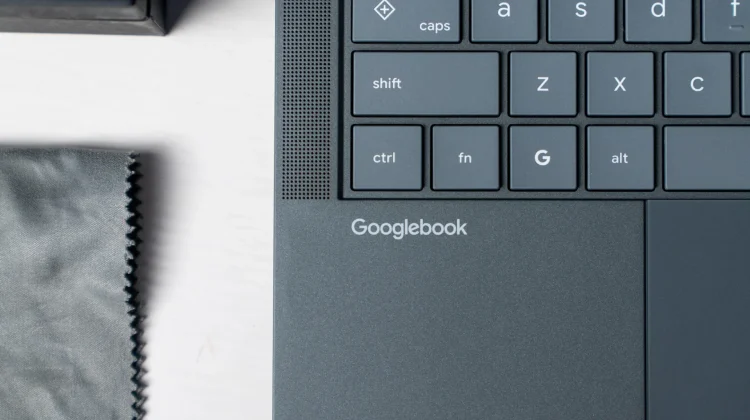
When moving from ChromeOS to Googlebook OS, there were certain quality-of-life features I really hoped would simply make the jump. As we’ve seen, that hasn’t exactly been the case with Googlebook at launch, but it does feel like Google is working hard to bridge the many gaps that currently exist between ChromeOS and Googlebook OS.
One of the better conveniences of owning a Chromebook is the ability to bypass the lock screen entirely as long as your unlocked Android phone is sitting right next to it. Thanks to a new teardown of the latest Android beta, it looks like Googlebook users won’t have to live without this feature for long.
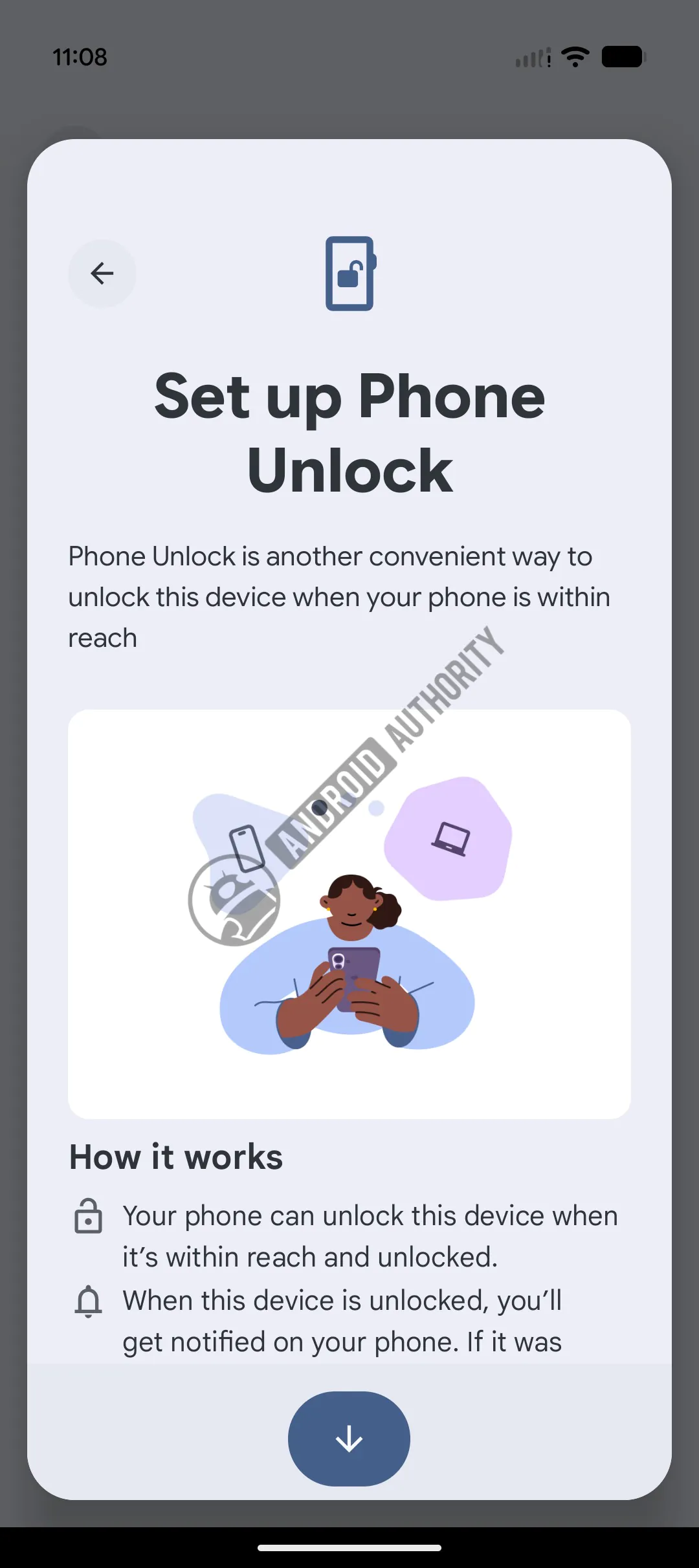
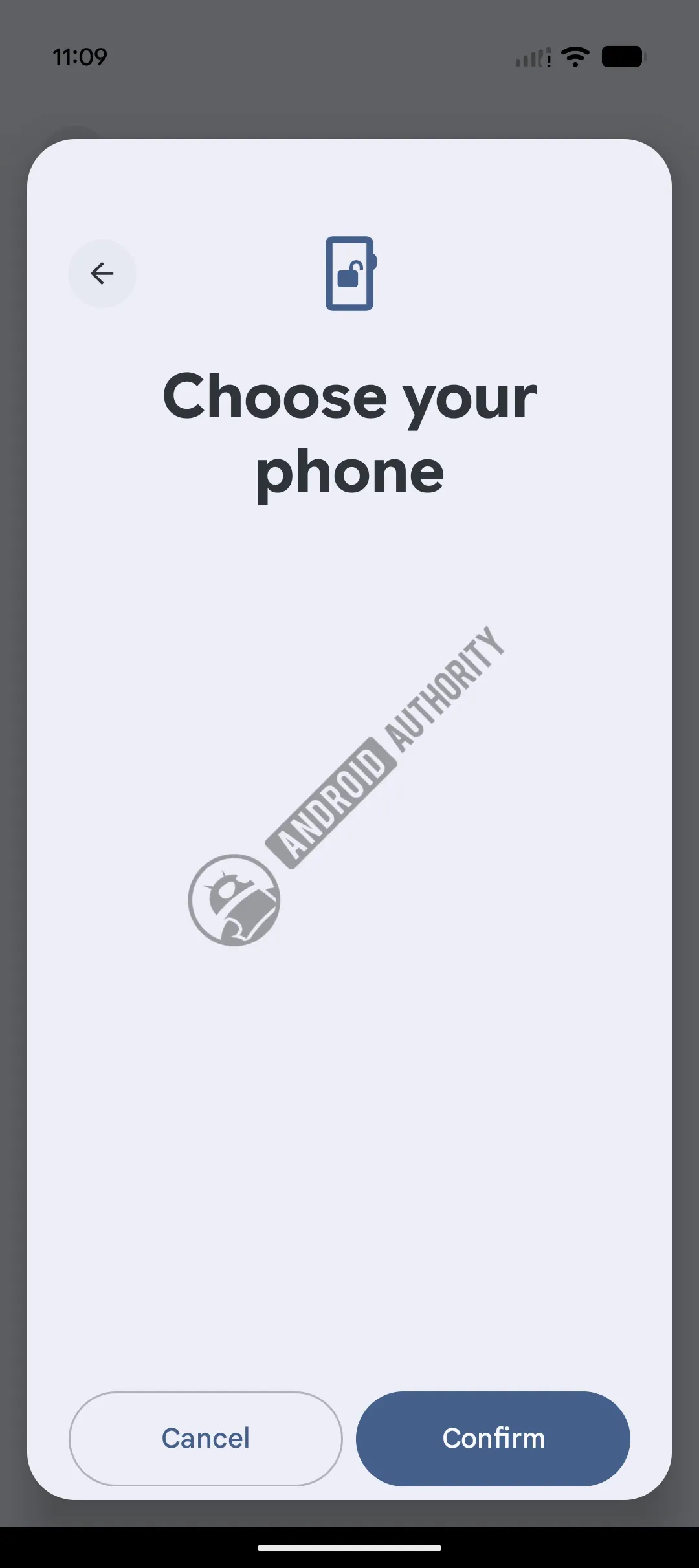
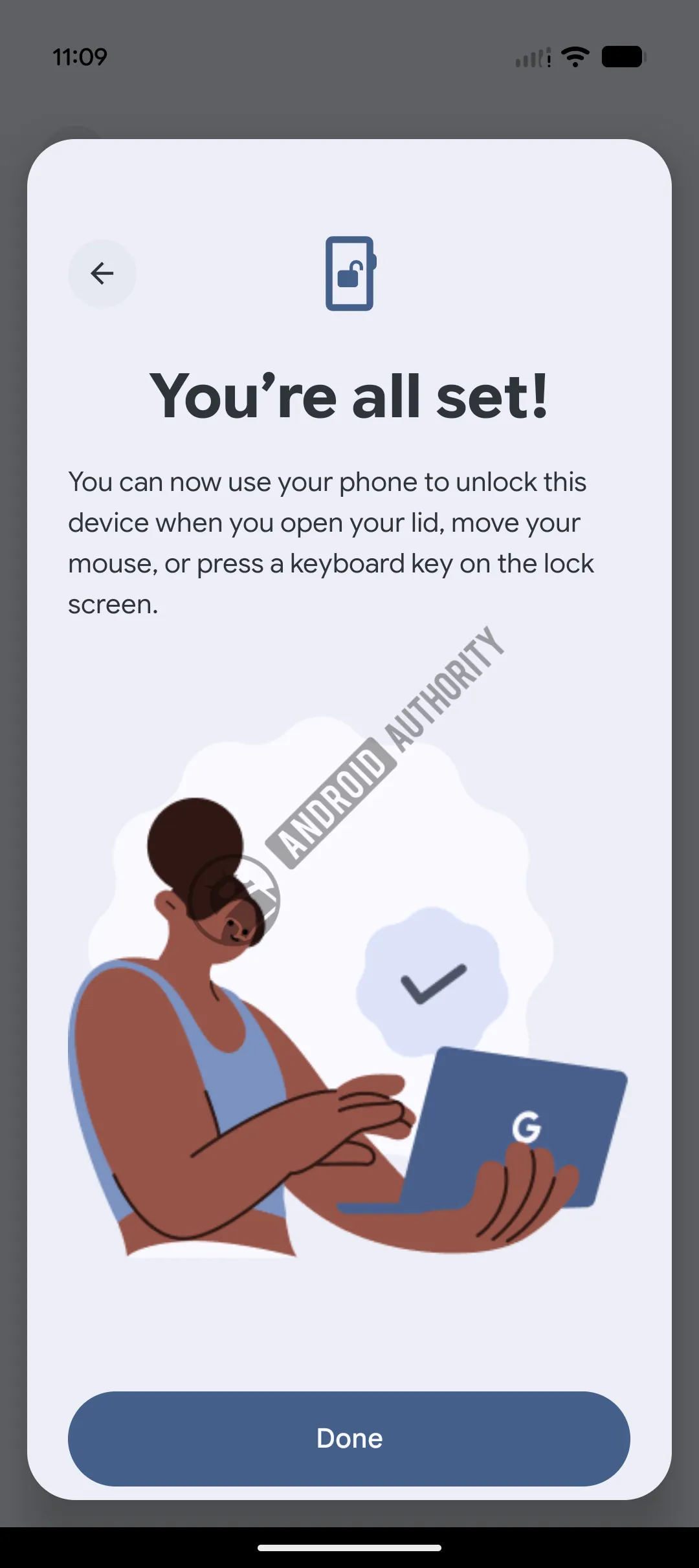
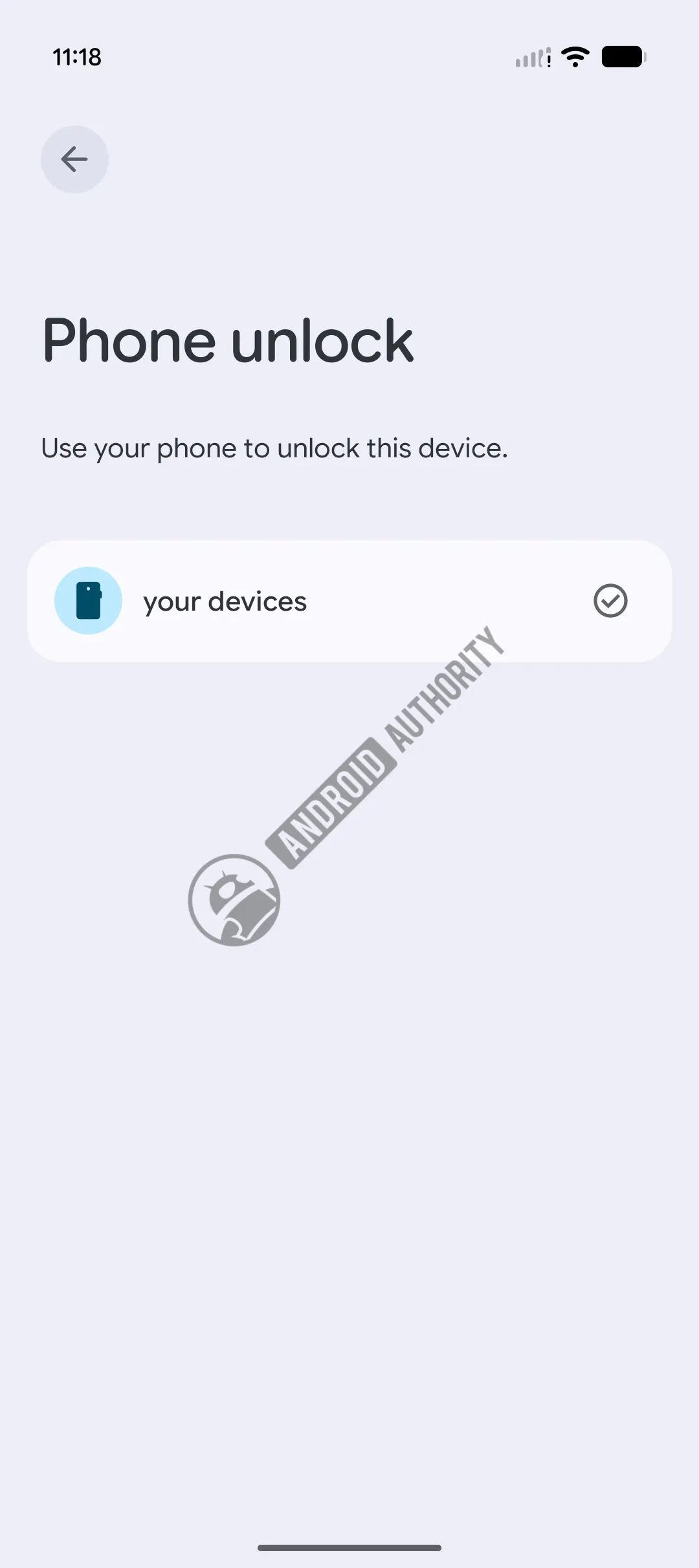
According to a new report from Android Authority, code strings and setup screens discovered inside Android 17 QPR3 Beta 1 confirm that Google is actively building out “Phone Unlock” for the new Googlebook platform.
How Phone Unlock will work on Googlebook
The proposed workflow looks incredibly seamless and familiar. Once you pair your Android phone to your Googlebook, the laptop will be able to unlock automatically under three conditions: when you open the lid, when you move the mouse, or when you press a key on the keyboard.
The only requirement is that your paired phone must be within Bluetooth range and currently unlocked. To keep things secure, Google is adding a few smart guardrails:
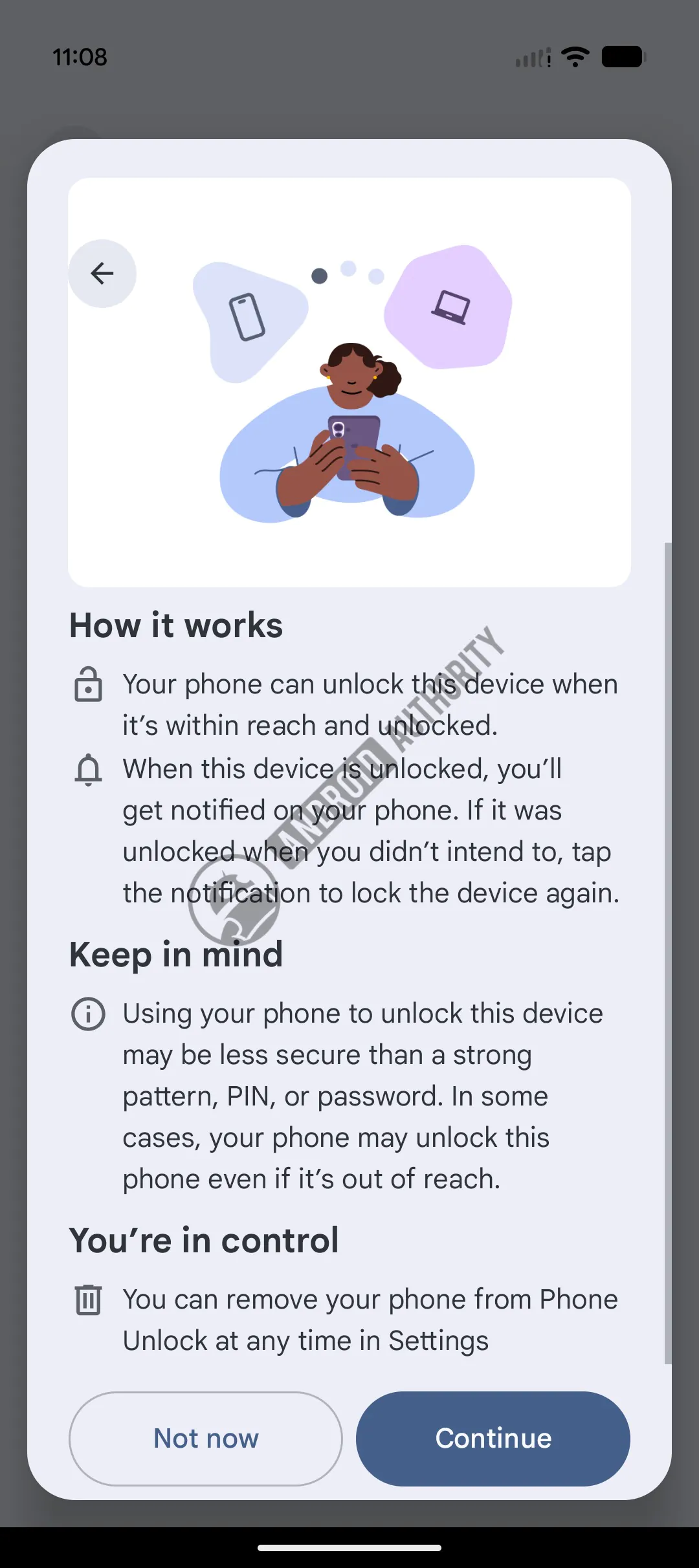
- Immediate Notifications: Every time your phone is used to unlock the Googlebook, you will get a notification on your handset.
- Remote Lock: If your laptop unlocks accidentally or when you didn’t intend for it to, that same notification will feature a button to instantly lock the Googlebook again.
- Security Warnings: The setup screens will warn users that using a phone to bypass the lock screen may be less secure than relying on a strong PIN, pattern, or password.
Building out the ecosystem
While we don’t have an exact release date for Phone Unlock yet, it perfectly aligns with Google’s broader push for deep cross-device integration on the new platform.
We already know that features like app streaming, synced notifications, and the “Continue On” workflow are massive selling points for the Googlebook ecosystem. Bringing over frictionless authentication just makes that relationship between your laptop and your phone even tighter. Stay tuned for more!
SUBSCRIBE TO UPSTREAM
Get Chrome Unboxed delivered straight to your inbox
Upstream is our flagship, curated newsletter with the top stories, most click-worthy deals, giveaways, and trending articles from Chrome Unboxed sent directly to your inbox a few times a week. Join 31,000+ subscribers.

