


In January, Google rolled out warning banners for potentially malicious or dangerous files in Google Drive. This came about as a necessity after several scams surfaced that used Google Docs or Google Sheets files to spread abusive content. Google is now extending that same functionality to Google … [Read more...] about Google Apps will now warn you when opening a potentially dangerous file
google docs
Support our independent tech coverage. Chrome Unboxed is written by real people, for real people—not search algorithms. Join Chrome Unboxed Plus for just $2 a month to get an ad-free experience, access to our private Discord, and more. Learn more about membership here.
START FREE TRIAL (MONTHLY)START FREE TRIAL (ANNUAL)
How to use hanging indents in Google Docs to cite your sources

A Hanging indent, also known as a second line indent or reverse indent, is a style of paragraph indentation that has the first line flush with the left margin but indents all of the lines under it in a paragraph. It is commonly used in MLA, APA, and other citation styles and helps the reader … [Read more...] about How to use hanging indents in Google Docs to cite your sources
Emoji Reactions coming to Google Docs on the web

Recently, Google has been on an emoji kick, rolling out Emoji Reactions on many of its services such as Google Meet and YouTube. In a way, extended emoji support has even reached products like Gboard and Messages, but it appears that Google isn't done yet. For example, Google has announced that … [Read more...] about Emoji Reactions coming to Google Docs on the web
Google Docs to get Grammarly-like features in selected Workspace and EDU tiers

Google Docs will soon be getting a set of new assistive writing features, similar to what Grammarly currently offers, in selected Google Workspace and EDU tiers. These features will provide a variety of stylistic and writing suggestions to help improve your writing, such as: Alternate … [Read more...] about Google Docs to get Grammarly-like features in selected Workspace and EDU tiers
Google Docs gets expanded Markdown autocorrect support
Google Docs has supported Markdown – a lightweight markup language for creating formatted text using a plain-text editor – for some time now in a very limited capacity when composing a document. The syntax is aimed at making writing for the internet easier and is a popular alternative to WYSIWYG … [Read more...] about Google Docs gets expanded Markdown autocorrect support
Google Docs gains Gmail draft capabilities for Workspace customers
Google Workspace users got some excellent news yesterday with the announcement of the new email draft template feature that is making its way to Google Docs as we speak. This feature was teased last month as part of a celebratory post regarding the broad adoption of Smart Canvas features and the … [Read more...] about Google Docs gains Gmail draft capabilities for Workspace customers
Google celebrates the adoption of Smart Canvas features, announces more to come
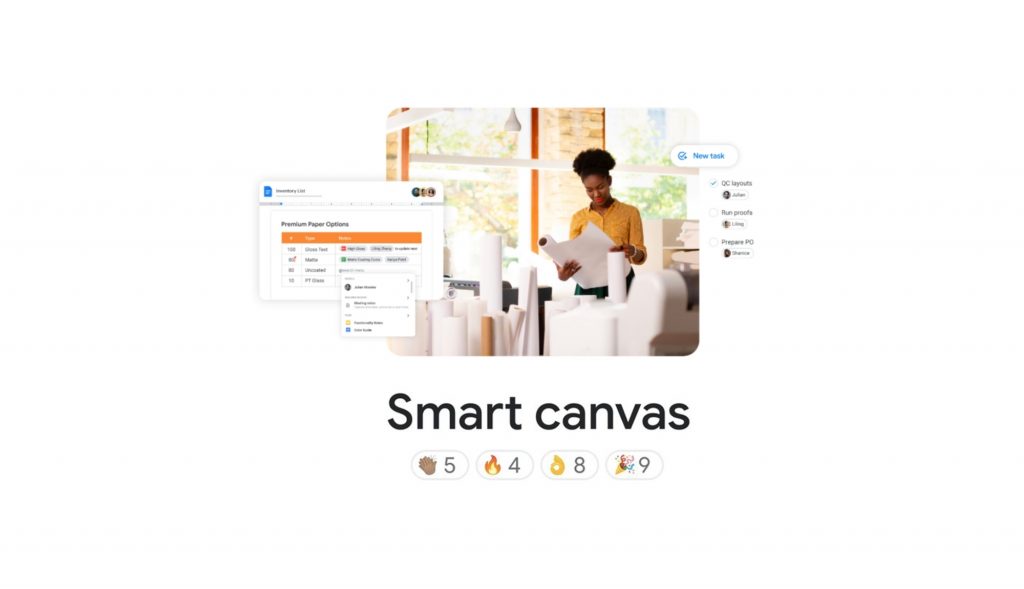
Building off of their announcement back in May of last year which introduced Smart Canvas - a new product experience that delivers the next evolution of collaboration for Google Workspace - Google posted today on The Keyword a summary of all the Smart Canvas features released to … [Read more...] about Google celebrates the adoption of Smart Canvas features, announces more to come
