

Support our independent tech coverage. Chrome Unboxed is written by real people, for real people—not search algorithms. Join Chrome Unboxed Plus for just $2 a month to get an ad-free experience, access to our private Discord, and more. Learn more about membership here.
START FREE TRIAL (MONTHLY)START FREE TRIAL (ANNUAL)
Seeing how the foundation of Chrome Unboxed is built very much on Chrome OS and cloud computing, we are huge fans of the open web and ever-evolving tools that come with the territory. That said, there is one particular area that Chrome OS is still lacking and I’m afraid that we are still a few years out from a web-based solution. Yes, I am talking about video editing. There is an increasing number of really good web-based video creation tools out there and for a lot of users, they do everything needed to create quality content for the classroom, marketing materials, or what have you. For serious content creators and studios, however, those tools simply won’t cut it. Thankfully, Chrome OS has matured extensively over the past ten years, and times, they are a-changing.
Ever since Linux apps for Chrome OS showed up in Beta, we’ve continually tested applications that could bridge the narrowing gap for users needing a little more out of their Chromebooks. Video editors have been high on my list and I have successfully installed and even used a handful of Linux-based editors using the Crostini container. In the early days, the experience was less than savory, and oftentimes, the editors either crashed randomly or the frame rates were so bad that they simply weren’t viable to use. Now that Linux on Chrome OS has had some time to mature, you can actually find some lighter-weight editors that actually run well enough to get some work done but until recently, there weren’t any developers giving Chrome OS attention in this department.
Now that Tiger Lake Chromebooks are a thing, I had very high hopes that Davinci Resolve may actually run on Chrome OS thanks to the highly-anticipated Iris Xe graphics. I am sad to report that, as of right now, that is not the case. I attempted to run Davinci on a Tiger Lake Core i5 and it still fails to recognize the new integrated GPU and it just won’t run. That leaves us with options like Flowblade, Kdenlive, and others. These happen to run on Chrome OS if you know how to install them but one particular developer group has finally thrown their hat in the ring and is offering an official installation method for Chromebooks.
OpenShot
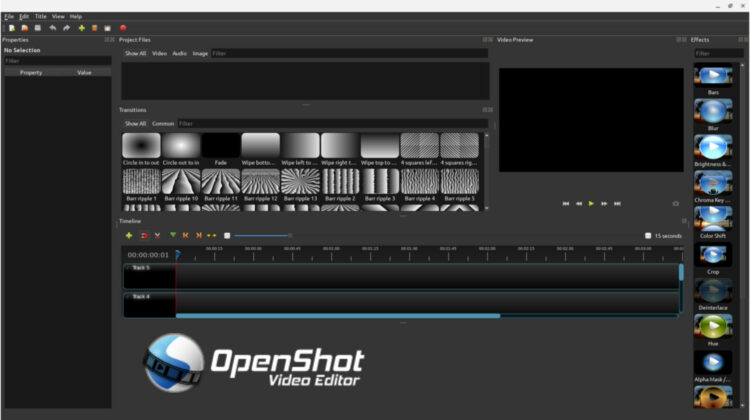
OpenShot is a powerful video editor that is free and open-source. It is available for Windows, macOS, and Linux. The Linux version is packaged as an AppImage which makes it compatible with most major Linux distributions. It is for this reason that it is easily “installed” and run on Chrome OS via the Linux container. As I was looking around for any updates to the most common video editors, I discovered that OpenShot has packaged its AppImage with an installer that’s designed specifically for Chrome OS and that’s very exciting news. Not only does OpenShot offer up professional-grade editing, but it also integrates with Blender and Inkscape for graphics creation.
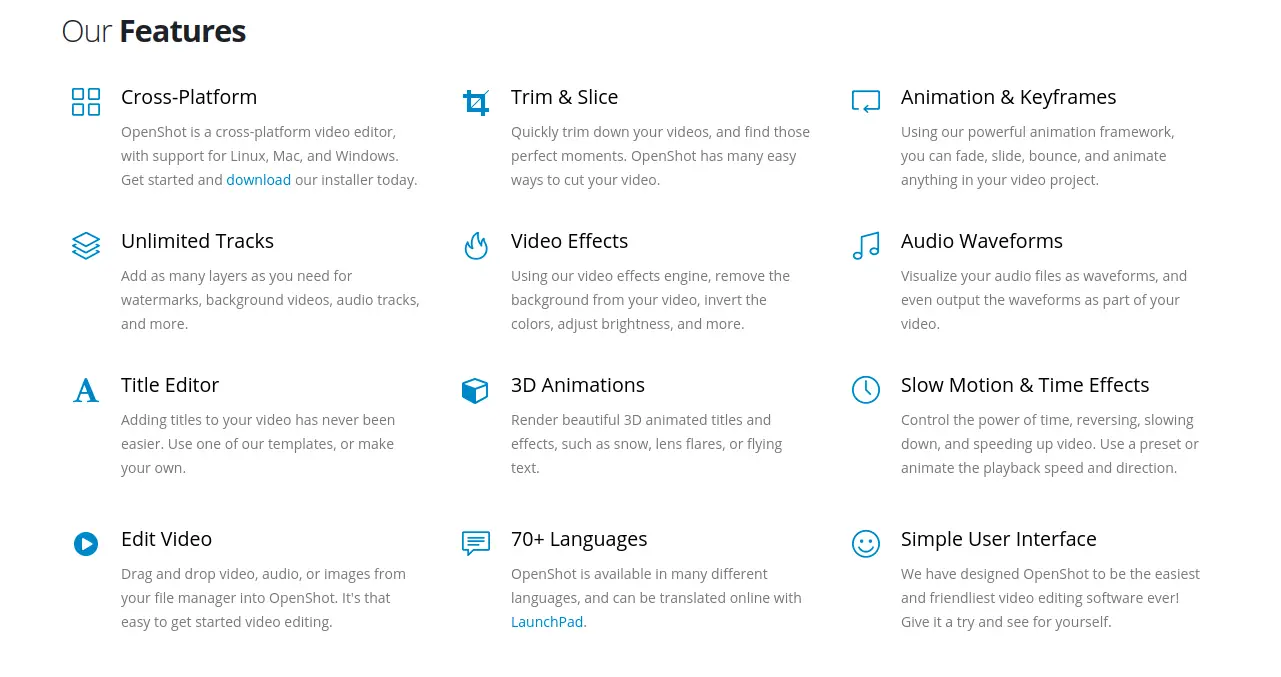
As I mentioned, the version for Chrome OS is nothing more than the Linux AppImage but OpenShot developers have taken the time to package it with an installer that makes the package executable and creates a desktop icon for your Chromebook. These are features that don’t happen out of the box when you grab the traditional AppImage file from the website. Now, I have launched the installer and the package opens and runs just as you’d expect but it appears that there is a bug that is causing OpenShot to crash when you move video to the timeline. It seems that they are aware of the issue and I’m sure that a fix will arrive sooner than later. In the meantime, you can download the daily build of OpenShot and launch it with just a single command. Open your Linux terminal and run the following command. When prompted, select “yes” to create a desktop icon for the app. To use Blender and Inkscape, you will need to install those packages separately.
bash <(wget -O - https://openshot.org/files/chromeos/install-daily.sh)Why it matters
As I mentioned before, Linux-based video editors on Chrome OS aren’t a new thing but the fact that OpenShot has recognized the Chromebook ecosystem is a move in the right direction for the platform as a whole. As Google continues to fine-tune Linux on Chrome OS and more tools are readily available, the options available to users could expand exponentially if developers see the validity of the OS and that means users can finally move completely to Chrome OS instead of hanging on because of one or two missing pieces. I sincerely hope that this is the first of many app developers that will see that Chrome OS has merit enough to spend some much-appreciated time focusing on Chromebook-specific development.
SUBSCRIBE TO UPSTREAM
Get Chrome Unboxed delivered straight to your inbox
Upstream is our flagship, curated newsletter with the top stories, most click-worthy deals, giveaways, and trending articles from Chrome Unboxed sent directly to your inbox a few times a week. Join 31,000+ subscribers.

