

Support our independent tech coverage. Chrome Unboxed is written by real people, for real people—not search algorithms. Join Chrome Unboxed Plus for just $2 a month to get an ad-free experience, access to our private Discord, and more. Learn more about membership here.
START FREE TRIAL (MONTHLY)START FREE TRIAL (ANNUAL)
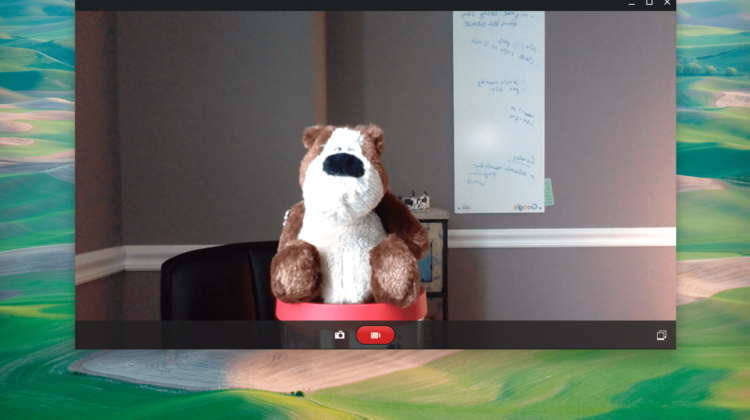
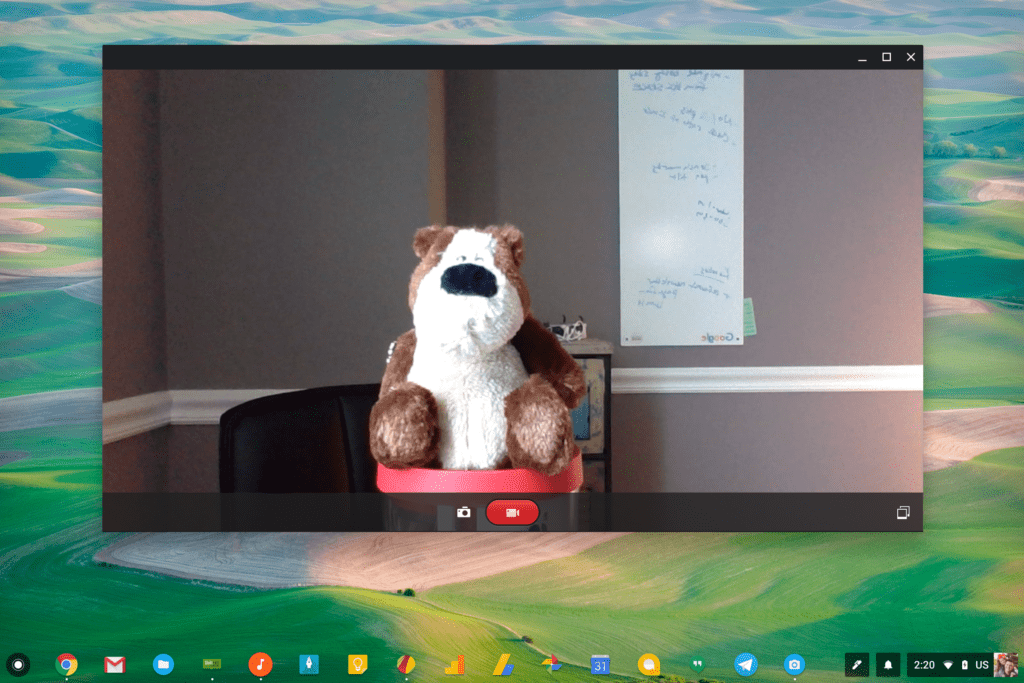 Honestly, it almost feels embarrassing to write an article about a feature so standard, but here we are. Amidst all the craziness surrounding detachables like the HP x2, tablets like the Acer Chromebook Tab, and the whole Linux app evolution via the Crostini project, Google has finally taken the wraps off the video recording feature in the standard Chrome OS camera app.
We’ve talked about this being in the works prior to today, but as of right now, you can force your camera app to update and take advantage of the completely mediocre camera that is in your Chromebook. Sure, the end of crappy cameras in Chromebooks looks to be approaching, but for now, your videos and pics are simply going to look bad.
Really, really bad.
The HP x2 and Acer Chromebook Tab should be the first devices with decent cameras, but I’ll admit some serious frustration with the fact that my $1000 Pixelbook has such a lousy camera. Paired with a terrible camera app, the experience to this point hasn’t been just bad, it has been so pitiful that I’ve literally never used the camera on my Pixelbook for even the simplest profile pic.
Today’s news is at least a step in the right direction, bringing video recording to the built-in app and what seems like much, much peppier performance overall. I would still rather see Google make the fantastic Pixel Camera work on Chromebooks, but I guess that’s a pipe-dream right now. With the sad cameras on Chromebooks currently, it hasn’t been that much of a bother, anyway. Why work on a great app for awful hardware, right?
With new devices and better cameras on the horizon, the Chrome OS camera app is overdue for a full overhaul. Adding video recording is a great first step, and it does work as you’d expect. There are really no controls for brightness or focus, but you can record basic videos for now and you couldn’t before.
Saving your recordings is odd, though. You can look at the gallery in the camera app, select a movie, and then click an arrow at the bottom to save it to the disc. If you don’t do this, you won’t see the pics or videos available anywhere to use in any way. When you choose the folder to save it to, you also don’t get a chance to rename the video.
Again, this is the most bare-bones version of a video camera you can imagine. I know I’m salty about it, but I also know we can do better, here. Much better.
Anyway, here’s how to get it if you don’t have it already.
- First, uninstall the existing app (right click on it and select ‘uninstall’)
- Second, go here to download the latest version
- Finally, open the app and click the video camera button.
Here’s a sample of the video taken on my Pixelbook. Again, don’t expect too much here. But hey, I recorded a video on my Chromebook for the first time!
Source: François Beaufort

