


Support our independent tech coverage. Chrome Unboxed is written by real people, for real people—not search algorithms. Join Chrome Unboxed Plus for just $2 a month to get an ad-free experience, access to our private Discord, and more. Learn more about membership here.
START FREE TRIAL (MONTHLY)START FREE TRIAL (ANNUAL)
If you’ve never heard of Google’s Fast Pair, that’s OK. Most people haven’t. Though it has been around since October of 2017 when it launched with the Pixel 2, little has been done with this fantastic step forward in Bluetooth accessory pairing. In a nutshell, Fast Pair takes all the fumbling out of pairing up a new Bluetooth device. When your new headphones that support Fast Pair are in pairing mode and are simply in proximity to your phone, Fast Pair give you a prominent notification that can be tapped to start the pairing process.
After learning about this, I cleared out everything on my Bose QC 35 II headphones and then set them near my Pixel 3 XL. Within seconds, I was prompted to tap the notification and my headphones were ready to roll. All in all, it is slick, easy and works far quicker than messing with the traditional Bluetooth pairing process.
So, why have we not seen more about this? Well, the lack of progress really resides in the lack of adoption by hardware manufacturers, as only a handful of headset makers have put the effort into making their accessories support the new service. New tech like this take time to implement, after all.
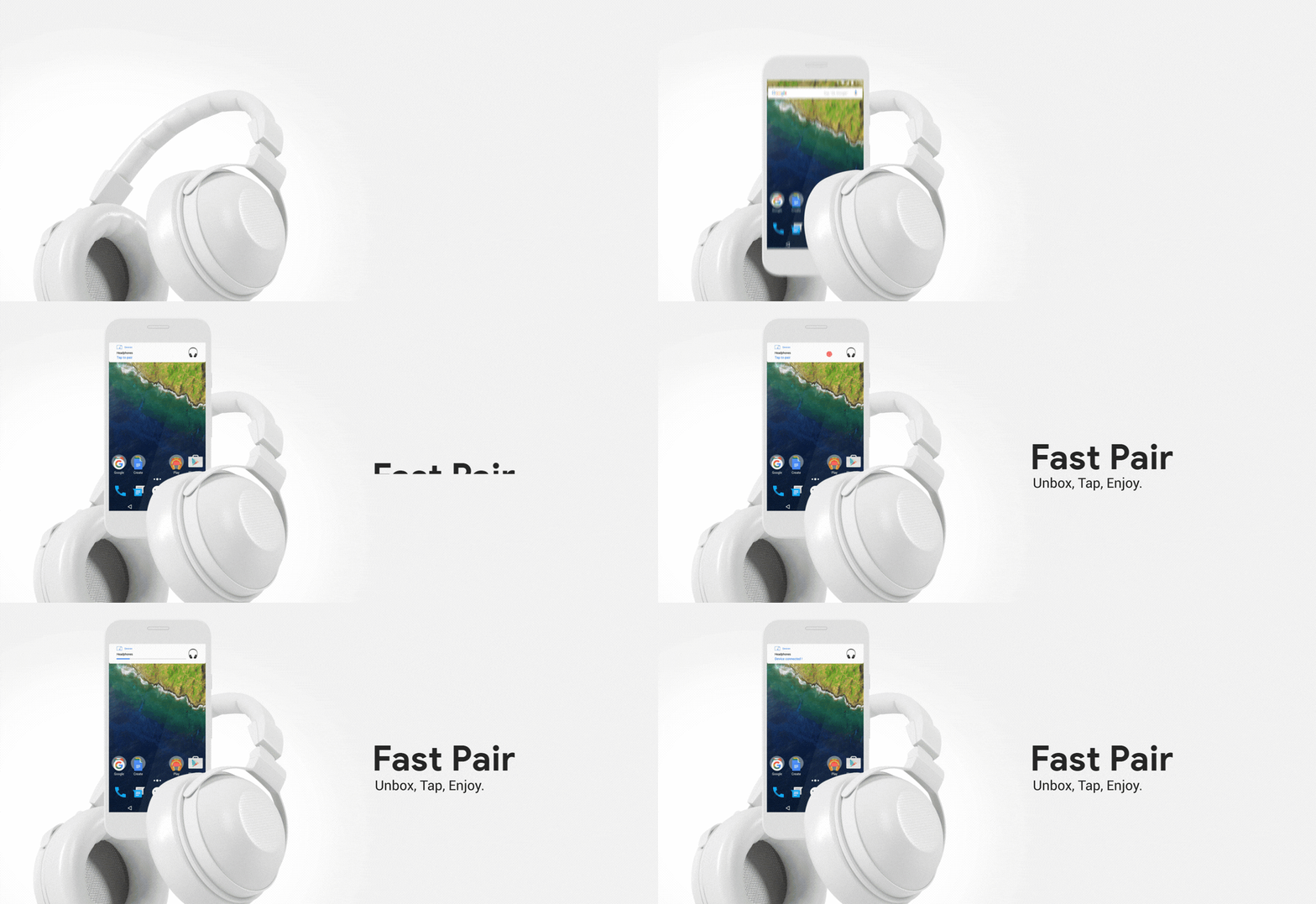
At launch, the Pixel Buds (obviously), Libratone Q Adapt On-Ear, and the Bose QC 35 II were the only devices ready to use Fast Pair. As of the end of November over a year later, it doesn’t seem this list has expanded, but Google has been working diligently with manufacturers in that same time frame.
We have been working closely with dozens of manufacturers, many of which are bringing new Fast Pair compatible devices to market over the coming months. This includes Jaybird, who is already selling the Tarah Wireless Sport Headphones, as well as upcoming products from prominent brands such as Anker SoundCore, Bose, and many more.
2019, then, should see a rise in accessories that take full advantage of this service and we as consumers should be able to enjoy the benefits of this work as new devices come equipped to pair up quickly with our phones.
And, it seems, our Chromebooks as well.
Over at the Android Developers Blog, a recent update to Fast Pair was announced and the part of all this that got us pumped is the mention of Chromebook support coming in 2019! While the ability to use Fast Pair on a Chromebook is quite exciting, the addition truly awesome addition is Google Account support baked right into all of this.
According to the Android Developers Blog:
Today, we’re making it easier for people to connect Fast Pair compatible accessories to devices associated with the same Google Account. Fast Pair will connect accessories to a user’s current and future Android phones (6.0+), and we’re adding support for Chromebooks in 2019.
So, in the near future, if you use Fast Pair to hook up a Bluetooth accessory, as soon as you sign into your Chromebook with the same Google Account, that same accessory will then become available for you to use from that device. I don’t know how many people have multiple Android devices they use on a regular basis, but there are TONS of users with an Android phone and a Chromebook. Once this goes live, you’ll be able to pair your headphones to one device and then have them paired up to all your Google devices at once.
For me, this will be a game changer! I don’t use my Bose QC 35 headphones as much as I’d like, and many times that is due to the fact that they aren’t paired to the device I’m currently using. With Fast Pair, this will be a thing of the past and my headphones will be available to whatever device I’m logged into. I don’t know about you, but I cannot wait for this to hit Chromebooks!
VIA: About Chromebooks

