

Support our independent tech coverage. Chrome Unboxed is written by real people, for real people—not search algorithms. Join Chrome Unboxed Plus for just $2 a month to get an ad-free experience, access to our private Discord, and more. Learn more about membership here.
START FREE TRIAL (MONTHLY)START FREE TRIAL (ANNUAL)
 For many users, keyboard shortcuts are the bread and butter of a proficient workflow. If you’re a Chrome OS fan, you’re probably familiar with your Chromebook’s popup keyboard that lists all the available shortcuts at your disposal.
If, by chance, you aren’t privy to this little feature, go ahead and check it out for yourself and see what you’ve been missing.
You can call up the keyboard shortcut map by simply pressing Ctrl+Alt+? or check out the image below.
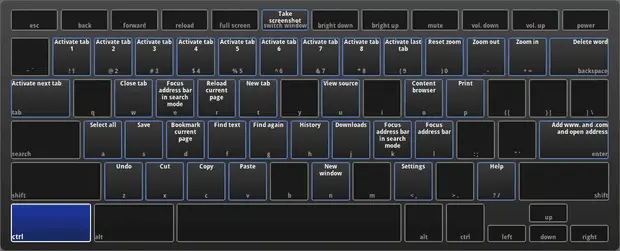
This is a handy little shortcut to access your shortcuts but it still leaves you hunting if a specific function is what you’re looking for.
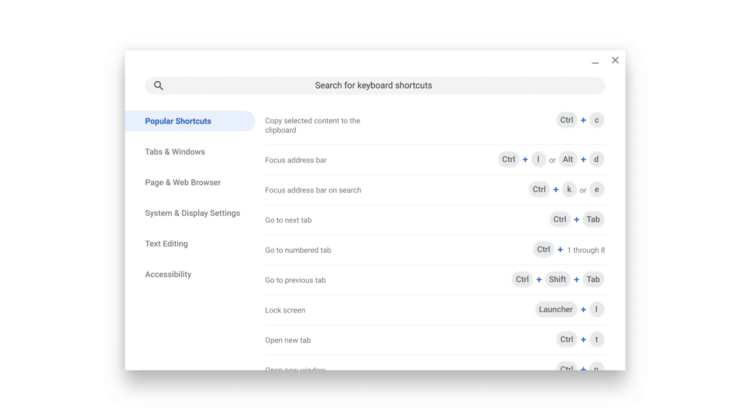
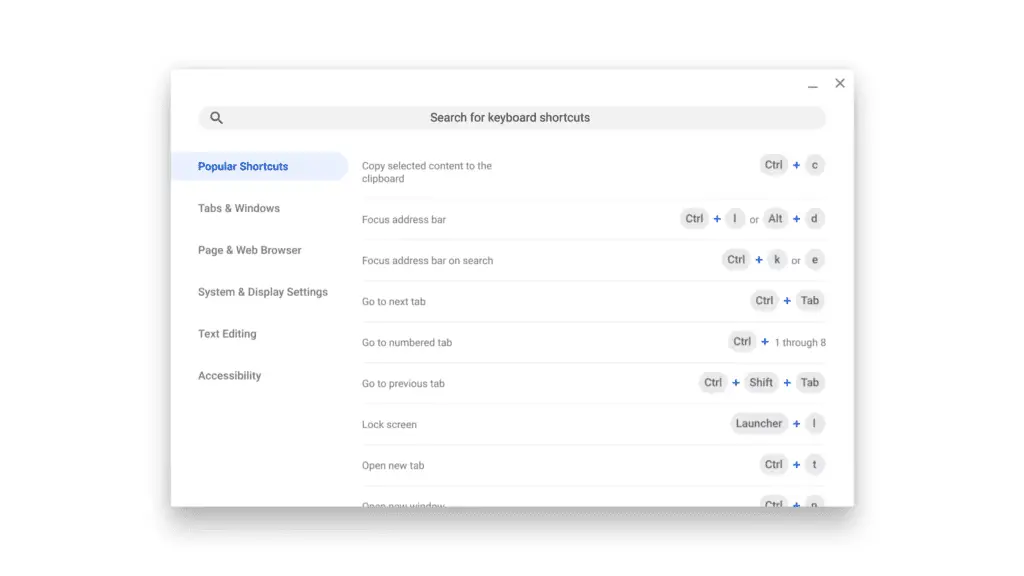
Chrome herald, François Beaufort has given us a sneak peek at not only a redesigned shortcut interface but one that adds a search feature that will help you find exactly what you need on the fly.
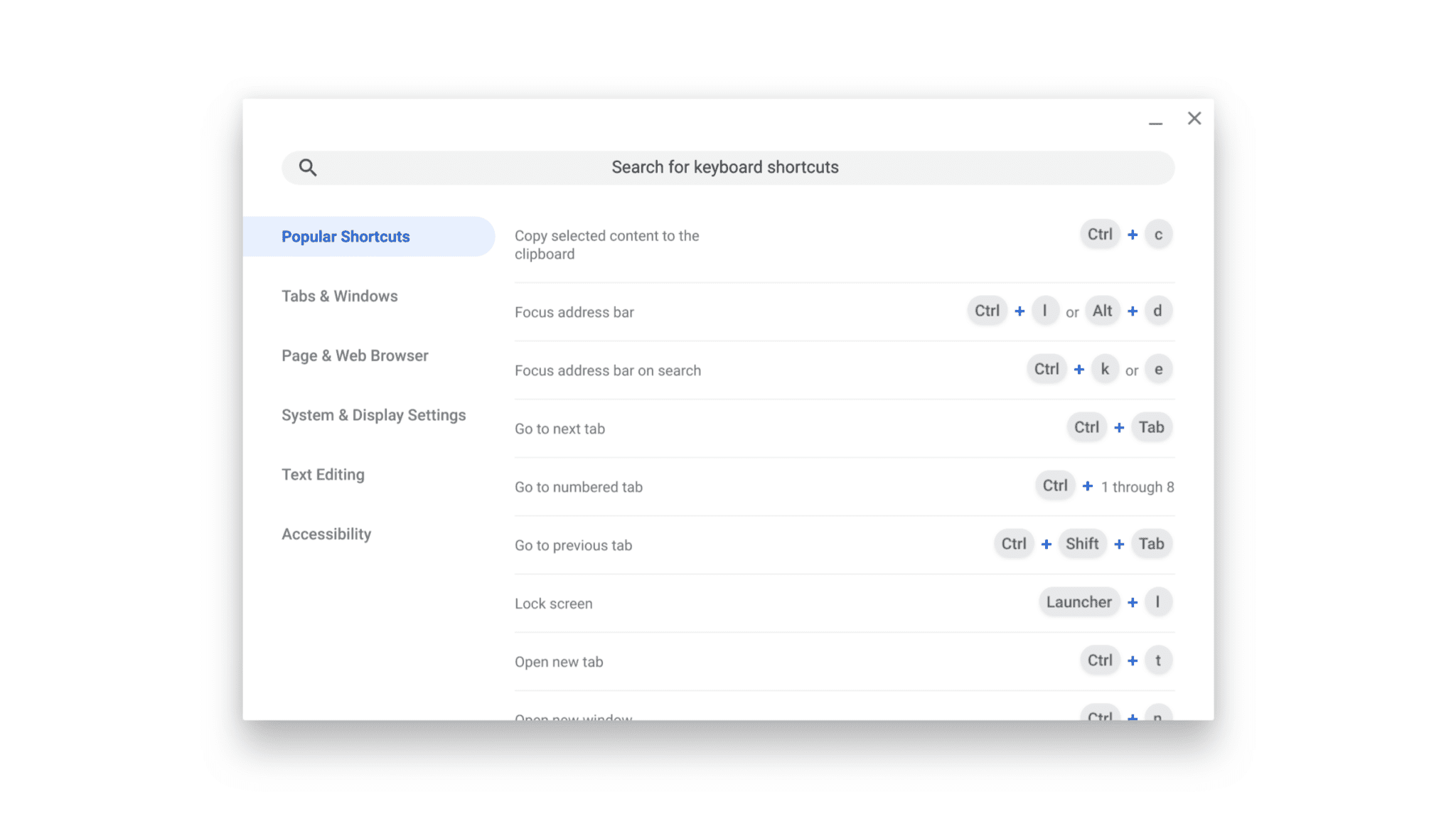
Currently being tested in the Canary channel of Chrome OS, the new layout looks to be quite polished already and I wouldn’t be surprised to see it move up the ladder Stable in the coming weeks.
François also notes that the current keystroke to invoke the shortcuts will changing to +?.
This, like many other updates, add to the increasing list of changes to create a more user-friendly Chrome OS experience.
Check Out Chrome Unboxed’s Top Picks On Amazon
Source: Google+

