


Support our independent tech coverage. Chrome Unboxed is written by real people, for real people—not search algorithms. Join Chrome Unboxed Plus for just $2 a month to get an ad-free experience, access to our private Discord, and more. Learn more about membership here.
START FREE TRIAL (MONTHLY)START FREE TRIAL (ANNUAL)
 Well, the days of computing announcements happening at CES seem to be all but over. Today, Acer is announcing 3 new devices that add to the slew of new Chromebooks and Chromeboxes announced in the past month: none of which were officially shared at CES earlier in January.
I suppose it is the new normal not to expect Chromebook announcements at these larger trade shows. With HP, Lenovo and Acer now all announcing devices in January, we haven’t seen a bombardment of devices this numerous in such a short time since Chrome Unboxed began.
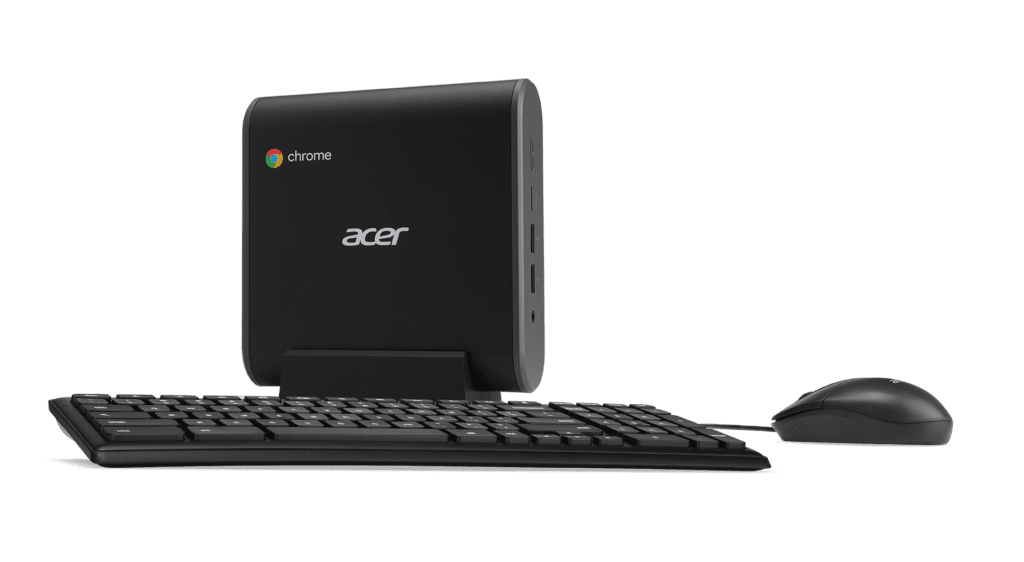
Probably the most notable addition included in the news from Acer today is the new Chromebox. This makes the third Chromebox announced this month. After a long, long drought for Chromeboxes, it seems the dam has finally broken and we’ll have many options to choose from in the coming months.
So, with all that being said, let’s talk about all that Acer is unveiling today.
Acer Chromebox CXI3
Likely one of the most popular Chromeboxes ever released, the Acer CXI2 is one of the few Chromeboxes that actually had both the 5th-gen Core processors and access to Android Apps (planned, at least).
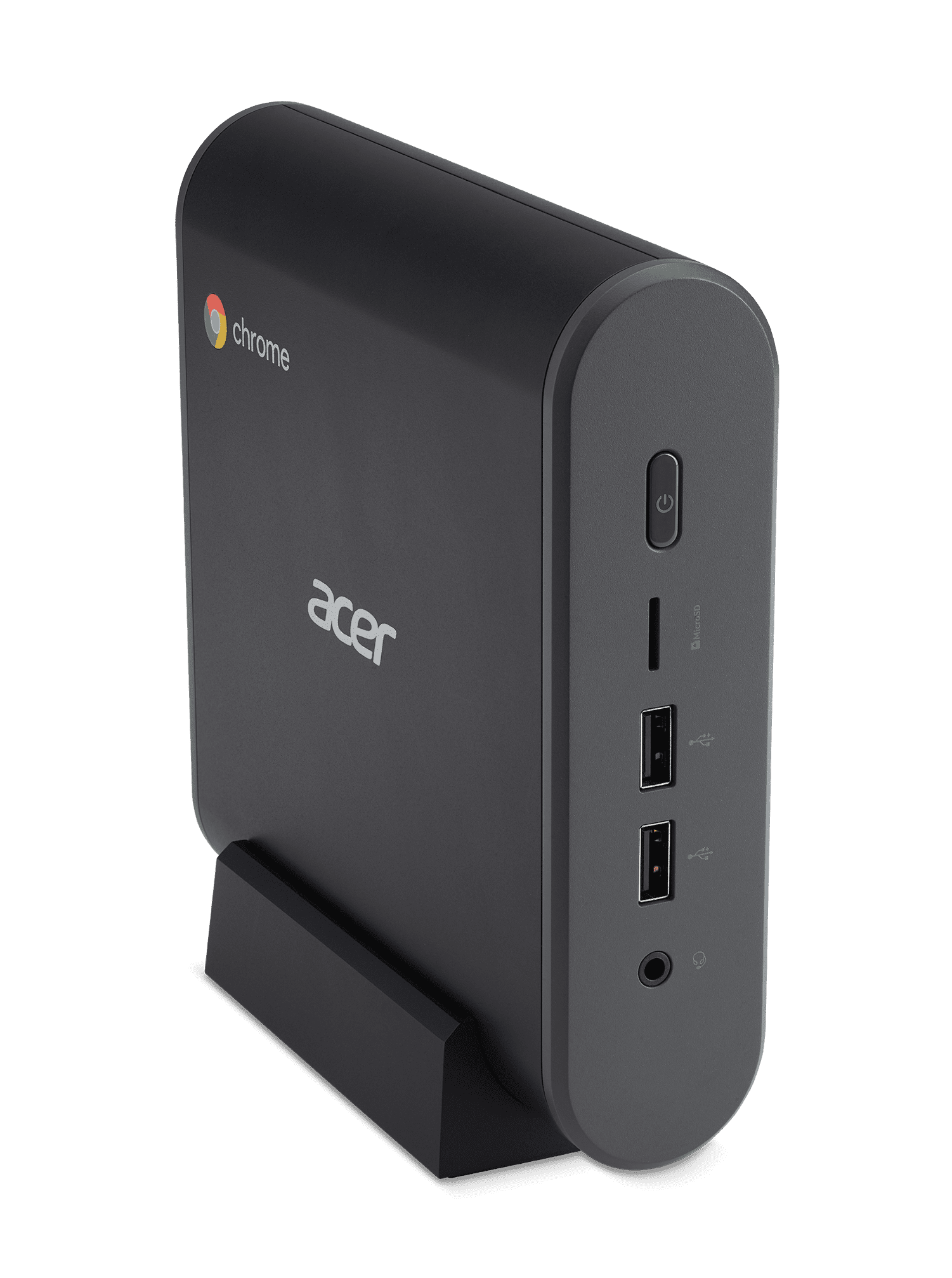
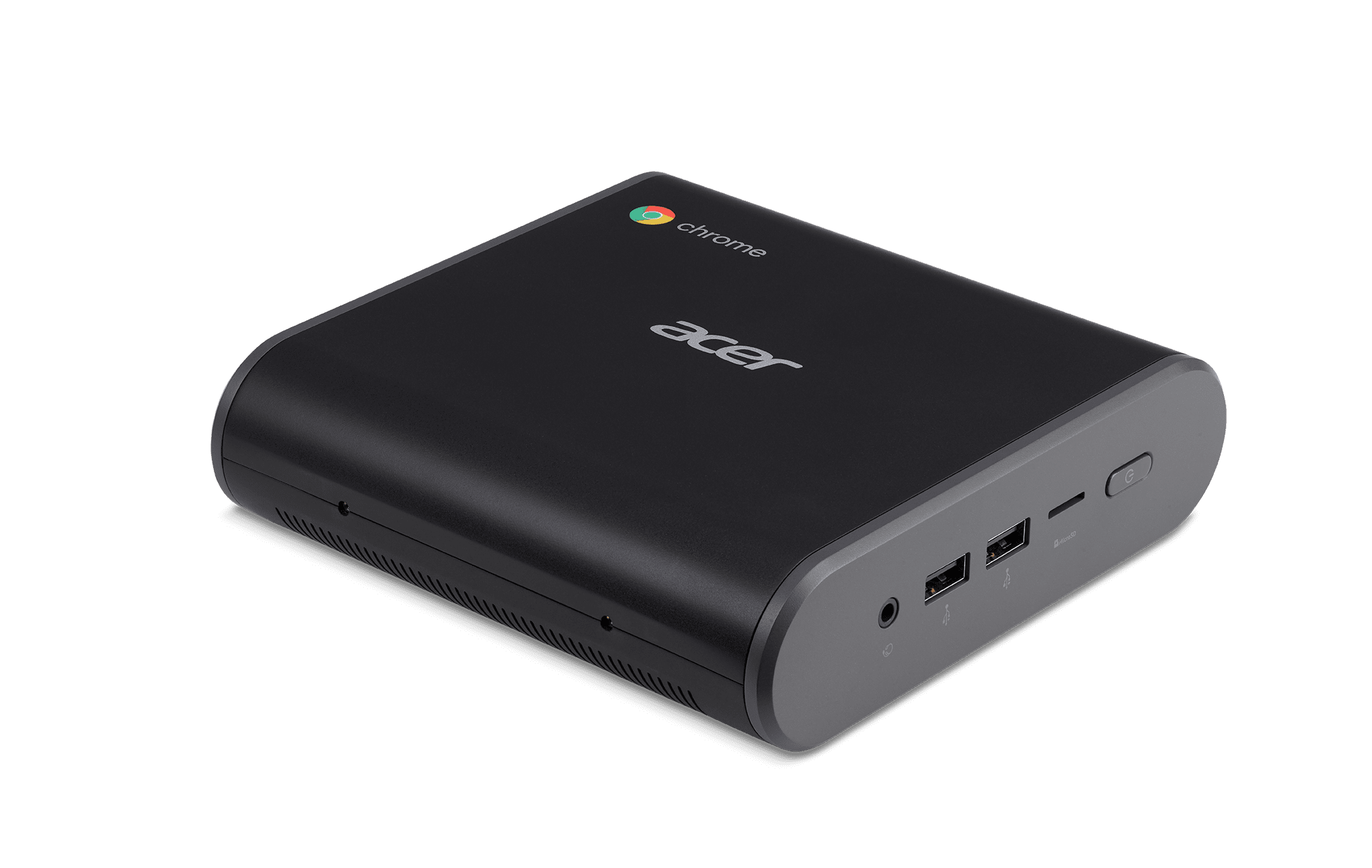
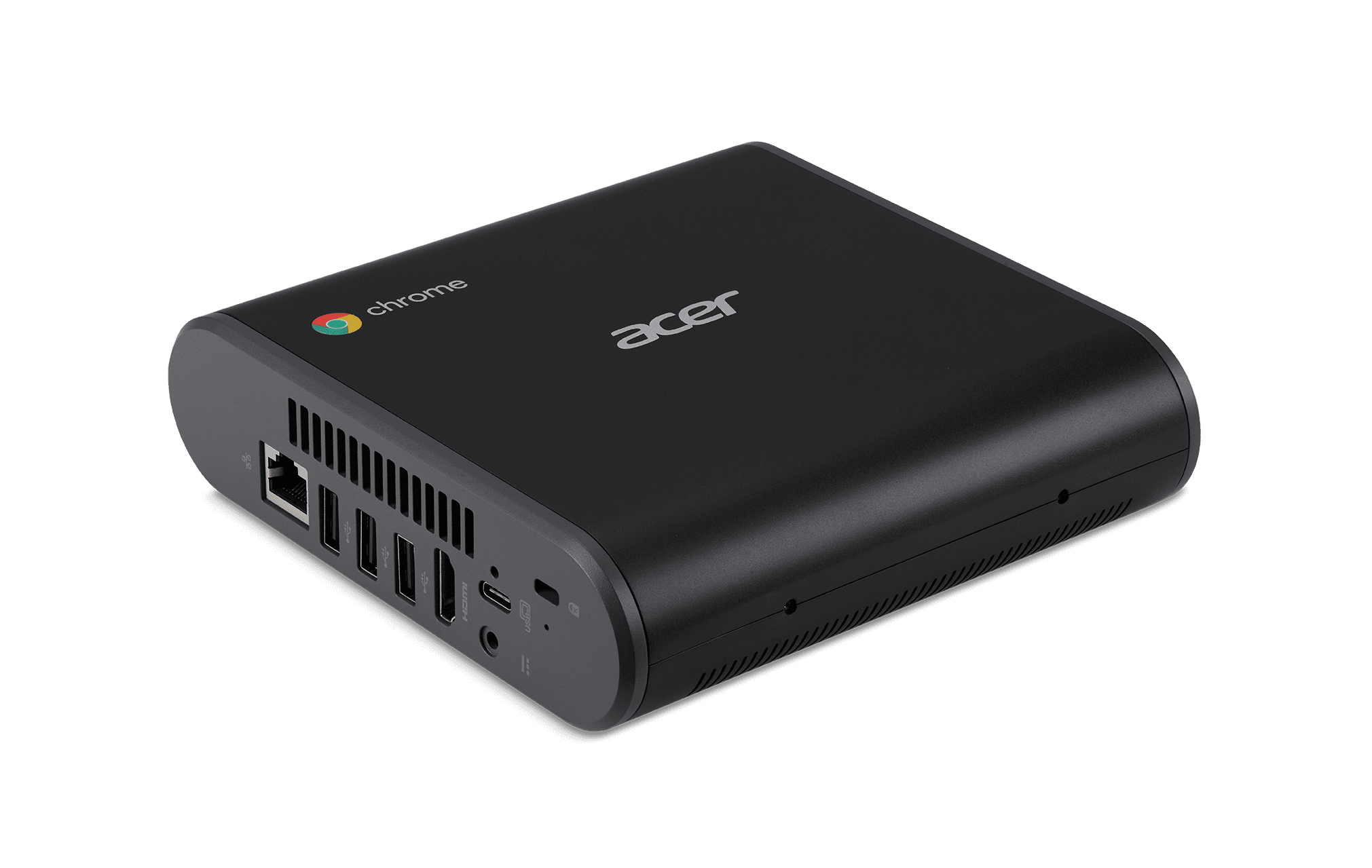
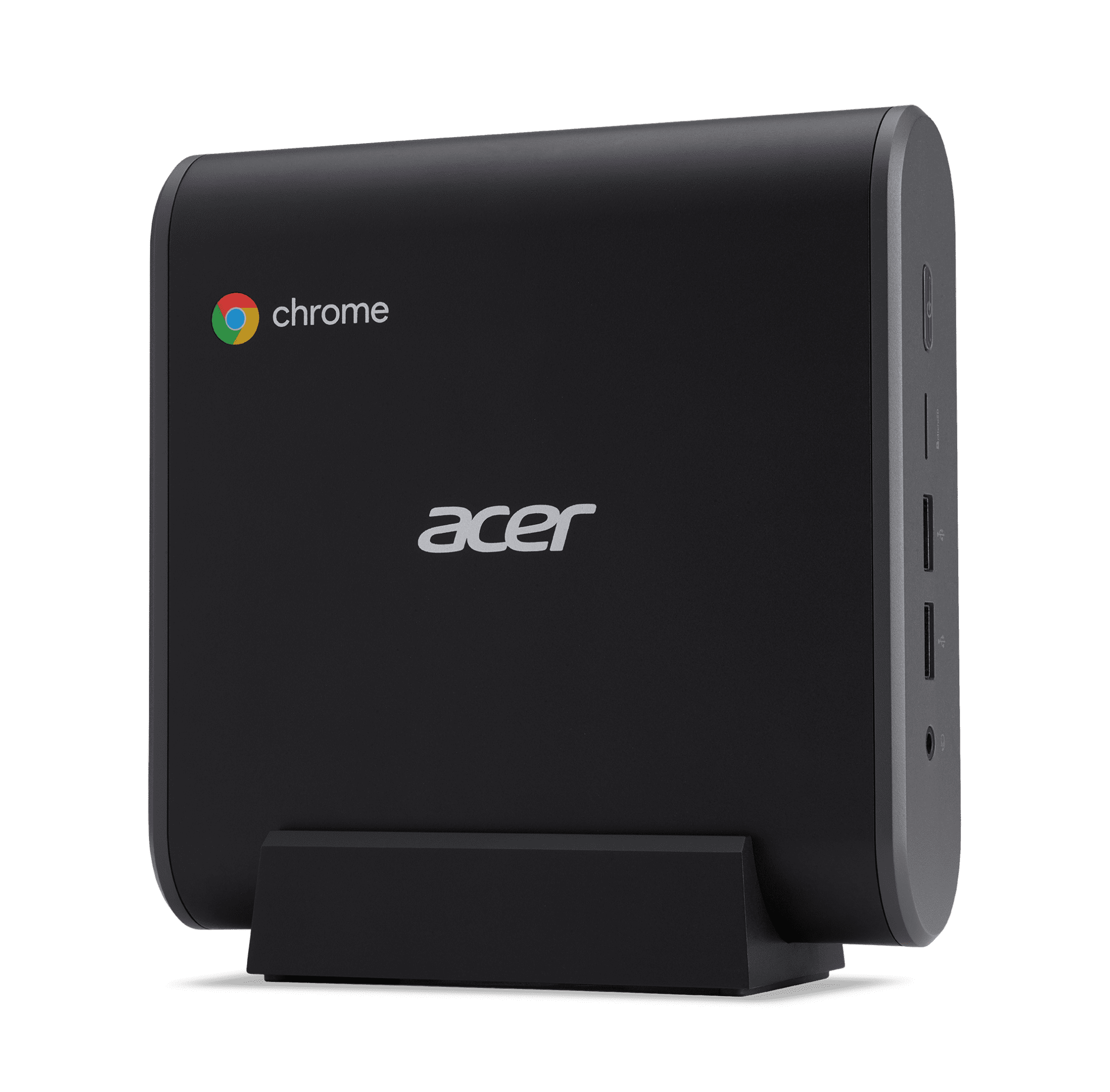
The CXI3 will follow-up this popular box with a much better design, more port options, and the latest internals on offer.
Here’s a spec rundown:
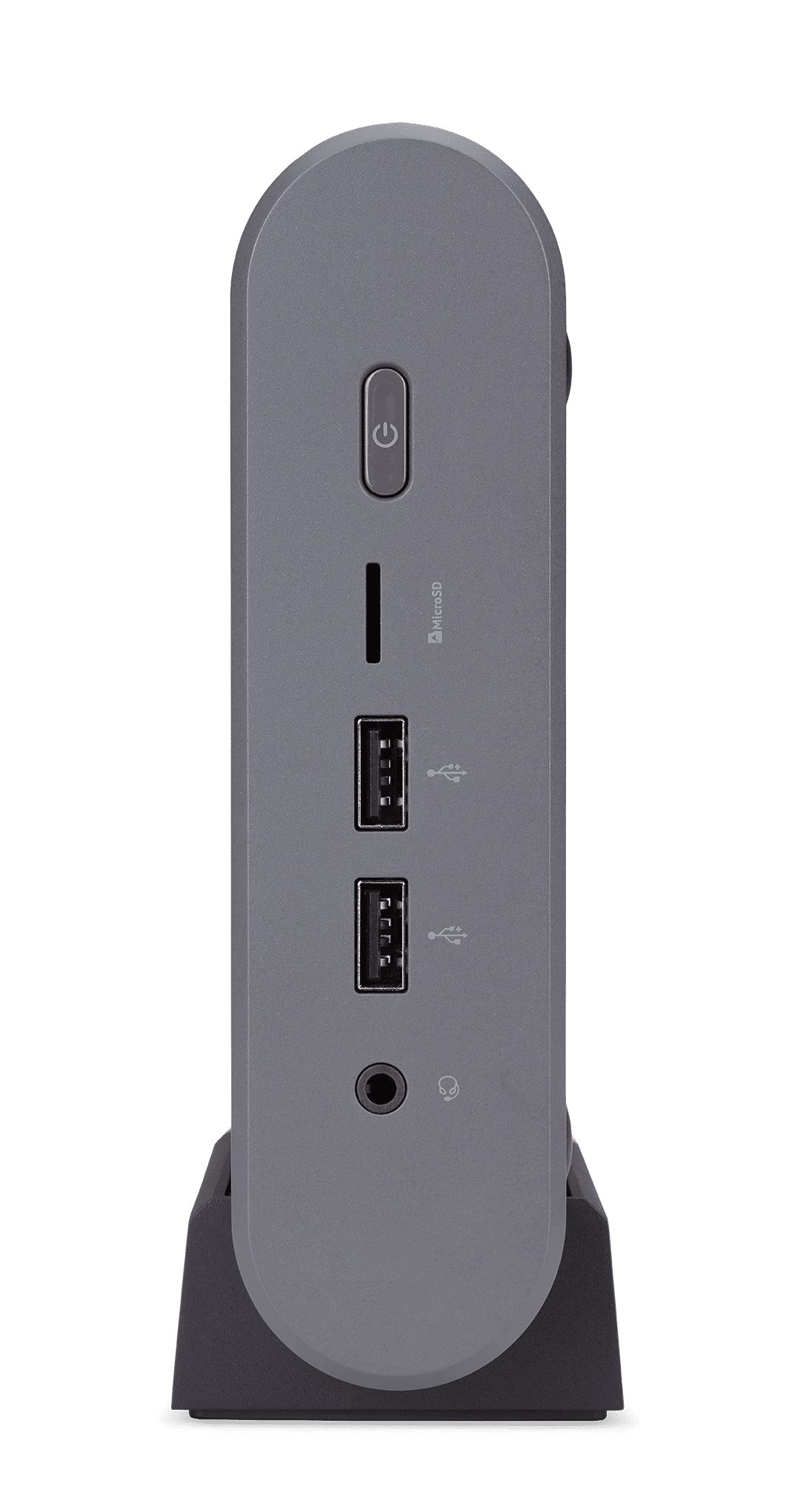
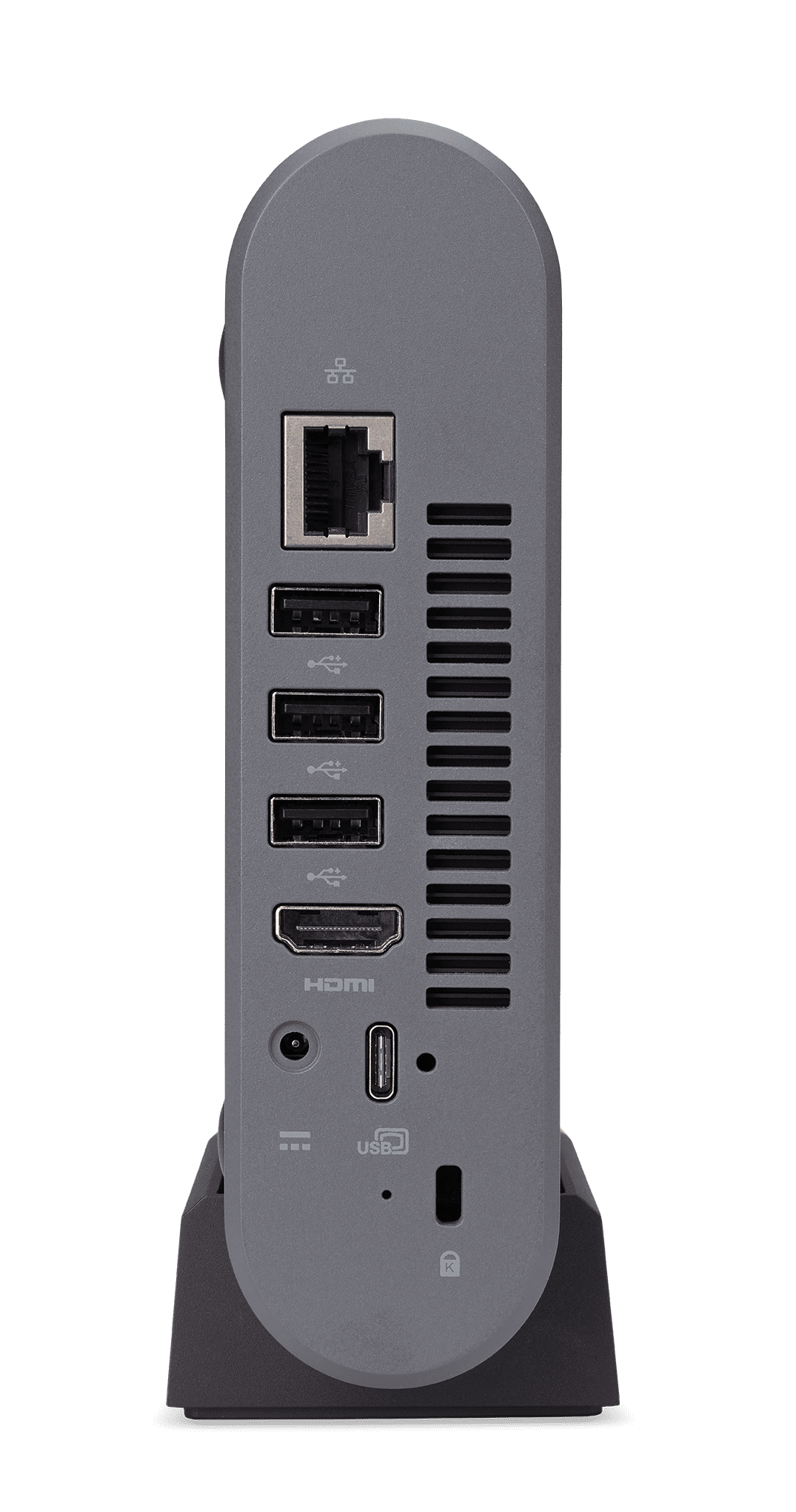
- 8th-Gen Intel Core Processors
- USB 3.1 Type-C Port
- 5 USB Type-A Ports
- HDMI Port
- Gigabit Ethernet Port
- MicroSD Card Slot
No further details are available on storage and RAM, but my hope is that – like Chromeboxes before it – this Chromebox will be fully upgradable. Adding RAM and storage in past Chromeboxes has always been quite simple, so we surely hope to see that continue.
From the photos provided by Acer, it seems there will be at least the option to buy a version of the Chromebox with an included keyboard and mouse. For the time being, pricing and availability are not being announced, but we hope to see this hit the market in the next few months.



Acer Chromebook Spin 11
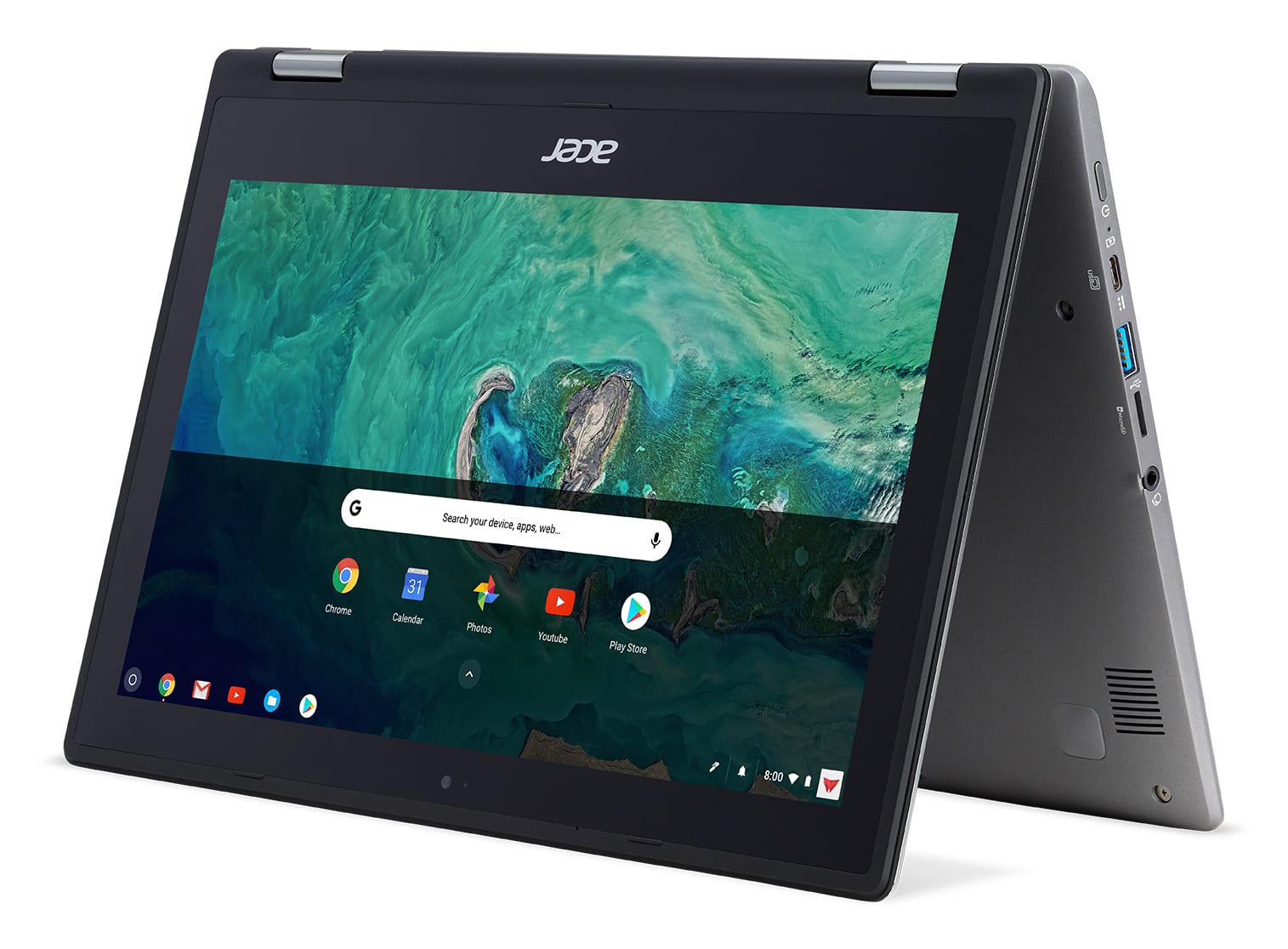
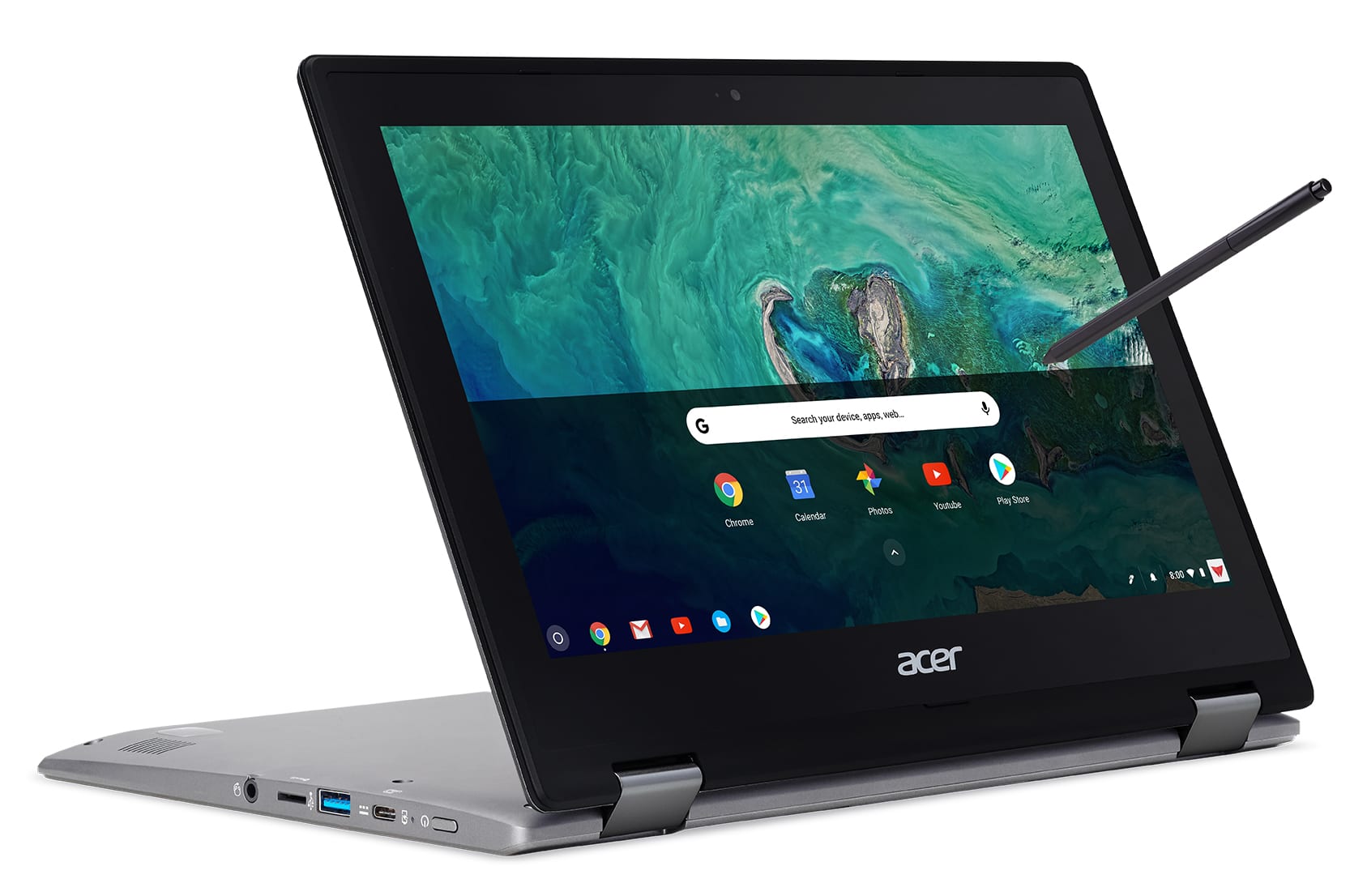
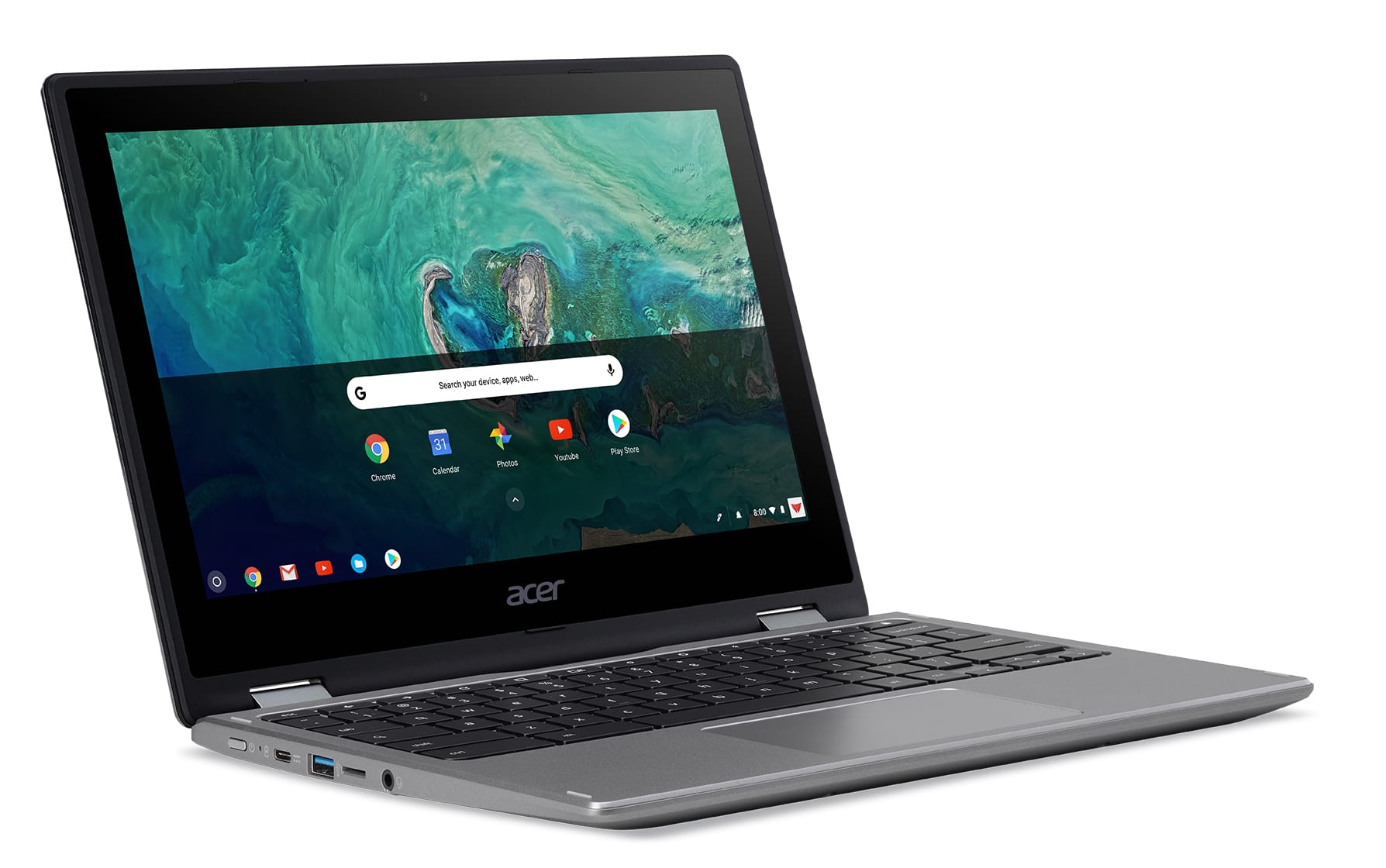
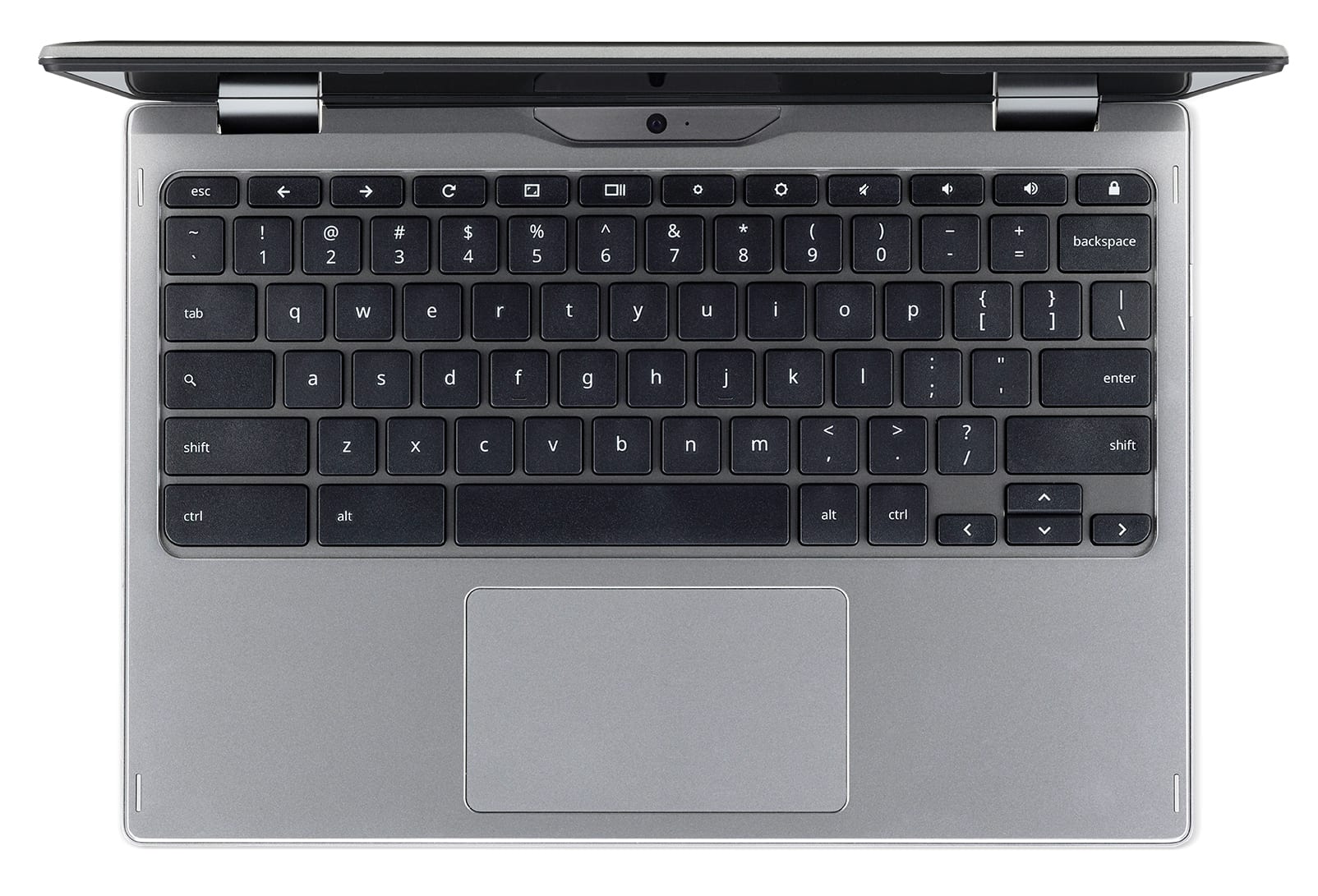
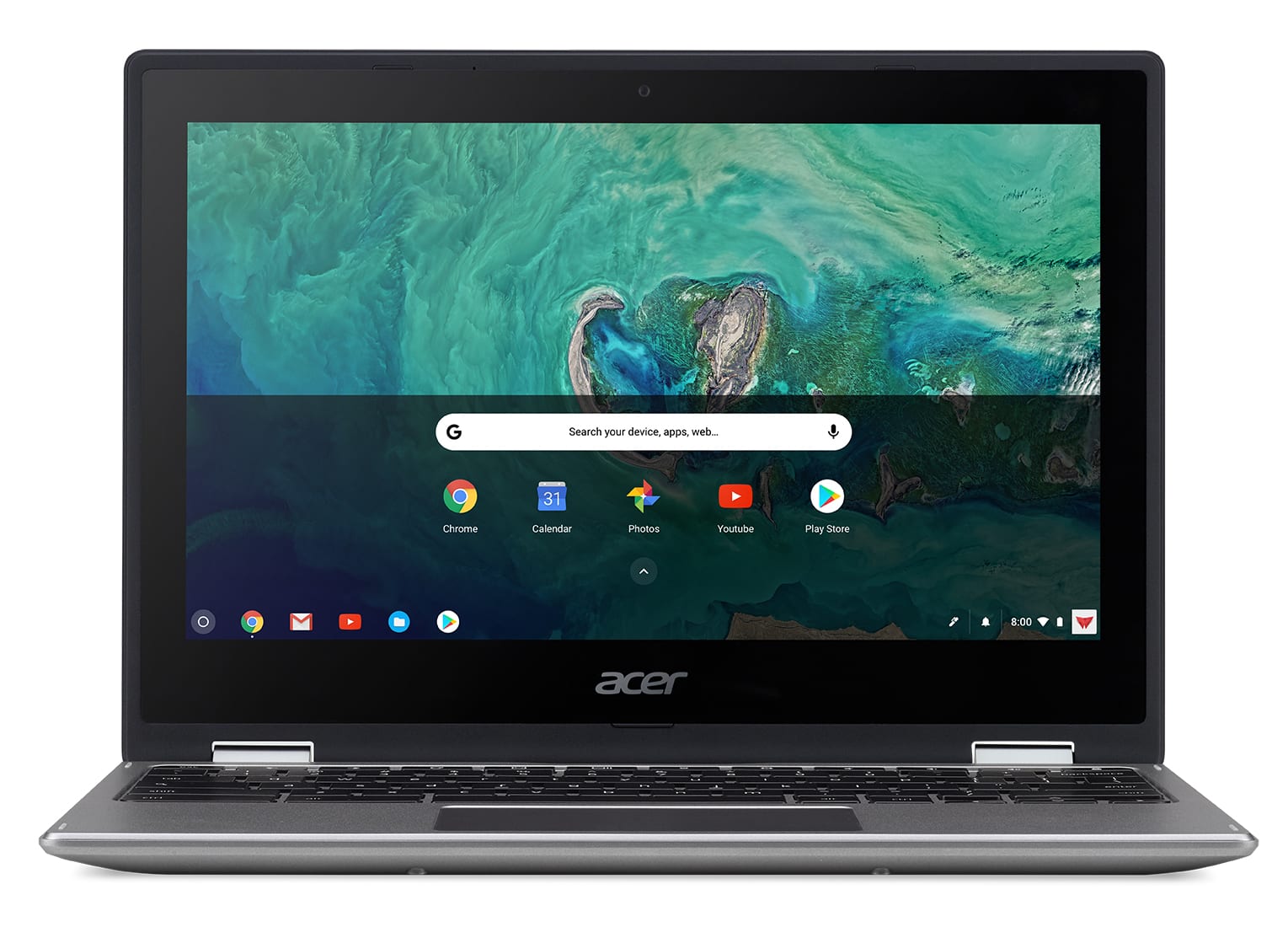
 This one has an odd name if you consider one of Acer’s Chromebooks from 2017. Earlier last year, the Chromebook Spin 11 was released for the education market as one of the first Apollo Lake-powered Chromebooks. This new version of the Spin 11 is different in a few ways.
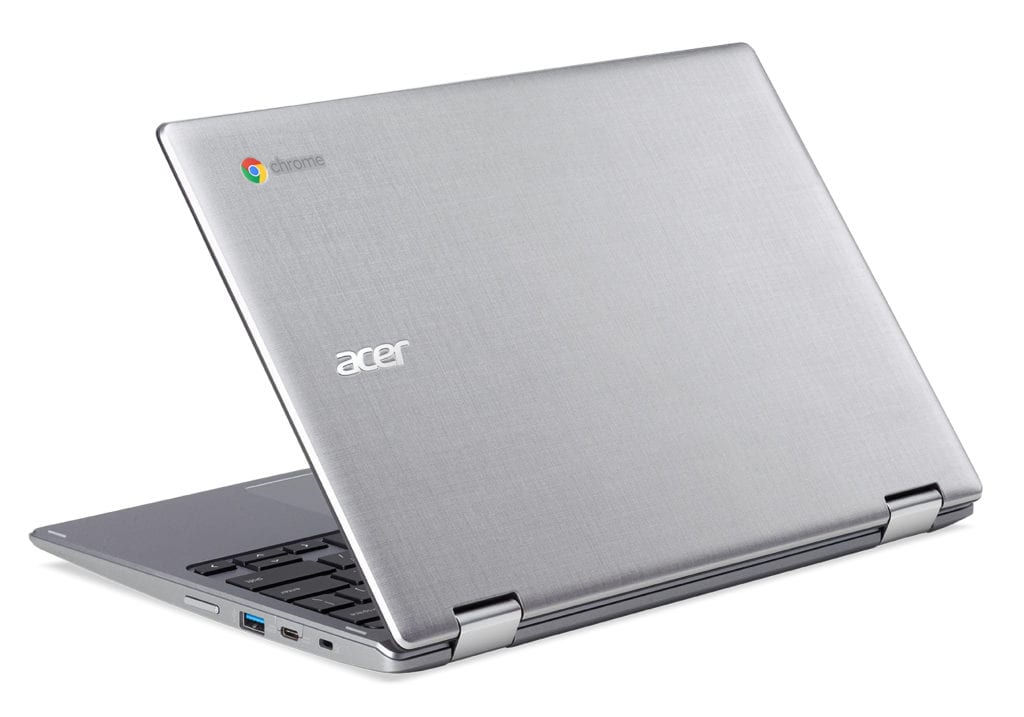
Namely, the design. Gone are the clunky edges and drop-resistant borders and, in their place a slimmer, more-attractive device. As you can see from the pics, it’s a great-looking device.
Acer told us this device is really the successor to the Acer R11. As convertible, touch-screen Chromebooks go, Acer’s R11 is one of the more successful entries. It was really one of the first Chromebooks that was ready for Android App adoption. The follow-up looks to be a great addition to Acer’s lineup and will make the well-received Spin 11 available to the general public in a more-attractive package. Though it looks to be aluminum, Acer has made it clear in the press release that this is simply a texture on the Chromebook’s cover. Either way, I’m liking the looks.
What this device adds from the R11 namely comes in the way of the EMR stylus and world-facing camera. Let’s take a look at what else the new Spin 11 has to offer.
Here are the specs:
- Intel® Celeron® N3450/N3350 or Pentium® N4200 quad-core processor
- 11.6″ 1366×768 IPS Touch Display
- 4GB/8GB LPDDR4 ram
- 32GB/64GB onboard eMMC storage
- 2 x USB-C ports (USB 3.1 gen 1)
- 2 x USB-A 3.o ports
- MicroSD card reader
- Equipped Wacom® EMR Stylus
- Dual Acer HD wide view cameras (1MP above display/5MP “worldview camera” above keyboard)
- 2.75 lbs
What is most exciting about this spec sheet to me is the inclusion of the Pentium N4200. With that processor, 8GB of RAM and 64GB of internal storage, this device could be a fantastic companion. The N4200 in the Acer Chromebook 15 gets along very well pushing a 1080p display(review coming soon, I promise), so I know the 1366×768 display in the Spin 11 will help this Chromebook purr along nicely. The new Spin 11 will start at $349.
We can’t tell from the photos if this is plastic, aluminum, or a combination. My thought is if it was aluminum, Acer would have specified that in the press release.


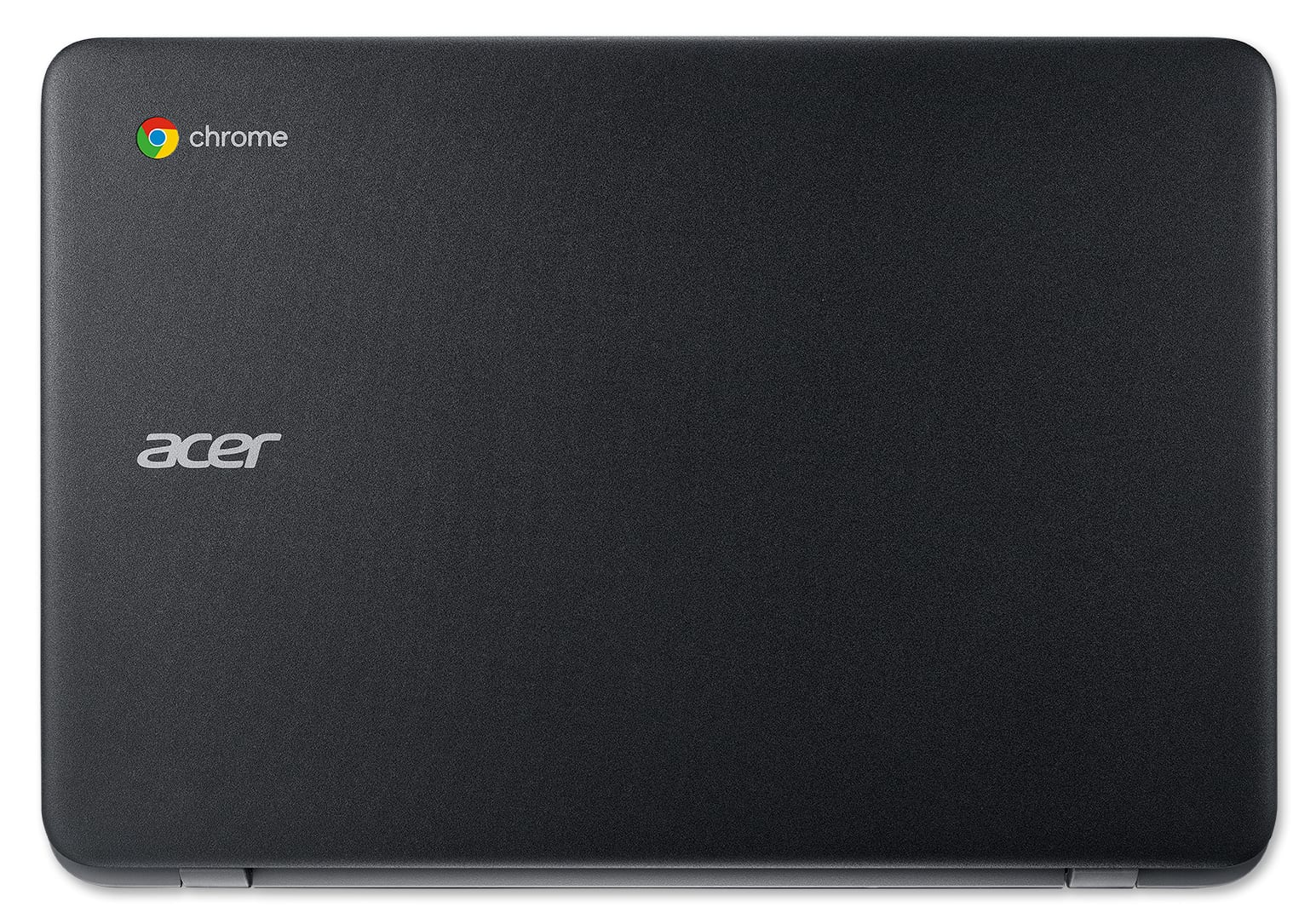
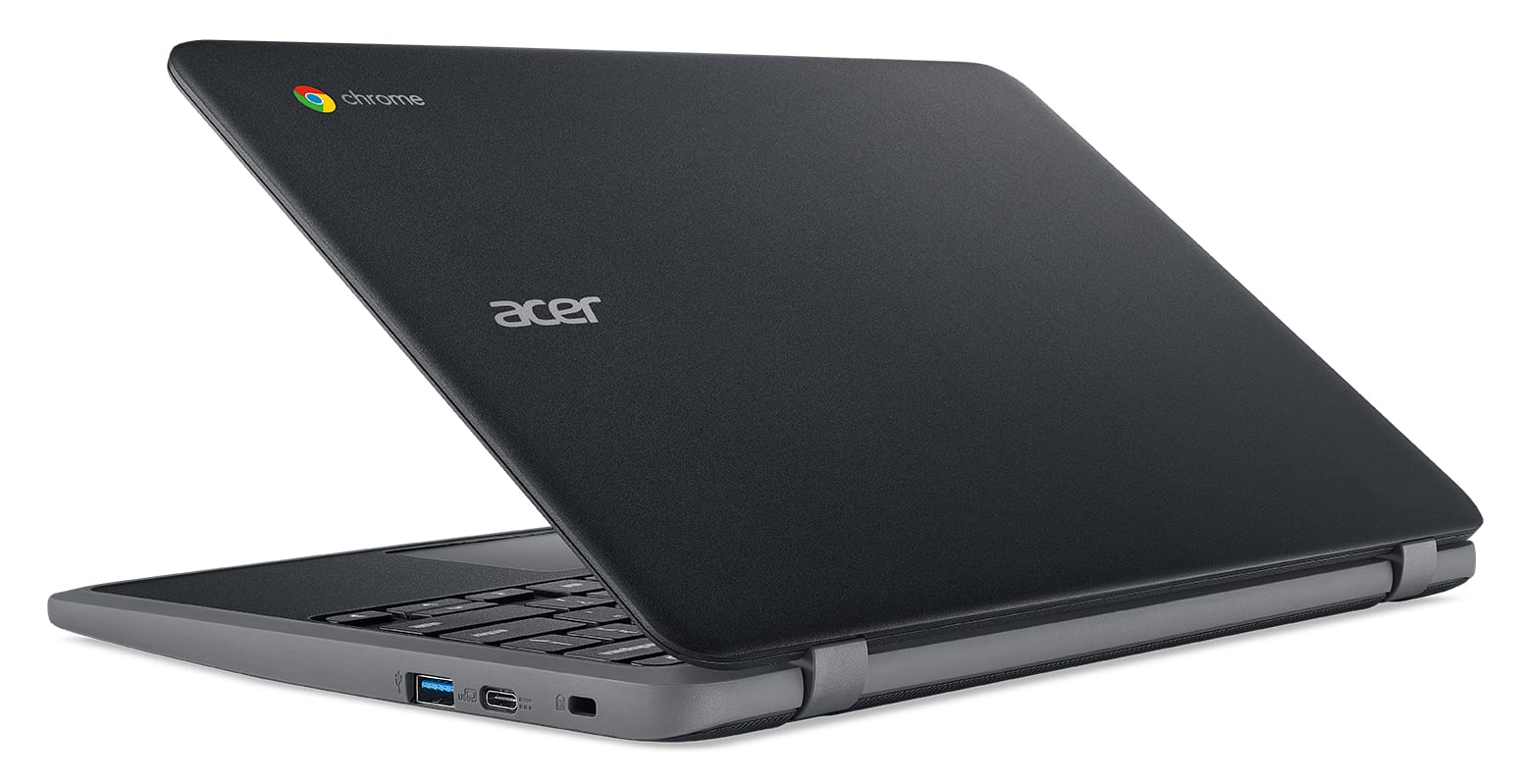
Acer Chromebook 11 C732
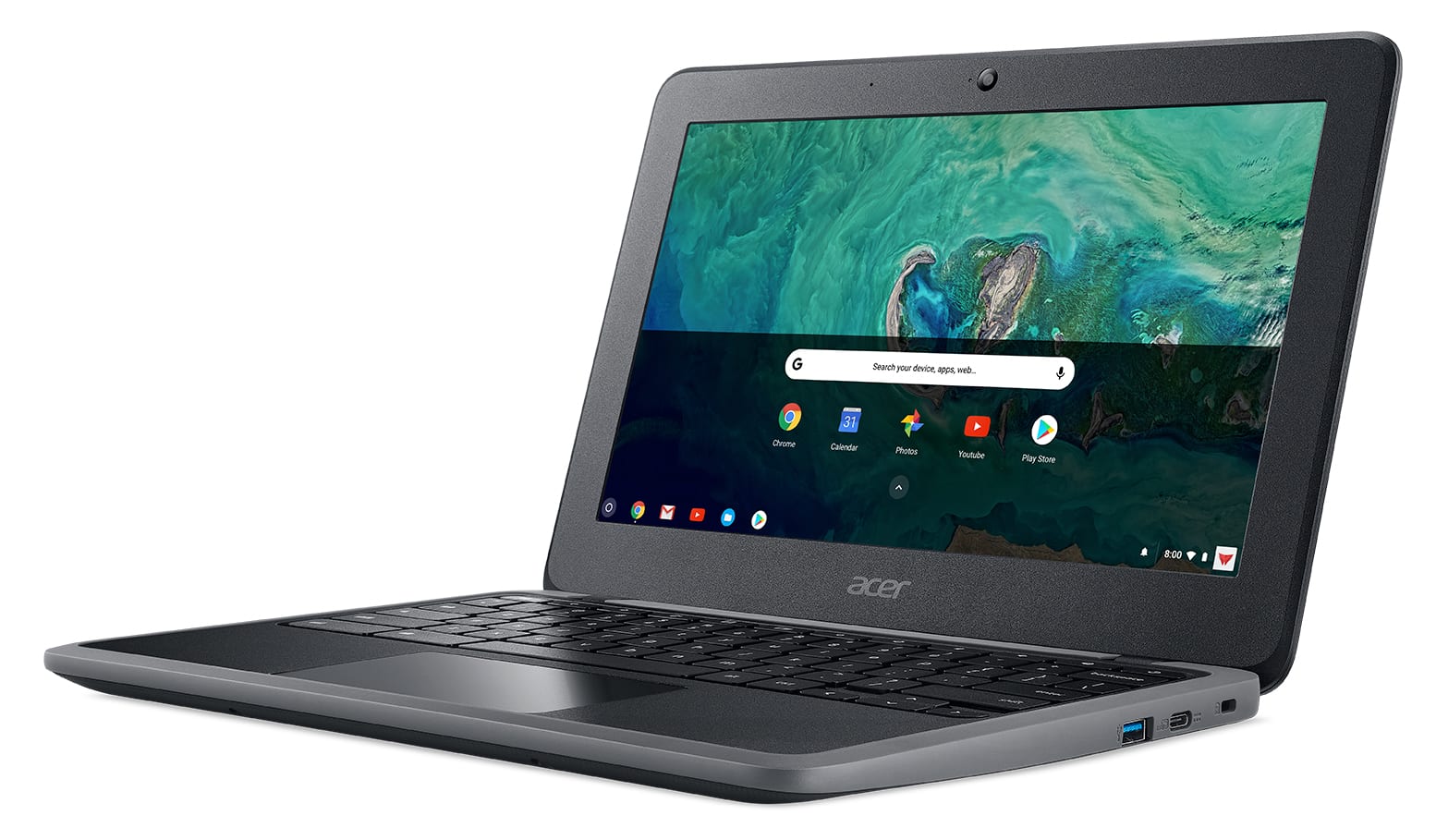
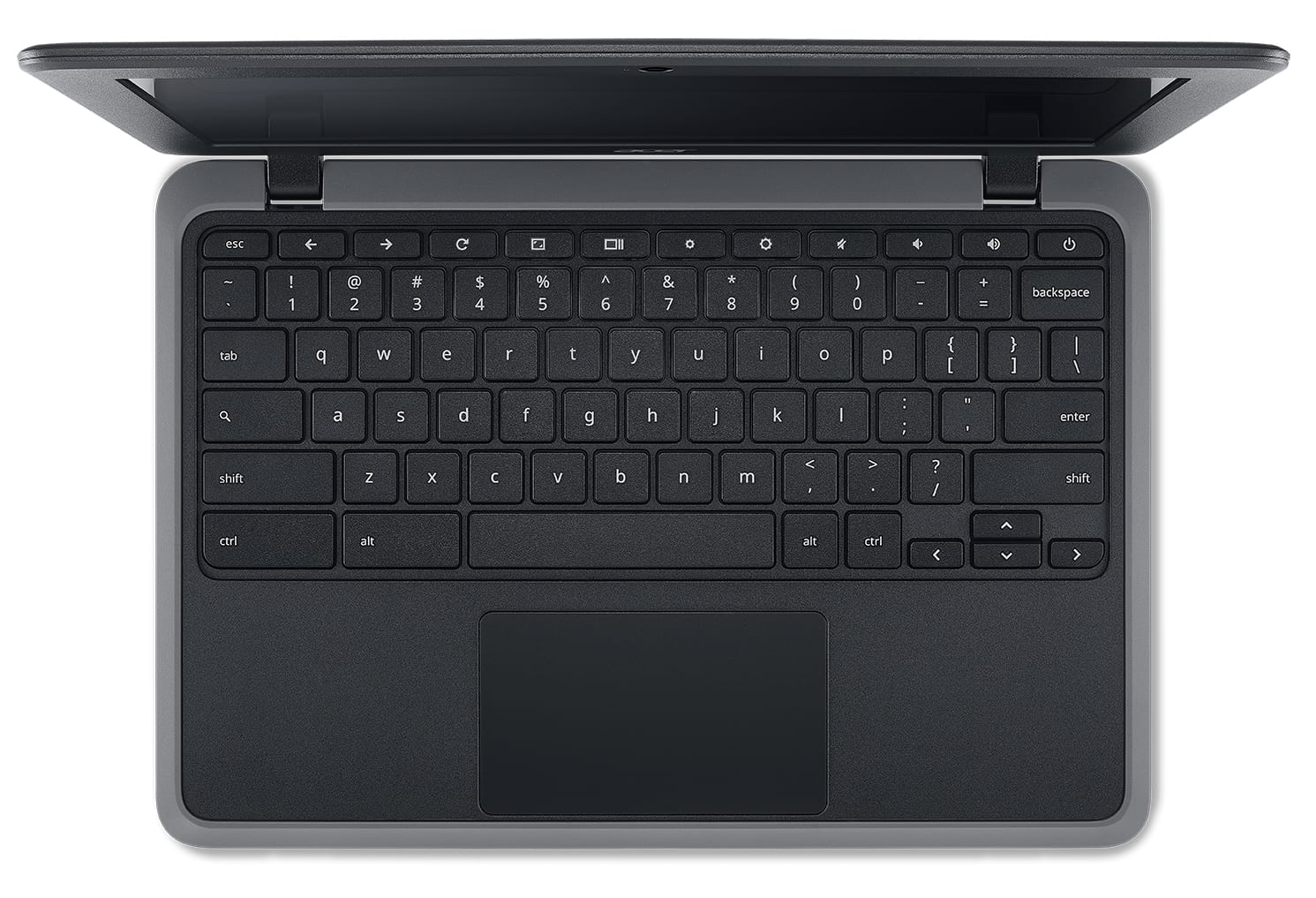
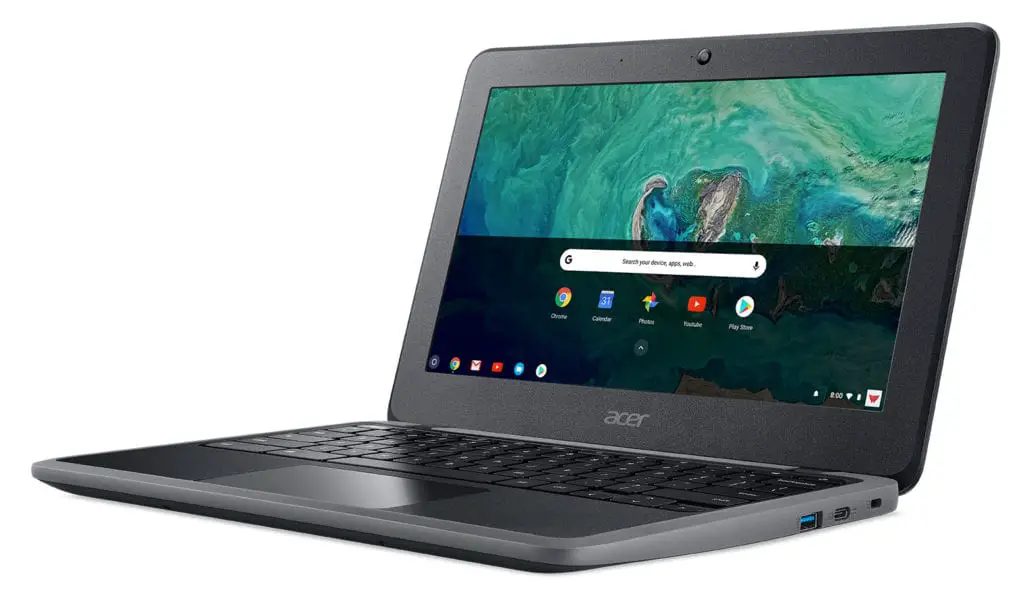 This device was actually shown to us at CES but under embargo. We’ll get our video posted in the next few days, but what we are looking at here is basically the education version of the newly-announced Acer Chromebook 11. It does have a few surprises up its sleeve, though.
Let’s take a look at those specs, first:
- Intel® Celeron® N3450/N3350
- IP41-rated and drop tested to 122 cm (48 inches),
- Spill-resistant keyboard up to 330ml
- compliant with stringent U.S. Military Standard (MIL-STD 810G)
- Optional 4G LTE provides connectivity on-the-go
- Two USB 3.1 Type-C ports
- Long 12-hour battery life
- 180-degree hinge
- 1366×768 TN display (touch and non-touch)
The first benefit of the C732 is the option of 4G LTE. We haven’t seen a Chromebook deployed with LTE is quite some time, so knowing that one is on the way is encouraging. Hopefully we’ll see more of this as time goes on.
The next is the IP41 rating. This is the same level of protection much more expensive laptops get that protects agains heavy levels of dust and humidity, similar to what you’d see in devices deployed by the government in harsh, desert conditions.
Sure, the low-res display and sub-par TN panel is disappointing, but the insane dust/spill/drop protection this devices offers makes the price much more palatable. It will start at $279 and $299 for the touch-enabled units.


Shop Acer Chromebooks on Amazon
More To Come
In a whirlwind month, it is crazy to think there is even more to come. With already-announced devices still needing pricetags and firm release dates, there will be more to this story in the coming weeks. Similarly, we have a slew of unannounced devices in the works that will likely see light in the second half of 2018. We’re waiting for review units of everything that’s been announced, so there will be much, much more on the way!

