


Support our independent tech coverage. Chrome Unboxed is written by real people, for real people—not search algorithms. Join Chrome Unboxed Plus for just $2 a month to get an ad-free experience, access to our private Discord, and more. Learn more about membership here.
START FREE TRIAL (MONTHLY)START FREE TRIAL (ANNUAL)
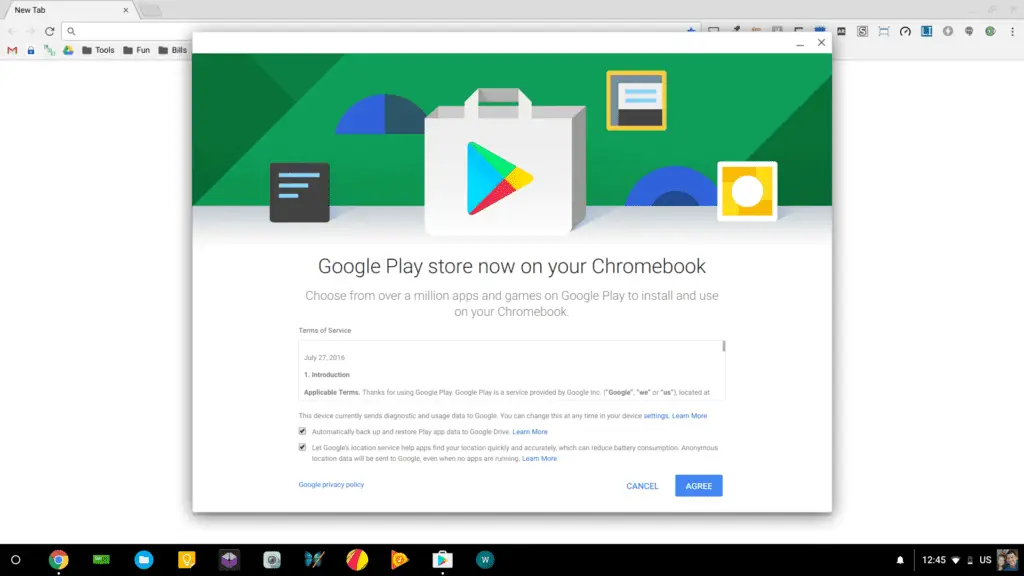 It looks like the Chrome OS developers are sneaking updates for the Play Store into more Chromebooks. Likely added in the latest Beta Channel update, we are seeing multiple devices with Android App support in Beta via a quick little method that works easily.
We’ve covered the entire method before, but we’ll do it again for those of you who want to see it fresh.
It is important to note that the 4 devices we’ve confirmed this for all require a few extra steps to get Android Apps working. Changing to Beta on its own won’t yield any results. From what we can gather, if you check in your settings under ‘About ChromeOS’, you’ll see an ARC version right there with your Chrome OS version. See below:
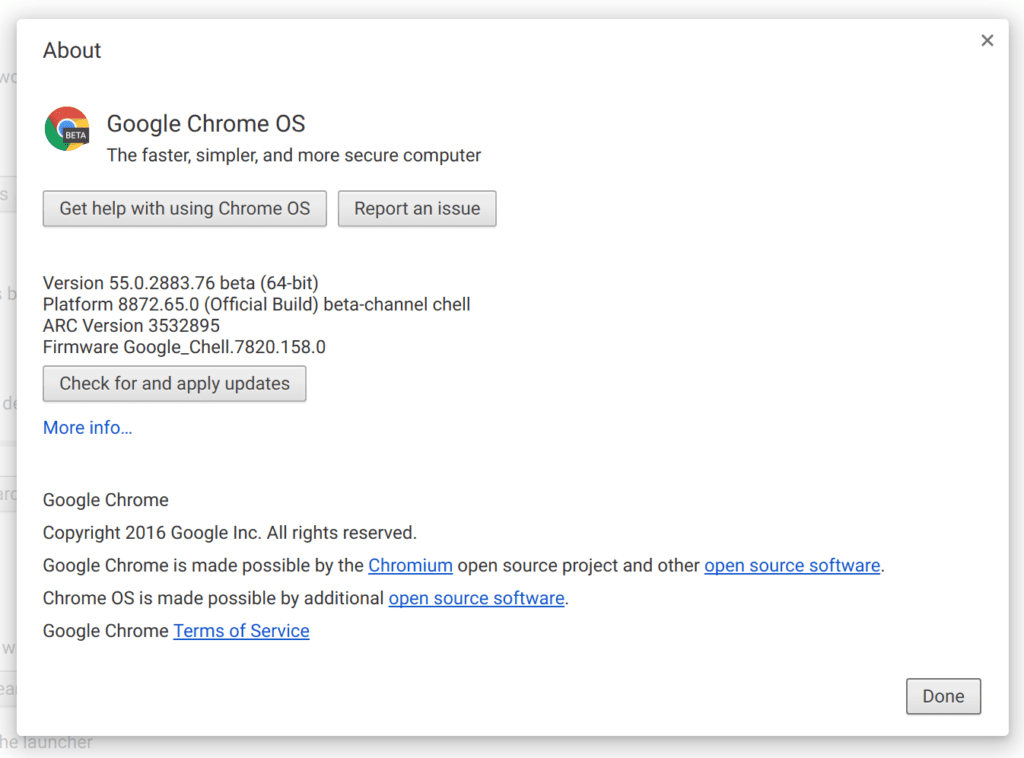
If you are seeing that, the method we are about to outline should work on your device, so regardless of whether or not it is on the list of confirmed devices, give it a try. It seems that once this shows in settings, the necessary parts for the Play Store are in place and just waiting to be activated.
Confirmed Models
At this point, there are 4 models we have confirmed with this latest update. It stands to reason that many, many other Chromebooks have this update as well, but until we can confirm them, we want to stick to what we are sure of.
Here are the current 4:
- Toshiba Chromebook 2
- HP Chromebook 13 G1
- Acer Chromebook 15
- Acer Chromebook 14
How To Enable Android Apps
- Transition to Beta Channel (Settings > About Chrome OS > More Info > Change Channel > Beta) – a reset will occur and your local storage will be cleared.
- Transition to developer mode (if you don’t know how to do this, follow along here. It takes about 15 minutes.)
- Open a Crosh tab (CTRL+ALT+T), type ‘shell’ (no parenthesis) at the pompt, hit enter, and then enter the code below exactly as you see it
- Enter the code below exactly as it is written and hit enter after each line:
sudo susudo cp /etc/chrome_dev.conf /usr/local/sudo mount --bind /usr/local/chrome_dev.conf /etc/chrome_dev.confsudo echo "--enable-arc " >> /etc/chrome_dev.conf
After this is done, close the crosh tab and log out and back in to reset the UI (don’t reset or power down). You should see the Play Store option in your settings now.
If/when you actually fully power down your Chromebook, you will have to re-enter the command line stuff above to enable Android Apps again.
As I’ve said above, we’ve confirmed this working for 4 Chromebooks, but there are likely a ton of others this will work on. If you give it a spin on another device and get it to work, let us know in the comments.
It’s starting to feel like Android apps in Stable aren’t too far away!

