


Support our independent tech coverage. Chrome Unboxed is written by real people, for real people—not search algorithms. Join Chrome Unboxed Plus for just $2 a month to get an ad-free experience, access to our private Discord, and more. Learn more about membership here.
START FREE TRIAL (MONTHLY)START FREE TRIAL (ANNUAL)
You may very well be familiar with Google’s magic eraser tool that made its entrance with Photos and the Pixel line of devices, but did you know that the technology is not exclusive to the search giant? That’s right, others have created the same tools both before and after Google in an effort to push AI forward and provide users with a way to magically remove unwanted objects from photos.
Today, I happened upon a website aptly named “Magiceraser.io“, and after giving it a shot, I realized that it was quite good compared to others I’ve tinkered with in the past. I should also mention that this is in no way sponsored, and I just Googled for magic eraser tools and liked what I found. I first stumbled across this article by MakeUseOf, which covered five alternatives to Google’s own Magic Eraser feature, and didn’t like most of the tools found within.
Things like Snapseed – Google’s own Android app for photo editing – were fantastic, but others such as TouchRetouch and “Cleanup.pictures” that were covered tended to leave an ugly shadow on the table after the fruits and vegetables were erased (this is the example the author gave).
With Magiceraser.io, I didn’t have that problem nearly as much, giving me the sense that it’s a lot more like the eraser found on the Pixel than I had initially thought. It’s by no means perfect, but if you take a look at the video below, you’ll see that it took out these Pixel Buds and the red YouTube journal with no problems, all while mostly preserving the edge of the Chromebook and the wood grain texture.
Now, something like Lightroom for Android would obviously be more ideal for these types of edits, but for a quick, on-the-fly item removal if you can’t be bothered to install an app for infrequent use cases, visiting a website or “web application” makes things easier.
If you do decide to try it out, I would highly recommend you toss it into your Chromebook’s app launcher by turning it into an icon with just a few clicks. This way, it’s immediately accessible, and you can even pin it to your device shelf if you’d like!
Magiceraser.io requires no signup and is completely free to use for basic edits, but for some reason, it limits your ability to edit in high resolution unless you cough up $9.99 USD per month. For me, it makes absolutely no sense to pay a monthly subscription fee for something so trivial and novel unless you find yourself using it a ton. In such instances, you’d probably opt for something more official, branded, and powerful. I guess everyone and their mom has to have a subscription nowadays though, and the world is bent on drowning you in subscriptions, so I’m not surprised.
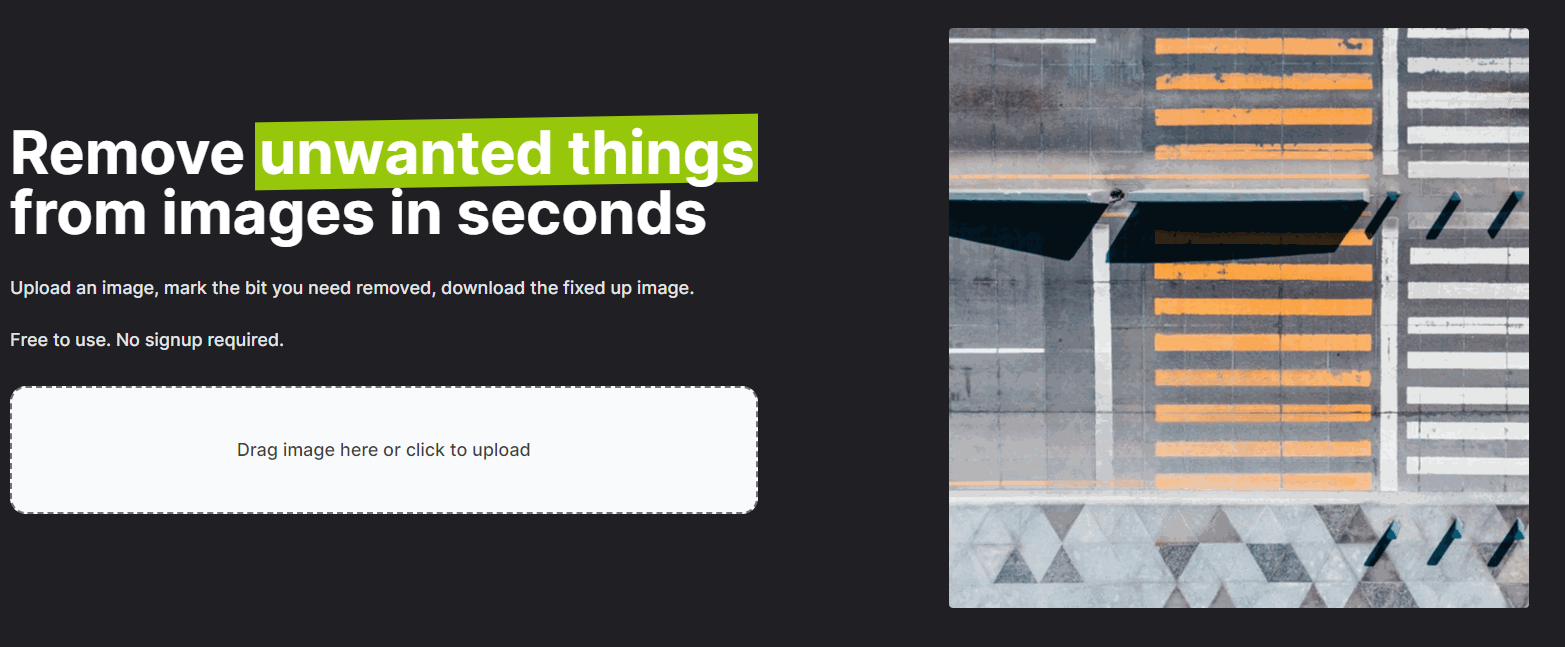
Worse still, they have an annual charge, meaning that while you spend $7.99 USD per month instead if you pay it all up front, it will cost you $95.98 per year to remove things from images! This just makes me question how out of touch with the consumer and their pockets many developers truly are. Correct me if I’m wrong, but no one in their right mind would spend that much on such a tool unless their job depended on it, which – again, brings us back to the fact that such a person would just pay for something else with more functionality.
Still, this tool is really good at what it does, and it’s at least worth playing around with, so stick to the free tier. Just drag and drop an image into the homepage, or click the upload box to add your own image. Oh, and the company – “aarzoo, Inc.” also has a BackgroundEraser.io website that lets you quickly cut out images from their backgrounds too, saving you the step of opening up a more established tool. It does a nice job at feathering the image in a realistic way, and you can slap a new color background behind the image once you’re done. Let me know in the comments if you have other magic eraser tools you’d like for me to cover or explore, as I love spending time discovering new web apps to cover.
SUBSCRIBE TO UPSTREAM
Get Chrome Unboxed delivered straight to your inbox
Upstream is our flagship, curated newsletter with the top stories, most click-worthy deals, giveaways, and trending articles from Chrome Unboxed sent directly to your inbox a few times a week. Join 31,000+ subscribers.

