

Support our independent tech coverage. Chrome Unboxed is written by real people, for real people—not search algorithms. Join Chrome Unboxed Plus for just $2 a month to get an ad-free experience, access to our private Discord, and more. Learn more about membership here.
START FREE TRIAL (MONTHLY)START FREE TRIAL (ANNUAL)
Google is looking to make a splash with its latest entrant into the Chrome OS space. The upcoming “Not Pink” version of the Pixelbook Go is the companies first attempt as a more colorful device that is aimed at “the user on the go.” However, the Pixelbook Go isn’t the first device to add a unique touch of color to a Chromebook.
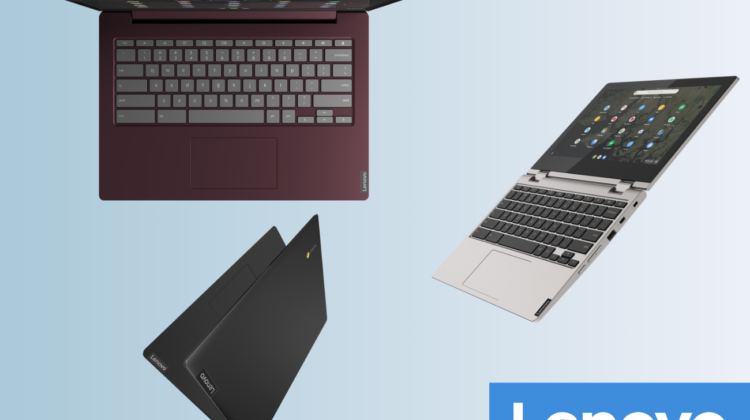
Announced in August at IFA Berlin, Lenovo’s new lineup of eye-catching Chromebooks are now officially available on their site. The new Chromebooks include an 11.6″, a 15.6″ convertible and a 14″ clamshell. These aren’t the most powerful devices in the world but they do offer a range of processors from Intel’s newer Gemini Lake and Pentium Gold families.
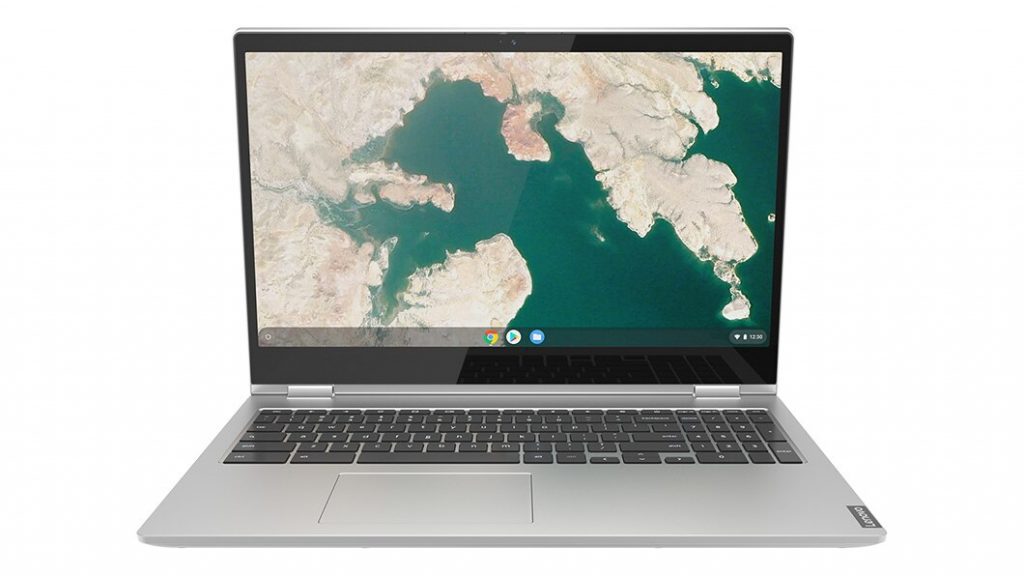
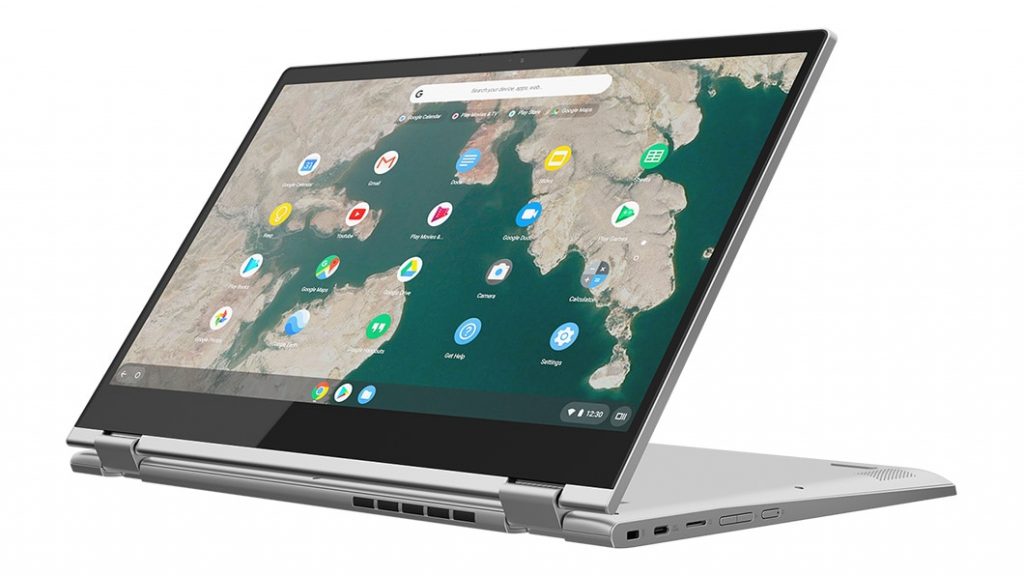
Lenovo C340-15
First up is Lenovo’s second 15.6″ convertible Chromebook. This one falls more into the budget department than the Yoga Chromebook but it adds a numeric keypad and comes in Mineral Grey.
- Chrome OS
- Intel Pentium 4417U
- 15.6″ FHD (1920 x 1080) IPS, 250 nits, multi-touch, anti-glare
- 4GB DDR4 2133MHz
- 32GB eMMC
- 2 x USB-C, 1 x USB-A, MicroSD and 3.5mm audio jack
- 14.23” x 9.8” x 0.74”
- 4.37 lbs
- Android and Linux apps
- MSRP $429.99
Buy the Lenovo Chromebook C340-15


Lenovo C340-11
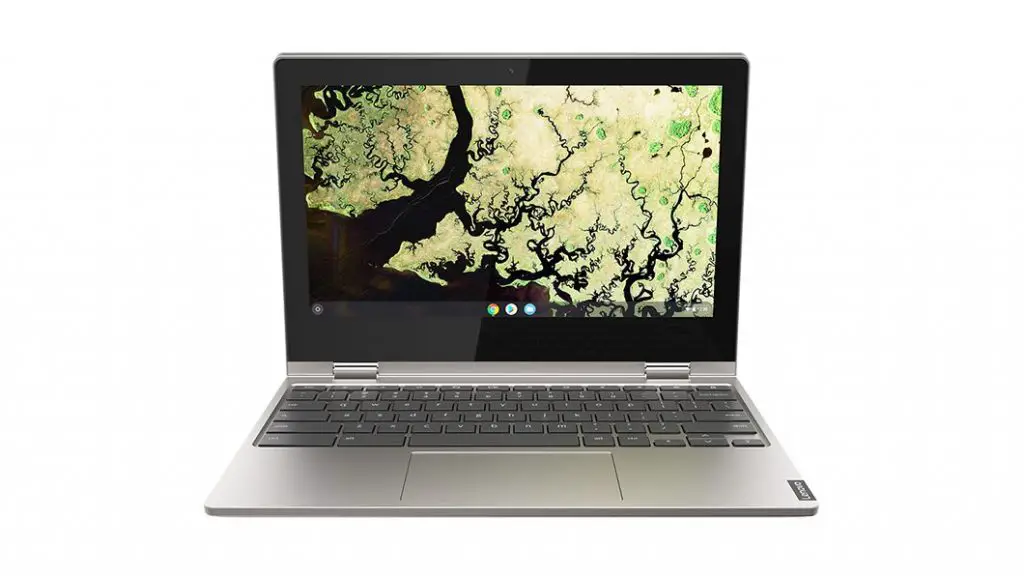
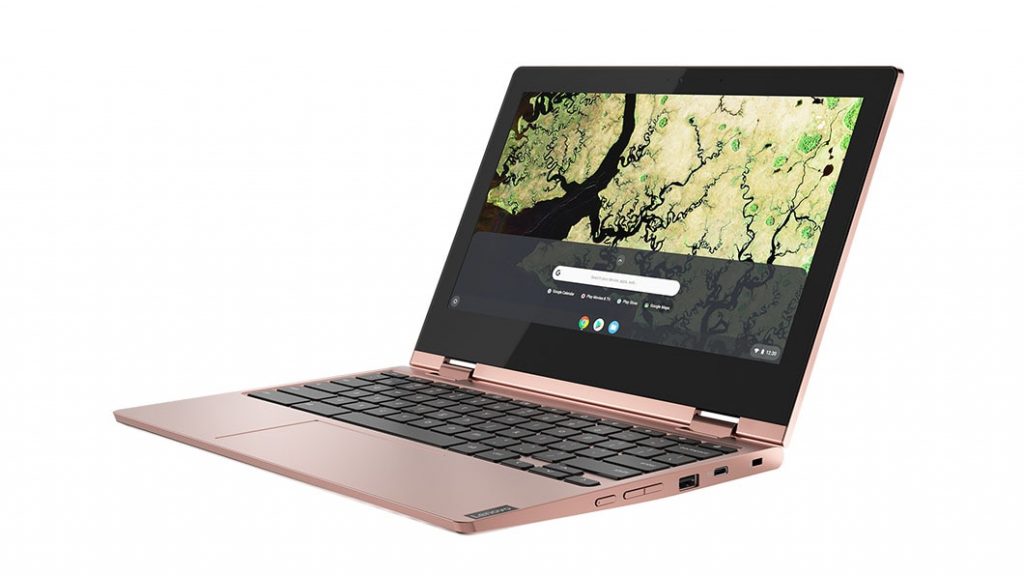
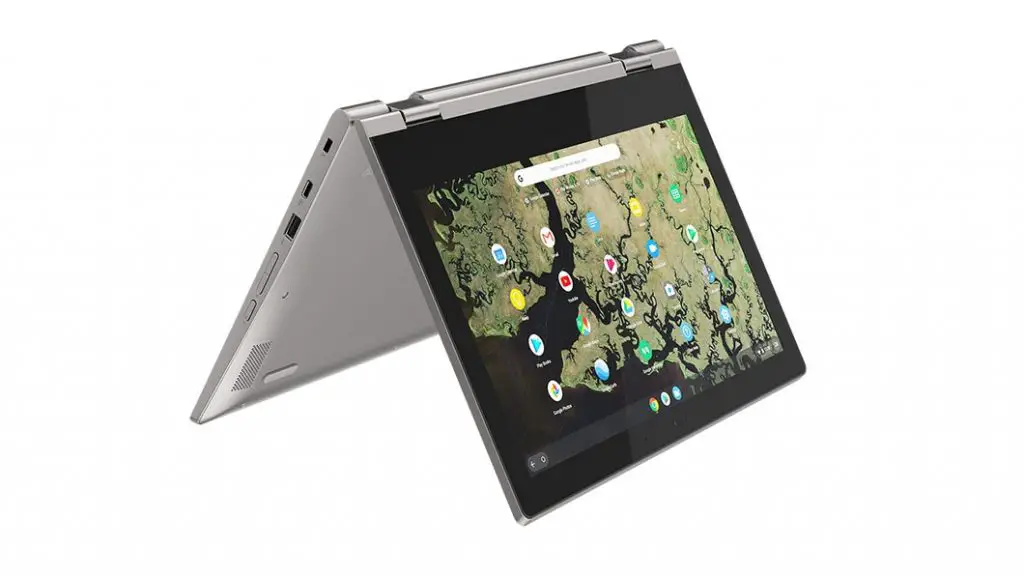
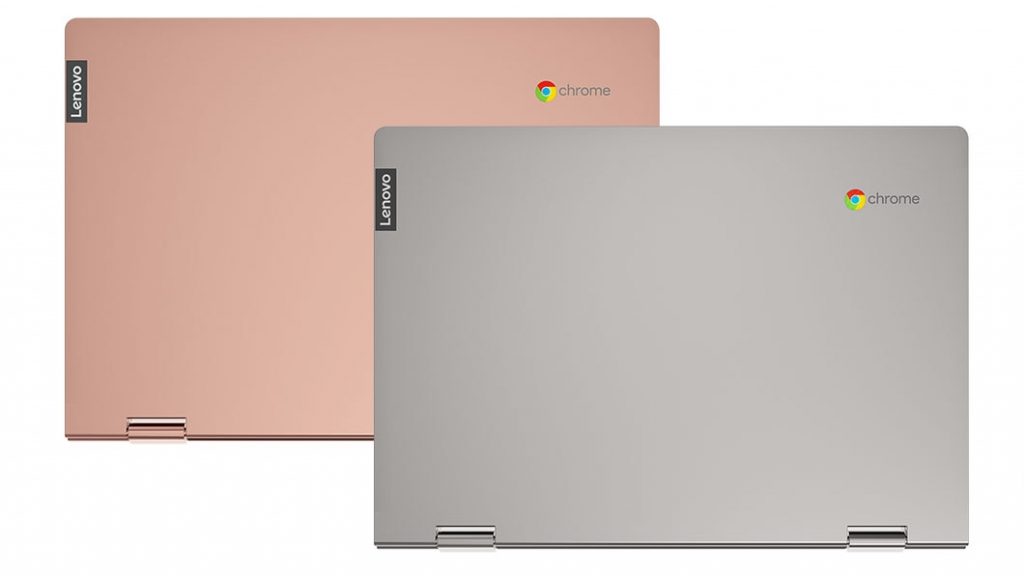
Next, we have Lenovo’s latest 11.6″ convertible. This one is most certainly the spiritual successor to the Flex 11/N23 but it takes on a more appealing design with its new Sand Pink color. Powered by the Gemini Lake dual-core N4000, both available models feature 4GB of RAM and an 11.6″ HD IPS touch display. Starting at $309.99, you can upgrade from 32GB of storage to 64GB for a mere ten dollars.
- Chrome OS
- Intel® Celeron® N4000
- 11.6″ HD (1366 x 768) IPS, glossy, multi-touch display
- 4GB DDR4 RAM
- 32GB/64GB eMMC
- 2 x USB-C, 1 x USB-A, MicroSD and 3.5mm audio jack
- Platinum Grey(coming soon) and Sand Pink
- 360-degree hinge
- Android and Linux app support
Buy the Lenovo Chromebook C340-11
Lenovo S340-14
Last but not least is Lenovo’s latest 14″ Chromebook. The S340-14 is a traditional clamshell that comes in two colors: Onyx Black and my personal favorite, Dark Orchid. (sadly, the Dark Orchid model is not yet available) Internally, the S340 sports the same dual-core Celeron processor, 4GB of RAM and 32GB of storage as the base model C340-11. You do get a bit of an upgrade on the display with an optional Full HD touch display that is listed to crank out 250 nits of brightness. (That’s a welcome feature in a sea of mid-range devices with dismal panels.)
- Chrome OS
- Intel® Celeron® N4000
- up to 14.0” FHD (1920 x 1080) IPS, 250 nits, multi-touch display
- 4GB RAM
- 32GB eMMC storage
- 2 x USB-C, 2 x USB-A, MicroSD and 3.5mm audio jack
- 12.9″ x 9.2″ x 0.74″
- Starting at 3.02 lbs
- Android and Linux app support
- Starting price $249.99


Buy the Lenovo Chromebook S340-14
Again, these aren’t exactly flagship-caliber devices but they aren’t meant to be. These Chromebooks are aimed directly at the masses with options to meet the needs of nearly all general users. Honestly, I’m excited to get a closer look at the new Lenovo lineup.
SUBSCRIBE TO UPSTREAM
Get Chrome Unboxed delivered straight to your inbox
Upstream is our flagship, curated newsletter with the top stories, most click-worthy deals, giveaways, and trending articles from Chrome Unboxed sent directly to your inbox a few times a week. Join 31,000+ subscribers.

