

Support our independent tech coverage. Chrome Unboxed is written by real people, for real people—not search algorithms. Join Chrome Unboxed Plus for just $2 a month to get an ad-free experience, access to our private Discord, and more. Learn more about membership here.
START FREE TRIAL (MONTHLY)START FREE TRIAL (ANNUAL)
Late last month, Lenovo took the wraps off of its latest Chromebooks that come bearing the 11th Gen Tiger Lake CPUs from Intel. The first of the two devices is little more than a refresh of last year’s budget-friendly Chromebook Flex 5 with the updated processors. While we would have loved to have seen a brighter display on the new Flex 5, the upgrade to the very powerful Tiger Lake processor and modest price bump is more than enough to give Lenovo another top-selling device. The base model of the Flex 5i with a Pentium Gold CPU, 4GB of RAM, and a measly 32GB of storage has already arrived at Best Buy and it is currently enjoying a $50 discount. Even at $369, I seriously wouldn’t recommend a “flagship” device with such a small amount of storage.
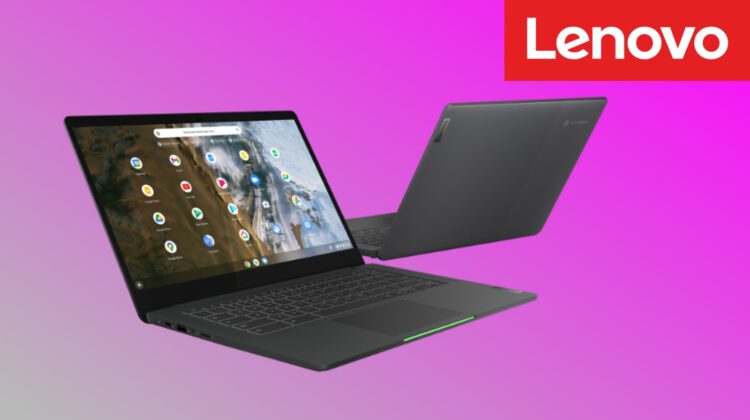
While we wait for a decent version of the Flex 5i to arrive, the other Chromebook announced by Lenovo has quietly appeared on the company’s website and it’s already $100 off. This looks to be the base model but it still offers up some decently respectable specs and the price tag is very alluring thanks to this discount. The 14″ FullHD clamshell comes packing the 11th Gen Pentium Gold 7505 CPU and while we haven’t had a chance to test this chip, we know that the lesser Pentium Silver 6000 in this line is capable of Octane scores of around 33,000. This Pentium Gold should easily crest those benchmarks.
My biggest nit with this device is the paltry 4GB of RAM. Granted, the Pentium Gold processor should produce enough raw power to make up for most of that deficit. Still, 8GB would have been nice to see even in the base model of this “flagship” device. Other than that, the Lenovo Chromebook 5i offers a good amount of storage at 128GB and it is NVMe which means you can swap it out if you need a little more space. This version does not come with a backlit keyboard but that’s a small omission, in my opinion. The most interesting feature? The Google-y light bar that is seated in the beveled edge directly in front of the touchpad, of course. This is the same light bar that we had hoped was going to appear on a new Chromebook from Google. Sadly, that wasn’t the case but it’s still a very unique feature and it gives you a quick look at the battery level of the device. Here’s a quick look at the specifications of the new model that just popped up on Lenovo’s website.
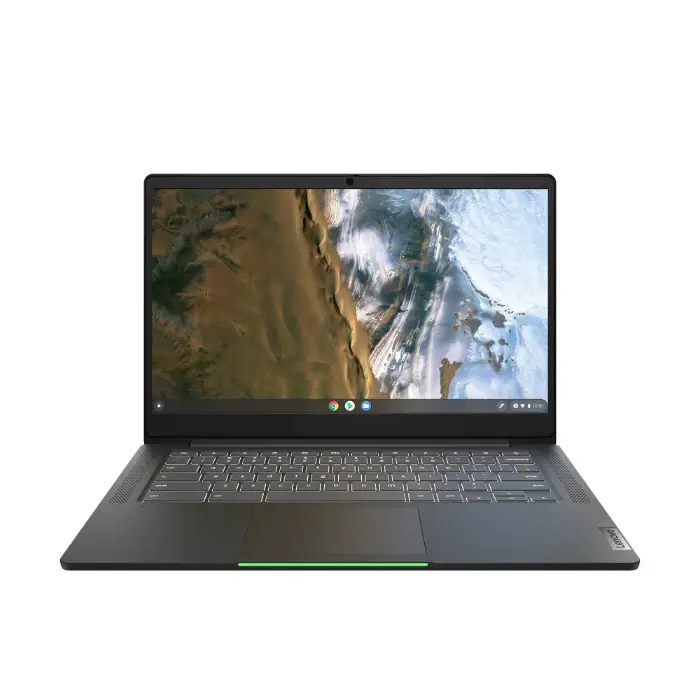
- Chrome OS
- 11th Gen Intel Pentium Gold 7505 dual-core CPU
- 4GB LPDDR4x-3733 RAM (soldered)
- 128GB NVMe SSD
- 14″ FHD IPS display 1920×1080 @ 300 nits
- non-backlit keyboard
- 2 x USB-C 3.2 Gen 1
- USB-A 3.2 Gen 1
- MicroSD
- 3.5mm audio jack
- Google H1 security chip
- 720p webcam
- Camera privacy shutter
- Dual-tone aluminum top
- Wi-fi 6/Bluetooth 5.1
At $439, I’d have to point shoppers to other devices such as the ASUS Chromebook CX5. However, with this $100 discount, the Lenovo Chromebook 5i delivers a very good spec sheet and the new Pentium CPU should perform admirably for most users in the casual to moderate use range. For $339, you’re getting an 11th Gen processor, ample storage, a 300 nit FullHD screen, and a laptop that looks as premium as most on the market. Why Lenovo opted to discount this out of the gate is anyone’s guess but I think it’s worth $339 any day of the week. Oh yeah, you can score an extra 10% cashback if you pick this up and use your Rakuten account when you check out. If you don’t have a free Rakuten account, you can sign up with our link below and grab an extra $30 when you make your first eligible purchase. That and the discount will bring the total cost down to just over $300 and that’s a deal worth talking about.

