

Support our independent tech coverage. Chrome Unboxed is written by real people, for real people—not search algorithms. Join Chrome Unboxed Plus for just $2 a month to get an ad-free experience, access to our private Discord, and more. Learn more about membership here.
START FREE TRIAL (MONTHLY)START FREE TRIAL (ANNUAL)
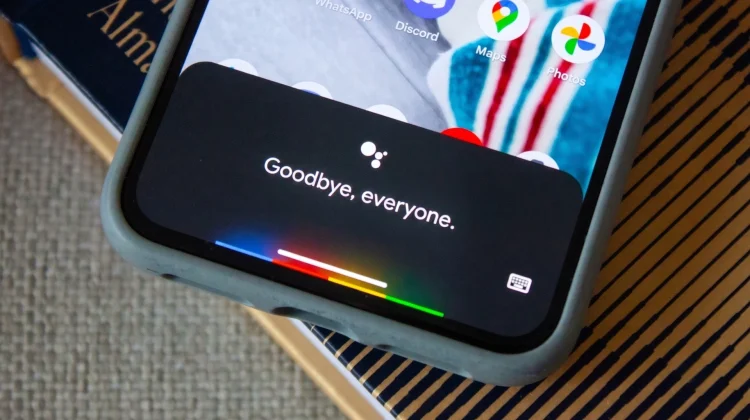
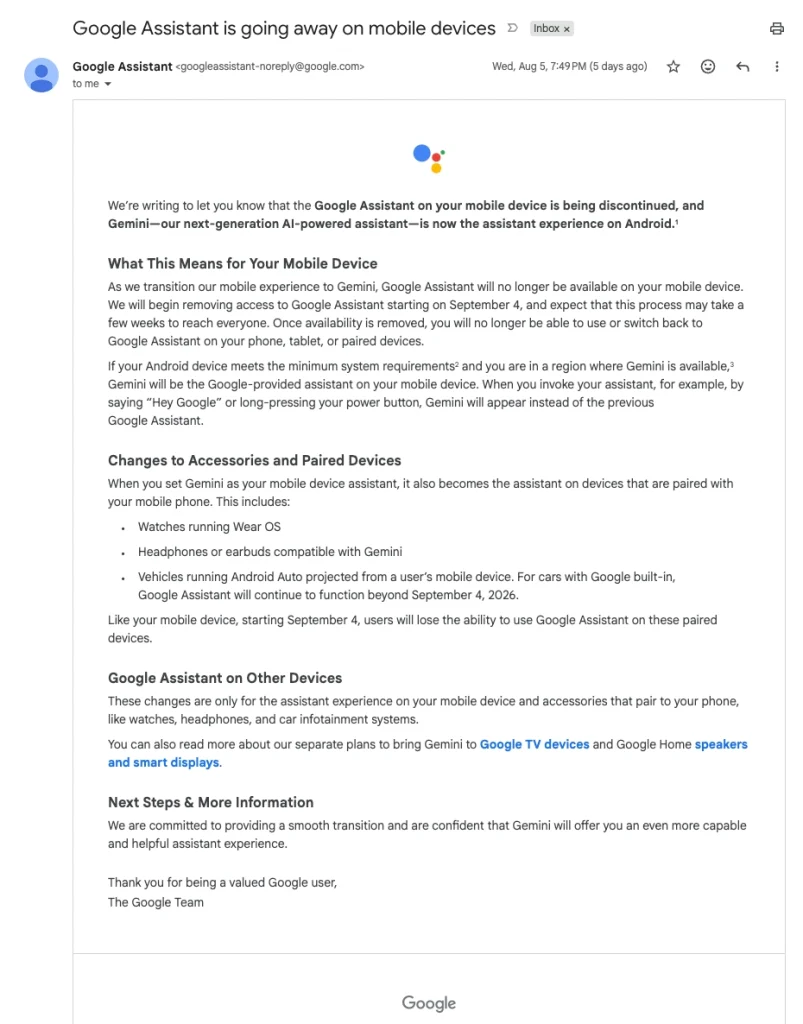
The Google Assistant has been slowly replaced by Gemini across all services, but the official end is now near. Google is now sending out emails to users confirming that Google Assistant on mobile devices is being discontinued, with the mandatory transition to Gemini kicking off on September 4, 2026.
Once this update hits your phone over the coming weeks, that’s it. You will no longer be able to use—or switch back to—the legacy Google Assistant on your Android phone, tablet, or paired accessories.
The final deadline
If you follow our coverage, you might remember that Google originally wanted this transition wrapped up by the end of 2025. They eventually tapped the brakes, pushing the timeline into 2026 to ensure a “seamless transition.” I’m sure that moving everyone from the Assistant to an entirely new LLM-based assistant has been a massive technical hurdle. It sounds like they needed some extra time to iron out the kinks and get Gemini to handle simple, localized tasks with the same speed as the old Assistant.
Now, they are finally confident that Gemini is ready for prime time. When you trigger your assistant after September 4—either by saying “Hey Google” or long-pressing the power button—Gemini will take over.
It is important to note that this change cascades down to your connected accessories as well. If your phone makes the switch, your paired Wear OS watch, compatible earbuds, and connected Android Auto will also lose legacy Google Assistant access. Interestingly, if you drive a vehicle with Google built-in (Android Automotive), Google Assistant will survive there past the September deadline, at least for now.
The end of an era
Having tested and written about the Google Assistant for many years, I’m feeling a little nostalgic about this one. Don’t get me wrong, the old Google Assistant certainly was not perfect, and we’ve all gotten frustrated a time or two by the “Sorry, I didn’t catch that” response.
But it was the first real digital assistant that was actually helpful in my daily workflow. I still remember quietly whispering to my phone to turn off the lamp in my son’s nursery as I put him to bed for the first time.
And when I spent countless hours renovating a house a few years ago, installing smart bulbs and smart plugs throughout the rooms was my final touch. Being able to just walk out the front door and tell my phone to turn off the entire house felt like living in the future at the time.
Gemini is pretty incredible and undeniably the future of where Google is taking its hardware, but the classic Google Assistant paved the way for this moment, and it will always have a place in my heart. While I’m happy to see Gemini step up to bat, I think we have to give the Assistant some credit and recognize that this is the end of an era.
SUBSCRIBE TO UPSTREAM
Get Chrome Unboxed delivered straight to your inbox
Upstream is our flagship, curated newsletter with the top stories, most click-worthy deals, giveaways, and trending articles from Chrome Unboxed sent directly to your inbox a few times a week. Join 31,000+ subscribers.

