
Support our independent tech coverage. Chrome Unboxed is written by real people, for real people—not search algorithms. Join Chrome Unboxed Plus for just $2 a month to get an ad-free experience, access to our private Discord, and more. Learn more about membership here.
START FREE TRIAL (MONTHLY)START FREE TRIAL (ANNUAL)
For better than two decades, google.com has been the most stubbornly simple page on the entire internet. You open a tab, you see the logo, you see a search box, and you get a couple of buttons underneath. That minimalist blank canvas has survived countless design eras, even as Google has crammed AI Overviews and AI Mode into the results page itself.
Now, that front door is finally changing. According to a post by Google’s Robby Stein on X, the desktop Google Search homepage is rolling out a pretty major update that puts Gemini front and center before you even type a query.
What’s actually changing on google.com
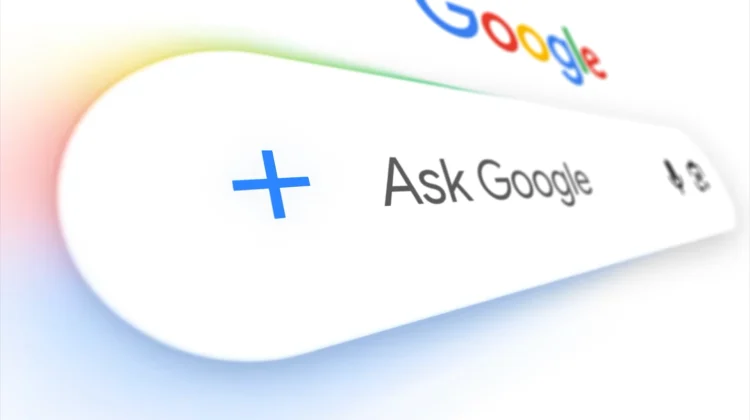
At first glance, the page still looks familiar enough: you get the clean white background, the Google logo, and the search bar sitting right in the middle. Look a little closer, though, and you’ll notice two big shifts happening around that box.
First, the classic “Google Search” button sitting underneath the bar is being replaced with Gemini-powered shortcuts for things like creating images, analyzing files, and brainstorming with Gemini. Second, a brand-new left-hand sidebar pulls your Gemini chat history and tasks straight onto the Search homepage, complete with a “New chat” shortcut and everything else you’d normally see inside the Gemini web app.
Why Google is making this move now
I’ll be honest: part of me always wondered how long Google would protect the sacred simplicity of Google.com. We’ve already seen signs that Google wants to blur the line between traditional search and conversational AI, like that Chrome test sending omnibox queries straight to AI Mode. Explaining the thinking behind this homepage update, Google’s Robby Stein noted that user behavior is simply shifting:
People are coming to Search with more questions that aren’t just one and done – and in testing, this sidebar made a big difference for making progress & continuing to explore the web.
When you frame it like that, the sidebar makes a lot of sense. If you’re researching a trip, comparing gear, or chipping away at a multi-day project, picking up an existing thread right from google.com saves you a step. At the same time, it’s impossible to ignore what a massive shift this is for a company that built an empire on getting you off its homepage and onto a results list as fast as possible.
The redesign is rolling out globally starting now, though it hasn’t popped up on every account just yet. If you use Google.com as your daily starting point, keep an eye out over the next few days as your blank canvas is about to get a bit more crowded.
SUBSCRIBE TO UPSTREAM
Get Chrome Unboxed delivered straight to your inbox
Upstream is our flagship, curated newsletter with the top stories, most click-worthy deals, giveaways, and trending articles from Chrome Unboxed sent directly to your inbox a few times a week. Join 31,000+ subscribers.

